
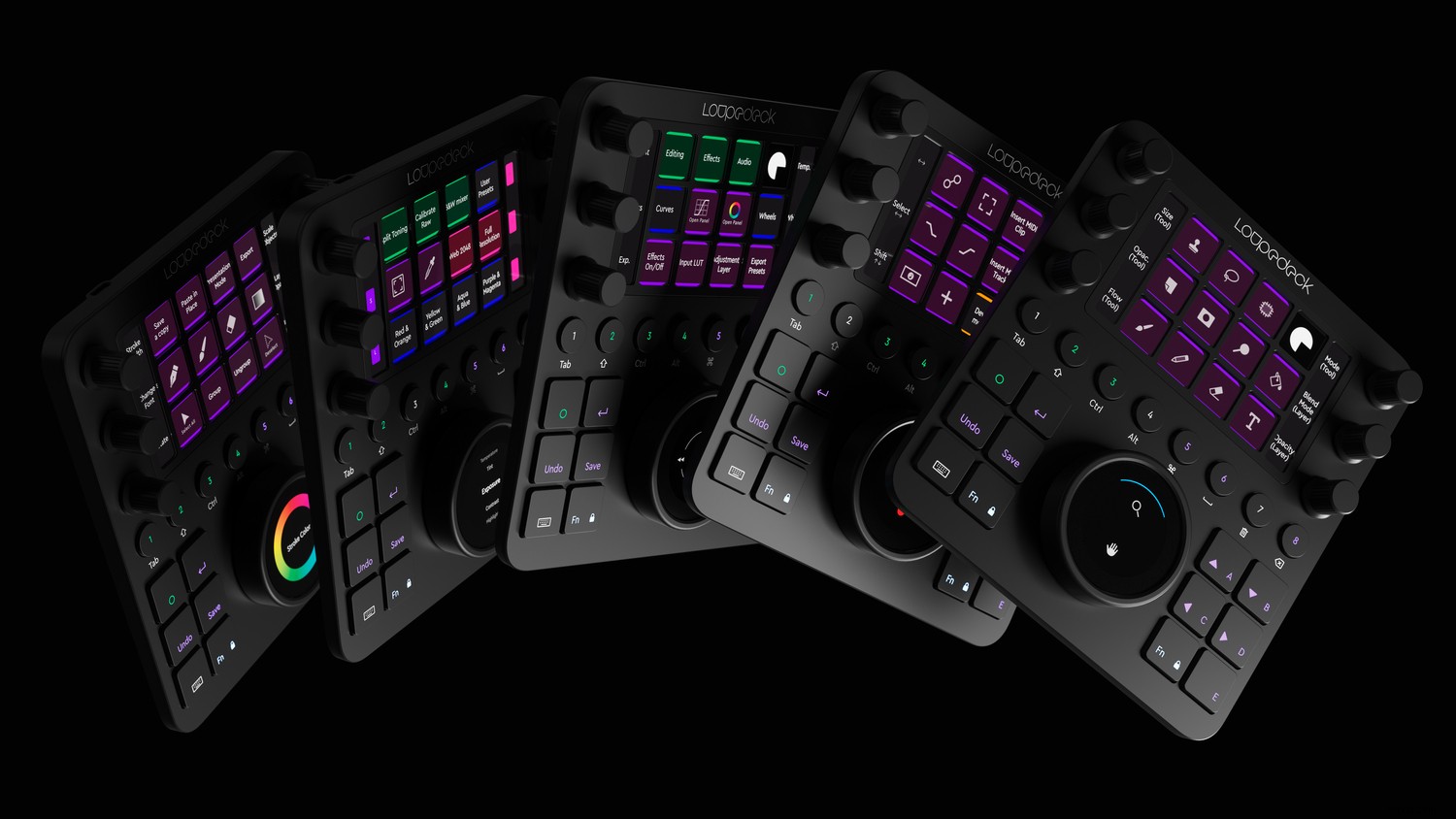
Do you ever feel like you want more control over your photo editing?
If so, you’re in luck.
Because Loupedeck has just launched one of the most innovative editing products out there: a console that’s designed to speed up your editing workflow and give you a smooth editing experience.
It’s called the Loupedeck Creative Tool, and it’s truly unique.
How exactly does it work?
The Creative Tool is a photo editing console. It hooks up to your photo editing program of choice, and allows you to use many buttons, touchscreens, and more to achieve the photo editing workflow that you desire.
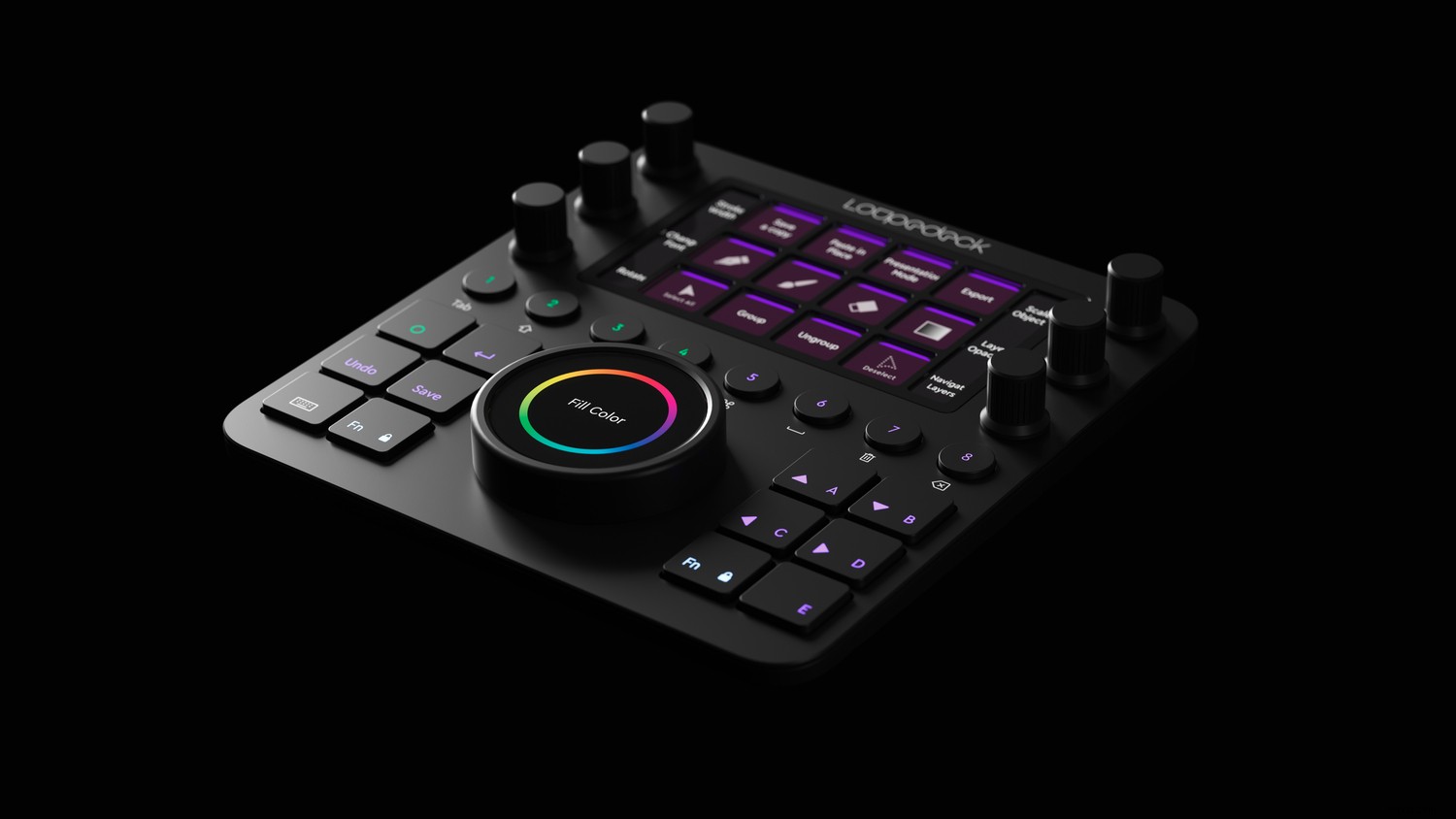
Note that the Creative Tool itself doesn’t work in place of a computer and monitor. Instead, it works alongside your computer to provide an efficient editing experience like the Loupedeck+, another Loupedeck product.
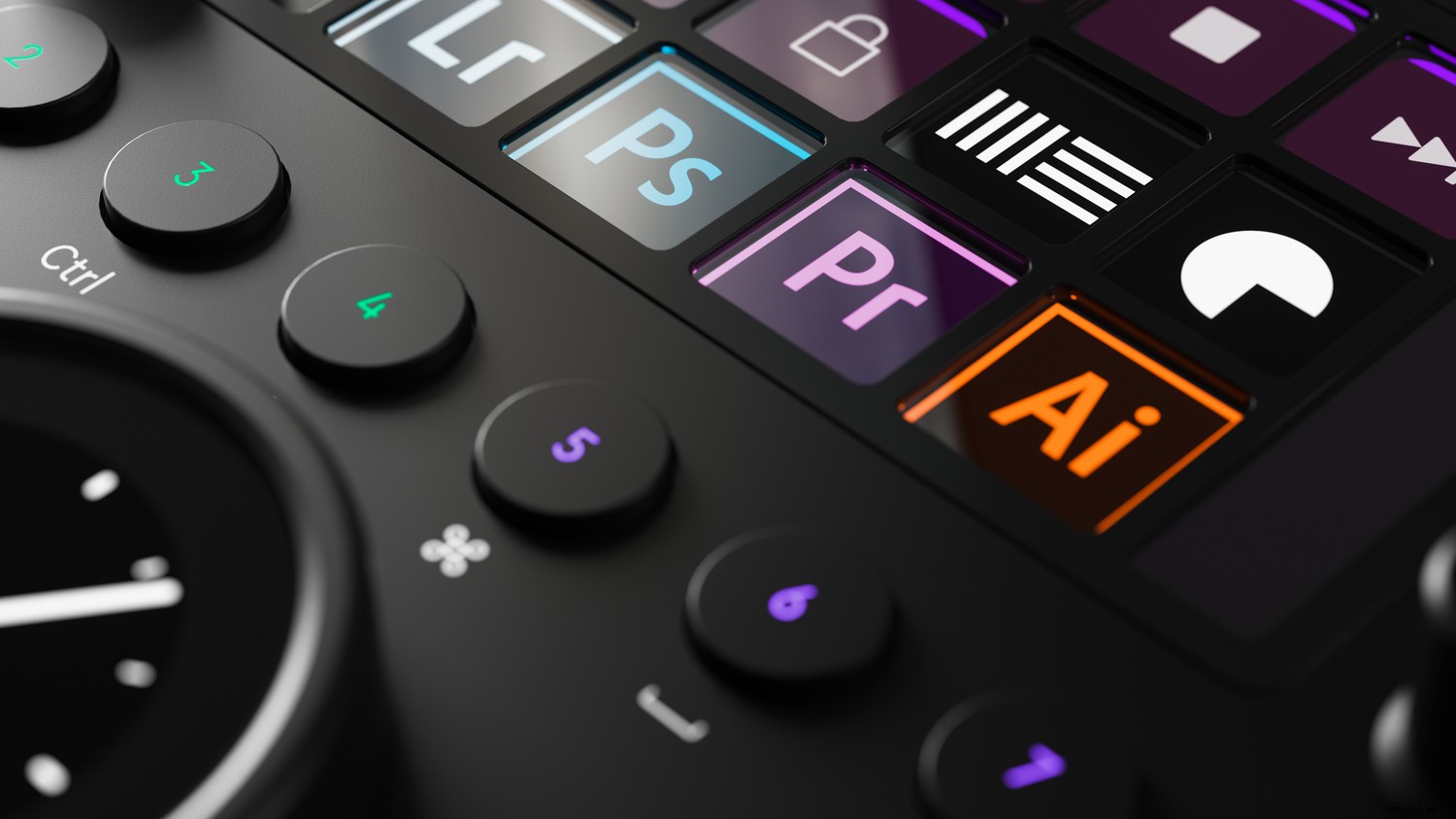
Currently, the Creative Tool is compatible with Adobe Lightroom Classic, Photoshop, Premiere Pro, Ableton Live, Adobe Illustrator, and Final Cut Pro X. The company promises to integrate Autodesk Fusion 360 before the year is out, and you can certainly expect additional compatible programs as Loupedeck update the Creative Tool.
Here’s a video explaining how the product works with Lightroom Classic:
Who’s it for?
Now, while the Loupedeck Creative Tool seems like an intriguing option, who should actually consider the product?
First, I’d recommend beginner photographers stay away from the Loupedeck Creative Tool. It’s a lot to handle, and doesn’t offer much benefit to anyone who doesn’t have a consistent editing workflow and very specific needs.
On the other hand, for more serious photographers (including professionals), the Loupedeck is a great choice. You’ll use the Creative Tool to enhance your editing. And it’ll enable you to edit faster without compromising quality.
As explained by the Loupedeck CEO:
If you’re one of these serious creative professionals, then you should seriously consider the Loupedeck Creative Tool. It’s available for preorder on B&H Photo Video, and the company will begin shipping on November 11th.
Now I’d like to know your thoughts:
Would you be interested in a product like the Loupedeck Creative Tool? Are you looking for increased customization in your editing?
Let me know in the comments!