

The Loupedeck Creative Tool is designed to do one thing:
Make your software workflow easier and faster than ever before.
The Loupedeck CT is a console-type tool, one that allows you to program different actions into its many buttons and dials. While it can technically be used to enhance any application, you’ll be especially impressed by its integration with photo editing software.
For instance, when working in Photoshop, you can use the Loupedeck CT wheel to zoom in and out of images, one button to activate the lasso tool, and another button to create a mask. You can use a small dial to change brush size, a button to select the color picker tool, and yet another button to select the brush.
With the Loupedeck CT in hand, editing speed will advance to a whole new level, as you fluidly edit one image after another by tapping buttons, adjusting dials, and spinning the main wheel. No longer do you have to hunt for keyboard shortcuts or waste time searching for menu options.
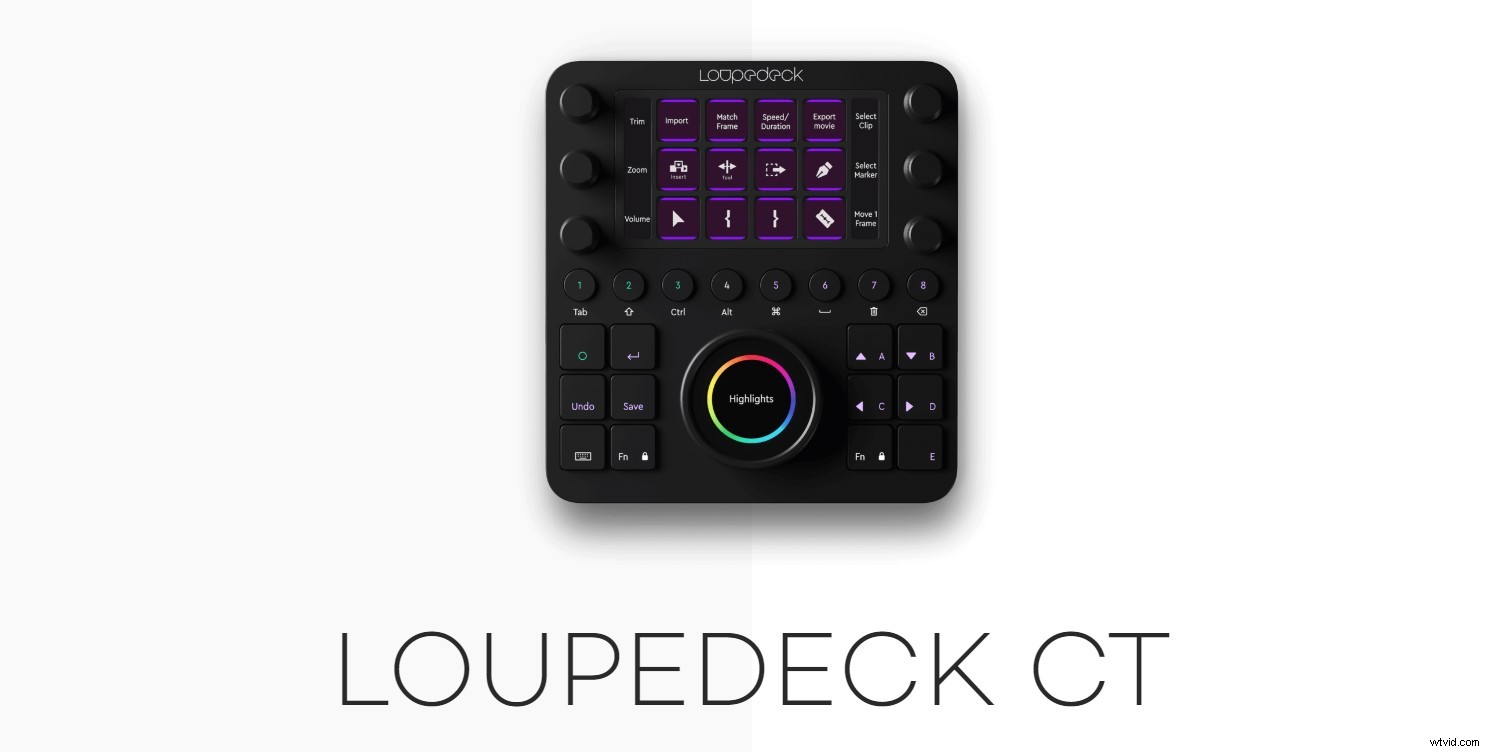
Instead, the Loupedeck CT will get the job done.
But Loupedeck has taken their Creative Tool a step further.
As of last week, you can now use the Loupedeck Profile Creator to generate Custom Profiles for different software applications.
Loupedeck explains in their press release:
Even better, the Profile Creator is easy to use and can be grasped by an absolute beginner.
In other words, you can create Loupedeck “presets” for different editing applications. You might create one Custom Profile for Lightroom and another for Photoshop.
That way, as soon as you open up your editing program, you know exactly what to do, and you can customize the Loupedeck CT to fit your particular workflow.
Now, while casual photo editors might not find the Loupedeck CT appealing, this tool is ideal for anyone who does frequent editing. It’ll allow you to streamline your photography workflow so that you can cut down on editing time and focus on doing what you love:
Taking pictures.
You can purchase the Loupedeck Creative Tool for $549 USD.