

While the first text‑to‑speech (TTS) systems emerged more than half a century ago, early versions were slow, robotic, and hard to access. Today, advances in algorithms, cloud computing, and hardware have made TTS ubiquitous, lightweight, and affordable, enabling anyone to generate realistic spoken content with just a few clicks.
- Introduction
- Broadcasting
- Video Creation
- Podcasting
- Corporate
- Marketing
- Save Time
- Get a Good ROI
- Consistent Results
- Quality Results
- Easy Scalability
- Use Cases
- Benefits
- Features
- Top Recommendations
- How to Use
- Conclusion
What Are Announcer Voice Text‑to‑Speech Generators?

Announcer‑style TTS tools are software, apps, or online services that transform written text into polished, authoritative spoken words. They employ advanced speech synthesis, natural language processing, and voice‑cloning techniques to mimic the resonant, deep tones characteristic of professional announcers used in sports, news, and public service announcements.
Use Cases of Announcer Voice Text‑to‑Speech Generators
These tools empower creators across a spectrum of media to produce high‑quality voiceovers quickly and cost‑effectively. Below are the most common applications:
Broadcasting
Generate commentary for live events, highlight reels, or promotional clips, and introduce athletes, entertainers, or speakers in both live and virtual broadcasts.
Video Creation
Content creators on platforms such as YouTube or TikTok use TTS to narrate documentaries, tutorials, product reviews, gaming intros, and more—all with a consistent announcer voice.
Podcasting
Insert professional‑sounding advertisement breaks, promotional segments, or intros into podcasts and radio shows to enhance the overall listening experience.
Corporate

Deliver announcements about customer service lines, corporate updates, or internal training videos without the need for on‑site recording.
Marketing
Digital agencies and small businesses use announcer‑style TTS for product launch videos, email marketing, audio product descriptions, and promotional campaigns, reducing reliance on voice actors.
Benefits of Using Text‑to‑Speech Announcer Voices
Modern TTS solutions offer tangible advantages that make them a compelling choice for professionals and hobbyists alike.
Save Time

Produce a full announcer voiceover in minutes—no studio, no microphone, no post‑production required.
Get a Good ROI
Traditional voice‑over workflows involve studio rentals, equipment, and talent fees. TTS eliminates these recurring costs, delivering high‑quality audio at a fraction of the price.
Consistent Results
Unlike human performers, TTS engines do not suffer from fatigue or inconsistency. You receive the same clear, on‑brand voice every time.
Quality Results
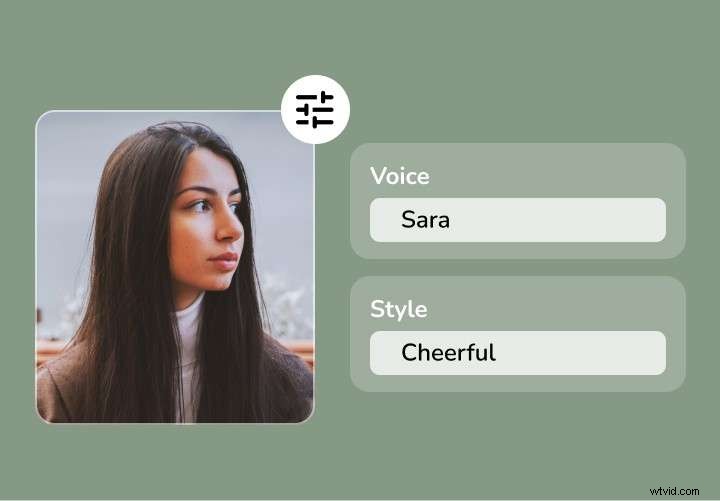
State‑of‑the‑art neural networks produce natural pacing, punctuation, and conversational flow, making it nearly impossible to distinguish synthetic from human speech.
Easy Scalability
With a single account, you can generate dozens of voiceovers in a day—perfect for scaling content production without hiring additional talent.
Top Features of Announcer Text‑to‑Speech Tools

When evaluating TTS platforms, look for these essential capabilities:
- Voice Customization: Choose accents, tones, languages, age, gender, and style to match your brand voice.
- Voice Control: Adjust speed, pauses, emphasis, and pitch to fine‑tune the delivery.
- Real‑time Script Editing: Edit text on the fly and instantly preview changes—great for rapid iteration.
- Voice Cloning: Create a custom voice profile from a short recording, or import a pre‑existing voice file.
Top Announcer Voice Text‑to‑Speech Generators
Here are the most reliable tools for producing announcer‑style voiceovers:
Filmora
Filmora is a popular video editor that integrates a powerful AI voice generator. With 40 voices across 33 languages and a voice‑cloning feature, it delivers sentence‑level accuracy and automatic segmentation for natural speech flow.
Speechify
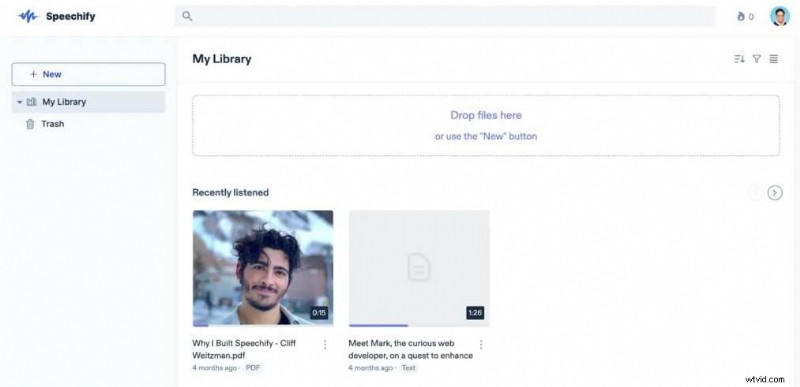
Speechify offers roughly 100 AI voices in 50 languages, making it ideal for on‑the‑go reading and simple voice‑over tasks. Its interface allows quick adjustments of accent, speed, and tone.
Vidnoz
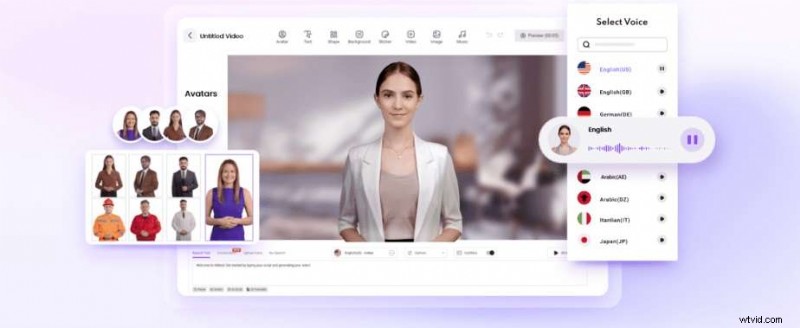
Vidnoz is a free, web‑based TTS tool powered by ChatGPT‑derived models. It supports eight languages and offers a clear interface for male or female voice selection.
VEED

VEED is an online platform with 50 voice personalities and support for over 100 languages. It’s especially tailored for sports commentary and live event narration.
How to Use an Announcer Voice Text‑to‑Speech Generator
Below is a step‑by‑step guide using Filmora to illustrate the process.
- Open Filmora and create a new project. Import the media you want to accompany the voiceover.
- Click a track on the timeline, select Tools > Text‑to‑Speech. Choose the speech style, enter your script, set the language, and adjust speed or emphasis.
- Click Generate and wait for the audio track to appear on the timeline.
Conclusion
Text‑to‑speech has evolved into a robust, cost‑effective solution for generating professional announcer voices. Whether you’re a solo creator or a large organization, these tools give you the flexibility and quality you need. Experiment with one of the recommended platforms and discover how quickly you can elevate your audio content.