
Looking to elevate your video projects? Wondershare Filmora offers a smooth, feature‑rich editing experience that’s popular with both newcomers and seasoned creators. Before you commit, you might wonder, "Does Filmora have a free trial? How do I start it?" This guide answers those questions and shows you how to unlock a watermark‑free export.
1. Claiming the Free Trial
Filmora’s standard sign‑up gives you access to core tools, but exported videos will carry a watermark. To explore advanced features—motion tracking, planar tracking, multicam editing, 4K support—you’ll need the trial or a paid plan.
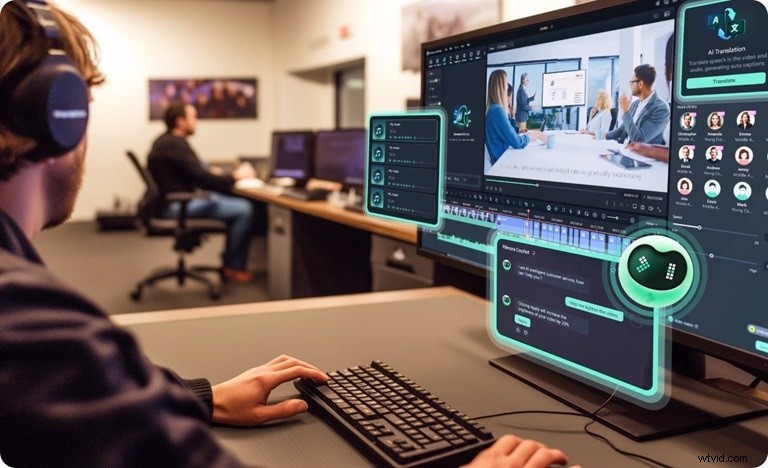
The trial unlocks:
- Motion & planar tracking
- Multicam editing
- 4K resolution support
- Access to the full Creative Assets library
How the Trial Works
Filmora’s trial is earned through a simple achievement program. Completing a few tasks unlocks these rewards:
- 3‑day free trial of the full editor
- 30‑day trial of the Creative Assets library
- 30‑day free trial with 20 GB of Filmora Cloud storage
Earn them by:
| 3‑day free trial | Sign up & fill out your profile |
| 30‑day Creative Assets trial | Participate in the #FilmoraCommunity survey |
| 30‑day Creative Assets access | Export at least one video per week that is >30 seconds |
| 20 GB Cloud trial | Upload projects to Filmora Cloud at least three times a week |


Redeeming the Trial
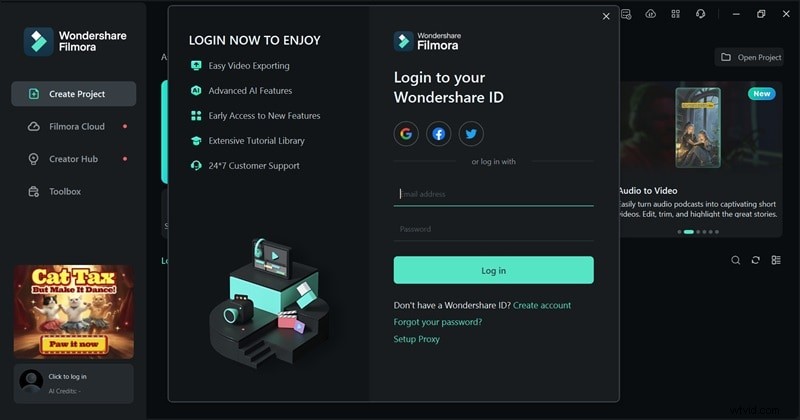
1. Create an account: Enter your email and password, or log in via Google, Facebook, or Twitter.
2. Navigate to Rewards: Open Filmora, go to your profile, then Achievement > Rewards to view available challenges.
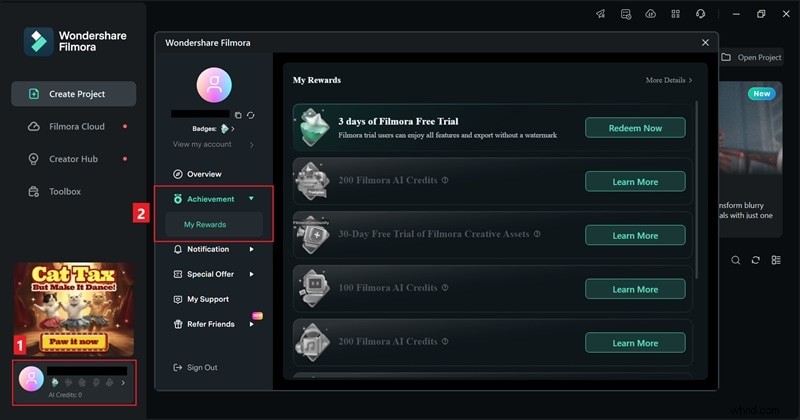
3. Claim your reward: Once a task is completed, click Redeem Now to activate the trial.
2. After the Trial Ends
When the trial period lapses, you can still use Filmora but with certain limitations. Advanced features may be restricted, and exported videos will contain a watermark. If you wish to continue uninterrupted, manually upgrade to one of Filmora’s paid plans before the trial expires to avoid automatic renewal.
3. Ongoing Promotions & Discounts
Filmora routinely offers promotions that enhance value for users at every level. Here are the most relevant:
3.1. Campaigns & Events
Participate in video contests, seasonal sales (e.g., Christmas Sale), and community challenges to earn discount coupons and voucher codes. Stay updated by:
- Following Filmora on YouTube, Facebook, Twitter, and Instagram.
- Subscribing to the Filmora newsletter for exclusive offers.
- Checking the official website for current promotions.
3.2. Student & Educator Discount
Students and teachers can receive up to 50% off by verifying their status on Filmora’s website.
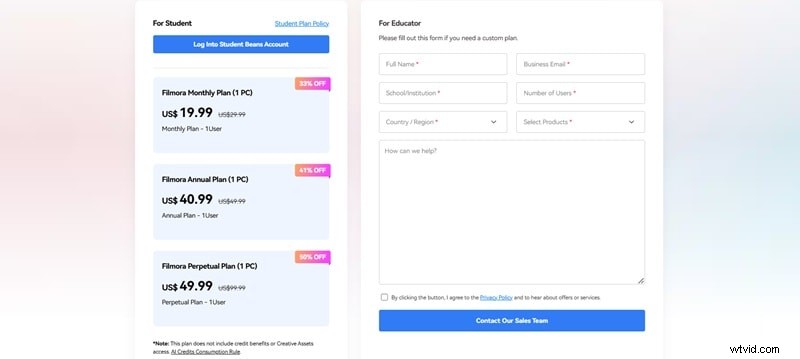
Use the discount to create educational videos, presentations, and interactive lessons with Filmora’s extensive templates and effects.
3.3. Free Export for New Users
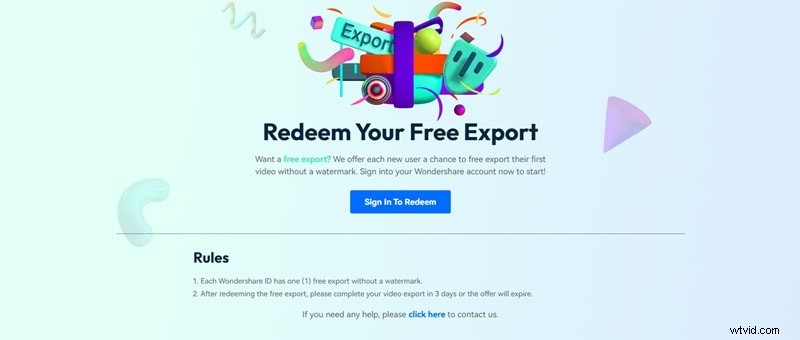
New Wondershare IDs qualify for a single watermark‑free export. Redeem the offer and complete the export within three days before it expires. Click Claim Your Free Export to start.
Conclusion
Filmora’s free trial provides a risk‑free way to test powerful editing tools. Combine the trial with ongoing promotions—student discounts, campaign rewards, and the free export—to maximize your experience without breaking the bank.