
When you think of AI, you may think of the ones that are ruling the roost, proverbially. However, more Large Language Models or LLMs exist than the ones that are shining in the bright internet light. LMArena.ai is a great comparison tool that attempts to shine light on the other tools, offering a seamless, easy way to compare LLMs and find the best one for you. However, it is not without its flaws, and if you are looking for an LMArena AI alternative, this guide gives you FIVE! Also, as a bonus tip, find out how to convert AI -generated video clips to viral video reels or stunning, moving stories with an AI video editor called Filmora.
LMArena is by no means perfect, and there are other tools that might offer features and subsets you want or need. You may want to work with a competitor to LMArena AI because of the random issues popele have had with it, such as:
Looking at all this, you might want to consider alternatives to LMArena for various reasons.
Seeing that LMArena results might be skewed, the next question on your mind would be how to choose the best LMArena AI altenrative and what are the alternatives on offer? Well, the answer is simple – you go with what best serves your needs. If you cannot trust LMArena results for whatever reason, there are a few alternative AI comparison tools you can use.
Here are the alternatives you can use instead of LMArena AI and remember to check for pros and cons of each so that you have an idea of what to expect when using the tool.
Here’s a quick comparison of select LLM comparison tools.
Having glanced at the table above to understand the broad differences, here are detailed pros and cons of each.
ModelBench is a versatile alternative to LMArena in the AI comparison tool marketspace with support for comparing over 180 AI models side-by-side. It allows teams to compare, test and deploy Large Language Models with ease, not requiring extensive coding skills.
Price
- Free Trial.
- ModelBench Pro: USD 49 /month.
- ModelBench Teams: USD 89 /month /seat with 3 seats minimum.
2.2.2. Wordware
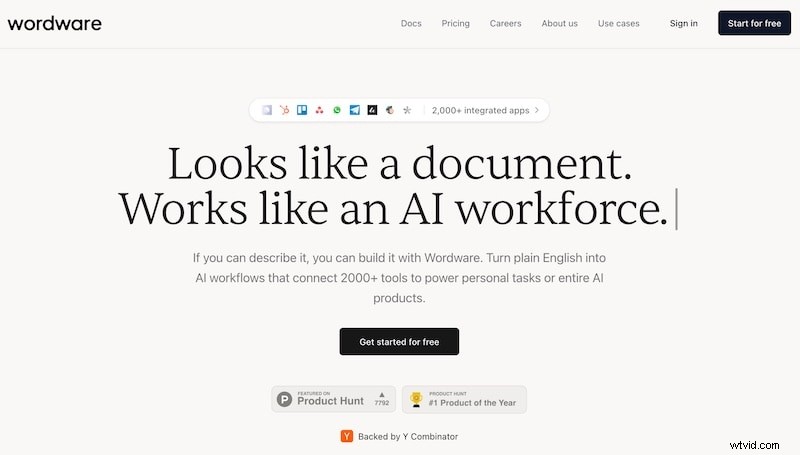
Another excellent alternative to LMArena is Wordware. The interface is intuitive and supports natural language programming, making it accessible to most everyone. A highlight feature is multimodal support; Wordware can work with images, text and audio/ video easily. Content creators, business professionals and developers alike can benefit from Wordware.
Pros
- Multimodal support.
- Advanced control with type safety, branching, loop implementation support, etc.
- Visual debugging support with a WYSIWYG editor.
- Web scraping and image generation capabilities.
- Single-click deployment.
Cons
- New users might need time to grasp the full functionality of Wordware.
- While Wordware is easy to use, documentation is limited and that could be a problem.
- Some key features are accessed only upon paying for them.
Price
Free Plan. Paid Plans starting at USD 39 per month per seat.
2.2.3. BenchLLM
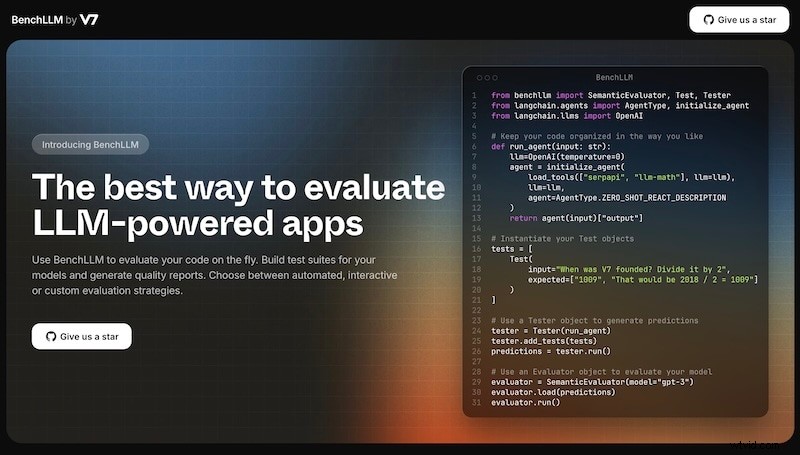
BenchLLM is marketed as ‘the best way to evaluate LLM-powered apps’ and it might just be so, depending on who you are what you want to use it for! It is marketed to AI engineers chiefly, with powerful CLI and flexible API features. It is the one you would probably like the most if you are an AI engineer yourself!
Pros
- Powerful CLI.
- Support for OpenAI, Langchain and more.
- Generate shareable evaluation reports.
- Realtime model performance evaluation with ease.
- Choice of automated, interactive or custom evaluation.
Cons
- Limited text-based LLM support.
- No GPU acceleration.
- Requires Python environment.
- Limited free tier use.
2.2.4. LLM Explorer
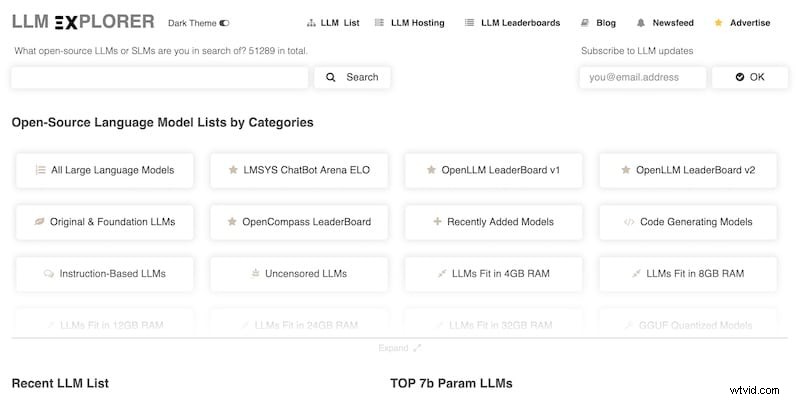
With LLM Explorer, you have over 51000 models to compare and choose from. Yes, you read that right; 51000 is the number of models you have on tap to compare. The database is regularly updated, and the service is used by over 30,000 professionals each month, vouching for its success and authority. Whether you are an AI researcher or an enthusiast or an evaluator, this is one service you cannot miss.
Pros
- Over 51,000 models to compare.
- Advanced categorization to narrow down the model you want with ease.
- Quantization using EXL2, GPT2 and GGUF formats.
- Multi-metric evaluation.
Cons
- Spectrum of information can confuse new users.
- Users need to understand how to use the portal.
- Not for testing and deployment.
2.2.5. OpenRouter
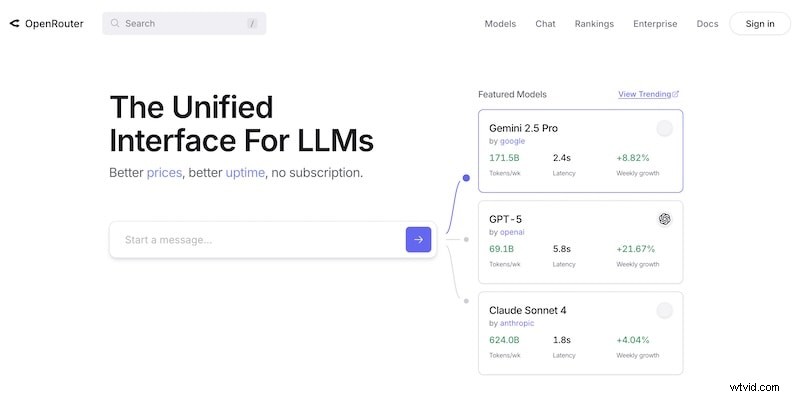
OpenRouter boasts of over 4.2 million global users, so there must be some value people are deriving from it! That becomes evident when you notice that OpenRouter supports over 500 models, and users can compare pricing, interact with several models simultaneously, as well as monitor trending models. It combines Mixture-of-Experts, Softmax Attention and Lightning Attention for advanced text generation and image understanding capabilities.
Pros
- Can handle text and images.
- Process close to 4 million tokens.
- Uses 45.9 billion parameters for deep understanding.
Cons
- Resource intensive.
- It might be too technical for the uninitiated.
- Integration issues.
Price
Price varies with model used and computational resources required/ used.
Bonus Tip: Going from Videos to Stories with Filmora

Now, have you been wondering how to go from AI-generated videos to compelling, riveting stories? Thankfully, that is not something AI can do today, and probably never shall be able to, at least originally.
You can use video-generative AI models such as Google Veo or OpenAI Sora or others, such as Runway and Pika, but to convert videos into stories, you need a human with a tool. You are the human, and the best tool you can use for telling riveting stories? Wondershare Filmora.
3.1. What is Wondershare Filmora?
Wondershare Filmora is an AI video editor. It is quite likely the ultimate video editor for you if you want to create stunning social media content such as YouTube Shorts, Instagram Reels, TikTok videos, etc. Going further, it can even be your trusty sidekick allowing you to surprise and amaze your boss and colleagues at the office, if you use it to design your office presentation videos.
3.2. Why Use Wondershare Filmora?
Wondershare Filmora is full of thoughtful features you want in a modern-day video editor. You are not here to produce Hollywood movies. You are here to express yourself, explore your creativity, and have fun while at it.
 Secure Download
Fun Features
Filmora comes with all the fun features that make for viral video moments on social media. Now, with Filmora, you have a shot at making your videos go viral on social media, too! Here are some of the fun features of Filmora for social media content creation:
- Millions of sound effects, text styles, animations, transitions, etc.
- Royalty-free music.
- Capture audience attention with trending and ready-to-use templates.
- Easy to use and create videos for all sorts of needs.
- Export directly to YouTube, other social media, or locally to the device.
Professional Features
Filmora comes with professional features to satisfy those of us who want to push the boundaries of what people usually post on social media, or when we require professional-level editing tools in business video creation scenarios.
- Keyframing support.
- Color grading with 3D LUT support.
- Multi-cam support.
- HDR color space selection.
- Planar tracking, and more!
AI Features
Filmora fully embraces Artificial Intelligence (AI) and as such, offers several AI tools that are useful and timesaving.
- Smart BGM Generation.
- AI Video Enhancer.
- AI Audio Enhancer.
- AI Portrait Cutout.
- Smart Scene Cut.
- Smart Short Clips.
- AI Text-to-Video.
- AI Image-to-Video.
- AI Speech-to-Text.
- Social Content Planner.
Integrated with Veo 3
Filmora comes with Veo 3 integrated, so you can create 8-second-long clips right from within Filmora without going anywhere else! Keeps you focused and saves your time!
The list of AI features and other features just keeps on evolving!
Secure Download
3.3. Create Your First Story from Video Clips Using Wondershare Filmora
Here’s how Filmora can be used to edit your video clips and turn them into powerful, moving and evocative stories.
Step 1
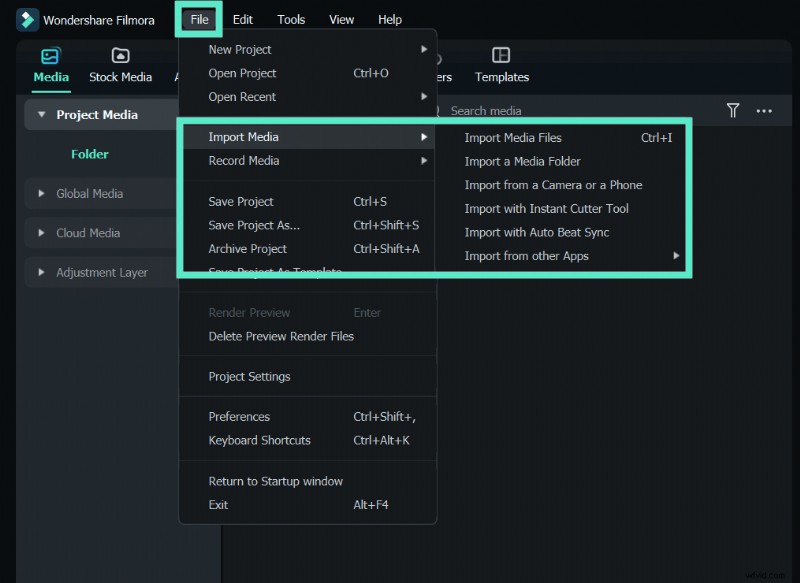
Import video clips into the Filmora timeline.
It all begins with you importing your video clips into Filmora. Here’s the Filmora import interface:
Step 2
Edit your video clips in Filmora to create a story.
Now, you can edit the video to your heart’s content using Filmora’s powerful tools to create the exact story you want. Here’s how Filmora’s magnetic timeline looks:

Naturally, you can import and add more videos.
Step 3
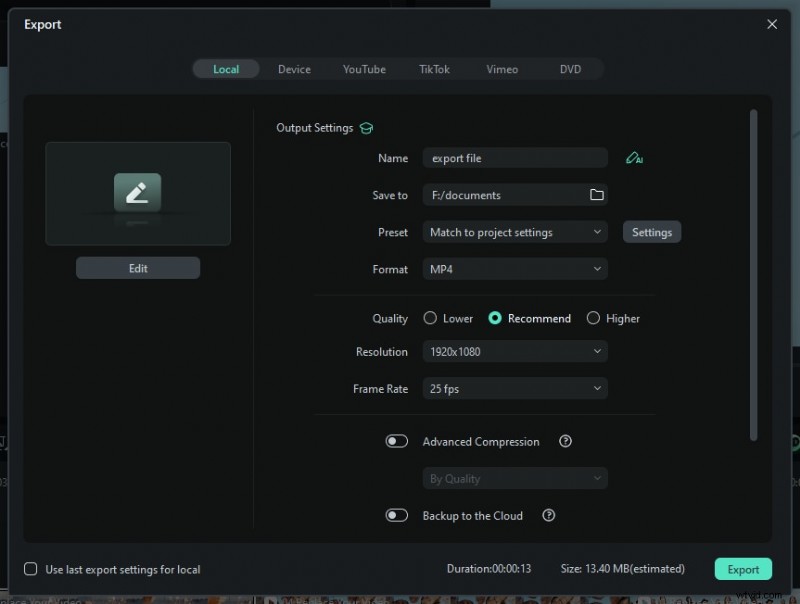
Export your story and share with the world.
Filmora gives you complete control over export options. So, you can export your video just the way you want to. Here’s how the Filmora export pane looks like:
And that’s it! In just 3 steps, this is how you can create the story you want using Wondershare Filmora!
Secure Download
Conclusion
LMArena is a great way to test-drive several AI models yourself, cutting through the hype and seeing for yourself what the AI models are good for in your specific use case. However, LMArena is not the only such comparison tool, there are others that serve as excellent alternatives. Find out what they are, and if you get inspired and want to create AI video clips and convert them into stunning stories, we provide a bonus tip to do just that with the Wonder-ful AI video editor Filmora!