
Are you searching for a Descript alternative that offers more creative control without the high subscription costs? While Descript's text-based editing is revolutionary, its AI credit limits and steep learning curve drive many creators to look for better options. Whether you need a free Descript alternative or a professional AI video editor, this 2026 guide covers the top 7 tools to supercharge your workflow.
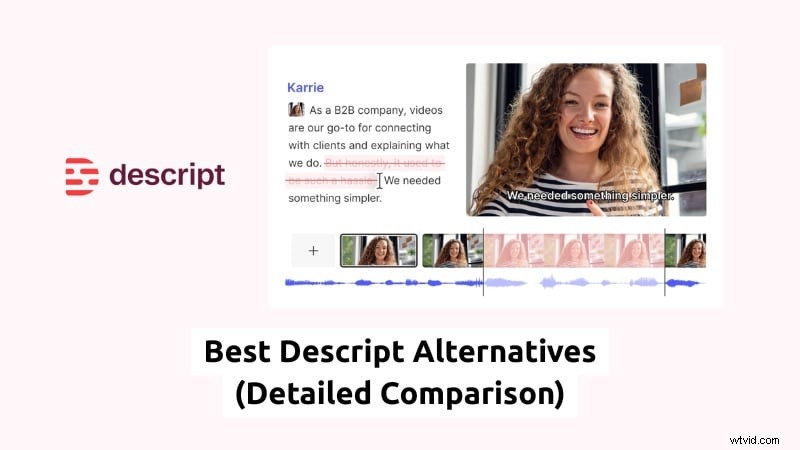
Part 1. Why You Might Need an Alternative to Descript?
Many creators use Descript for its transcript-based editing. But after a few projects, some begin searching for an alternative to Descript that offers more control or better value. These concerns often appear in real user feedback across forums and communities.
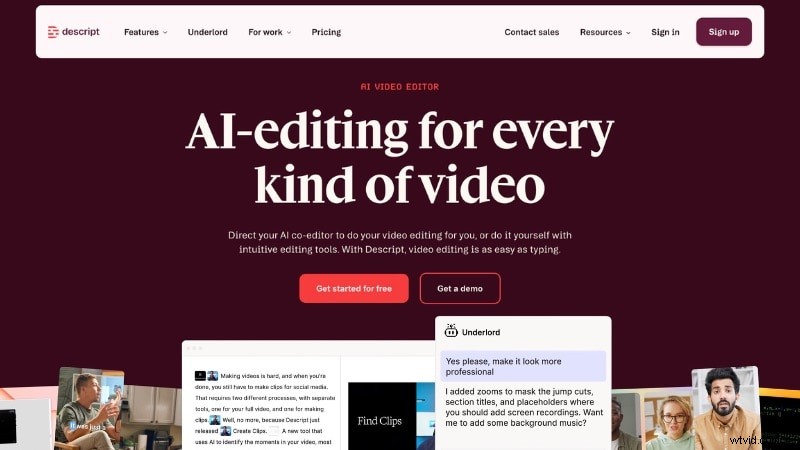
Based on common Descript alternatives on Reddit discussions, here are the main pain points users mention:
- Pricing and AI Credit Limits. Users report that transcription hours and AI features depend on monthly AI credits. Some key tools also require higher-tier plans, which can raise costs.
- Steep Learning Curve for New Users. While text-based editing sounds simple, new users say the workflow takes time to understand.
- Limited Advanced Video Editing Tools. Descript works well for transcript editing, but some users want more control over the timeline.
- Performance Issues with Large Projects. Users report lag or slow processing when editing long videos or complex files.
- Less Flexibility for Visual Editing Workflows. Editors who rely on traditional timeline workflows sometimes prefer software built around visual editing rather than text blocks.
Because of these factors, many creators start comparing other tools. They look for a Descript alternative with flexible pricing, stronger visual editing features, or fewer usage limits.
Part 2. Top 7 Descript Alternatives at a Glance (Comparison Table)
To help you choose faster, here's a quick overview of the best Descript alternatives available today. The table below summarizes each tool before we break them down in detail.
| Tools | Key Features | Text-based Editing support | Platform |
| Wondershare Filmora | Basic video editing tools, AI tools, effects library, motion graphics, and auto captions. | Windows, macOS, Android, and iOS. | |
| DaVinci Resolve | Timeline video editing, color grading, audio production, visual effects, and transcript editing. | Windows, macOS, and Linux. | |
| Audapolis | Transcript-based audio editing, speech-to-text, filler word removal, open source. | Windows, macOS, and Linux. | |
| Riverside.fm | Local audio and video recording, remote podcast recording, separate tracks, and automatic transcription. | Web browser, iOS, and Android. | |
| Async | AI audio recording, transcript editing, noise reduction, voice enhancement, and remote recording. | Web browser and iOS. | |
| CapCut | Auto captions, short-form templates, and effects library. | Windows, macOS, Web browser, iOS, and Android. | |
| VEED.io | Subtitle generation, video resizing, screen recording, and collaboration tools. | Web browser and iOS. | |
|
Show More Show Less |
Part 3. Best AI-Powered Descript Alternative for Pro Video: Wondershare Filmora
For creators seeking a Descript AI alternative that bridges the gap between text-based storytelling and professional video production, Wondershare Filmora stands out. Unlike basic transcript editors, Filmora provides a robust multi-track timeline, making it the perfect Descript alternative for YouTube creators and social media marketers who need more than just text cuts.
 Secure Download
Two Features that Make Filmora Stand Out
AI Text-Based Editing with Full Timeline Control
AI Text-Based Editing in Filmora lets you edit videos through transcripts. The system converts speech into text, so you can remove filler words, cut scenes, or rearrange clips by editing the script. After editing the script, you can move to the full timeline editor. From there, you can apply transitions, adjust color, refine audio, and add visual effects. This gives more flexibility for projects that need both dialogue editing and visual production.
AI Copilot for Faster Editing Decisions
Beyond transcript editing, Filmora also includes AI Mate Editing to assist during the workflow. The tool helps generate captions, suggest edits, adjust effects, and locate features faster inside the editor. These features reduce manual steps and help users learn the software without switching between multiple tools.
Why Filmora Works Better for Many Creators
These features make Filmora suitable for creators who want both script control and visual editing tools in one platform. It works well if you:
- Edit podcasts and convert them into video content.
- Add effects, subtitles, or motion graphics.
- Create short-form content from long recordings.
- Need stronger visual editing control for complex projects.
Because of this balance, Filmora functions as a Descript AI alternative while offering deeper creative control for professional video production.
Part 4. Best Descript Free Alternative & Open Source Options
Not everyone wants to commit to paid plans. Consider using the tools below if you are searching for a free Descript alternative and open-source options.
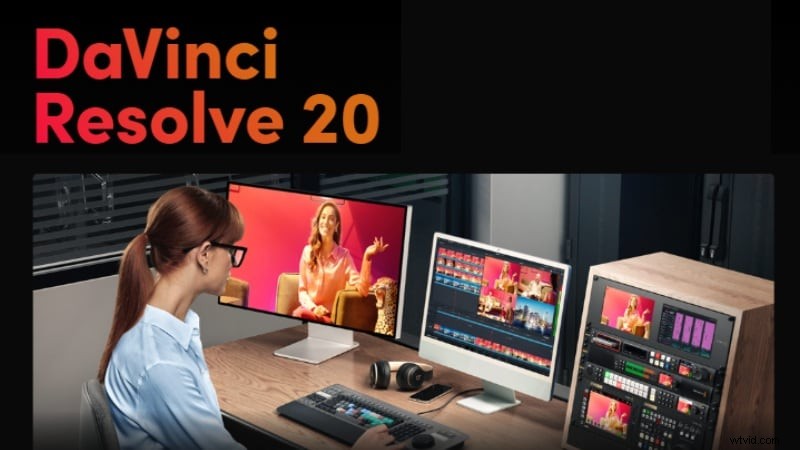
Best Free Descript Alternative for Professional Video Editing
View detail
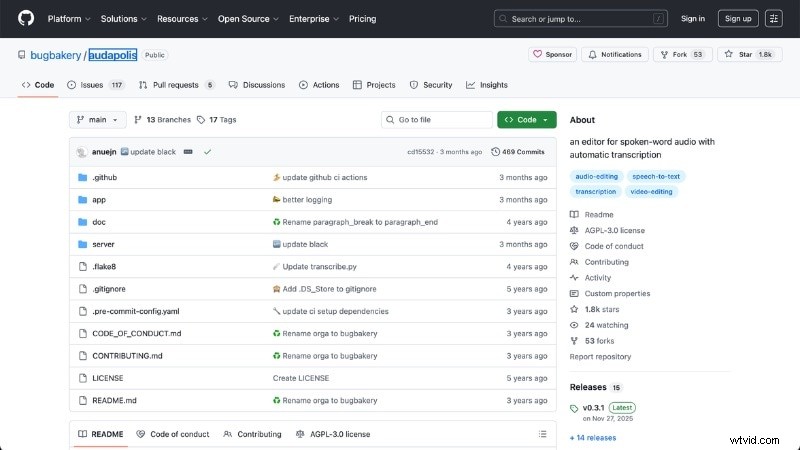
Best Open Source Descript Alternative for Audio Editing
View detail
1. DaVinci Resolve – Best Free Descript Alternative for Professional Video Editing
DaVinci Resolve is a Descript free alternative for video production. It offers advanced editing, color grading, and audio tools in one platform. While the software centers on a traditional timeline workflow, DaVinci Resolve 18.5 also introduced text-based editing, which lets you edit video through transcripts.
Key Features
- Text-based editing support: Edit video using transcripts. Cut or rearrange clips by modifying spoken text.
- Professional timeline video editing: Multi-track timeline with precise trim tools and full control over clips.
- Advanced color correction and grading: Built-in professional color tools for visual adjustment and a consistent look.
- Fairlight audio editing tools: Multi-track audio editing, sound mixing, and dialogue enhancement.
2. Audapolis – Best Open Source Descript Alternative for Audio Editing
If you want a Descript open-source alternative, Audapolis is worth trying. This free tool focuses on transcript-based audio editing, which makes it suitable for podcasts, interviews, and speech-driven recordings. It converts spoken content into text, so you can edit audio by changing the transcript instead of cutting waveforms.
Key Features
- Open source and free to use: No subscription or usage limits. Users can modify or extend the software.
- Text-based audio editing: Edit recordings by changing transcripts instead of working with audio tracks.
- Automatic speech-to-text transcription: Converts spoken content into editable text for faster editing.
- Filler word detection and removal: Helps remove pauses, repeated words, and speech fillers from recordings.
Part 5. Best Descript Alternatives for Podcasters
If your work centers on recording and editing spoken content, you may need an alternative to Descript built for podcast production. The platforms below help podcasters manage recording, editing, and distribution in one place.
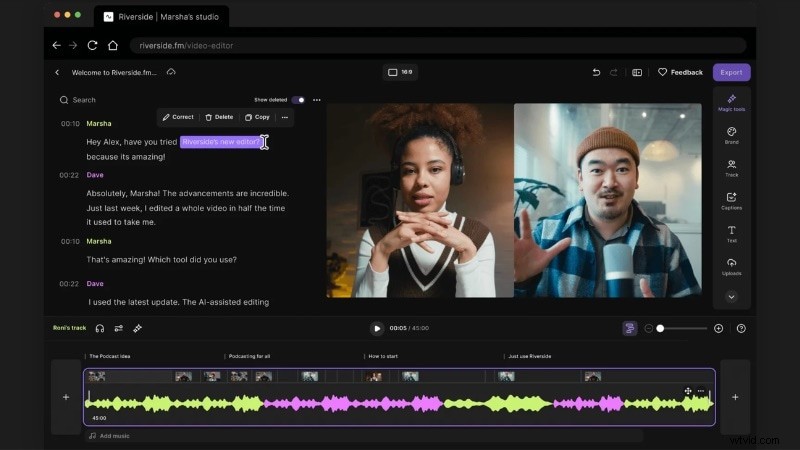
Remote Podcast Recording and Editing Platform
View detail
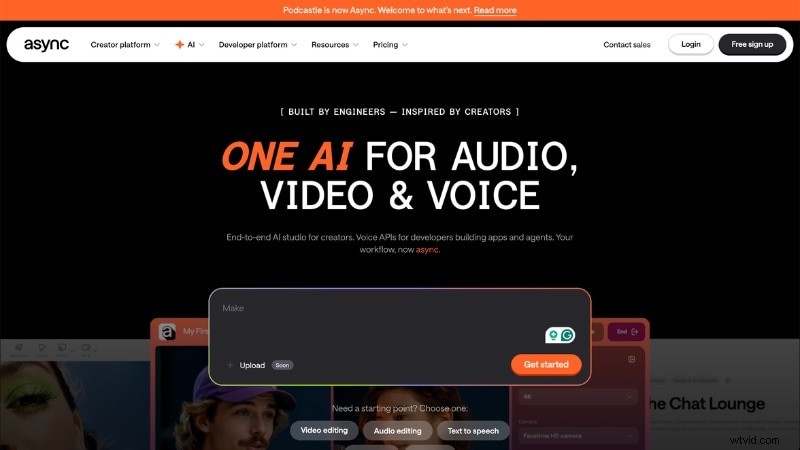
AI-Powered Podcast Editing Tool
View detail
1. Riverside.fm – Remote Podcast Recording and Editing Platform
Riverside.fm is a web-based podcast recording platform designed for remote recording. It can record audio and video locally on each participant's device, then upload the files to the cloud. After recording, you can edit content through transcripts or use built-in editing tools to refine your podcast.
Key Features
- Local audio and video recording: Records each participant's track on their device instead of relying on the internet quality.
- Text-based editing: Edit recordings by modifying transcripts. Cut sections, remove filler words, or rearrange content through text.
- Separate audio and video tracks: Provides individual tracks for each speaker. This feature helps with audio balancing and post-production editing.
- Remote recording for interviews: Invite guests through a browser link without extra software. Record sessions at the same time for interviews or live podcast events.
- Automatic transcription and captions: Generates transcripts for editing, subtitles, or publishing for podcast episodes.
2. Async – AI-Powered Podcast Editing Tool
Async, previously known as Podcastle, can serve as a Descript AI alternative for creators who produce podcasts or voice content. It provides tools for recording, AI audio tools, transcript editing, and voice enhancement for speech-driven content.
Key Features
- AI audio recording and editing: Record interviews or narration and edit content through an integrated editor.
- Text-based audio editing tools: Convert speech into text and edit recordings by adjusting the transcript.
- Noise reduction and audio enhancement: Improve voice clarity and remove background noise from recordings.
- Remote interview recording: Record multiple speakers in one session for podcast conversations.
- Video podcast support: Capture and edit video content alongside audio production.
Part 6. Best Descript AI Alternative for Social Media (Short-form)
Do you need a Descript AI alternative built for vertical video and fast publishing? If your goal is to turn long recordings into short clips, these tools can help you trim, subtitle, and repurpose content for short-form platforms.
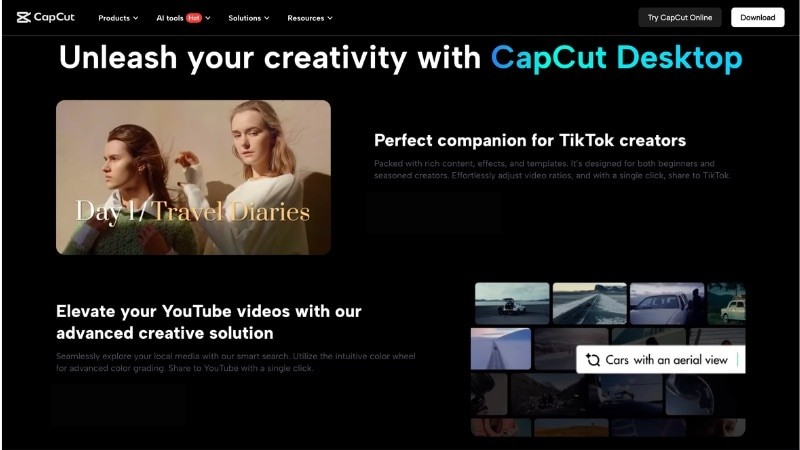
Short-Form Video Editor for Social Content
View detail
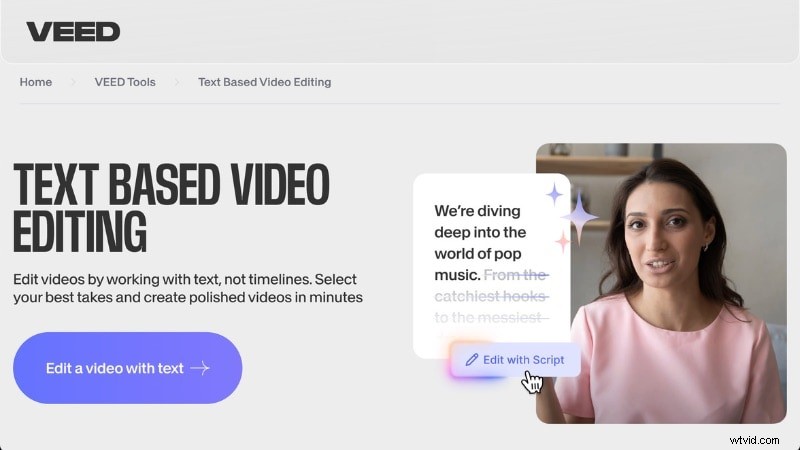
Online Video Editor with Transcript Editing
View detail
1. CapCut – Short-Form Video Editor for Social Content
CapCut is a video editing platform designed for short-form content. It supports text-based editing, auto captions, and ready-made templates that help creators produce videos for social media platforms. CapCut also includes AI tools that convert speech into text, which lets you edit video content by modifying transcripts.
Key Features
- Text-based video editing: Convert speech into text and edit clips by modifying the transcript.
- Auto captions and subtitle generation: Generate captions and apply animated subtitle styles for short videos.
- Short-form video templates: Use built-in templates for TikTok, Reels, and vertical video formats.
- Built-in effects and transitions library: Apply filters, visual effects, overlays, and motion elements to enhance content.
2. Veed.io – Online Video Editor with Transcript Editing
Another alternative to Descript is VEED.io, a video editor that includes transcript editing and subtitle tools. The platform allows you to upload recordings, generate text transcripts, and edit videos by modifying spoken content. It also provides tools for captions, screen recordings, and video resizing for different platforms.
Key Features
- Text-based video editing: Generate transcripts from speech and edit recordings by modifying the text.
- Automatic subtitle generation: Create captions from audio and customize fonts, size, colors, and placement. Export subtitles or burn them into videos for social media.
- Online video editing workspace: Edit videos directly in a web browser without installing software.
- Video resizing for social platforms: Adjust aspect ratio and resolution for TikTok, Instagram, YouTube, and other platforms.
- Screen and webcam recording tools: Record screen activity, webcam footage, or presentations inside the platform.
Conclusion
Descript alternatives offer different strengths for video, podcast, and short-form production. From professional editors like Filmora to free tools such as DaVinci Resolve and Audapolis, each option meets different workflow needs.
Choosing the right alternative to Descript depends on your budget, editing style, and content goals. Review the tools in this guide and choose the one that fits your workflow. Try a few options and start creating better content today.

Filmora
AI Video Editing App & Software
Best tool for making videos anywhere for all creators!
Simplify all your steps in video editing, from the pre-processing to finalizing, Filmora AI stays tuned.
FAQ
-
Is there a Descript AI free alternative?
Yes. Several tools offer free or open-source options. DaVinci Resolve offers free video editing with transcript features, and Audapolis provides open-source text-based audio editing. CapCut and VEED.io also include free plans with basic AI tools, though advanced features may require payment.
-
Which alternative to Descript supports multi-language transcription?
Several Descript alternatives support multi-language transcription. Filmora, VEED.io, and CapCut provide automatic captions and subtitle tools for different languages. Riverside.fm also supports transcription features that help with multilingual podcast production.
-
Do Descript alternatives work offline?
It depends on the tool and the feature you use. Desktop software like Filmora and DaVinci Resolve can run offline for standard editing. But, AI features like transcription or cloud processing require an internet connection.