
After Effects makes it easy to add finishing touches to any video project. However, as great as After Effects is, certain actions can be tedious and time-consuming. If you’re working with a lot of video files, saving time in your workflow is essential.
That’s exactly where these free After Effect presets come in. They will not only help save you time by allowing you to speed up your editing process so you can take on more motion graphic projects or enjoy more free time.
If you would like to learn how to use and add special effects to your video, you should take a look at our extensive collection of After Effects tutorials.
Text Effect Presets for After Effects
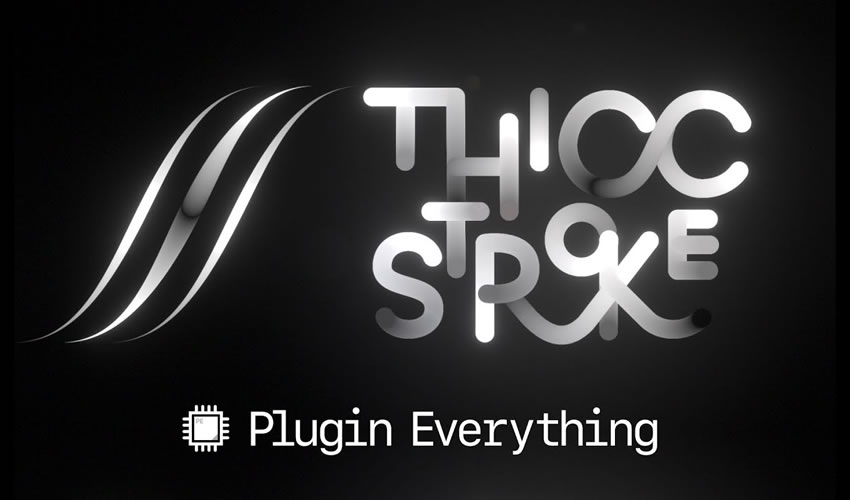
Thicc Stroke After Effects Plugin
Free to Download
The free Thiccstroke Preset introduces an extra-bold stroke style for text or shapes in After Effects. This simple effect will enhance your video projects’ titles, logos, or decorative elements. Results can be animated or kept static, depending on project needs.
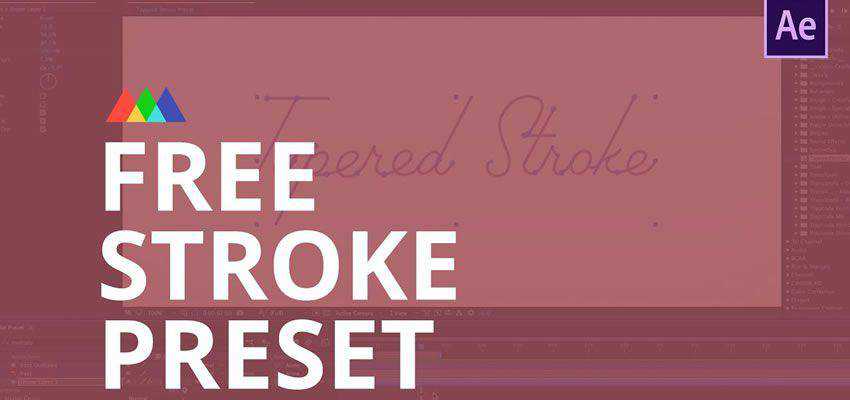
Tapered Stroke Preset for After Effects
Free to Download
Use this tapered stroke preset to change how your text behaves in your next video. There is no end to how you can animate your text when you use this fully customizable preset.
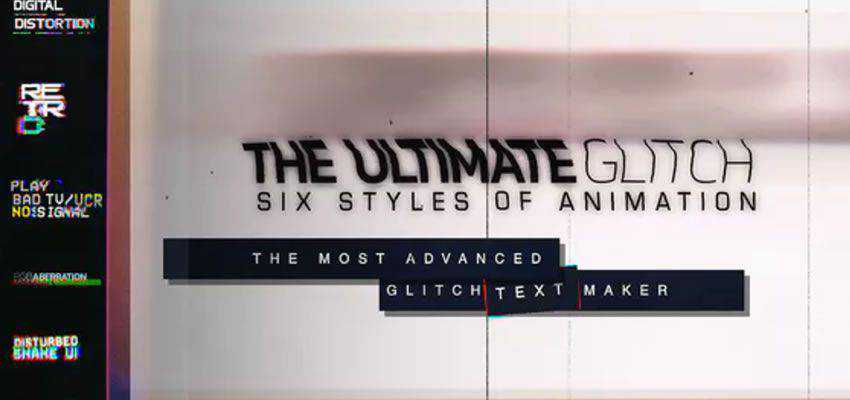
70 Glitch Title Animation Presets Pack
Save time, energy, and money by using this preset for all your glitched text needs. It includes six different types of animation that work with any animated font. It is fully editable.
Stranger Things Text Effect for After Effects
Free to Download
Use this preset to add a bit of flair to your text effects. No keyframe animation is required. Just a simple and customizable fade in and out using layer in and out points.
Motion Type Text Animation Preset
Free to Download
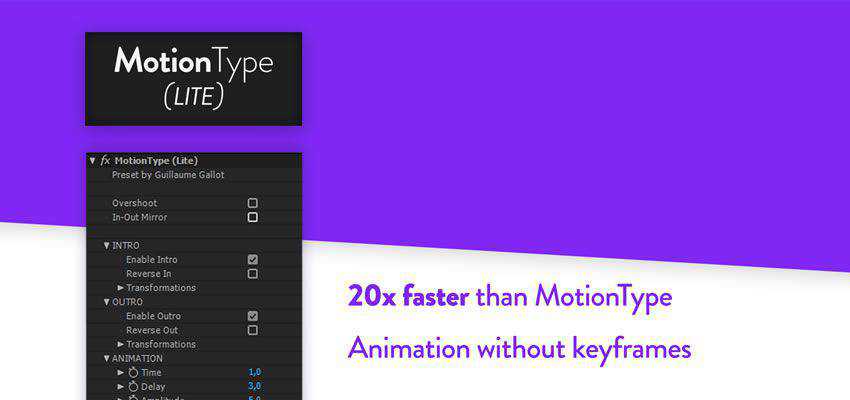
This excellent text preset allows you to animate with and without needing keyframes, use in/out mirror parameters, reverse text animation directions, and more.
Glitch Text Effects Toolkit
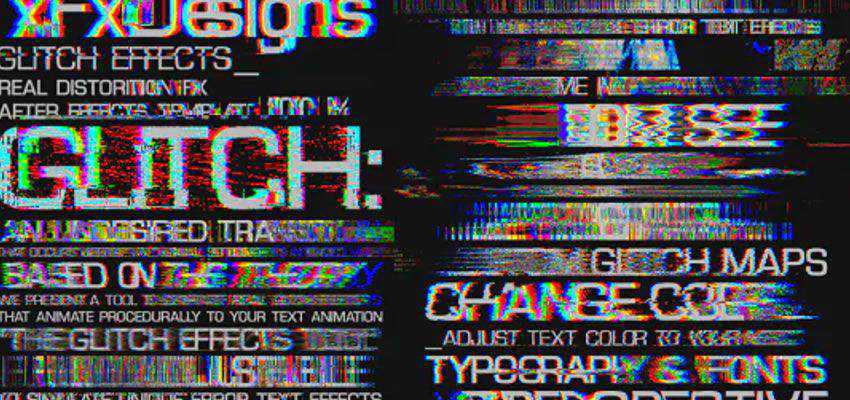
This glitch text effect toolkit gives you 30 different ready-to-go title animations, 32 different glitch maps, and is 3D perspective ready for your creative compositing.
10 Free After Effects Text Animation Presets
Free to Download
This preset pack offers ten wonderfully animated text options that will be perfect for your next video project. Quick and easy to use, this pack will save you time and energy when the crunch is on.

Animation Presets for After Effects
Squash & Stretch Preset
Free to Download
Squash & Stretch is a free After Effects preset that gives you professional behaviors, managed by an intelligent system to quickly bring your animations to life.
150 Splatter Animations
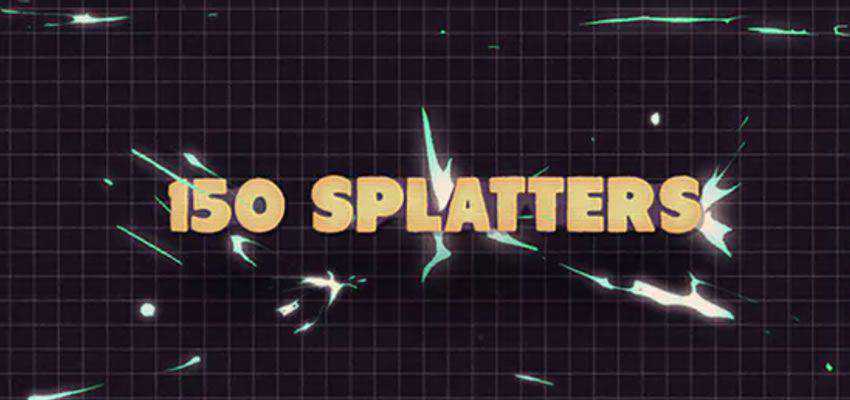
Save precious time and money by using this splatter animation preset. With 150 easily customized animations, this resource is the easiest way to get your effects onto video.
Animography Controller After Effects Preset
Free to Download
With this controller preset, you will be able to effortlessly animate your text, all in one layer. Just drag and drop your characters and create your effects within the create controller function.
CounterPro Preset – Count & Animate Numbers
Free to Download
Use this preset to animate any number in any way you choose. Quickly apply, modify, and customize your prefix and suffix signs, and create custom timers or countdowns, all without the need for keyframe animations.
Simple Animation Logo
This preset is all you need for your next video title card. Quickly introduce yourself to the world with this vibrant and colorful animated logo reveal preset. Perfect for your next corporate video.

Mograph Cloner Tool for After Effects
Free to Download
This clever preset recreates the effects of Mograph, found in Cinema 4D, for use in After Effects. Now, you don’t need to clone and animate objects in Cinema 4D and then transfer them into After Effects to complete your project when you can do it all in the shapes layer.
AE Flame Fractal Animation Preset
Free to Download
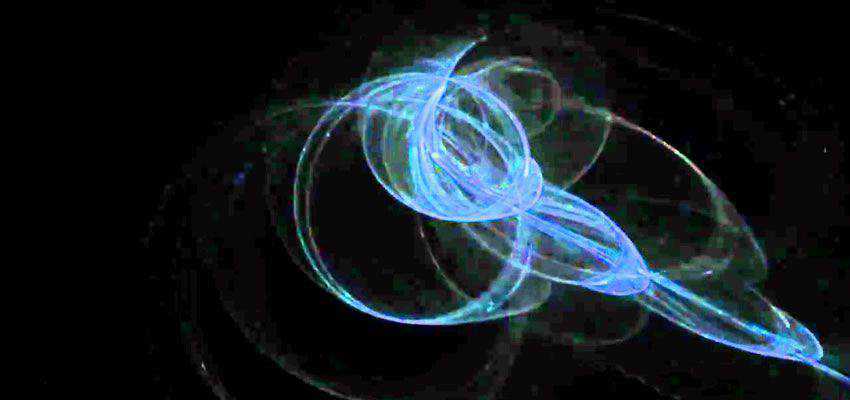
This preset allows you to explore the depths of mathematical space right in After Effects. Create stunning flames as you delve deeper into this mathematical space.
Transition Presets for After Effects
Distorted Transitions
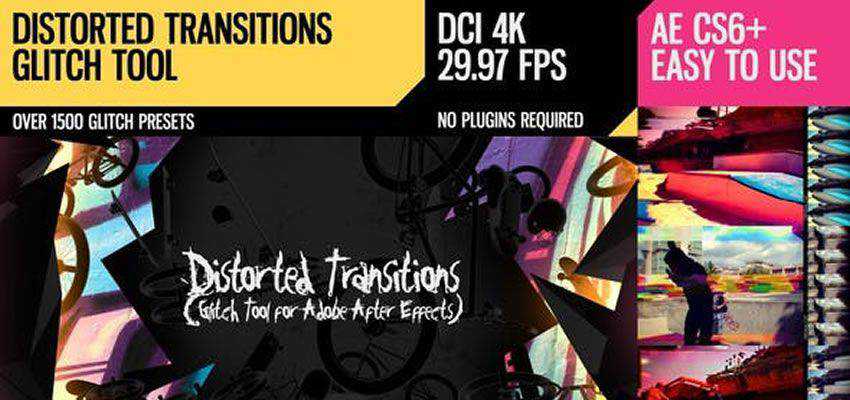
For fans of the glitch effect, this is the ultimate transition pack. Save time and energy with hundreds of different presets. It includes overlays, light leaks, and TV noises so that your glitched transitions fit wherever you need them.
Special Effect Presets for After Effects
Flicker Freak Horror Flicker Preset
Free to Download
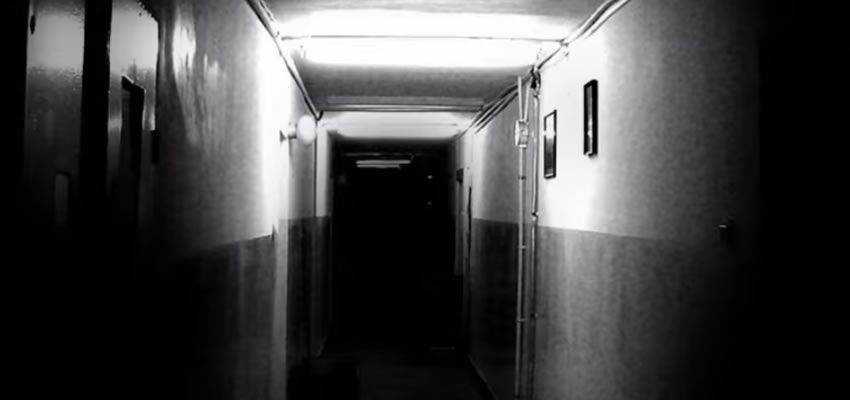
If you want to add dramatic flair to your videos or are a horror movie enthusiast, this plugin will be right up your alley. With it, you can quickly add and customize the amount and duration of flicker.
Ugly Box After Effects Plugin
Free to Download
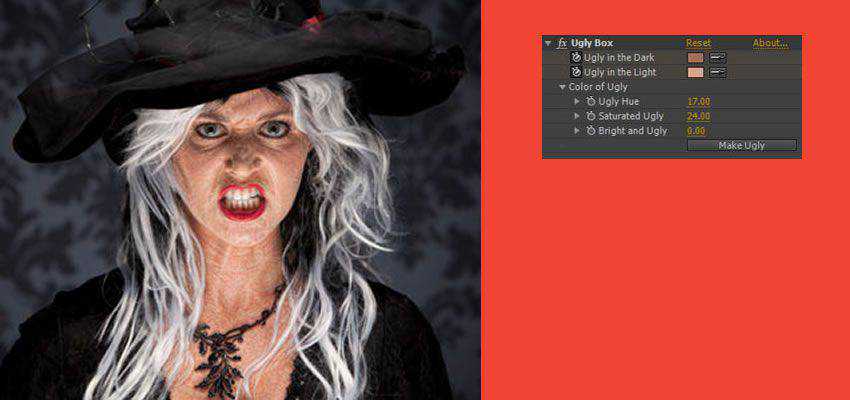
Why be obsessed with beauty when ugly can look just as good but better? This plugin makes creating diseased-looking people or adorable zombies for your next video project easy.
Film Grain Effect Preset for After Effects
Free to Download
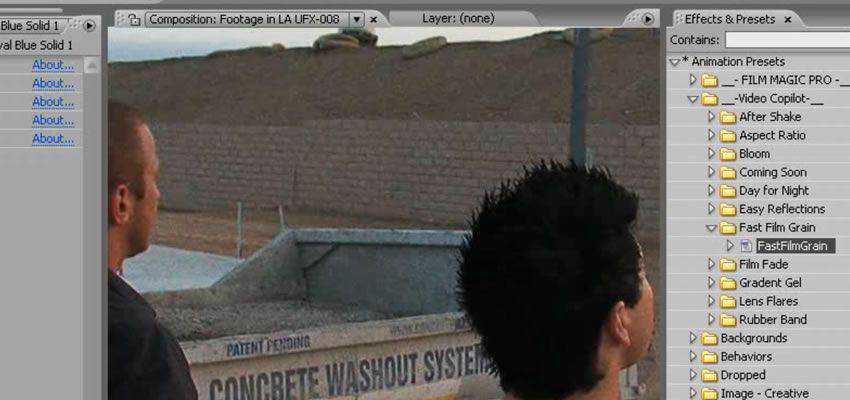
Easily add grain to anything from your videos to still images. The plugin comes with controllers to quickly increase or reduce the amount of grain as well as the saturation density.
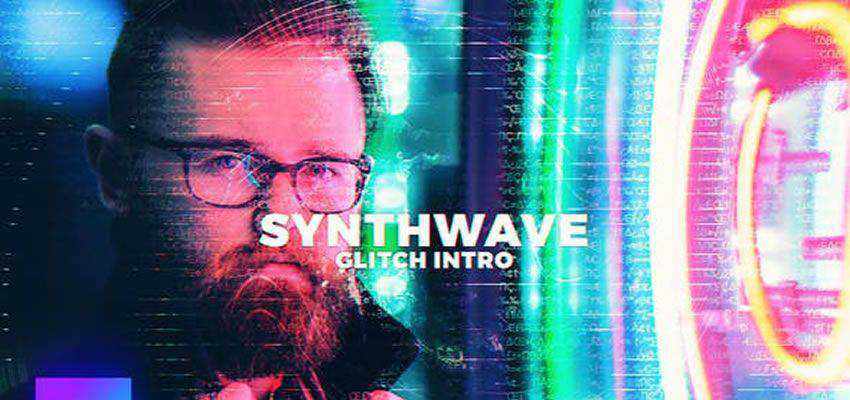
Glitch Intro
Save time and energy with this glitch intro pack. Quickly add the glitching effect to your videos or images. The pack is available in 24 or 30 frames per-second and supports ultra and full HD.
Fleko Preset – Stretch Pixels & Distort them Geometrically
Free to Download
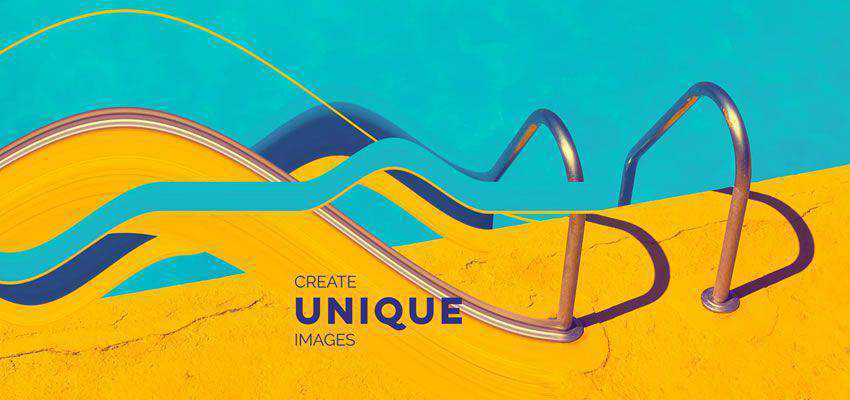
This preset allows you to stretch and distort pixels geometrically. You can create perfect loops, abstract patterns, and keyframe-less animations. The preset is compatible with Adobe CC 2014 and up.
15 Camera Shake Presets for After Effects
Free to Download
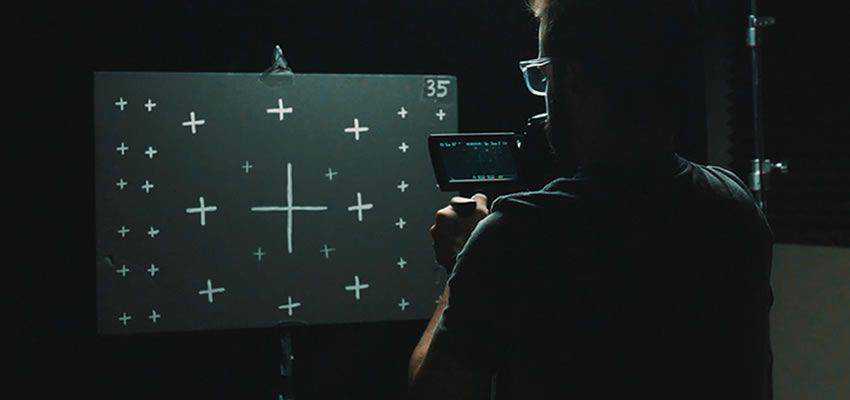
When you want to add the feeling of a handheld camera shot to your tripod-held shot, this preset pack is just the answer. With 4K and HD resolution and 24mm, 35mm, and 50mm camera presets, you can add everything from a slight shake to heavy movement in a matter of seconds.
PolyNoise Alphabet Animated Typeface
This preset will save you time and money on your next text animation project. Because of the included EasyType script, you can enter your text and get your results in real-time.

Light Saber Preset with Motion Blur Preset
Free to Download
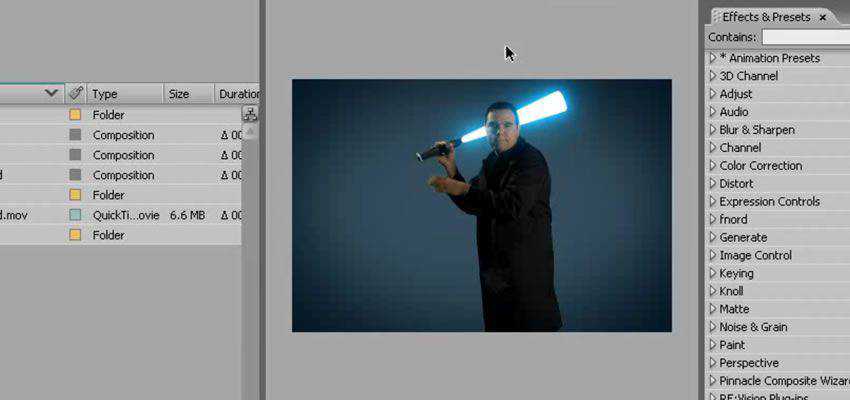
This is the perfect preset for creating epic lightsabers. You can control everything from turning on and off the lightsaber to its thickness, color, and vibrating intensity.
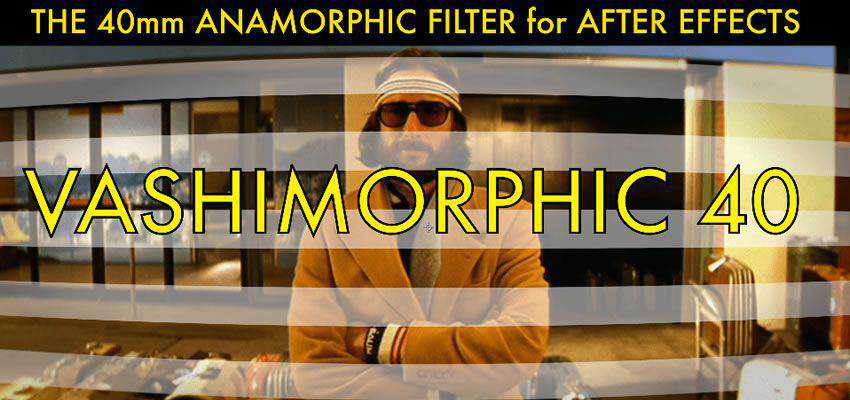
Anamorphic After Effects Plugin
Free to Download
This plugin allows you to apply a 40mm lens curve effect to your 16:9 footage. With 12 control points, you will be able to fully curve your video to give it that anamorphic feel. This plugin is 4k ready.
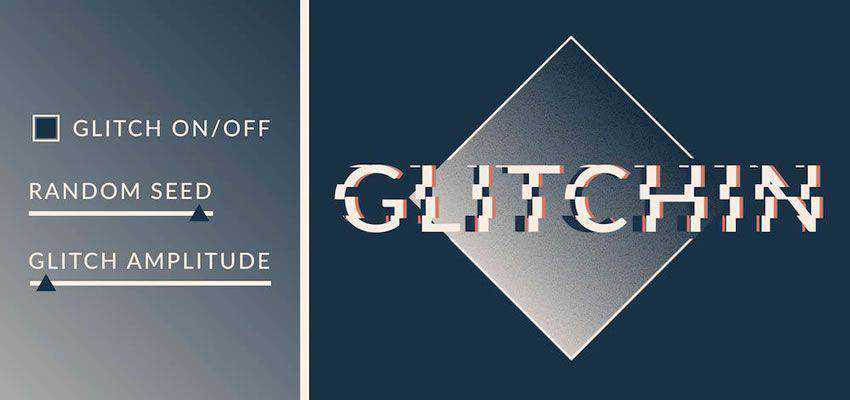
Glitchin After Effects Preset
Free to Download
This preset makes it easy to add a glitch effect to your video. Just drop it onto a layer, and it will glitch away without worrying about keyframes.
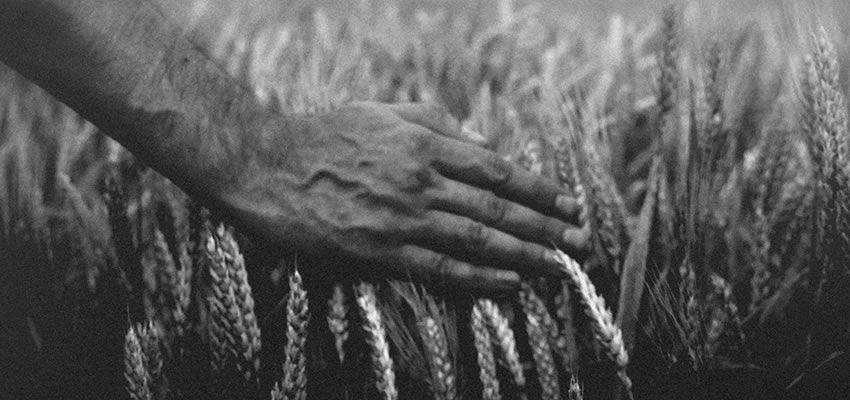
Vintage Effects Presets for After Effects
Free to Download
This preset and tutorial combination is all you need to start creating videos with a vintage aesthetic. You learn the concepts and practice while the presets do all the heavy lifting.
Design Effect Presets for After Effects
Simple Gradient Plugin for After Effects
Free to Download
This plugin is exactly what it says: a simple two-color gradient with a center point, width, and direction dial. This tool makes it easy to control gradient effects and apply a gradient mask where you need it.

Sparkle Photo Toolkit
This time-saving resource will help bring your photos to life. You will be able to add a unique particle effect without needing any plugins or pre-rendered footage.

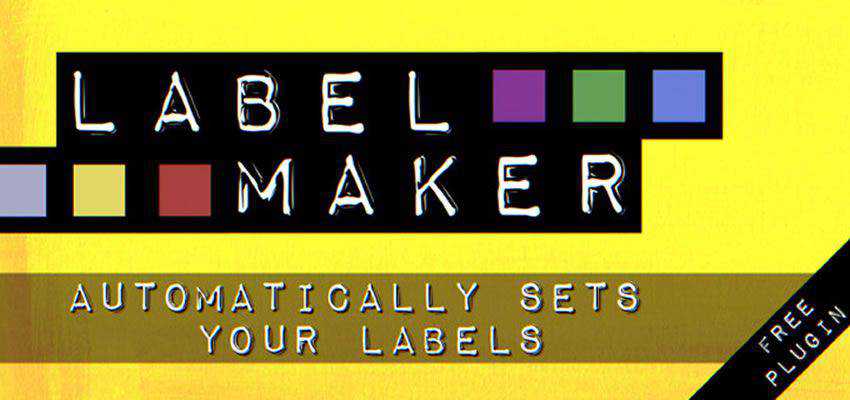
Label Maker AE Preset
Free to Download
When run, this plugin scans your selected layers and automatically assigns a colored tile to help speed up your editing or designing workflow. This allows you to save time and energy on all of your current and future projects.
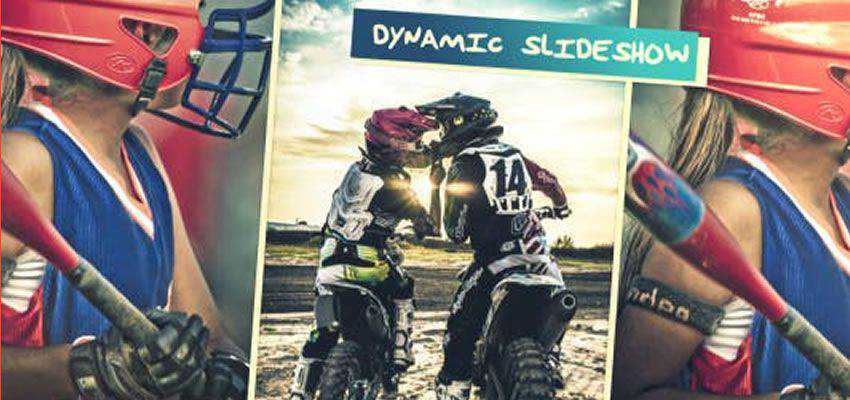
Dynamic Slideshow
Save time using this resource for your next multimedia project. This slideshow is perfect for special event openings, such as a photo album or simple slides. Just drop your images or video in, edit your text, add your audio, and finally enjoy the show.
Backdrop Designer Plugin
Free to Download
This plugin is a godsend when you need photography backdrops. You can choose from hundreds of premade digital backdrops or customize your own. This plugin creates beautiful resolution-independent backdrops, unlike the expensive muslin drapes in photography studios.
Long & Soft Shadow Creator for After Effects
This preset adds a drop shadow to all your text. You can fully customize the shadows’ anchorpoint, determine their mode, give your shadow a feather, and then plaster it with colors.
Color Grading Presets for After Effects
20 Free Color Presets for After Effects
Free to Download
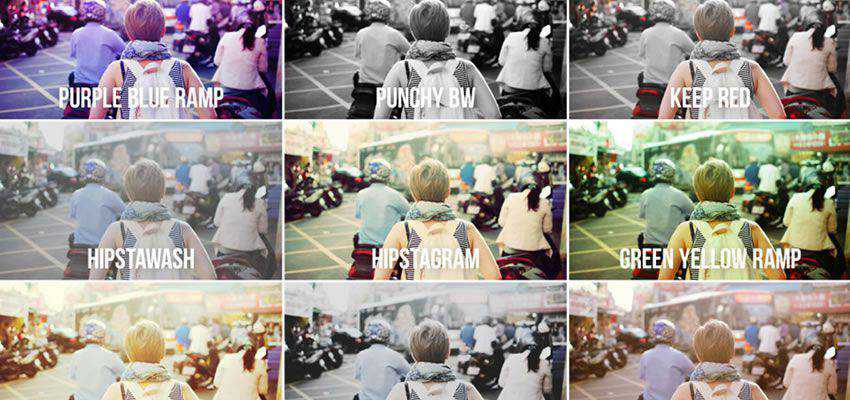
Picking the correct color grade is important for aesthetics and storytelling. Good choices will breathe life into your film, while bad choices will be distracting and uninspired. With this preset package, you’ll get the best colors you can.

15 Free Color Presets For After Effects
Free to Download
With this color preset pack, you’ll be able to add emotion to your films in no time. With 15 distinct presets, this pack makes it easy to apply an effect and breathe life into your film.
Light Effect Presets for After Effects
Auto Bright Lens Flare After Effects Preset
Free to Download
This preset gives you complete control over lens flares. Put it where you need it, apply the strength of the effect, and your scene has just transformed from dull to interesting.
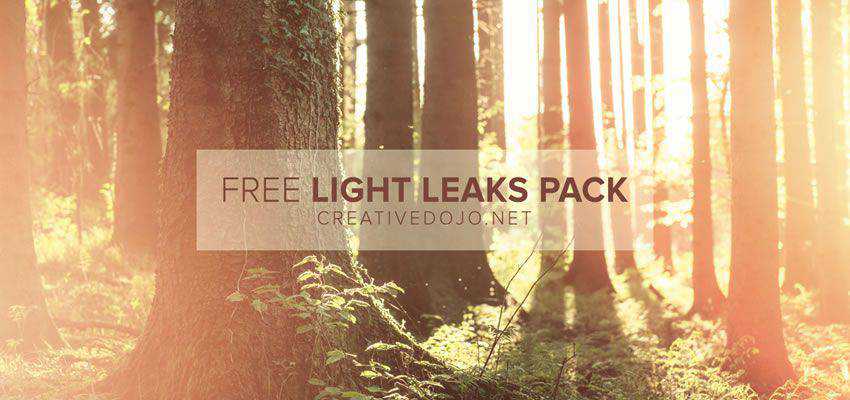
Light Leaks Preset Pack
Free to Download
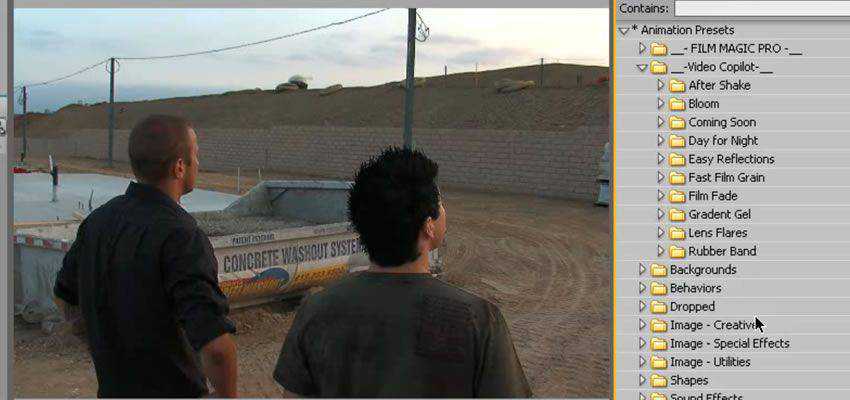
This preset gives you complete control of your camera’s light. It also works well in motion photography and is perfect for adding more personality to a still image. Use this preset pack to get the most out of your next video or photography project.
How to Install After Effects Presets
- Download and unzip the preset you want to use.
- If you’re on a Windows computer, go to
Documents > Adobe > After Effects > User Presets. - Copy the downloaded preset folder into the above folder.
- If you’re using a Mac, go to
Applications > Adobe After Effects > Presets. - Copy the downloaded preset folder into the above folder.
- To use the newly installed preset, launch After Effects.
- Go to
EffectsandPresets, locate the presets you just installed, select the desired preset, and double-click it to apply it to your composition.
Conclusion
From better color grading to creating glitchy text, there is an After Effects preset for any situation in this collection.
Fill up your video editing library toolbox with these presets and save time and money on your next project.
Top