
If you want to know how to create picture slideshows on iOS and Android devices without spending a dime, read this article for some free tools.
Clicking pictures have become the easiest thing, thanks to the widely accessible smartphones. You can create memories anywhere, anytime without worrying about running out of reel like in the old times.
Showing photos to others on the camera or phone is often not the optimal way, especially when a large audience is involved. For instance, when you want to show the memories at a party, the ideal way is through a slideshow.
There are a bunch of picture slideshow apps that can take all your photos and create something magical out of them.
Have a look at the best apps to create slideshows on iOS and Android devices that do not cost a dime.
Top 6 Picture Slideshow Apps for iOS Devices
#1 SlideLab Slideshow Maker
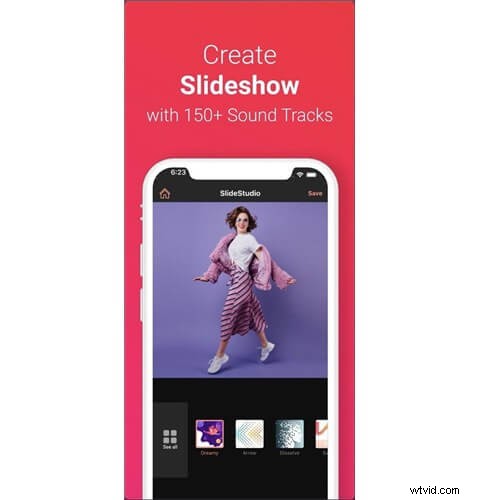
SlideLab Slideshow Maker
Suitable for: Beginners
Key Features
- Advanced Control
SlideLab SlideShow Maker offers 100% control over the slideshows you can make using photos or videos, also offering standard editing.
- Multiple Audio Options
Choose music tracks from the built-in library. Your gallery or even record the voiceover using the built-in tools.
- Easy Sharing
Share your picture slideshows with platforms like Facebook, Instagram, and YouTube with ease in a single click.
PROS
- A rich audio library
- Voiceover support
- Easy to use
CONS
- Limited editing options
#2 Slideshow Creator
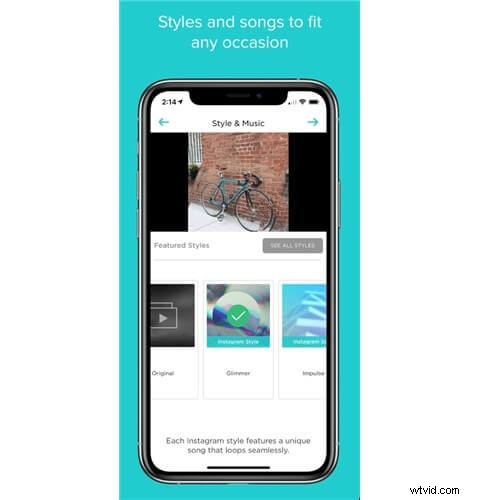
Slideshow Creator
Suitable for: Beginners
Key Features
- Easy-to-Create Slideshows
Using only five easy steps, including editing, you can use the Slideshow Creator app to create the perfect photo slideshow.
- 100+ Slideshow styles
Thanks to the 100+ slideshow styles and a licensed library for music, creating a unique slideshow is easy, and you can find suitable combinations for each occasion.
- Intuitive Editing
The slideshow maker app offers standard editing features such as text, captions, and clip trimming. The app also allows HD downloads.
PROS
- Supports photos and videos
- Suits multiple occasions
- Optimized for slideshows
CONS
- A limited free version
#3 SlideShow Movie Maker&Music
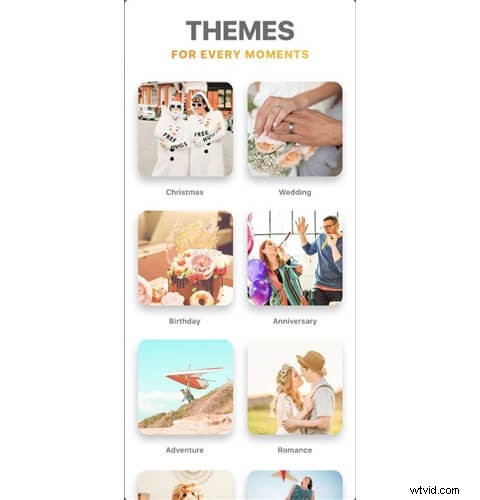
SlideShow Movie Maker&Music
Suitable for: Advanced
Key Features
- Advanced Editing
You will love the advanced slideshow editing options on this app, especially if you are bored with the basic options.
- Stickers, Effects, and Shapes
Slideshow Movie Maker + Music offers an impressive collection of FX effects, frames, and stickers compared to other options.
- Pro Camera
If you want to capture more high-quality photos for your slideshow, you can use the professional camera app built into the tool.
PROS
- Extensive library for shapes
- Typography options
- 30+ video filters
CONS
- An expensive paid version
#4 PicPlayPost
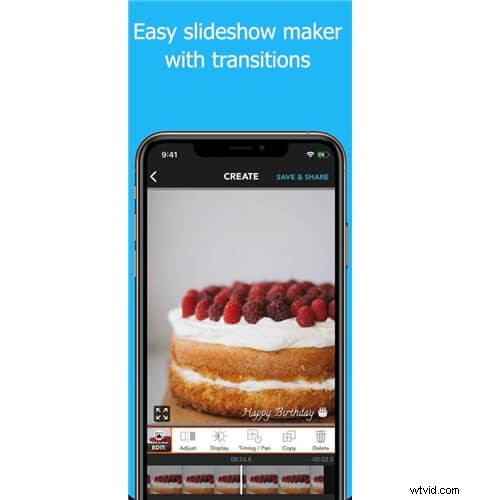
PicPlayPost
Suitable for: Beginners
Key Features
- Simple Slideshow Maker
You can create the best picture slideshows in a few seconds using this app. You can add the photos, make a few edits, and save the slideshow video.
- Versatile Support
PicPlayPost comes with support for 1080p and 4K videos on iPhone XS and later. It means you can prepare a slideshow for professional needs as well.
- Watermark Options
You can also use the PicPlayPost app to apply different types of watermarks. For instance, you can use both text and images as the watermark.
PROS
- Supports up to 356 pictures
- GIF slideshow method
- Automated slideshows
CONS
- Limited colors/fonts/music
#5 MoShow Slideshow Photo & Video
MoShow Slideshow Photo & Video
Suitable for: Professionals
Key Features
- Made for Influencers
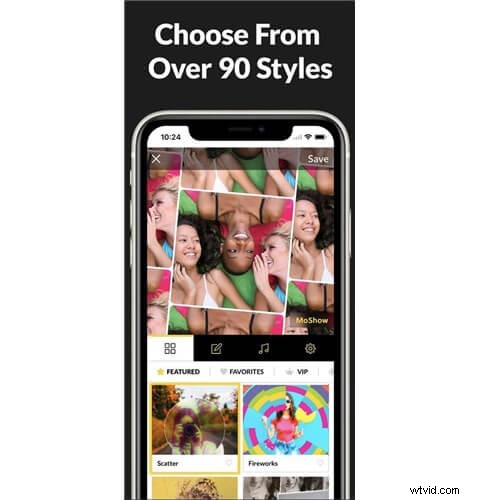
MoShow SlideShow Photo & Video is optimized for influencers, marketers, and pet owners. The app makes it easy to create stunning slideshows in seconds.
- Impressive Effects
Despite being simple, the slideshow maker app offers a number of transitions and effects. You can also have maximum control over how things look.
- Built-in Sharing
Because it is made for social media users, you can instantly share the slideshows on platforms like Instagram, Facebook, and Messenger.
PROS
- A rich collection of styles
- Optimized for social media
- Short learning curve
CONS
- Cannot remove watermark
#6 VivaVideo
VivaVideo
Suitable for: Professionals
Key Features
- Fully-fledged Editing
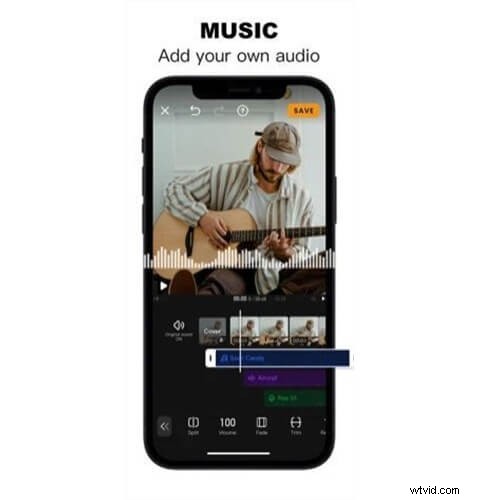
You can use the VivaVideo app for your fully-fledged editing needs. From basic cropping to cinematic filters, a vast number of options are available.
- High-Quality Slideshows
Because VivaVideo supports high-fidelity formats, you can export your slideshows in the best quality possible — making them versatile.
- Advanced Audio Options
You can not only import audio from the gallery, iTunes, and recording but also enable edits. You can change the slideshow speed as well.
PROS
- In-depth editing options
- A rich library of themes
- More than 60 effects
CONS
- Most features are paid
Top 6 Picture Slideshow Apps for Android
#1 Scoompa Video
Scoompa Video
Suitable for: Beginners
Key Features
- Create Captions with ease
Create subtitles and captions without putting too much effort. Add captions with and without backgrounds.
- Easy Navigation
You do not need prior experience with video editing to get started with Scoompa Video. Instead, it uses intuitive gestures and controls.
- A Rich Collection
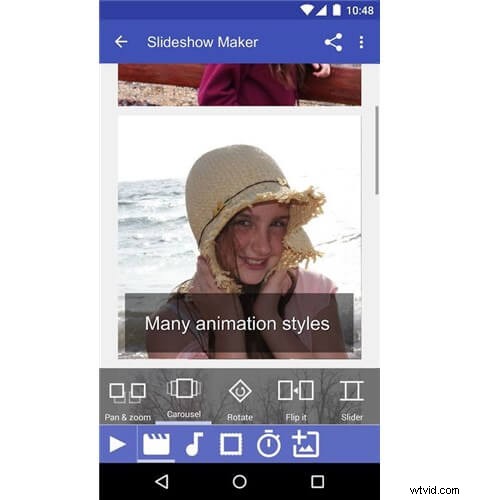
You have access to many styles, stickers, text fonts, and filters within the app. You can also edit the video after saving it.
PROS
- Standard editing tools
- Rich animation options
- Versatile support
CONS
- Limited music collection
#2 PowerDirector
PowerDirector
Suitable for: Advanced
Key Features
- In-depth Video Editing
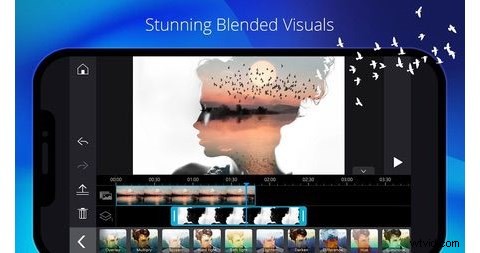
You can use the PowerDirector app to create not only stunning picture slideshows but also professional-tier videos for personal needs.
- Rich Customization
The app does not compromise in terms of customization options. You can control everything that determines how your video looks and sounds.
- High-Res Support
You can use this Android video editing app to create slideshows in 4K resolution. There are also options for animated titles and overlays.
PROS
- Built-in upload options
- Rich editing options
- Versatile templates
CONS
- Too many ads
#3 Magisto Video Editor
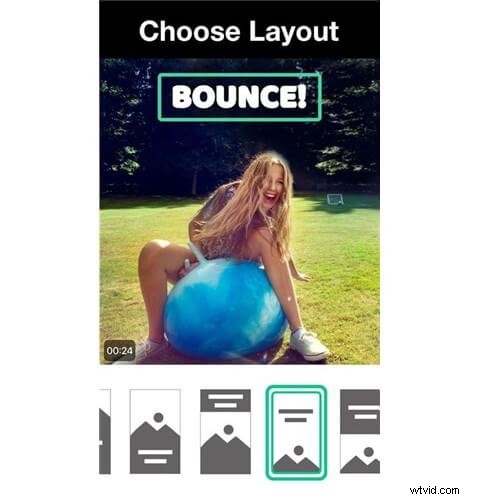
Magisto Video Editor
Suitable for: Professionals
Key Features
- Well-Optimized
Magisto Video Editor is a well-optimized picture slideshow maker for Android. It comes with many features that you will find helpful.
- Smart Editor
This picture slideshow maker from Vimeo uses AI to help you choose the best graphics and music for all the photos you have chosen.
- Easy Editing
It is great that you can enjoy standard editing features on the same app. If you feel like adding a pinch of fun to your videos, it is easy.
PROS
- Easy steps for video making
- Optimized for social media
- Quick sharing options
CONS
- Magisto watermark
#4 Splice Video Editor
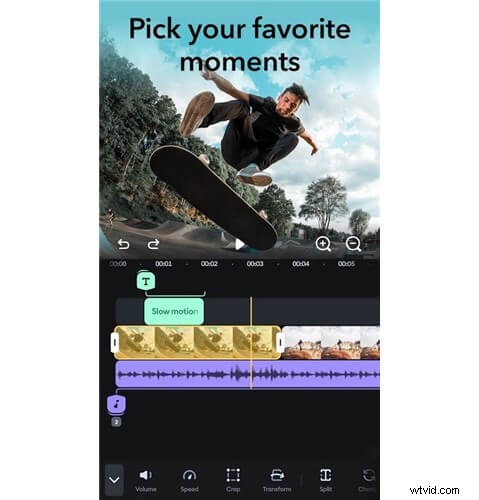
Splice Video Editor
Suitable for: Advanced
Key Features
- Simple Video Editing
Despite being a fully-fledged video editor, Splice is one of the best ways to make picture slideshows. You can add photos and create a slideshow in seconds.
- Merging Functions
You can use the merge/join functions to create a slideshow with photos and videos. There is also a bunch of speed effects.
- Complete Customization
Here we have the option to add a variety of elements on top of the photos and videos. We are talking about text, stickers, images, and more.
PROS
- Advanced editing options
- Easy-to-use UI
- No watermark
CONS
- A limited library
#5 FilmoraGo
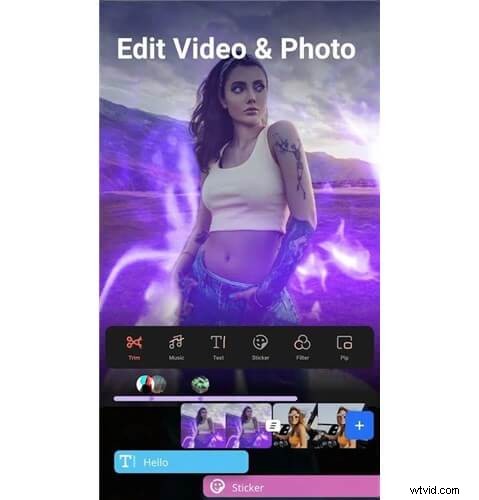
FilmoraGo
Suitable for: Professionals
Key Features
- A Full Editor
FilmoraGo is a comprehensive video maker that you can rely on for picture slideshows. At the same time, it does not require much expertise.
- Instant Sharing
The picture slideshow maker has been optimized for social media and sharing. You can upload your videos to popular platforms with a single click.
- Amazing Music Options
Explore 1000+ music styles while making a video with FilmoraGo. There are also featured tracks that you can use for different scenarios.
PROS
- A great collection of music
- Intuitive controls and UI
- Advanced editing options
CONS
- It does not allow on-device music
#6 FotoSlider SlideShow Maker
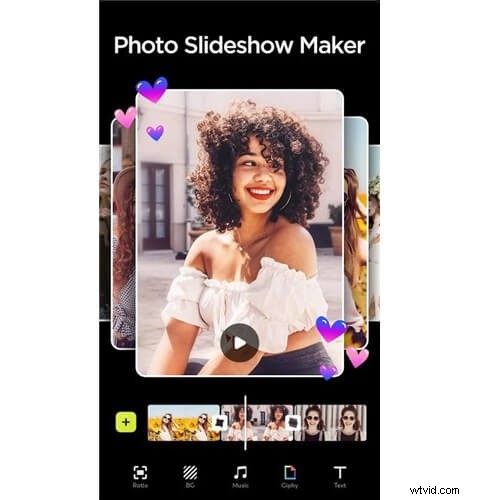
FotoSlider SlideShow Maker
Suitable for: Beginners
Key Features
- Great for Beginners
FotoSlider SlideShow maker is one of the most straightforward slideshow maker apps for Android. It offers a lot of options for beginners who are unfamiliar with the intricacies of video editing.
- Well-Curated Library
The library of transitions and free music within the app is impressive. You can also explore the various styles of animation.
- Versatile Videos
You can count on the picture slideshow app for multiple needs. You can create videos in different forms and upload them directly to Facebook, WhatsApp, TikTok, etc.
PROS
- Supports different aspect ratios
- Free music collection
- Easy sharing options
CONS
- Low-resolution videos only
Over to You
As you can see, you can find dedicated picture slideshow apps and fully-fledged editors on this list. The best part is that all apps help you get the job done. In the end, you can count on these photo transition apps when you need a high-quality picture slideshow video for your personal or professional needs.