
Photoshop is the must-have photo editing software for designers, while it may be not a great choice for beginners or someone who is on a tight budget. In this case, we give you a list of 8 best Photoshop alternatives. Check it out!
Many people like retouching photos and posting them to photo-sharing platforms like Instagram, Facebook, etc. Read here, you may wonder is there any handy photo editing software except for Photoshop. Of course, there are lots of Photoshop alternatives available on the market. This posts picks out 8 best Photoshop alternatives, have a look! If you want to post photo slideshow on Facebook, try MiniTool software - MiniTool MovieMaker.
#1. GIMP
GIMP is the best alternative to Photoshop, which has similar functions to Photoshop. It provides a set of sophisticated tools for image editing, retouching and manipulation. It supports editing BMP, JPEG, PNG, GIF, TIFF, HEIF, etc. As a free and open-source graphic design tool, GIMP works with all operating systems including Windows, macOS and Linux.
Related article: How to Increase Resolution of Image + 5 Online Photo Enhancers.
#2. Paint.Net
Supporting multiple languages, Paint.Net is free to use and only works with Windows.
It comes with a variety of powerful editing tools and this Photoshop alternative’s intuitive and simple interface makes it easy to navigate and operate. What’s more, the image processing speed is amazing due to its power-conscious Atom CPU.
Except that, the best Photoshop alternative offers some special effects like blurring, distortion, 3D Rotate/Zoom, etc.
#3. Photoshop Express
Speaking of best free Photoshop alternatives, Photoshop Express is definitely on the list. It is designed for image editing and collage making. It allows you to perform some useful image editing functions including do color correction, remove unwanted parts and add text. Also, dynamic effects are provided here.
Besides, this software supports Windows, Android and iOS.
#4. Acorn 6
Acorn 6 is another best alternative to Photoshop. Featuring image editing tools, non-destructive filters, photo effects, vector tools and circle text tool, it has everything you need. Sadly, it only supports macOS.
#5. Pixlr
If you are looking for best online Photoshop alternatives, Pixlr is worth a try. This online image editor has a similar interface to Photoshop and equips with both basic and advanced editing tools. Here you can easily retouch photos, make image transparent, add background to image, add text to photo and so on.
#6. PicMonkey
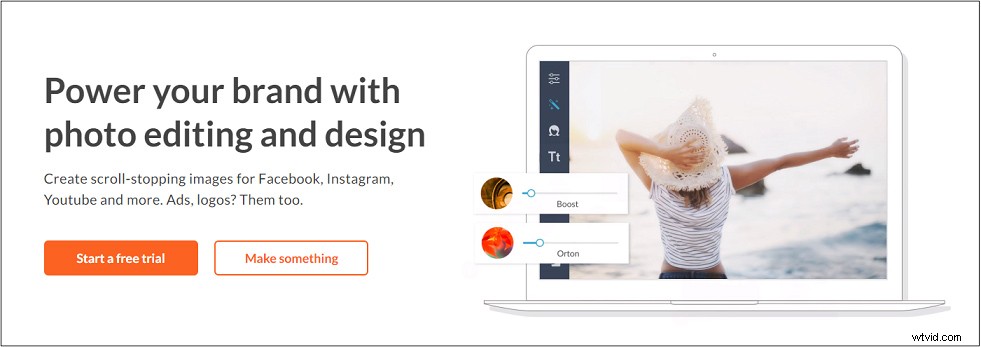
When it comes to online image editing tools, PicMonkey is a great choice. Offering numerous templates, you can quickly create a beautiful image online. For touching up portraits, this best Photoshop alternative surely meet your needs.
In addition, this online image editing tool offers a mobile app for both Android and iOS.
#7. Photopea
Photopea can be regarded as a web-based Photoshop, which has a lot of similarities with Photoshop. This is the best alternative to Photoshop supporting PSD, JPEG, PNG, GIF, SVG, PDF and other image formats.
Like Photoshop, it can work with smart objects, layers, masks and so on.
#8. BeFunky
BeFuncky is a web-based graphic design tool that comes with collage maker, background remover, photo cropper and many more. With it, photo retouching is not a problem.
Conclusion
This post offers you 8 best Photoshop alternatives, which is your favorite? Tell us in the comments section.