
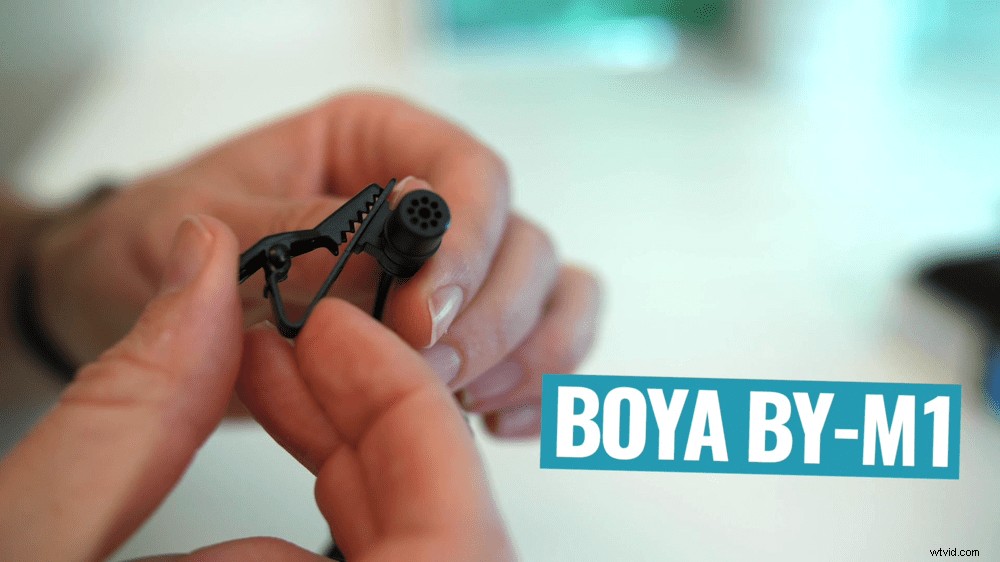
This is the best budget microphone on the market right now! It’s a clip on microphone with awesome audio quality that rivals some of the much more expensive options.
Whether you’re looking for the best microphone for YouTube videos, live streaming, an interview, a podcast or any type of video creation – this cheap lapel microphone is a solid choice!
So, which microphone is it? The Boya By-M1. It’s seriously awesome.
In this article, I’ll share what makes this the best cheap microphone and explain the reasons I still use it for various content.
Here’s exactly what I’ll cover:
- Top Boya BY-M1 Features
- The Downsides
- Why I Still Use This $15 Mic
Let’s get started.
Top Boya BY-M1 Features
This mic has a ton of great features.
Connectivity
It supports both TRS and TRRS connections. This means you can use it on iPhone, Android, computer, DSLR or pretty much any other camera/device with a 3.5mm input.
If you’re using it with a newer phone that doesn’t have a headphone jack, you will need a USB-C or lightning adapter. Alternatively, you can go with one of the other versions of this Boya microphone depending on your specific needs.
Here are the different versions of the microphone:
- Boya BY-M1: The original version with a single microphone
- Boya BY-M1DM: The dual microphone option with two dual lapel mics (great for interviews)
- Boya BY-M2: Smartphone version with a lightning connection
- Boya BY-M3: Smartphone version with a USB-C connection
It’s awesome that you’ve got so many different options depending on the type of videos you’re creating and the gear you currently have.
Crazy Long Cable
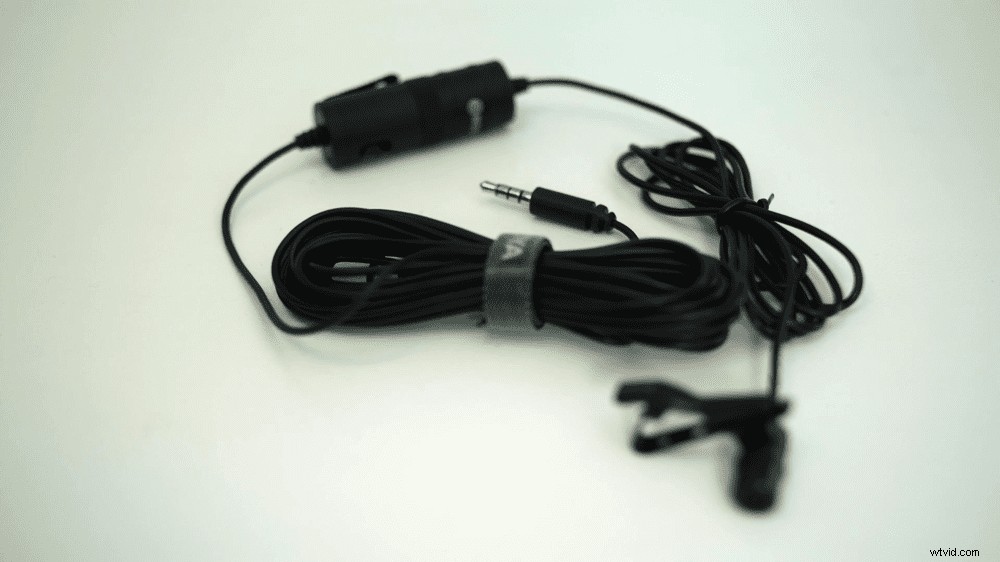
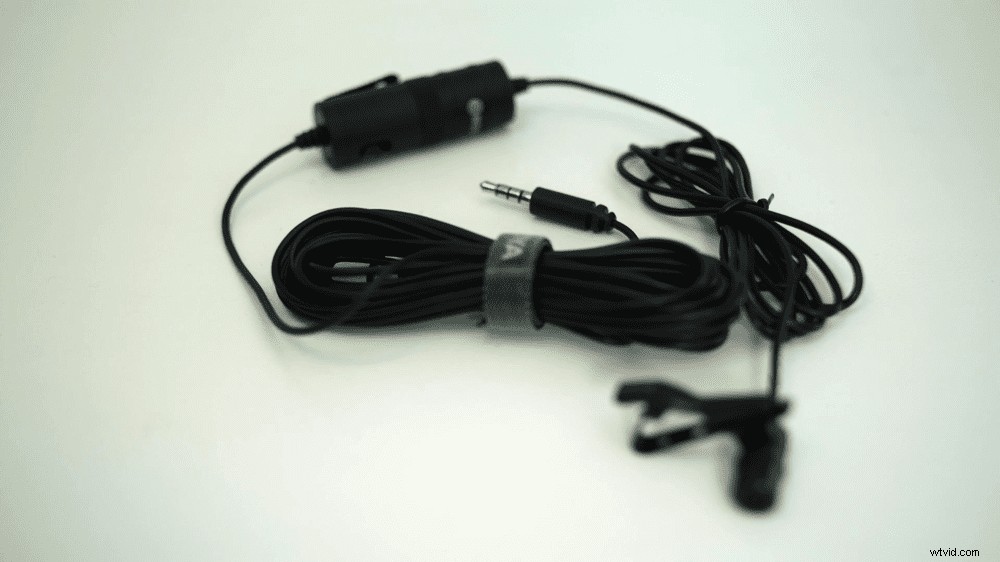
It has an insanely long cable that’s six meters (nearly 20 foot) long! This is something I thought would get in the way a bit since I don’t need a cable that long (in most of the videos I create, I’m pretty much arm’s length away from the camera!).
But it’s as simple as tying the cable up and sticking it in your pocket – then it won’t bother you.
As an added bonus, you have flexibility if you ever are filming videos where you need that extra length. Especially since a lot of microphones out there have a cable that’s far too short!
So all up, I’m a fan of the super long cable.
Battery
If you’re using the microphone with a smartphone or anything with a TRRS connection (which a lot of computers have), don’t worry – you won’t need a battery at all!
But if you’re connecting it to a camera or anything with a TRS connection, it does require a battery.
All you need is a LR44 battery to power the microphone. These are super cheap.
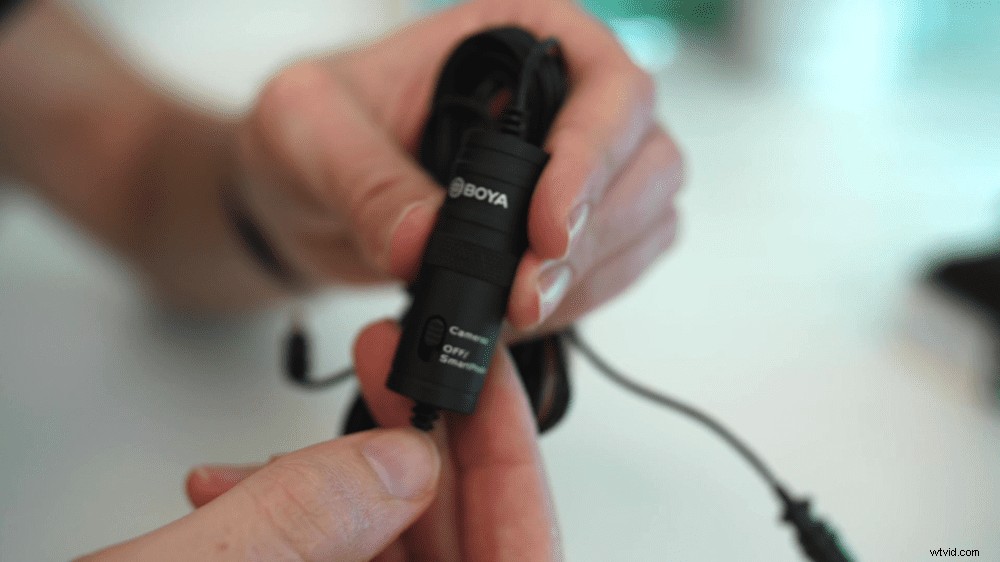
Just remember to turn the switch on the microphone to Camera or Off/Smartphone, depending on which device you’re using.
Battery Life
I’ve read online that the battery lasts anywhere from 400 to 800 hours.
In my personal experience, I’ve left the microphone on accidentally before and when I’ve come back to use it, it’s gone flat. So this is something to be aware of.
But when I have remembered to turn it off, the battery does last a long time!
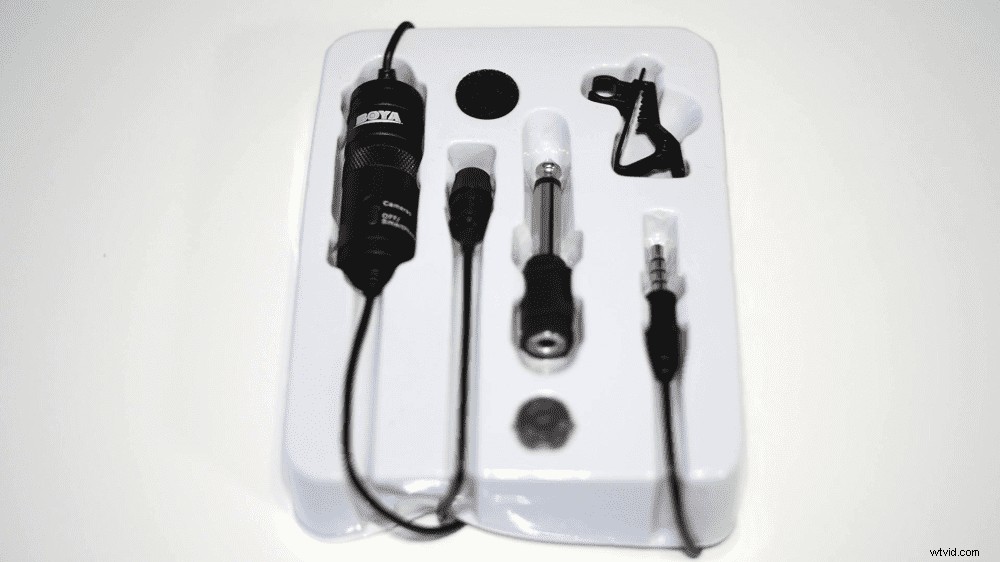
What’s in the box?
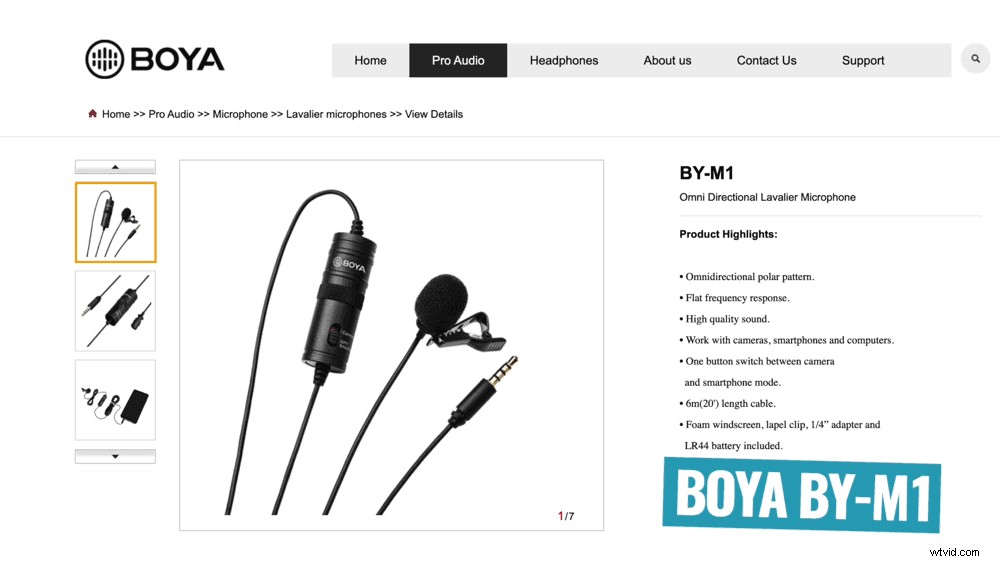
- The microphone
- Microphone clip
- ¼ inch TRS to 3.5mm adapter
- Battery
- Carry pouch
The Downsides
Neither of these are deal breakers, but it would be great if the microphone had these features!
A Battery Indicator
Probably the biggest downside to this microphone is that there’s no battery level indicator. You never know how much battery life you have left.
Since the batteries are so cheap, I recommend stocking up. Then you can always carry some spares with you and simply swap them out every now and then when filming.
A Volume Control Knob
Having the ability to turn the microphone volume up and down would be another great addition.
This hasn’t been an issue for most of the cameras I’ve plugged the microphone into. Usually the volume level has been great and I haven’t had to make many adjustments.
But the stock camera apps on iOS and Android don’t have volume control. And I’ve found that on a couple of different Android devices, the audio can come in too loud.
Again, this isn’t a deal breaker but just something you should be aware of.
Why I Still Use This $15 Microphone
I’m a massive fan of this microphone.
It’s so easy to bunch it up, put it in your backpack and carry it with you wherever you go. It means you’re always ready to create content on-the-go, whether it’s an Instagram Live, YouTube Stories or even a vlog.
And that’s exactly what I use it for these days: on-the-go content!
I also used it to film a LOT of the YouTube videos on our channel early on. It’s all I needed to get started out on YouTube and it’s all you need as well.
Is it the highest quality microphone out there? Of course not! But is it the best complete package of bang for buck and solid audio quality? I think so.
If you want to see how this microphone stacks up against more expensive options and also my recommendations for best mics for YouTube videos, check out this article.