
As many of us around the world are continuing self-isolation, and social distancing (whoever thought that would be a thing?), we thought we’d make it a bit more fun and creative (as well as keeping our photography skills sharp). So, we are giving you (and us) an “At-Home, 7-Day Photography Challenge.”
This is now week four of the challenge (see week one here, week two here, and week three here. You can still do those challenges, as there are no deadlines on any of these).
This week we are going to focus entirely on post-processing your images and fun techniques you can try.
As always, it would be fabulous to see your results, so please share them with us in the comments section. That way, we can connect and share, and keep ourselves occupied with something positive and creative!
At-Home, 7-Day Photography Challenge – Week Four
Day 1
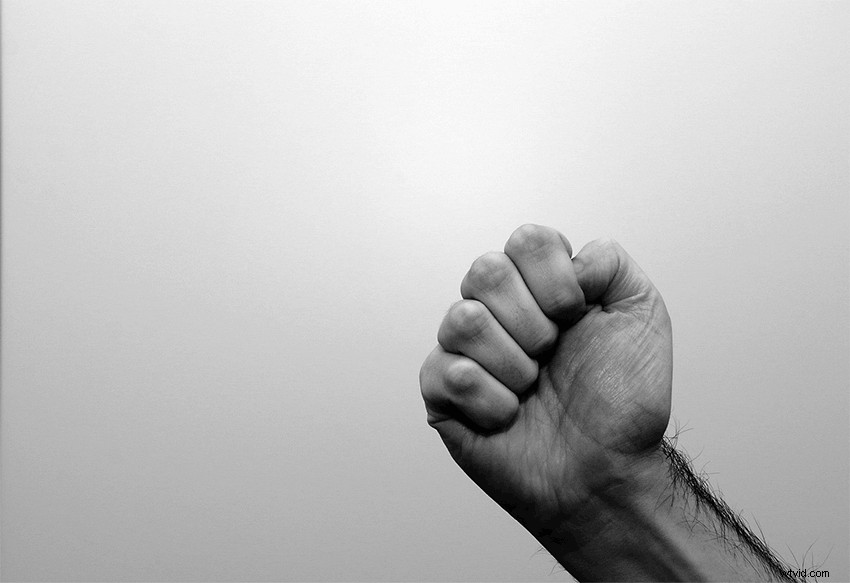
This is a fun challenge. Take a series of photos of anything and turn them into an animated GIF in Photoshop! You can also add text or make it into an animated meme. You can then use them for social media if you like! How to Make an Animated GIF in Photoshop
Day 2
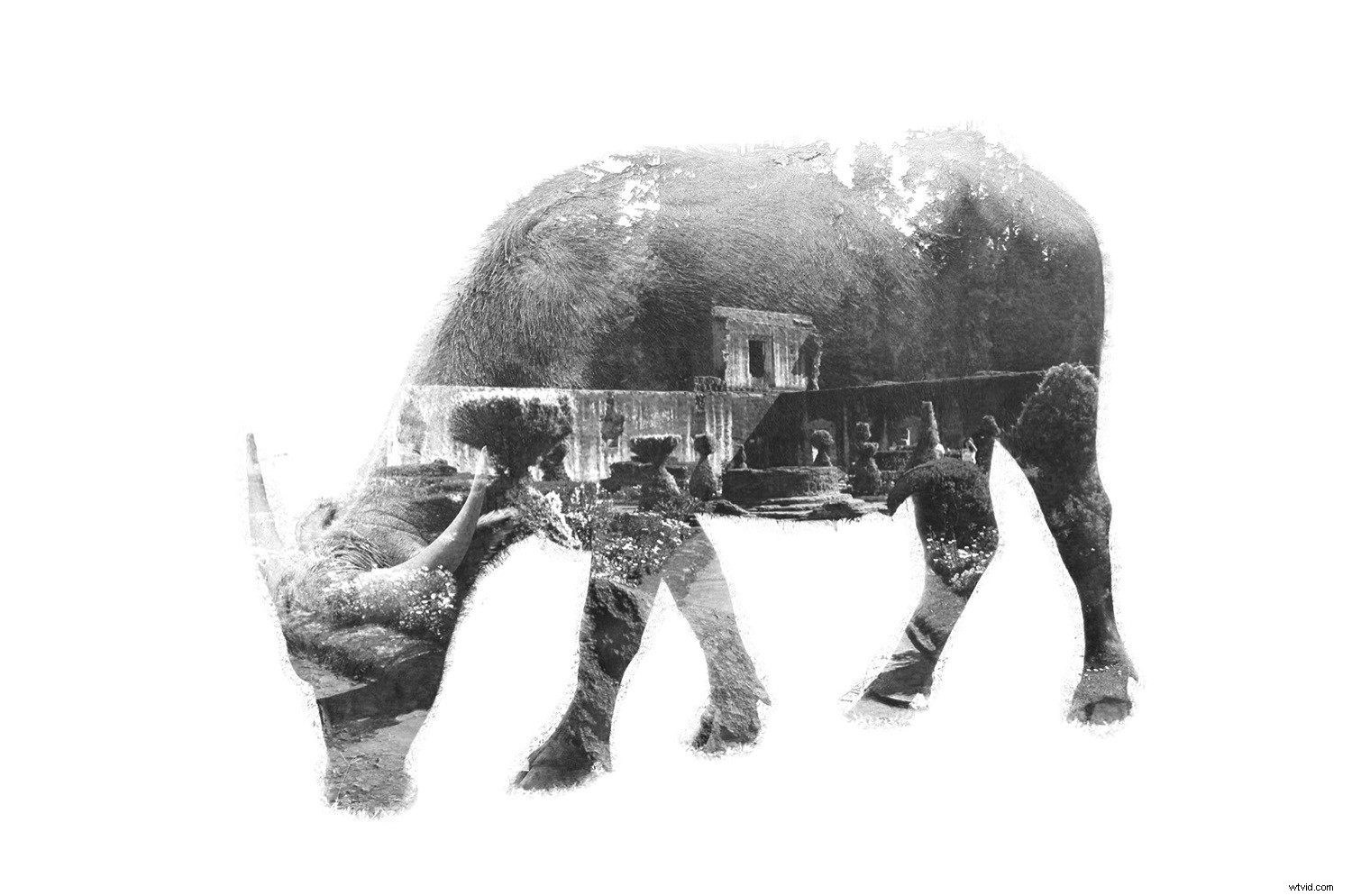
This one shows you have to make a multi-exposure image in photoshop. How to Create a Multiple Exposure Effect in Photoshop
Day 3
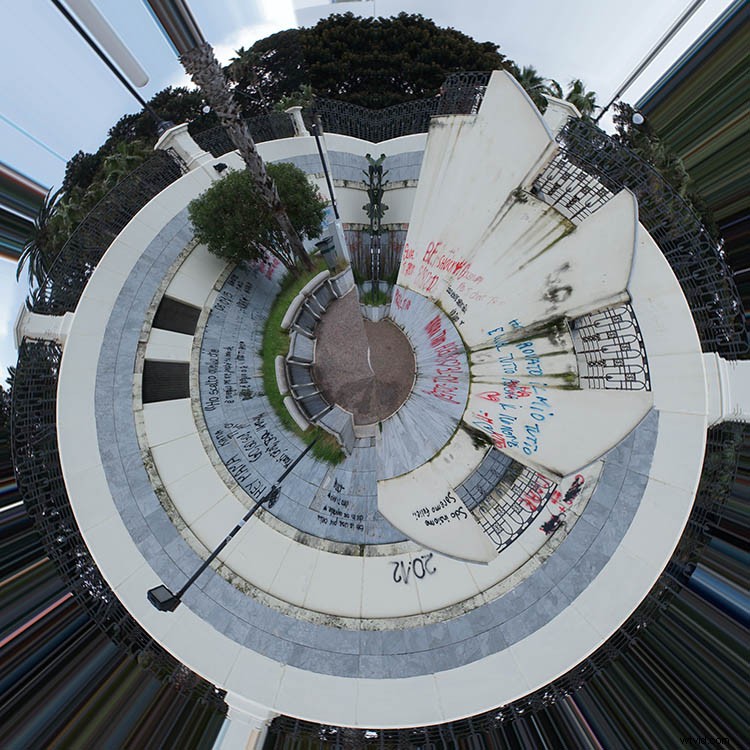
Another fun one – create a tiny planet in Photoshop! How to Make a Little Planet Quickly and Easily in Photoshop
Day 4
Split toning can give your image some interesting effects. So, jump into your archives and see what you can do to enhance some of those images with split toning in Photoshop. How to Rescue an Image in Lightroom With Split Toning
Day 5
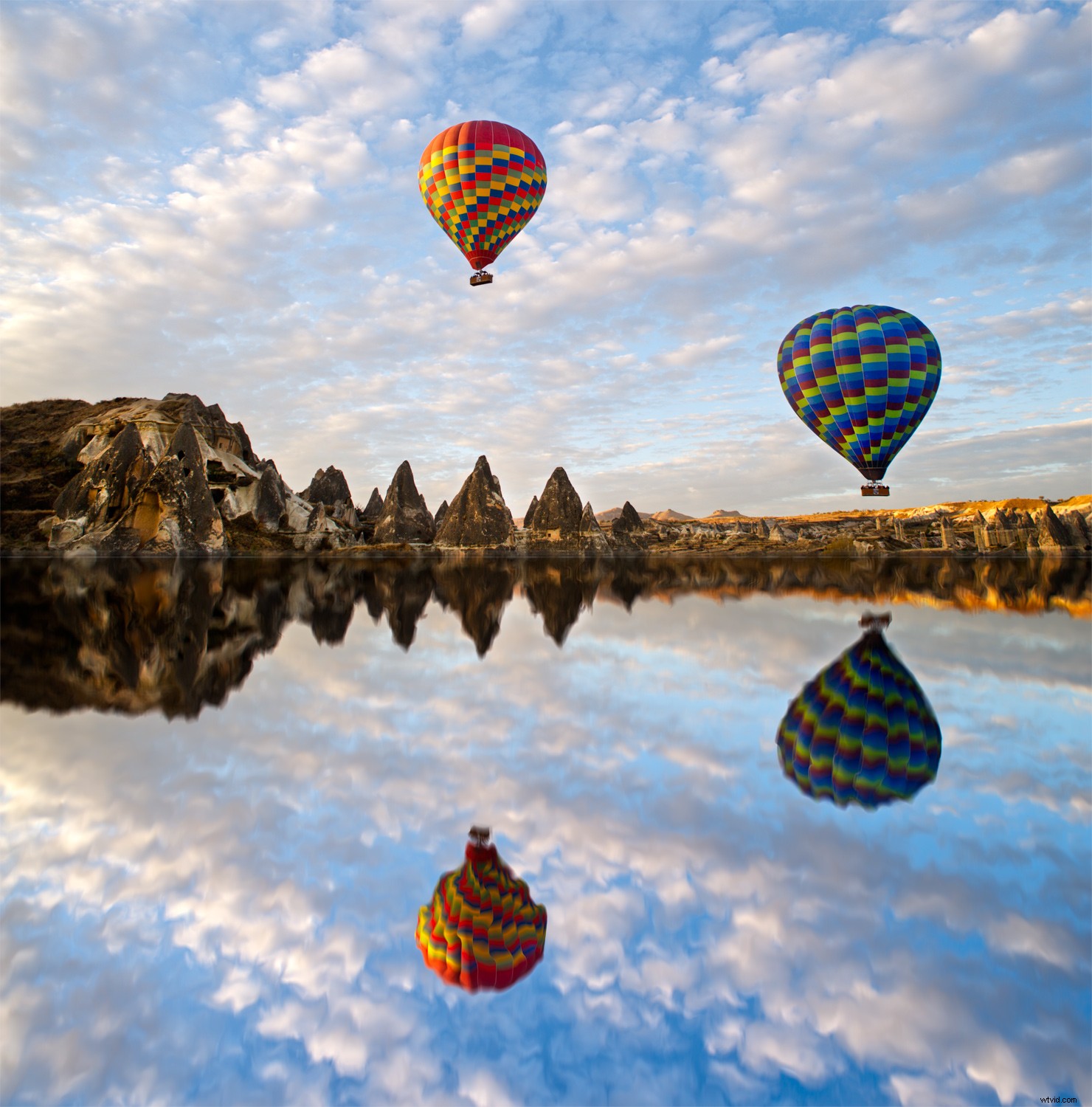
This one is all about creating reflections in your images. Make it look like a landscape has a water reflection! See what you can come up with. Create Awesome Reflections in Photoshop with Ease (Step-by-Step Guide)
Day 6
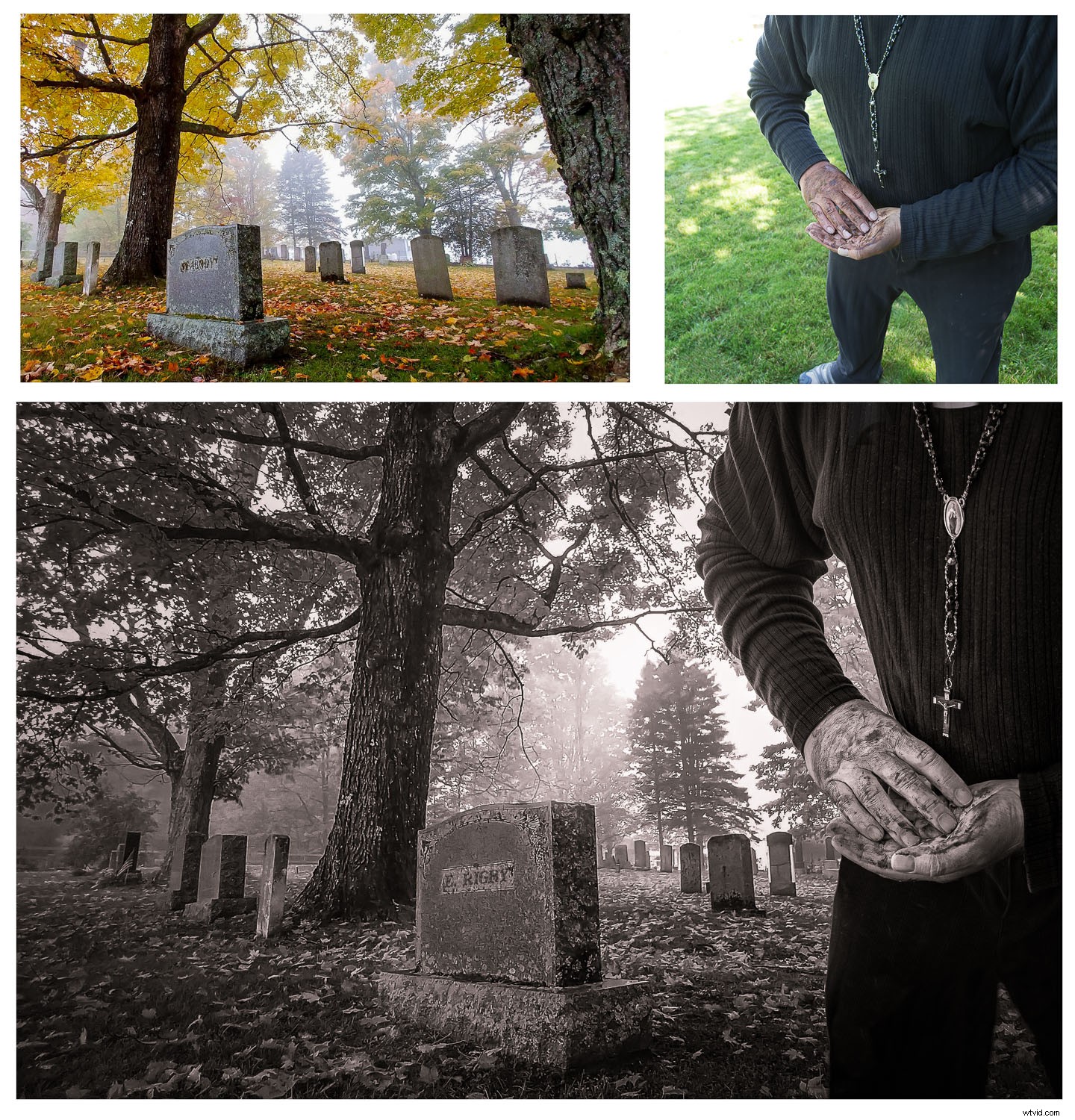
This one is for creating photo composites. Take bits and pieces of various images and turn them into a new image! Fake it to Make it – Creating Convincing Photo Composites
Day 7
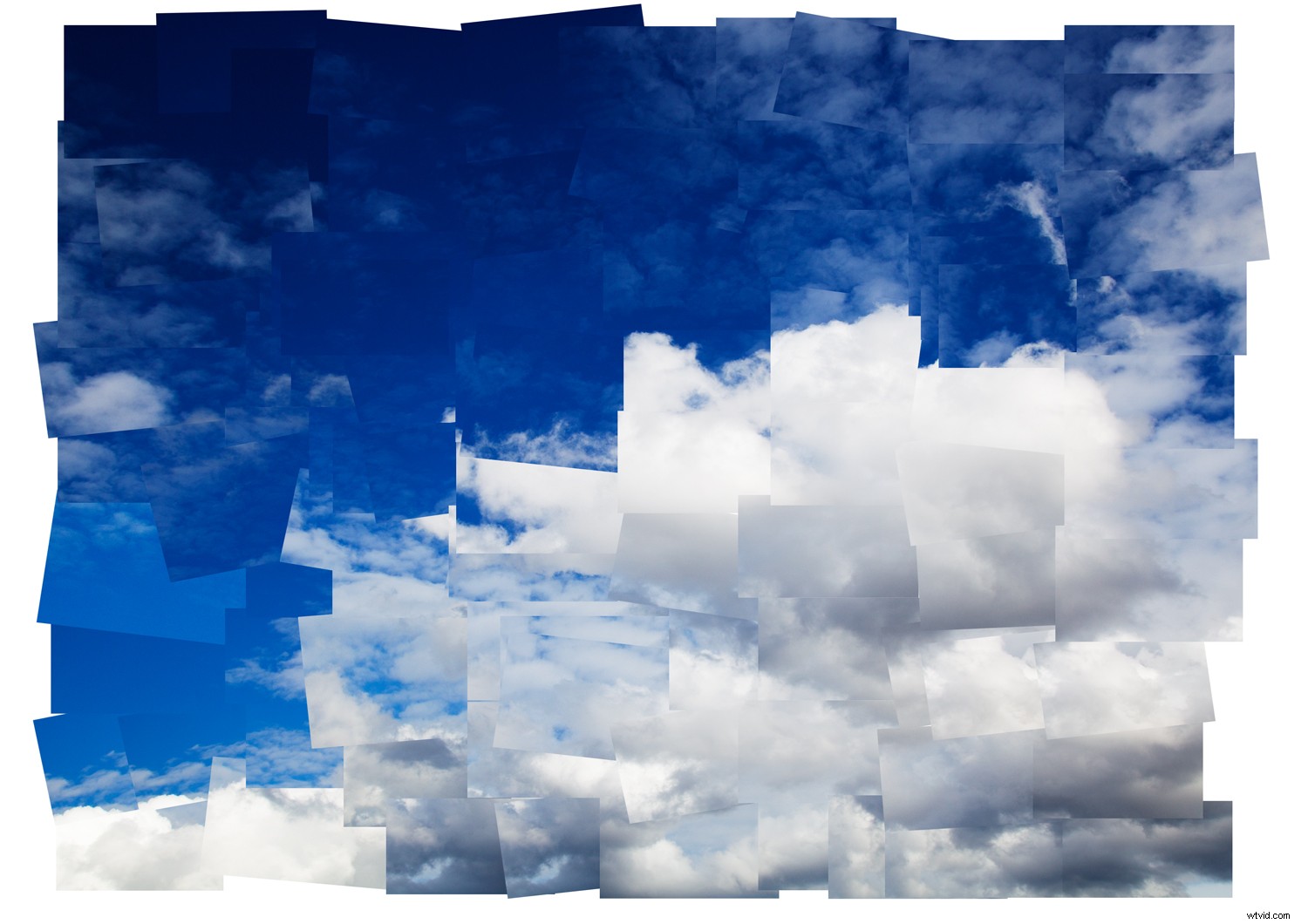
Create a cool photomontage with this great technique! How to Make a Cool David Hockney-Inspired Photomontage in Photoshop
I’m looking forward to seeing your results. Don’t forget to share them with us in the comments!