Your camera is capable of capturing intense, true color that is almost everywhere you look. So how hard could it be? Answer: It is actually quite easy to capture color. However, you need to practice a little more awareness when it comes to creating images with that extra “oomph.” Here are a few tips to help you capture vibrant colors in photography.
1. Keep it simple/details
As with other types of photography, simplicity is an art on its own. While details can be essential too, sometimes scaling back on the amount of details is required. Thus, when working with vibrant colors in photography, your story may have more impact when you include only the key elements as opposed to having too much going on.

You can achieve simplicity in different ways. The first is by minimizing the number of colors in the frame. Yes, there are instances when many colors work well together in an image, but at other times it gets confusing. You need to direct your viewer’s eyes. Another way to keep it simple is to avoid too many details in your composition. It has the same effect as too many colors. When working with vibrant colors, simple works better.
2. Experiment with color combinations
Starting small is usually better with bolder colors. You can focus on one main color and build from there. When you start adding other colors in, determine if they work well together. Fortunately, you do not have to reinvent the color wheel and have tried-and-true color harmonies to use to your advantage.

Color harmony is a combination that is visually appealing to the eyes. Some of the options include complementary colors (those directly opposite each other on the wheel) and analogous color (those next to each other).
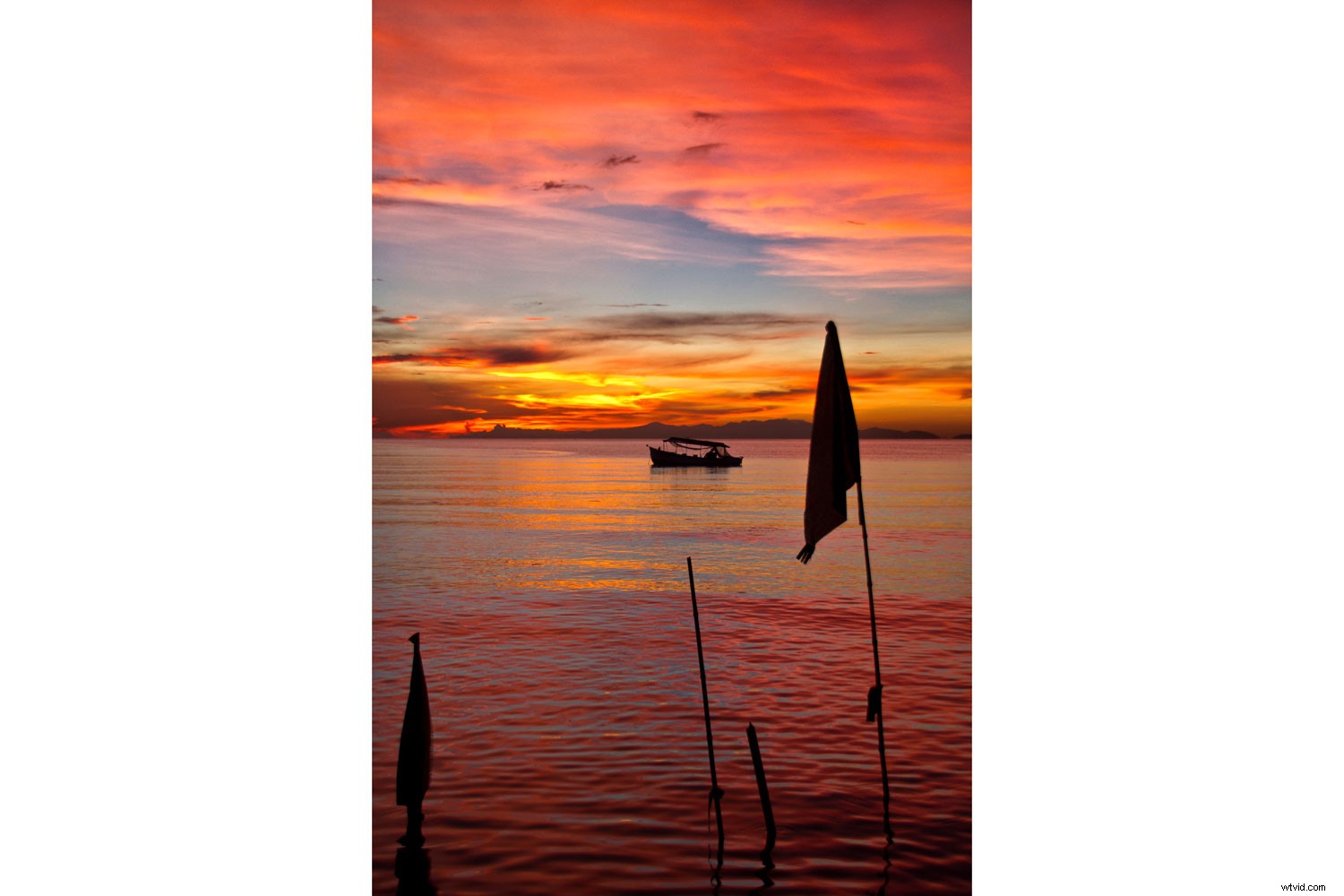
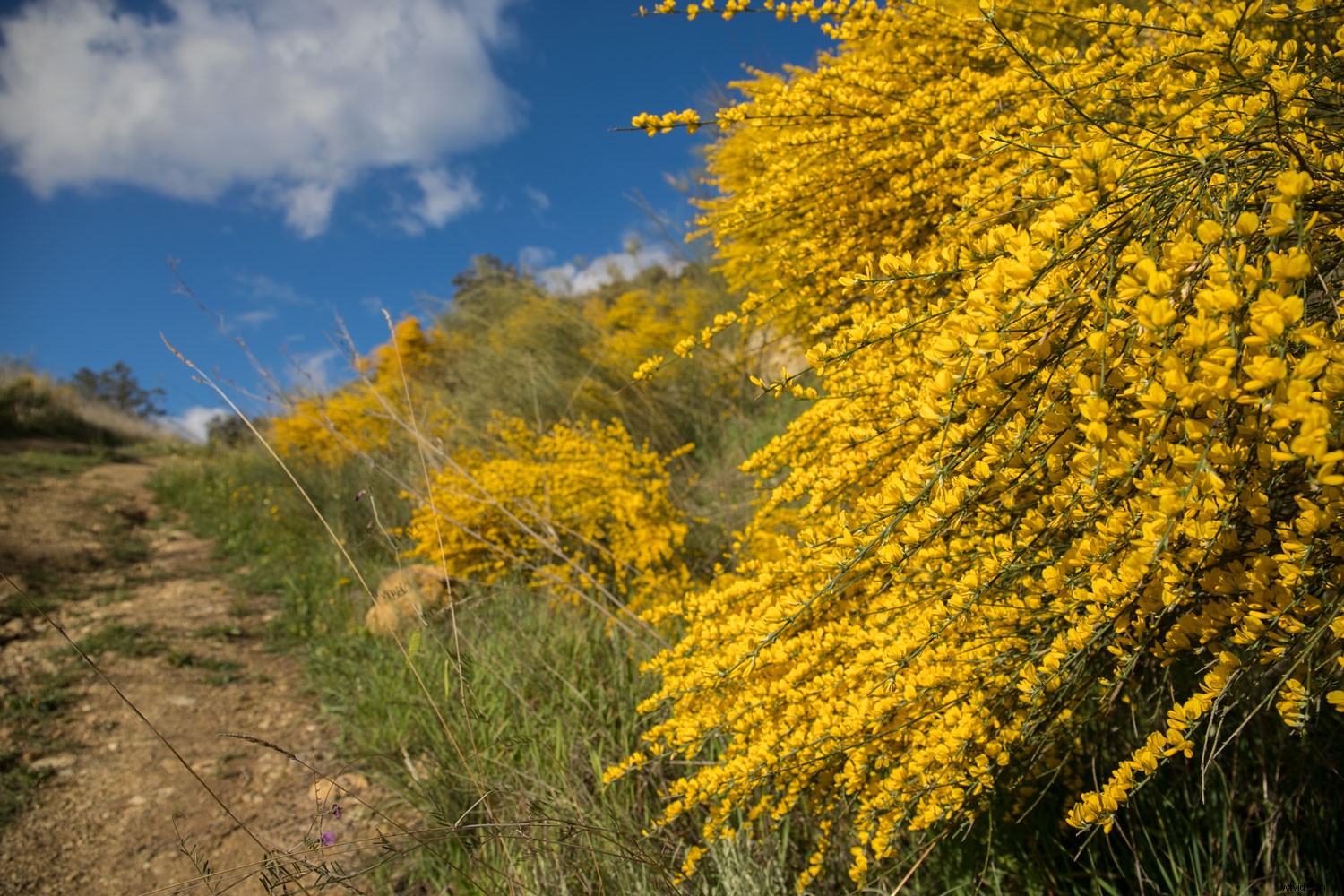
Both of these harmonies exist in the natural world. A sunset of oranges and blues is an example of complementary colors. Whereas a green tree against the midday blue sky is more along the lines of analogous color. When you are working with color combinations, spend the time to make the final image pleasing to the eyes.
3. Make colors stand out/playoff
Your scene may be full of color, vibrant and busy. If this is what you want to portray, then all is well. On the other hand, what if there is a subject in that chaos that you want to isolate? You can use color to make that happen. To do so, one of your options is to desaturate/tone down the colors that are not contributing to your subject’s story.

Another is putting a bright color against a dull one to help it to stand out more. Also, adjusting the hue and lightness of the colors next to your main color can help it pop.
Here are a few easy ways for you to help your colors play off each other:
White Balance
Pay attention to your use of white balance when working with bold and strong colors. Your camera has several white balance options to deal with different lighting situations (Shade, Cloudy, Fluorescent, etc.). Each of these affects the overall color of your image. They either move your color to the warmer side (by adding yellow) or to the cooler side (by adding blue). Thus, white balance can enhance your colors or change the hue altogether.
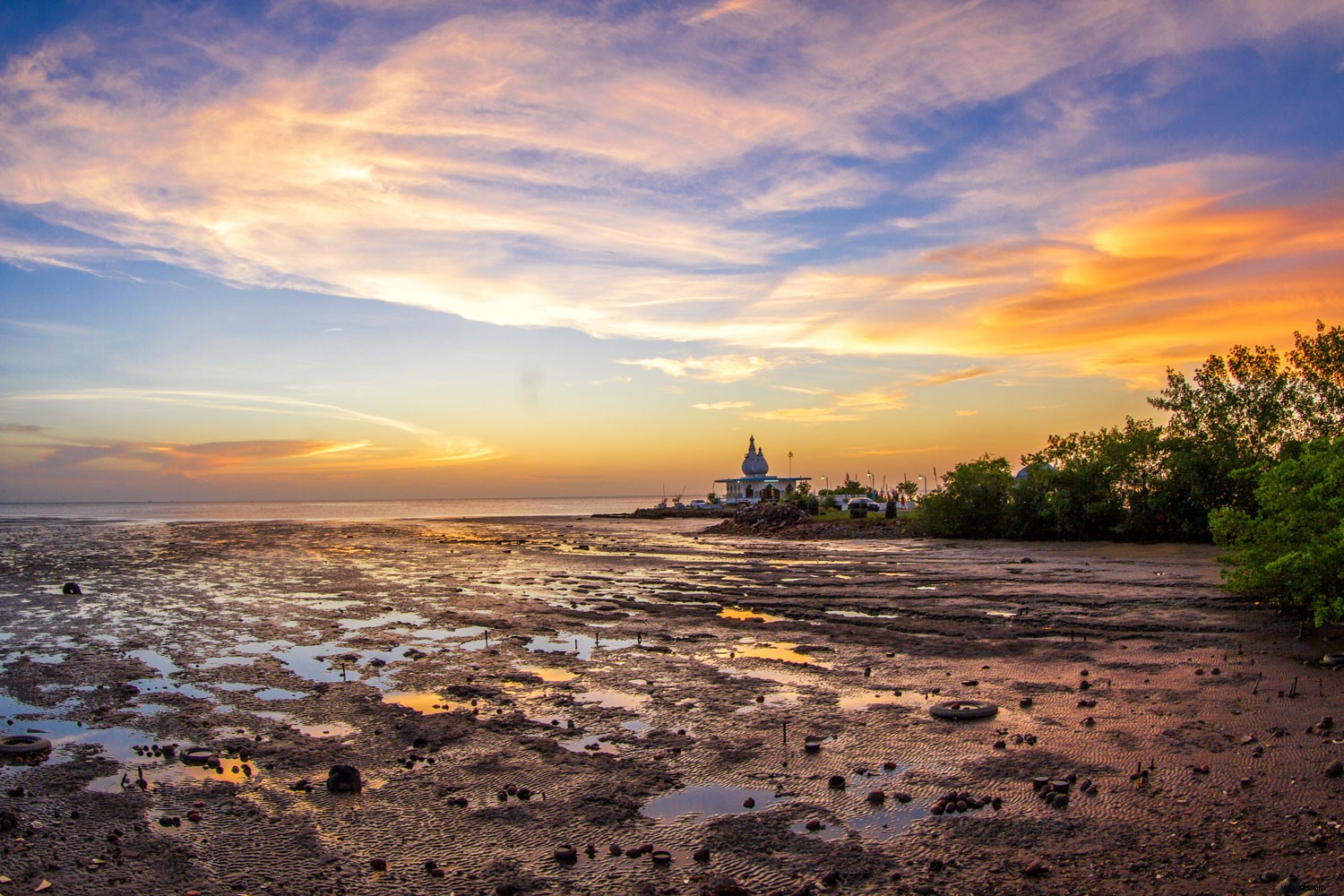
Note: If you do not want your colors to end up looking too blue or yellow, you have the option of manually adjusting your white balance color temperature.
Saturation
By default, Saturation is used to enhance the color intensity of every color in an image. However, you can use editing software and use Saturation selectively. When trying to make colors play off each other, you can increase the intensity of one color while desaturating other colors in the scene.
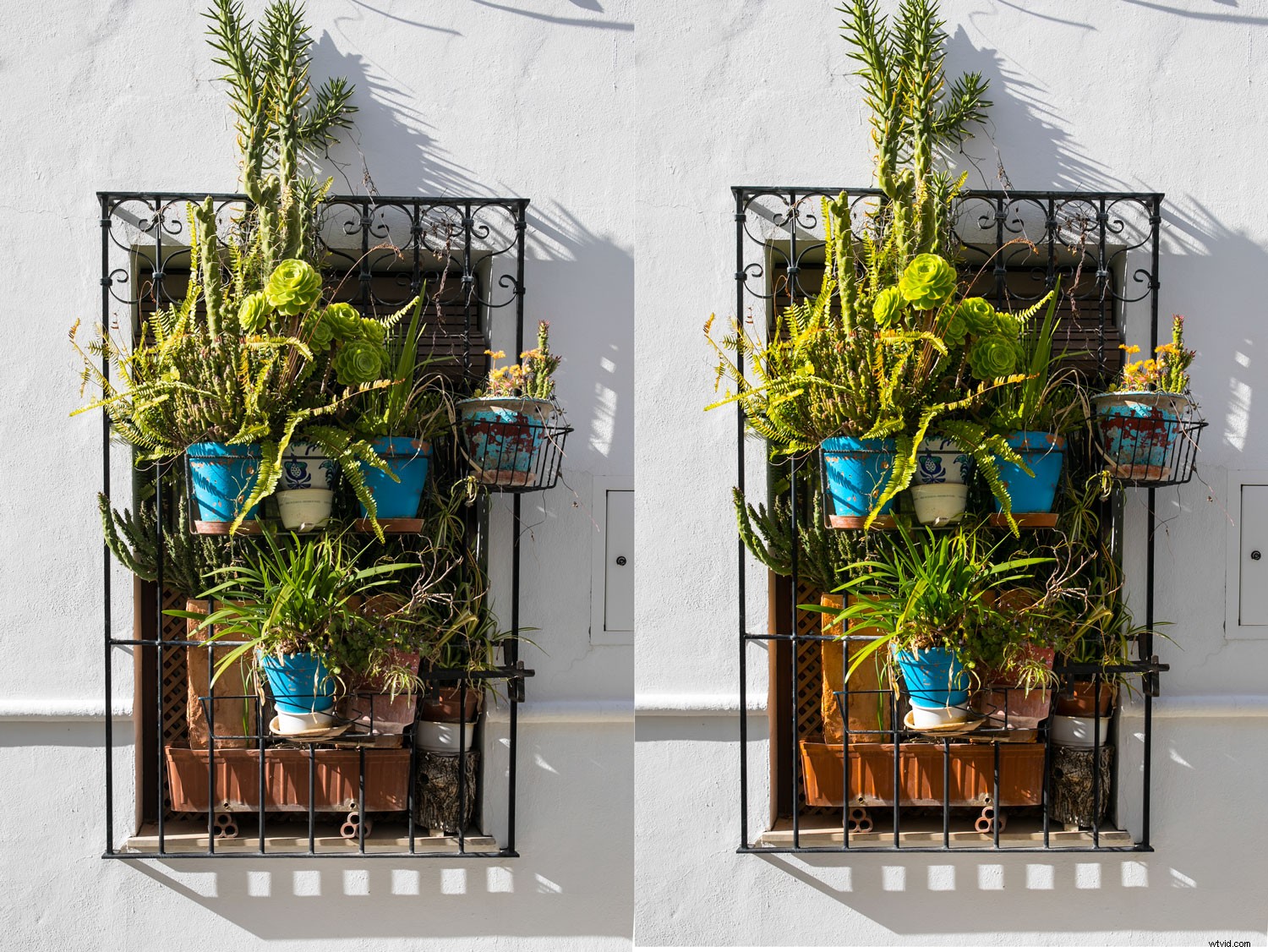
Vibrance vs Saturation (the same level applied)
Vibrancy
When you change the Vibrance in an image, it is a little more specific than Saturation. Vibrance only adjusts the intensity of the duller colors in your image. When playing off colors, this tool can be very effective.
Conclusion
When working with vibrant colors, be aware of your palette. Keep your compositions simple by minimizing the number of colors and details in your image. Work with the color wheel and learn about the various harmonies that exist. When you pay attention to all the colors in your image, you get a better sense of how they work together. You also understand the way each color affects and plays off the other. Most of all, have fun experimenting while you learn about color!
Do you have other tips for using vibrant colors in photography? Share with us in the comments section!