
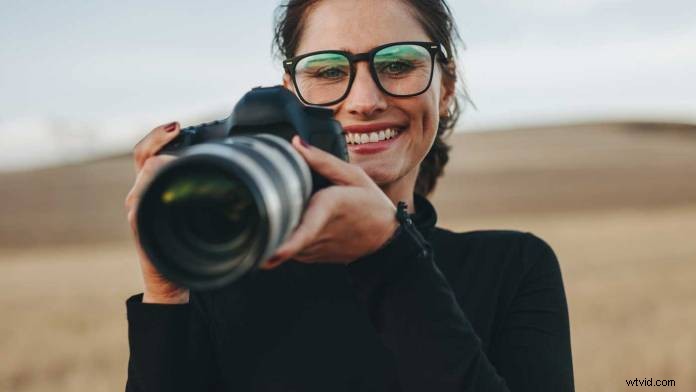
Stand right
The way you stand has a lot to do with the stability of your shots. For best results, spread your feet about shoulder-width apart, and bend your knees a little. This gives you a stable platform and allows your body to act as a shock absorber. Tuck your elbows in toward your chest so that your wrist is straight and use both hands to steady the camcorder.
Stand still
Every move you make will show up as motion on your tape. Be careful not to rock, shifting your weight from foot to foot, and avoid the tendency to walk with your camcorder. With practice, you can learn to walk, even run, with your camcorder using a gliding motion. Until you get that trick down, work on standing still.
Zoom out, get close
Shooting steady at a telephoto lens setting is incredibly difficult, even for professionals. Alternately, shooting steady at a wide-angle setting is very easy. The trick is to use the physics of your lens to your advantage. Instead of zooming in to frame a shot from some distance away, use a wide-angle setting and move the camcorder closer to your subject. Try it. You’ll be amazed at the difference.
Lean on something
Look for things to brace yourself against. You can lean back against a wall, a tree or a telephone pole. You can lean forward, resting your elbows on a fence, a mailbox or a parked car.
Just because you don’t have a tripod doesn’t mean you can’t enjoy the benefits of shooting from a stable platform. Why not put your camcorder on the ground to shoot up at a subject? Try setting your camcorder on a picnic table, a park bench or a step. There are things to lean on all around you once you start to look for them.
Use image stabilization
Most current camcorders include an Optical or Electronic Image Stabilization feature. Many shooters mistakenly believe that flicking the image stabilizer on will save their poorly shot handheld footage. Don’t believe it. Image stabilization will cover up a lot of camera movements, but cannot correct big shakes. While OIS/EIS is not a miracle solution, it will surely help when used in conjunction with other handheld techniques. So go ahead, flip the switch, but make sure to follow these other tips as well.