
Halloween is the perfect moment to showcase your creativity with themed videos, whether you’re looking to scare, entertain, or simply capture the holiday spirit. This guide walks you through every step—from choosing the right video style to polishing the final cut with an intuitive online editor.
Types of Halloween‑Themed Videos
Every October 31st, cities buzz with vampires, werewolves, witches, and more. This energy translates into content that resonates with audiences. Below are the most popular formats that consistently attract viewers:
- DIY Tutorials – Step‑by‑step guides on pumpkin carving, spooky décor, or Halloween makeup that keep audiences engaged and coming back for more.
- Costume Showcases & Contests – Highlight creative outfits, host virtual contests, or feature the best community submissions to spark interaction.
- Haunted House Tours – Take viewers on atmospheric tours, using lighting and sound to immerse them in a chilling experience.
- Storytelling & Urban Legends – Deliver eerie tales with immersive sound design, turning a simple story into a full‑blown suspenseful narrative.
- Short Horror Films or Skits – Produce original sketches that range from playful parodies to genuinely terrifying scenes.
- Time‑Lapse Carving – Condense the pumpkin‑carving process into a fast‑paced, visually compelling video.
- Holiday Vlogs – Document Halloween preparations, parties, or trick‑or‑treat adventures, offering a personal glimpse into the festivities.
- Music Videos – Combine spooky tracks with choreography or themed visuals—think the iconic “Thriller” style for a fun twist.
- Interactive Content – Incorporate quizzes, polls, or voting on costumes to increase engagement and community participation.
Feel free to mix and match these ideas to suit your brand and audience. Advances in technology mean even a smartphone can produce professional‑looking content.
Step‑by‑Step: Crafting a Halloween Pumpkin Video with Clideo
-
Upload Your Media
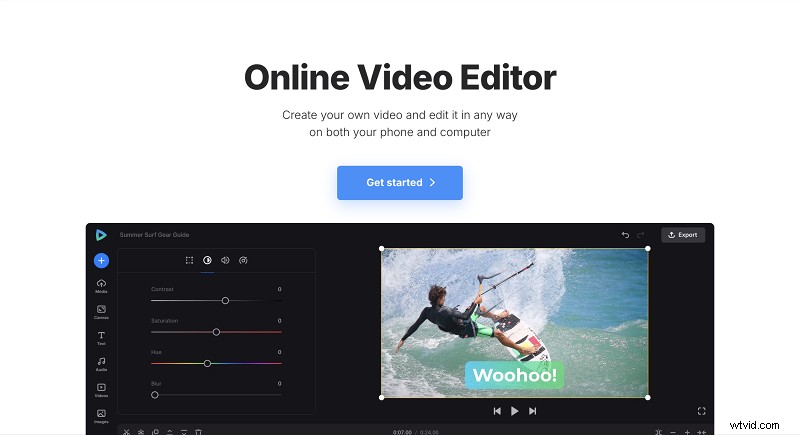
Launch Clideo’s Online Video Editor and click Get started. Upload videos, images, music, or GIFs from your device or cloud services such as Google Drive, Google Photos, or Dropbox. Clideo also offers a free library—search for “Halloween” or “scary” to find themed music and clips.
-
Build Your Video
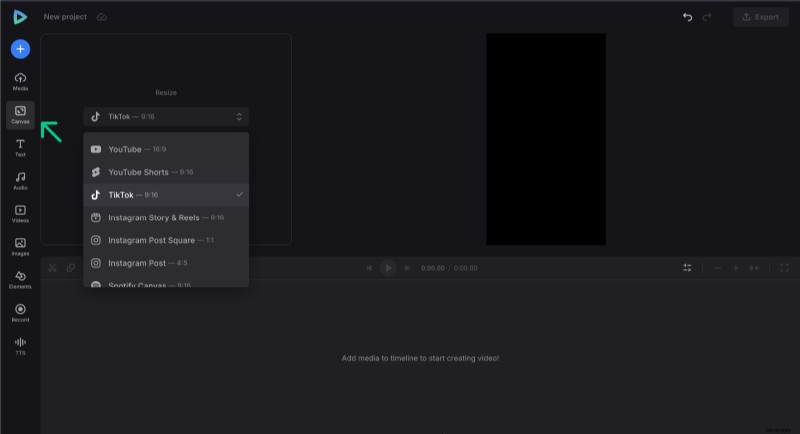
Choose the appropriate aspect ratio for your target platform—YouTube, TikTok, or Instagram Story presets are available. Arrange your clips on the timeline, adjust durations, and fine‑tune each asset’s size, crop, or speed. Add overlays, stickers, or GIFs for extra flair.
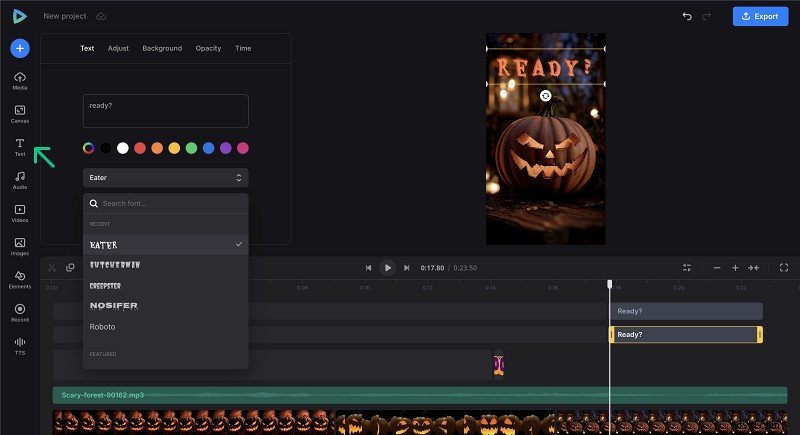
Use the Text tab to insert captions or titles. Halloween‑specific fonts like Creepster, Eater, Butcherman, or Nosifer give your video a spookier look.
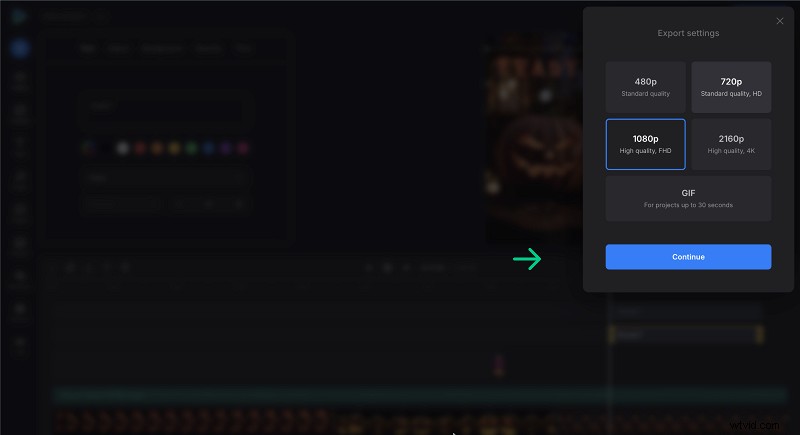
When satisfied, click Export to finalize your project.
-
Download and Share
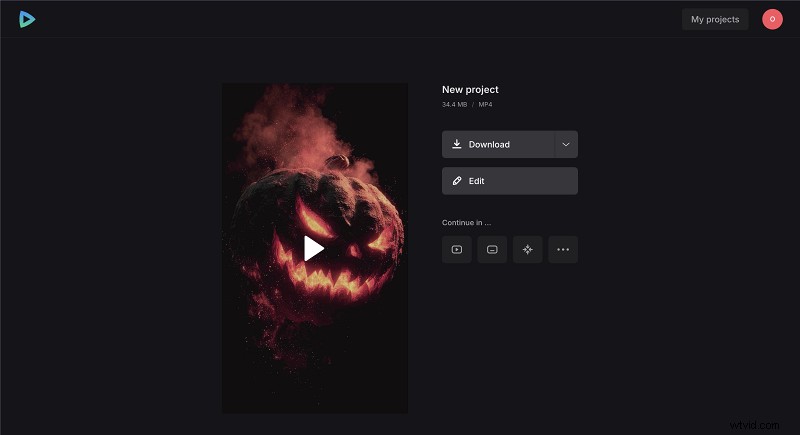
Preview your video to ensure the mood hits the mark. If tweaks are needed, return to the editor; otherwise, download the file to your device or cloud. For more advanced features, consult Clideo’s Help Center.
Frequently Asked Questions
What types of Halloween videos are most popular?
DIY tutorials, costume showcases, haunted house tours, scary storytelling, short horror skits, pumpkin carving time‑lapses, holiday vlogs, and Halloween music videos consistently attract high engagement.
Can I make Halloween videos without professional equipment?
Absolutely. A high‑quality smartphone and free online editors like Clideo are often sufficient; creative concepts matter more than gear.
How can I make my Halloween videos scarier?
Employ dim or colored lighting, eerie sound effects, and suspenseful pacing. Techniques such as jump cuts, slow motion, or even a unique ASMR twist can heighten tension.
Where can I find free Halloween music and video clips?
Most online editors provide built‑in libraries with royalty‑free Halloween tracks, sound effects, stickers, GIFs, and clips that can be used legally.
What is the best way to share Halloween videos?
Match the platform to your audience—YouTube, Instagram, TikTok, or Facebook—and tailor the aspect ratio and length accordingly for optimal reach.
Conclusion
Halloween video creation is an accessible, fun way to celebrate the season while engaging your audience. With the right tools, a dash of imagination, and a clear plan, anyone can produce captivating content that embodies the dark and thrilling spirit of Halloween. Grab your camera, start experimenting, and bring your spooky vision to life today!