
Looking for the perfect video editing software? There’s a video editing application for every skill level and price point. This list is by no means comprehensive, but these are definitely the most popular video editing software options.
Beginner Video Editing Software

You don’t have to master complex video editing software to make a great video. These four applications are all great resources for low-demand projects. It doesn’t matter if you have a lot of editing experience; most of these tools can be learned in only a matter of minutes.
iMovie
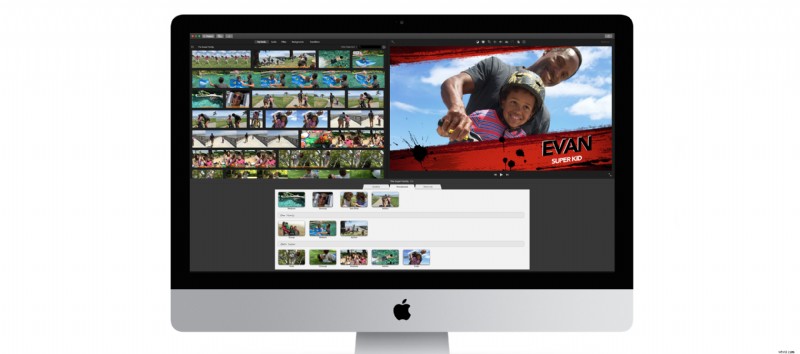
- Pros: easy to use, quick social media exporting, drag-and-drop video templates
- Cons: only available for Mac, limited features, limited format support
- Price: free with new Mac, $14.99 with older operating systems
YouTube Editor
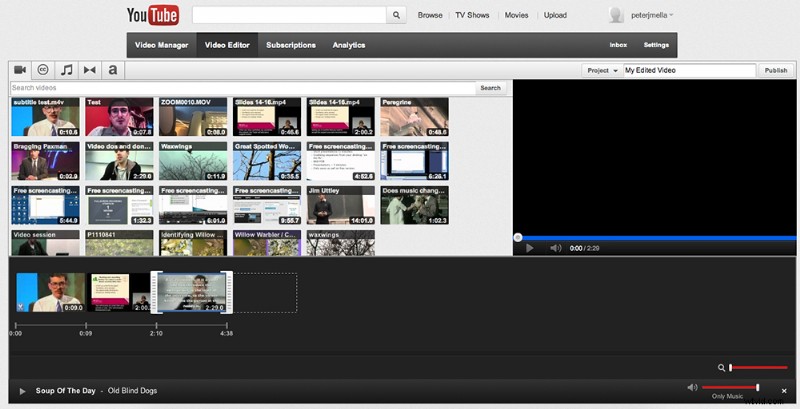
- Pros: simple interface, easy photo slideshow generator, simple transitions
- Cons: very basic customization, internet only
- Price: free
Windows Movie Maker
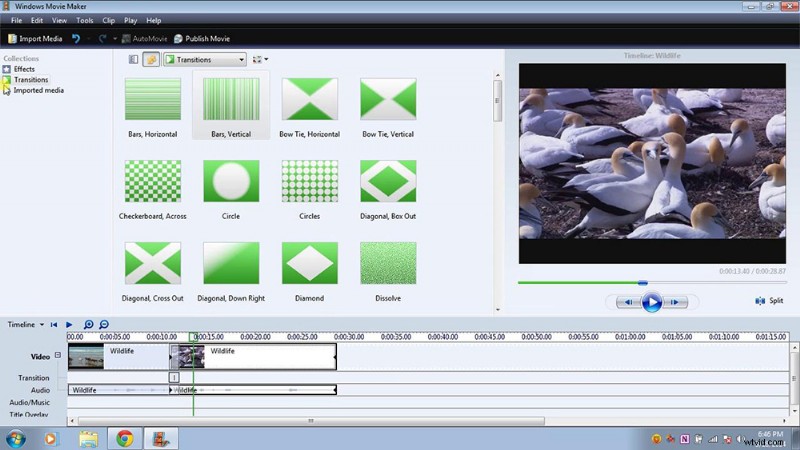
- Pros: easy to use, great for beginners
- Cons: prone to crashing, limited functionality
- Price: free
(Honorable Mention) Shutterstock Sequence
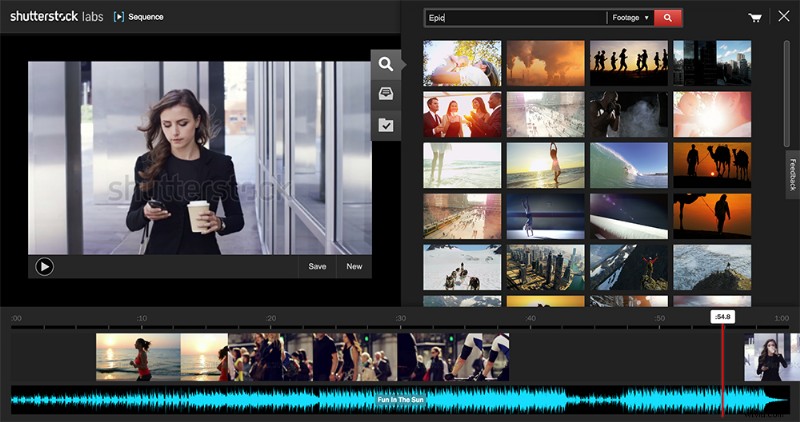
- Pros: easily drag stock footage to your project
- Cons: online only, limited format support, no text support, no transitions, no effects, no audio level support, only single video tracks, no aspect ratio customization
- Price: free
Intermediate Video Editing Software
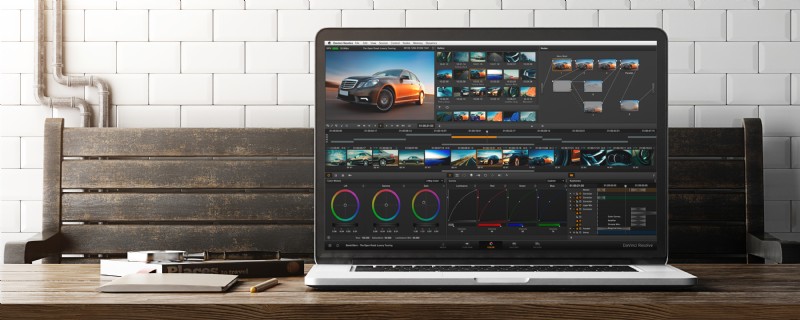
When you’re ready to take the next step as a video editor, these intermediate-level video editing applications are the way to go. They allow you to cut video like a pro, just without all of the confusing panels and tools. These options are surely more advanced than those listed above, but as long as you’re willing to dive in for a few hours, you can be using these applications within a day.
DaVinci Resolve
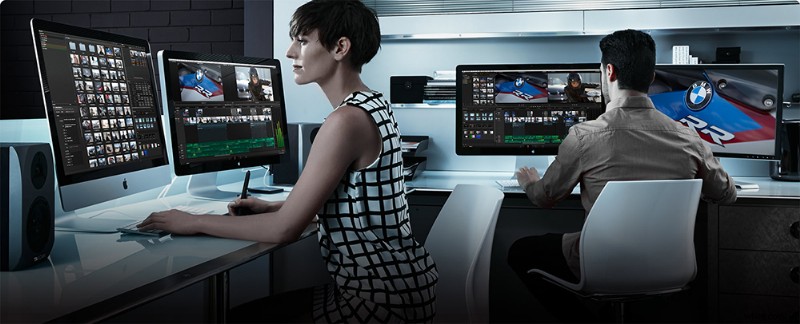
- Pros: great color correction/grading tools, fully functional NLE, multicam editing abilities, lots of exporting options
- Cons: lackluster keyframe editor, not able to have timelines with different settings in the same project, limited third-party plugin support, limited tutorials
- Price: free
Sony Vegas
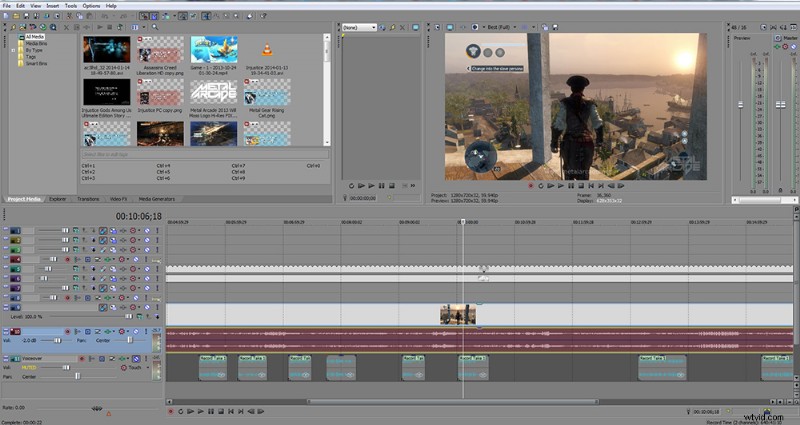
- Pros: 4K support, save timelines to other editing platforms, iPad integration, stereoscopic 3D editing
- Cons: low industry acceptance
- Price: $599
Pinnacle
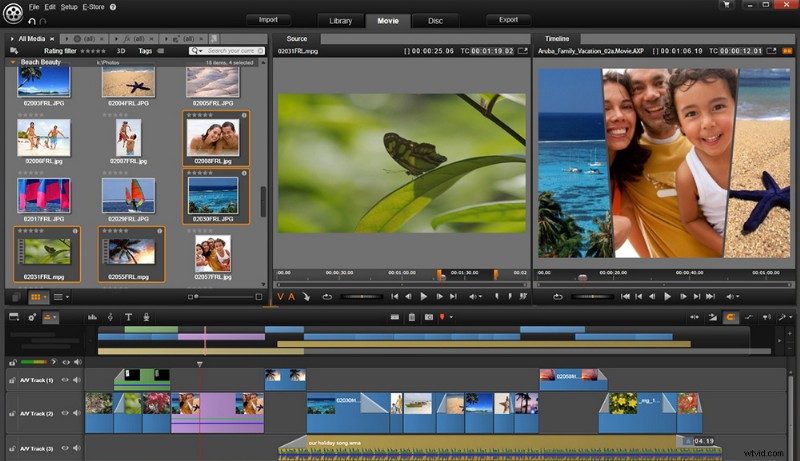
- Pros: multicam editor, live screen capture, advanced title tools,
- Cons: no industry acceptance, slow rendering, no motion tracking
Premiere Elements
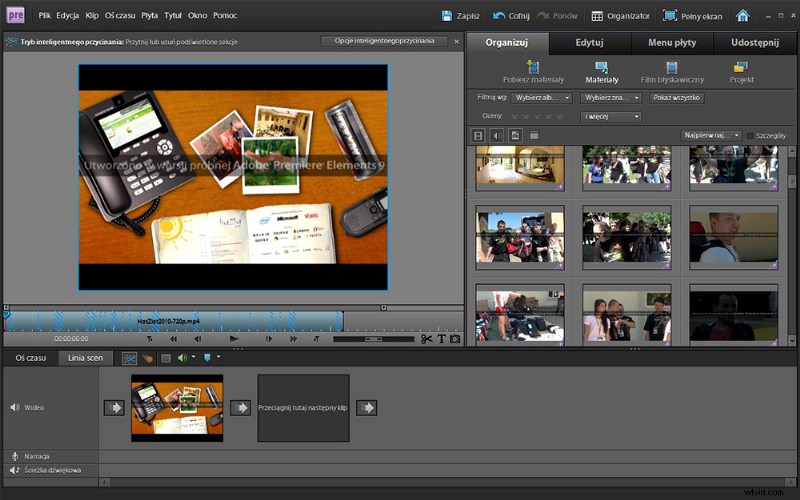
- Pros: simple interface, stabilizing effects, easy title creation, average rendering speed
- Cons: no multicam editing, no 3D editing
- Price: $69
Professional Video Editing Software
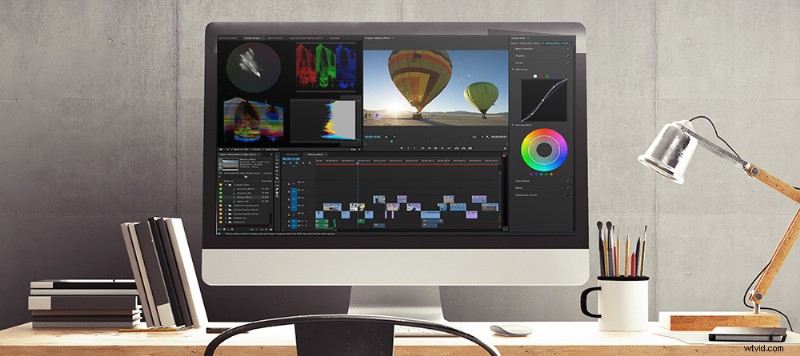
If you’re thinking about going pro, then the following video editing applications are a must. Final Cut Pro and Premiere Pro are industry-standard tools for creating professional videos and films. While you may be able to learn how to cut together footage rather quickly, it takes months — if not years — to learn the ins and outs of these amazing programs.
Final Cut Pro
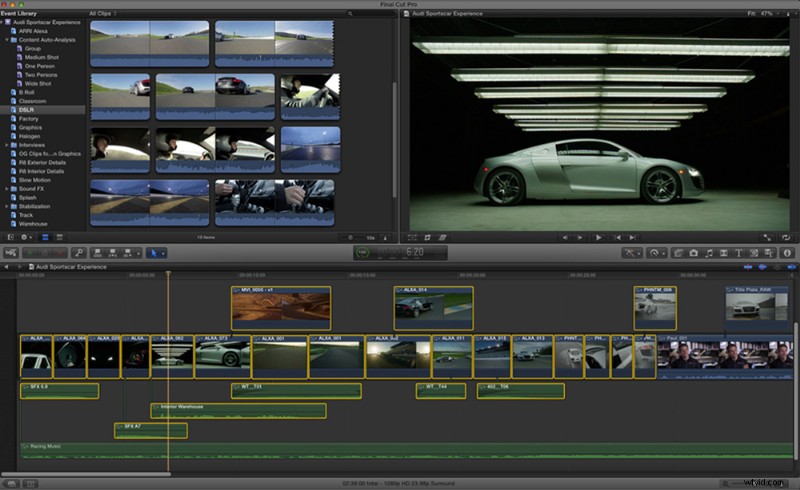
- Pros: 3D text, clean interface, effect presets can be saved, 64-bit support, great organizational tools
- Cons: only available for Mac, custom exporting requires external compressor app
- Price: $299
Premiere Pro
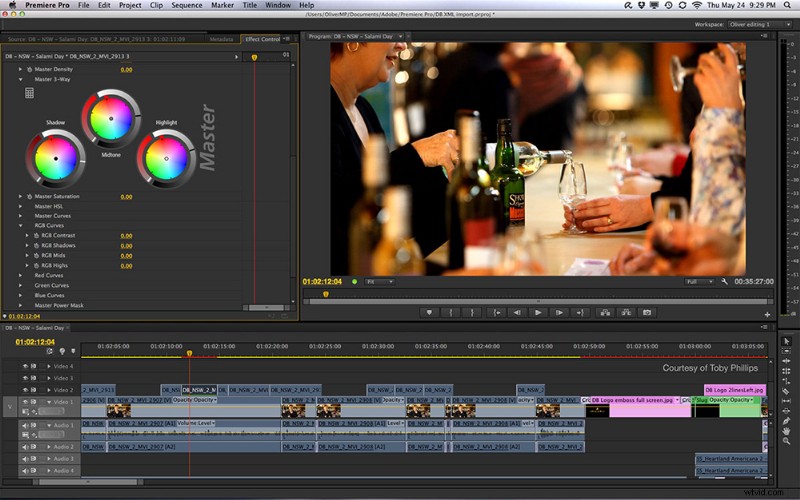
- Pros: vast feature library, great third-party support, multicam editing, After Effects integration, customizable interface, professional effects, lots of tutorial support
- Cons: steeper learning curve, slightly slower rendering than FCPX
- Price: $50 a month with Creative Cloud subscription
Hollywood-Level Video Editing Software
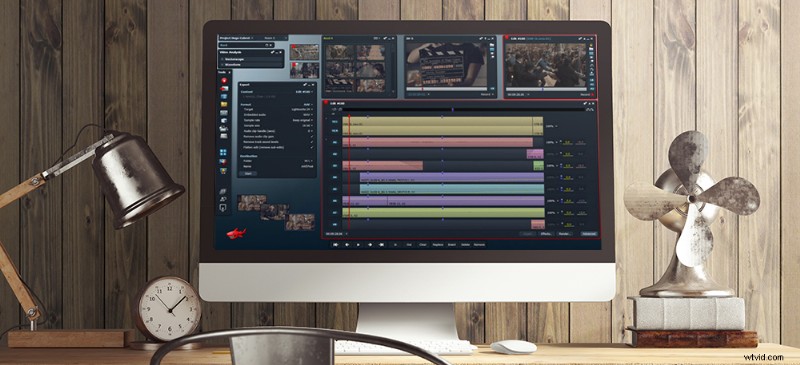
Tools like Avid Media Composer and Lightworks are designed to help Hollywood studios work in a collaborative environment while editing. They are, simply put, difficult to learn. Nonetheless, if you want to work with the tools used on most major Hollywood blockbusters, look no further.
Avid Media Composer
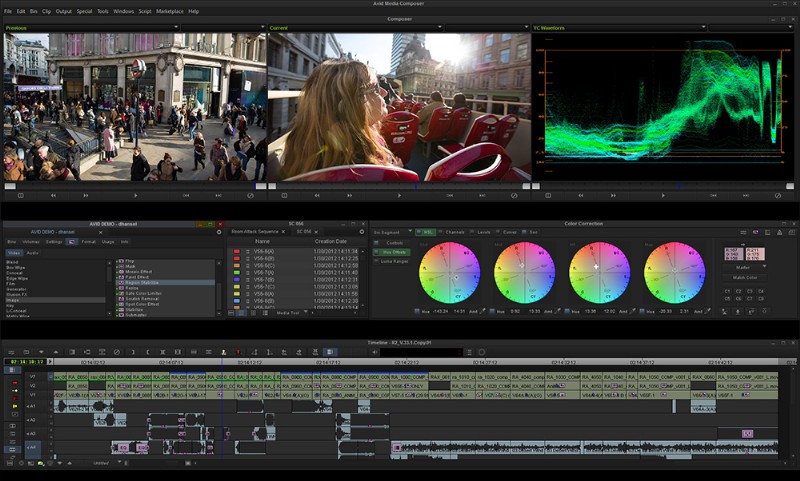
- Pros: professional-level tools and effects, cloud editing, server rendering
- Cons: steep learning curve
- Price: $1,599 outright or $50 a month
Lightworks
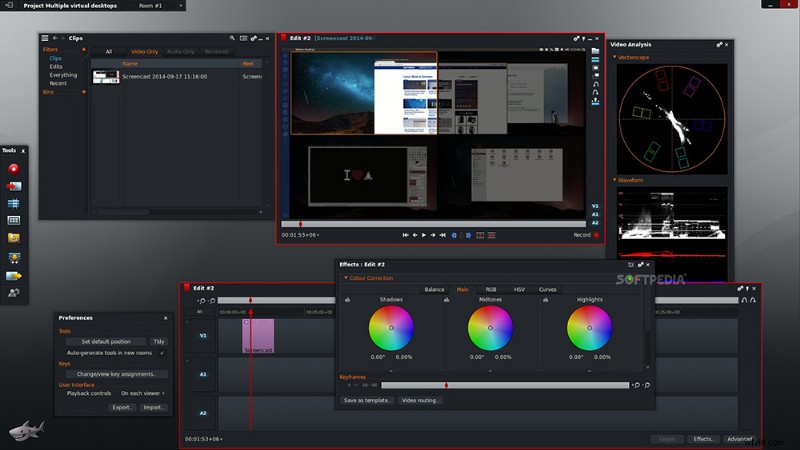
- Pros: professional interface, Linux support, advanced color features, keyframable color control, highly customizable interface
- Cons: steep learning curve, low tutorial support
- Price: $437 Outright or $25 a Month
What’s your favorite video editing software? Share in the comments below.