

If you’re an educator, you’re uniquely aware of why classrooms are an essential space for children’s learning and development. From desks to whiteboards, each piece plays its part. So, what’s a teacher to do when it’s not physically possible to teach in one?
Distance education and homeschooling have always been around. Right now, however, the world is experiencing an unprecedented health emergency with COVID-19. Experts are recommending social distancing, which means schools are closing and more than ever, children are learning from home.
As a result, lesson plans are being thrown out of the window and teachers are searching for new and innovative ways to connect with students. Here’s where videos can help. You might be surprised by what an excellent teaching tool they can be, with benefits like:
Allowing teachers to continue actively engaging with students despite distance.
Incorporating a visual of teachers into home learning and creating a sense of normalcy for students in an unusual learning environment.
Studies show that video learning can actually have benefits in addition to classroom learning for some students by allowing them to digest content at their own pace and revisit it when needed.
In this blog we’ll be going through five remote learning video tips that you can use to make your own online classes a success!
1. Set up a home classroom
Just like everyone else working from home, teachers will benefit from creating a designated workspace. When you’re making videos, this workspace will double as your filming area so there’s a few important things to keep in mind. Ensure you find a clean space with nice natural lighting (like near a window) in a quiet part of your home. For decoration, we recommend using items that you might find in a classroom like books, toys or posters to make the space feel more school-like for students. If you need further set up tips, check out our blog about filming videos while working from home.

2. Create videos using Picture in Picture
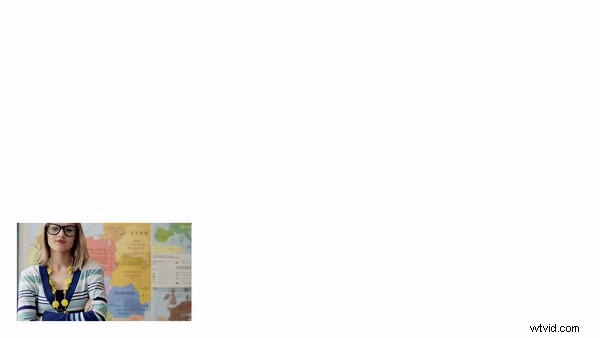
Picture in Picture is a fantastic way to share information with students through slideshows and screen recordings while still being visually present as the teacher – It’s probably the closest you’ll get to the feeling of a regular class. If you’ve never used Picture in Picture before, we have a simple tutorial you can follow to overlay video of yourself with your presentations.
3. Use Zoom or Google Hangouts for live video sessions
Not every remote learning video can be pre-recorded, sometimes you need to work in real time. Zoom and Google Hangouts are excellent video call tools that teachers can use for class discussions or one-on-ones with individual students. Alternatively, your school might have its own video call system set up. The best part? You can record these live videos and edit them later to post for future reference.
4. Make sure it's not all work and no play
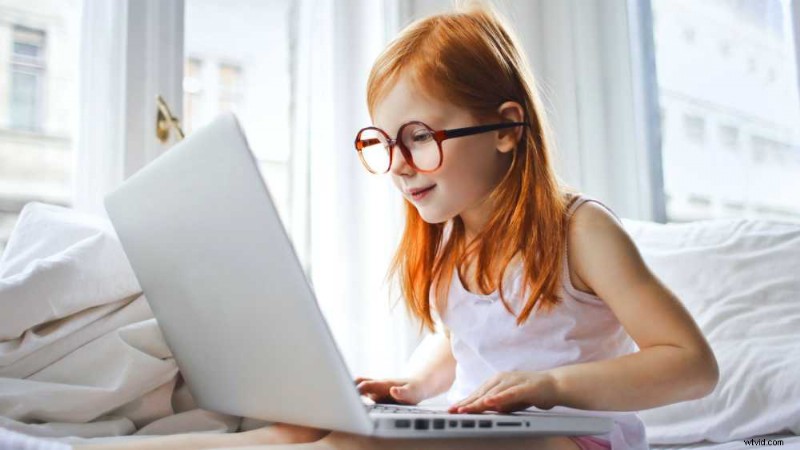
Sure, it’s called remote learning but school is about engagement and enjoyment too. Plan videos that offer your students a well earned break from their regular classes. Younger students will really enjoy a story book reading, older students might benefit from a study playlist. Videos like this can help your students maintain balance while learning from home. Picking the right classroom applications can help promote better conversation and morale in virtual classes.
5. Consider getting on Tiktok
If you’re teaching high school students with access to Smartphones it’s pretty safe to assume they’re on Tiktok. The social media platform has been booming during COVID-19 self isolation and is a hit with kids and teens. Creating Tiktok style videos with our templates to share with your students can be a fun way to connect with them (and sneak in educational moments).
Get to class!
Follow these five top tips and we’re sure you’ll ace your remote teaching. We recommend using a free online video editor for all of your remote learning video needs.