
In the world of color correction, the vectorscope is most commonly used as a helpful guide for where skin tones should fall. However, it’s a far more versatile tool than meets the eye.
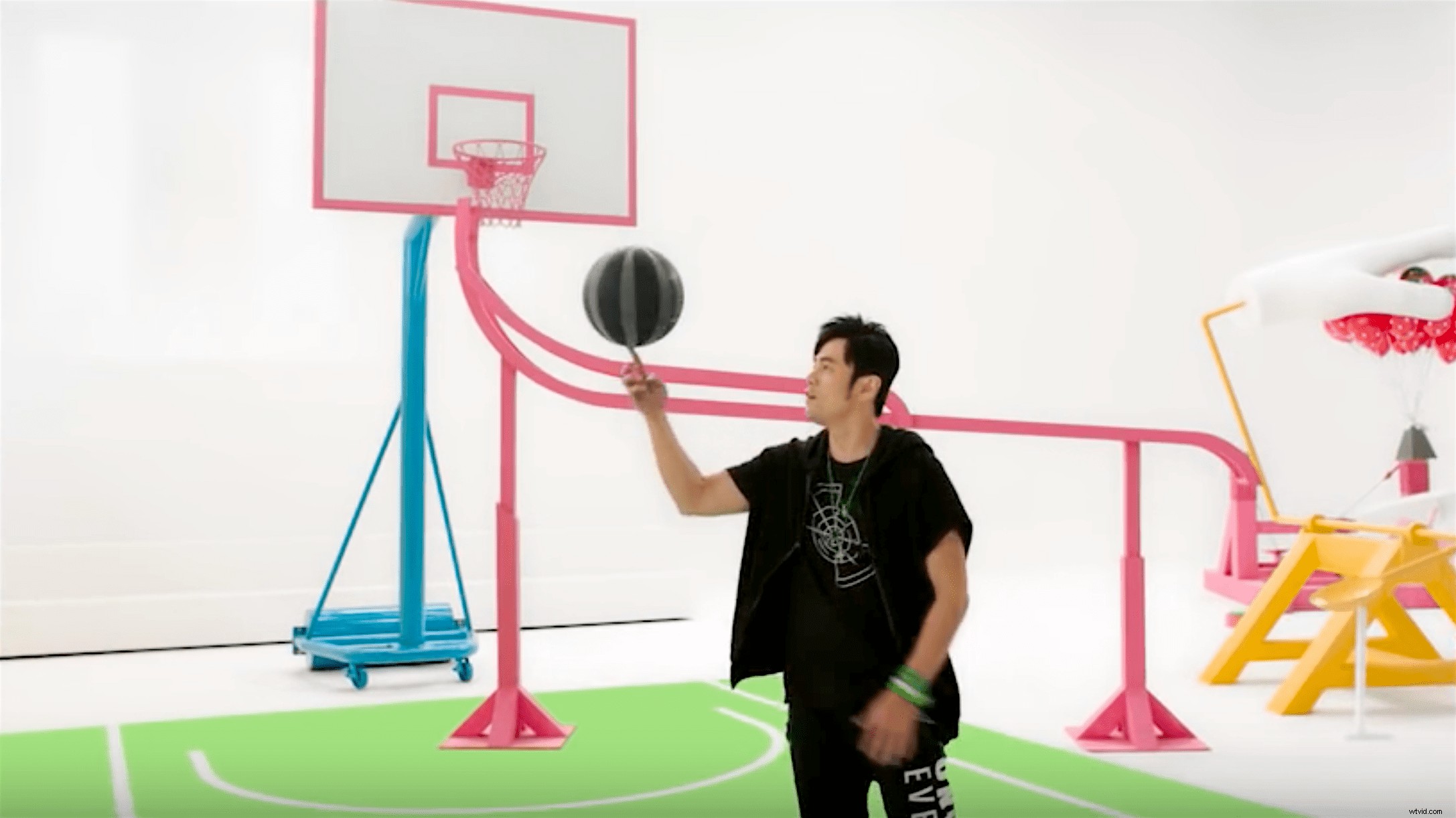
I’ve seen no better example of color correcting than a recent tutorial from David Torcivia, a working colorist based out of NYC who makes great coloring tutorials. In the tutorial, David shows how he graded a recent commercial, using the vectorscope to hone in on four specific colors and make sure they were used uniformly throughout the piece. It’s a fairly advanced tutorial, but also super informative, and it will likely give you some ideas for how you can use vectorscope to be more accurate in your own grades. Check it out:
The main application for what David is showing in this video is matching your shots to a very specific pre-defined color palette. In this case, the brand in this commercial started with four neon colors and made them the centerpieces of the palette. And though the production designer and cinematographer did a pretty awesome job at capturing that color palette in real life (not an easy task), it was David’s job to go in and make sure the footage actually matched that palette exactly. And that’s where the vectorscope comes in. Because it’s a visual measure of chrominance values and saturation, the vectorscope makes it extremely simple to see when two colors match perfectly. Your job is to just isolate the color you want to manipulate, match it to your color reference and voila, you’ve got even, accurate color throughout your piece. All in all, this video color correction technique is a great way to maintain visual consistency in the color of your film. And if you have a pre-defined color palette that you worked with through the pre-production and production of the film, this is how you’d really emphasize those exact colors in post. Have you guys ever used the vectorscope when color correcting? Share your experiences down in the comments!