
Table of Contents
Part 1. What Makes the Ideal Birthday Slideshow Music?
Selecting the right background music transforms a simple photo montage into a compelling narrative that resonates with the celebrant. Before you begin, consider the following:
- Know the Birthday Person’s Taste: Choose tracks that reflect their favorite genre or artists.
- Evoke Emotion: A well‑chosen song can amplify the joy and nostalgia captured in each image.
- Mix Tempo: Pair energetic beats with lively moments and softer melodies with heartfelt scenes.
- Manage Transitions: Fade music in and out to smooth transitions and maintain flow.
- Explore Variety: Don’t shy away from genres outside the celebrant’s usual preferences if it complements their personality.
- Sync Beats: Match upbeat tracks to lively sequences, ensuring rhythm and visual pacing align.
Always opt for joyous, uplifting music that mirrors the celebrant’s interests, passions, and aspirations.
Part 2. 15 Trending Birthday Slideshow Tracks for 2026
Happy background music is essential for any birthday video. Below are 15 top‑rated songs that deliver the perfect festive atmosphere:
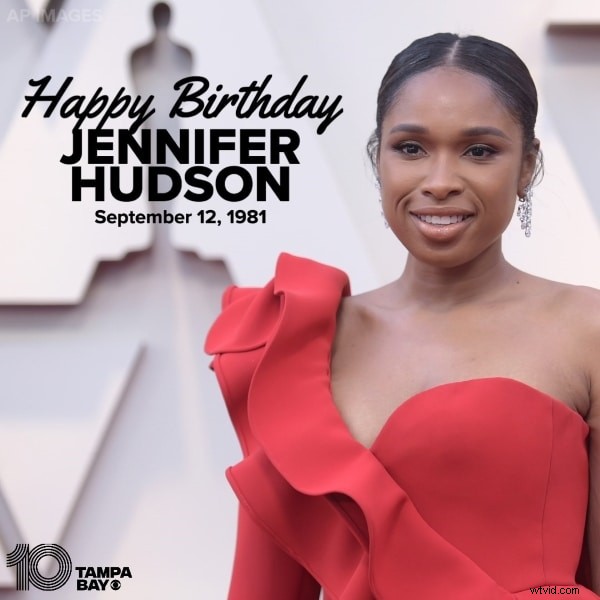
1. Happy Birthday – Jennifer Hudson
Released on November 2, 2011, this rendition quickly amassed 1,894,387 views and 8.7k likes, thanks to Hudson’s powerful yet tender vocal delivery.
2. Happy Birthday Song for Children – HeyKids
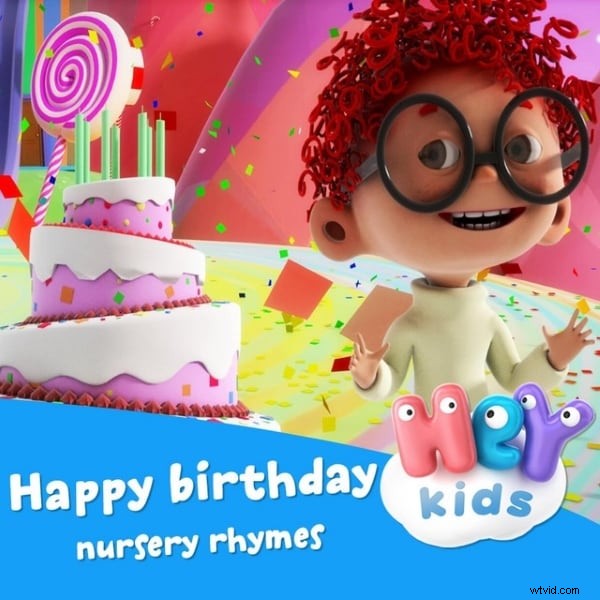
Designed for young listeners, this track features 3D animations and 9 upbeat verses that children adore.
3. Fun Birthday Song
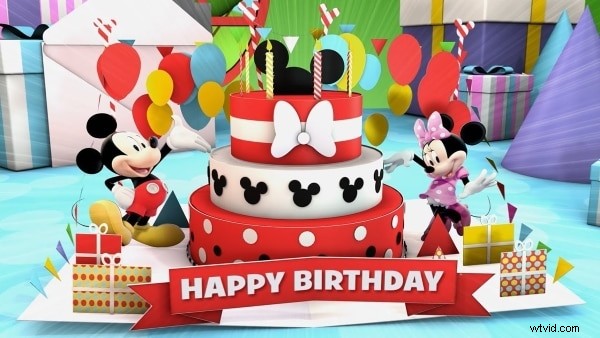
With 1.7 million views and 469,588 likes, this playful tune adds a cheerful edge to any montage.
4. 16 Candles – The Crests
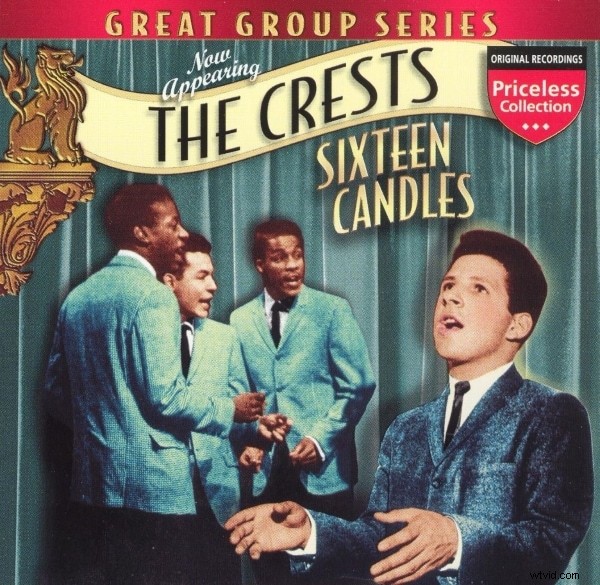
From the 1984 film of the same name, this track is ideal for 16th‑birthday celebrations, capturing the excitement of blowing out candles.
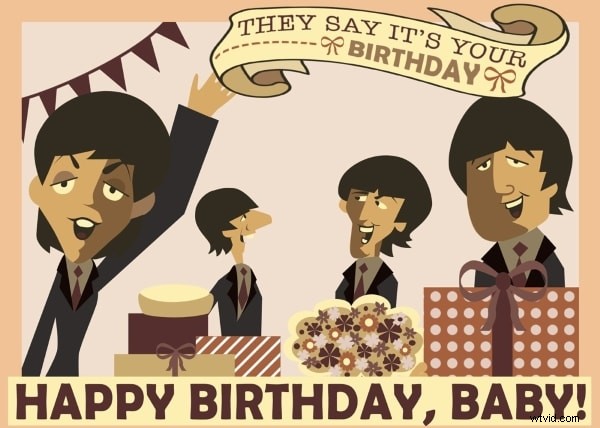
5. Birthday – The Beatles
Released in 1968, Paul McCartney and John Lennon’s classic is a timeless anthem for birthday fun.
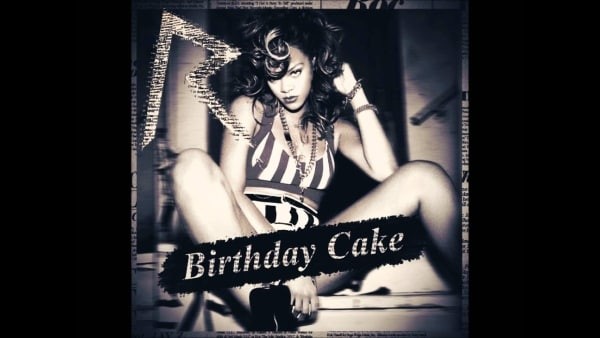
6. Birthday Cake – Rihanna
Collaborating with Chris Brown, Rihanna delivers a vibrant track that celebrates birthday joy and dance.
7. Happy Birthday – Minions
Published on September 14, 2015, this playful Minion rendition garnered 13,128,373 views and over 22k likes.
8. It’s My Birthday – will.i.am
Adapted from an original Indian song, this version has amassed more than 110 million views worldwide.
9. Happy Birthday – Altered Images
This track peaked at number 2 on the UK pop singles chart, offering a funky guitar vibe for lively slides.

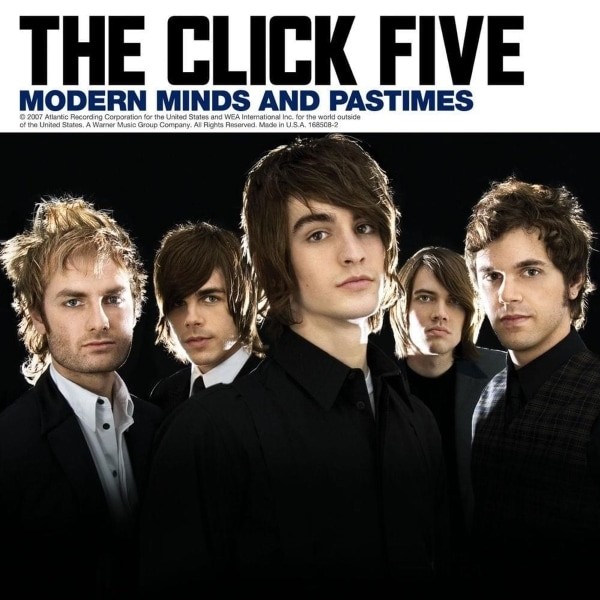
10. Happy Birthday – The Click 5
Authored by Jez Ashurst, Ben Romans, and Chris Braide, this tune gained popularity across Singapore and the Philippines.
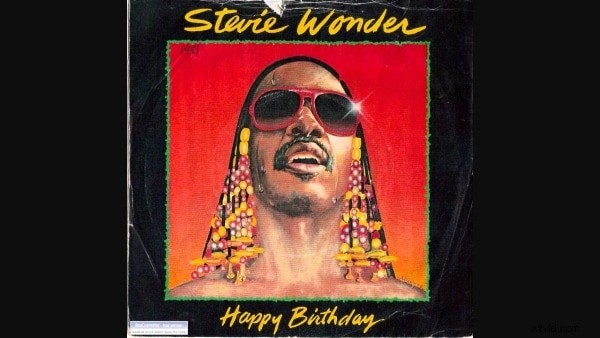
11. Happy Birthday – Stevie Wonder
Featured in a campaign celebrating Martin Luther King Jr.’s birthday, this track remains a celebrated background anthem.
12. Birthday – Katy Perry
Released in 2014, this vibrant track has surpassed 71 million views, perfect for spreading smiles.

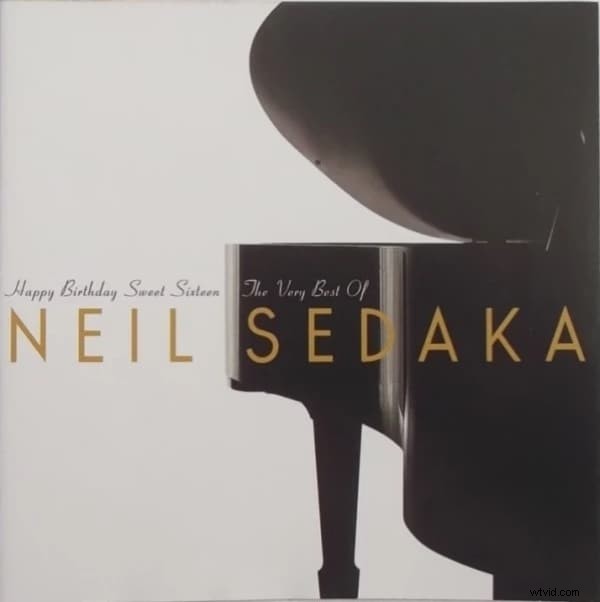
13. Happy Birthday Sweet Sixteen – Neil Sedaka
A timeless choice for 16th birthdays, this pop classic reached the top 10 charts upon release.
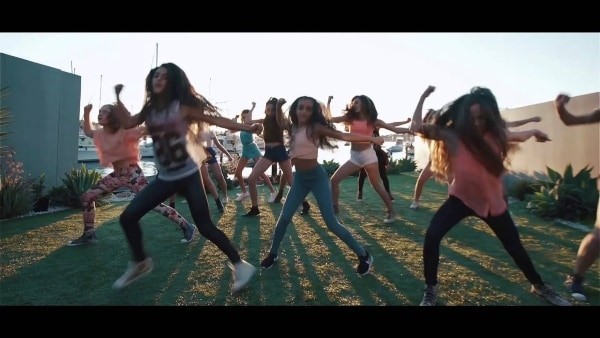
14. It’s My Birthday – The Next Step Performing Arts
With energetic choreography, this track injects fun and camaraderie into any celebratory montage.
Part 3. How to Create an Unforgettable Birthday Slideshow Video
Even without prior editing experience, Wondershare Filmora empowers anyone to craft a polished birthday video—no subscription or advanced skills required.
- Access 300,000+ royalty‑free tracks in Filmora’s built‑in library, including upbeat pop and jazz from our top 15 list.
- Upload your personal favorites—whether it’s a Taylor Swift remix or a favorite childhood hit.
- Generate AI‑crafted music that aligns with your video’s mood in a single click.
Follow these simple steps to integrate music seamlessly:
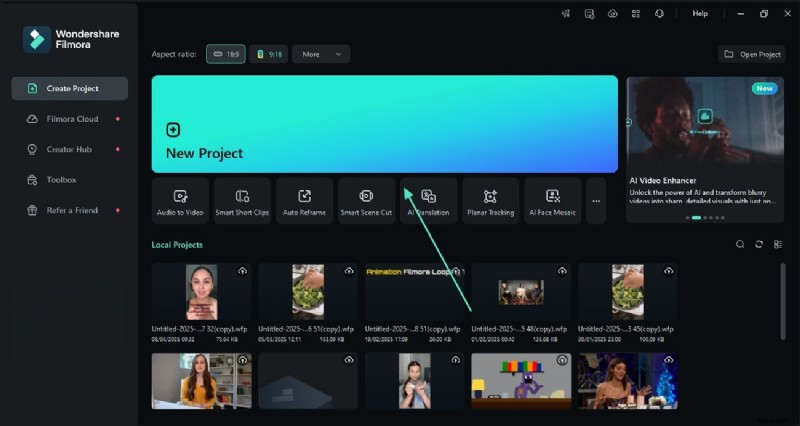
Step 1. Import Your Clips and Pictures
Start a new project and drag your photos and video clips into the timeline.
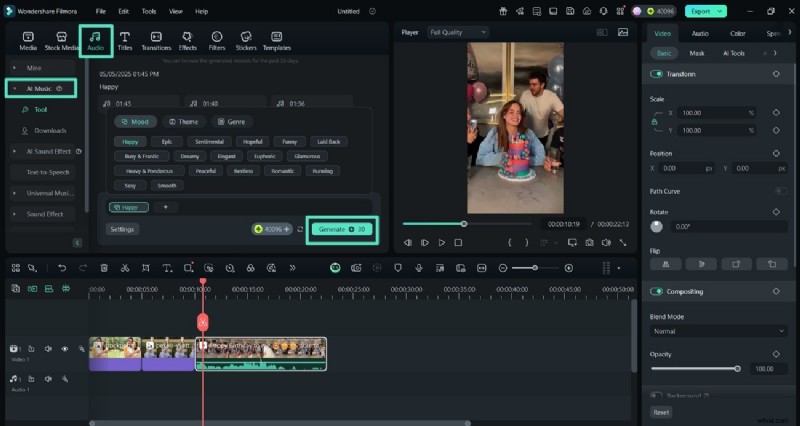
Step 2. Create Custom Birthday Music with Filmora AI
Navigate to the “Audio” panel, select “AI Music,” choose your category, and hit “Generate.”
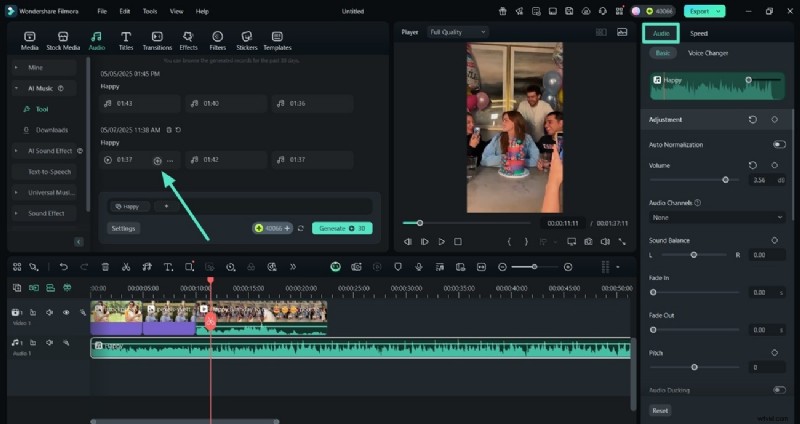
Step 3. Add and Refine Your Music
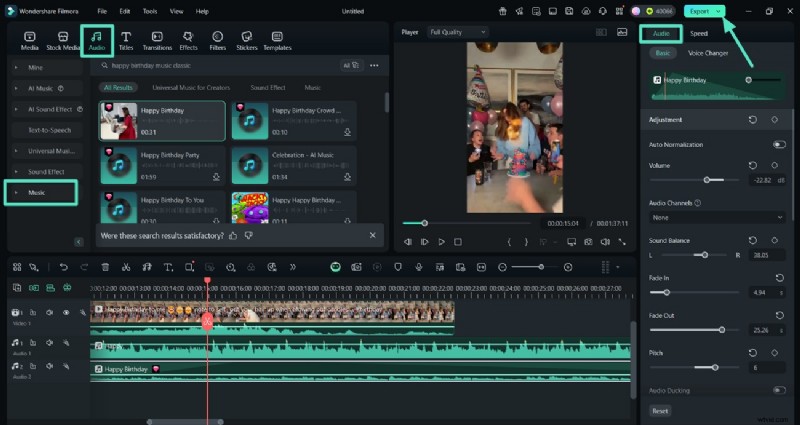
Click the plus icon beside your chosen track, then use the audio controls to adjust volume and balance.
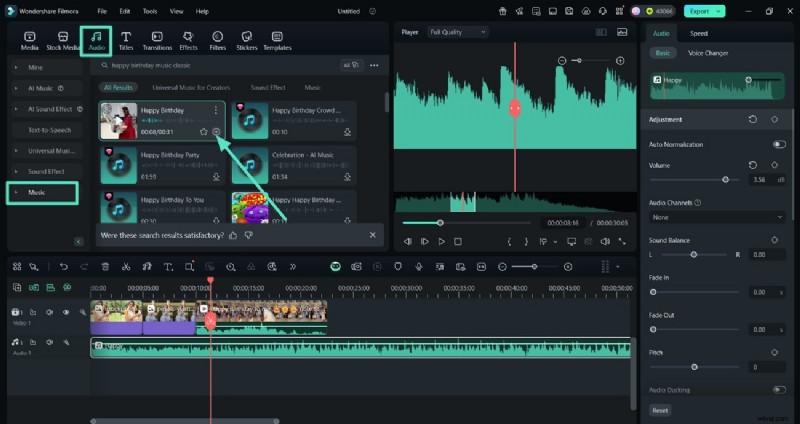
Step 4. Browse Filmora’s Audio Library
Search for “Happy Birthday Music Classic” and add your preferred track from the results.
Step 5. Finalize and Export
Fine‑tune your audio levels, then click “Export” to download your finished slideshow.
Final Thoughts
With the 15 songs highlighted above and Filmora’s user‑friendly tools, you’ll craft a birthday video that’s both memorable and polished. Whether you’re celebrating a milestone or simply expressing love, the right music sets the tone for an unforgettable celebration.
Versatile Video Editor – Wondershare Filmora
Easy‑to‑use yet powerful editor with extensive effects, detailed tutorials, and a vibrant community.