
Producing voice‑overs traditionally demands a studio, multiple takes, and post‑production editing that can drain time and resources. Even seasoned professionals often face background noise, inconsistent pacing, and the need for costly voice‑actor hires.
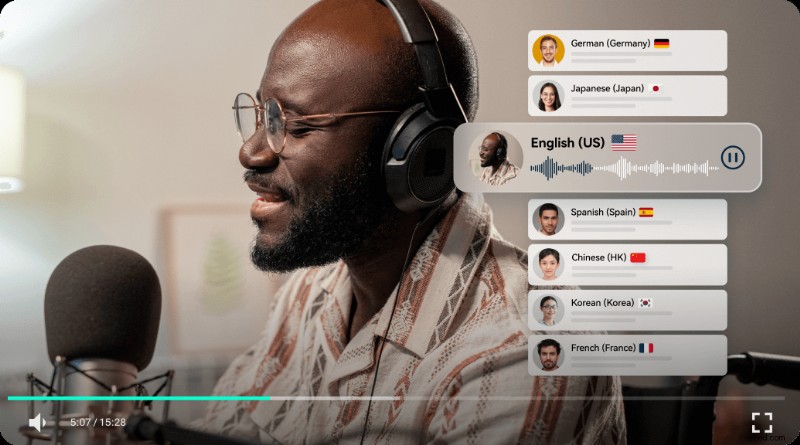
Modern AI audio creators have transformed this landscape. Leveraging advanced text‑to‑speech (TTS) engines, these tools generate natural‑sounding voices without a microphone, delivering professional results in minutes. Below, we examine how AI voice‑overs work and present a vetted list of the top five generators for 2024.
In this article
- Understanding AI‑Generated Voice Over
- Top AI Voice Over Generators
- How to Create Voice Over with Filmora
- Maximizing AI Voice Over Quality
- Conclusion
Part 1. Understanding AI‑Generated Voice Over
AI‑generated voice‑over refers to converting written text into spoken dialogue using sophisticated machine‑learning models. Unlike traditional TTS, contemporary systems analyze context, prosody, and phonetics to produce voices that mimic human nuance. The result is a customizable, high‑fidelity audio track that can be tailored to tone, accent, and emotion.
Key advantages include:
- Cost efficiency – eliminate voice‑actor fees and studio rentals.
- Time savings – generate dozens of seconds of audio in seconds.
- Versatility – mix and match voices, accents, and styles for diverse projects.
- Quality – AI research continuously raises realism, reducing the uncanny valley effect.
Part 2. Top AI Voice Over Generators
Below are five industry‑leading tools that combine ease of use with professional output. Each offers unique strengths, from extensive voice libraries to real‑time morphing.
1. Wondershare Filmora [Recommended]
Filmora is a full‑featured video editor that includes a robust AI voice‑over generator. With more than 48 voices and support for 33 languages, you can clone your own voice or select from a wide range of options. The platform also offers AI translation, copy‑writing, and voice‑changer effects to polish your final product.

- AI Text‑to‑Speech (TTS) – natural‑sounding dialogue.
- Voiceover Recording – record directly within the editor.
- Voice Changer Effect – customize pitch and timbre.
- AI Translation – translate scripts and audio into 23 languages.
- AI Copywriting – generate engaging script text.
2. Altered
Altered stands out for its real‑time voice morphing and broad language coverage. Whether you need a polished narration or a playful avatar, Altered delivers highly natural voices with instant adjustment.
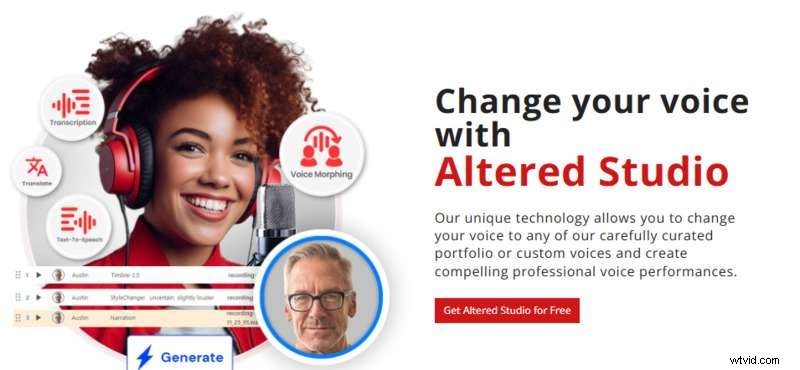
- Text‑to‑Speech – choose voice and style.
- Real‑Time Morphing – transform your voice on the fly.
- Post‑Production Morphing – convert recorded audio into new voices.
- Rapid Voice Creation – clone short clips for new content.
- Audio Editor – advanced transcription, noise removal, and editing.
3. CapCut
CapCut’s TTS is ideal for creators on the go, offering intuitive controls and a broad library of voices. Accessible on PC and mobile, it’s perfect for short‑form videos, ads, or educational content.

- Text‑to‑Speech – realistic voice overs with customization.
- Text Solutions – preset templates, auto‑captions, and batch editing.
- Audio Toolkit – built‑in music, sound effects, and sync tools.
- Filters and Transitions – enhance visual storytelling.
4. Respeecher
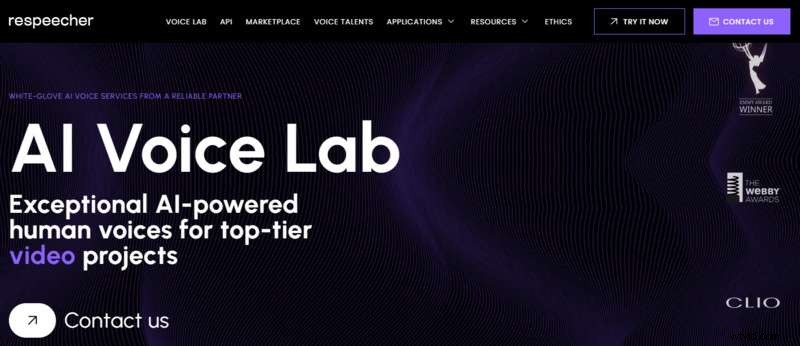
Respeecher excels at high‑fidelity voice replication. With over 100 voice options and advanced text‑to‑speech plus speech‑to‑speech capabilities, it’s trusted by media studios for deep‑fake voice work and dubbing.
- Speed Up Your Project – fast turnaround for marketing assets.
- Multilingual Content – deliver across languages.
- Efficient Production – cut production time and cost.
- Authentic Voice Capture – capture true vocal essence.
5. ElevenLabs
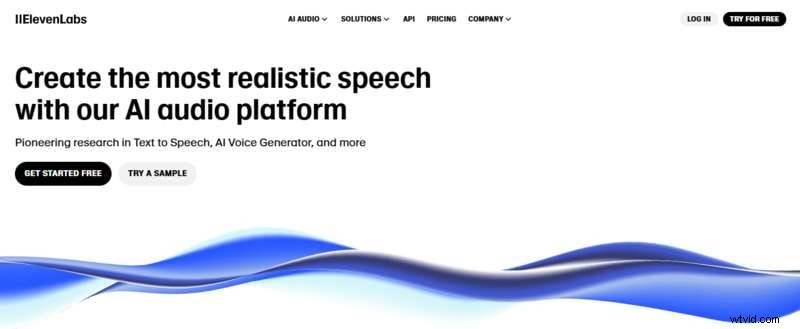
ElevenLabs is renowned for its emotionally resonant voices. Leveraging state‑of‑the‑art neural synthesis, it delivers nuanced delivery across 32 languages.
- High‑Quality Voices – natural, human‑like speech.
- Emotionally Responsive – modulate tone per text cues.
- Extensive Voice Library – thousands of customizable voices.
- Customizable Voices – adjust stability, clarity, and more.
- Multilingual Support – consistent quality across languages.
Part 3. How to Create Voice Over with Filmora’s AI Text‑to‑Speech Feature
Filmora offers a step‑by‑step workflow to turn script into audio. Follow these steps for polished results.
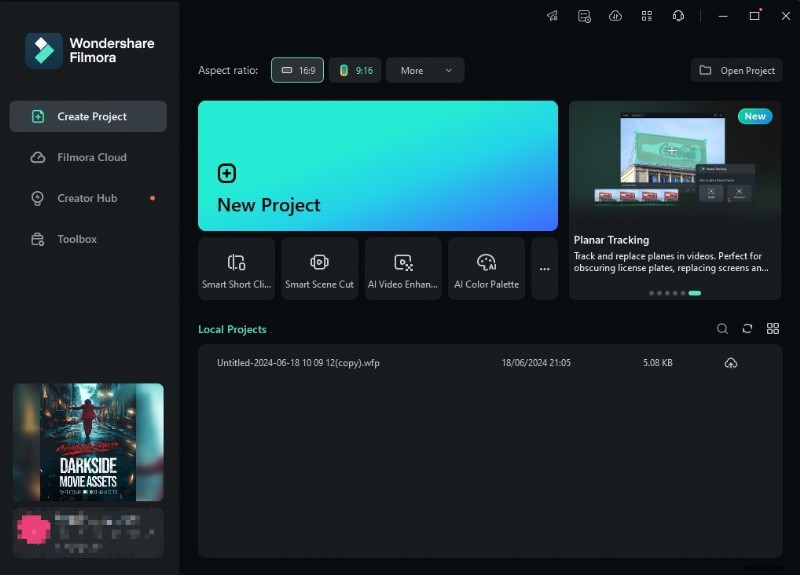
Step 1: Start a New Project
Open Filmora and click New Project. Import media assets to set up your timeline.
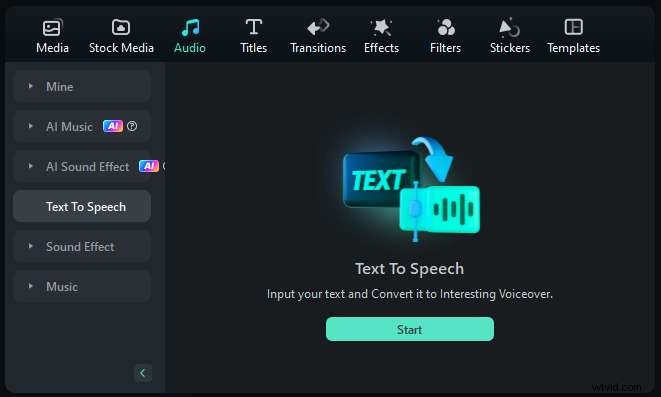
Step 2: Access the Text‑to‑Speech Tool
Navigate to Audio > Text to Speech to open the TTS window.
Step 3: Enter Your Script
Type or paste your text into the provided box.
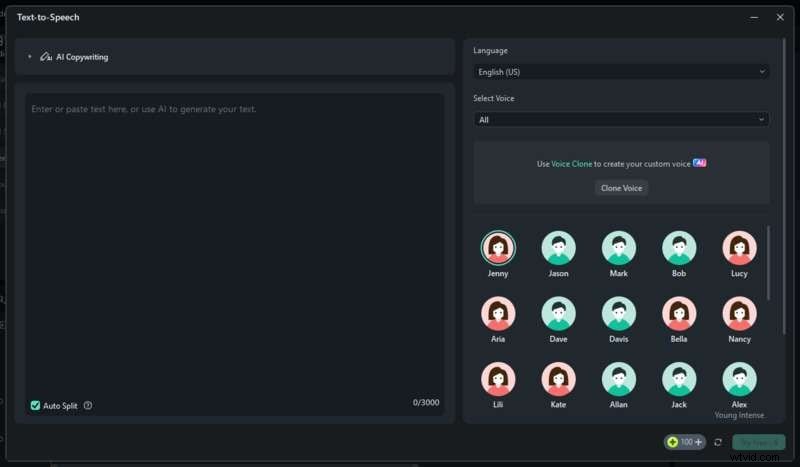
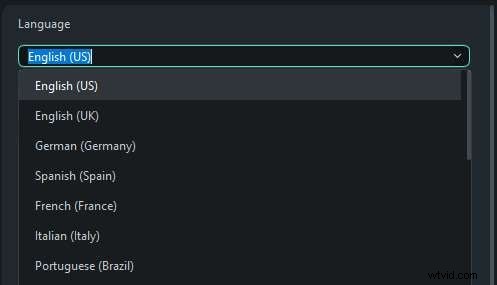
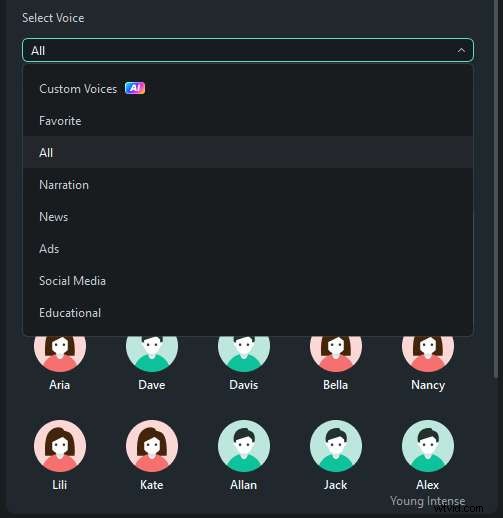
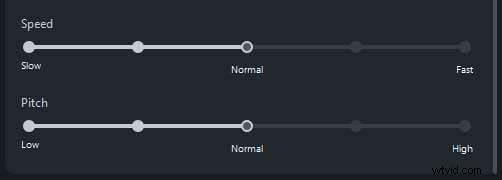
Step 4: Configure Voice Settings
Select language, choose a voice, and tweak speed & pitch to match your project’s pacing. Click Try Free to preview.
Part 4. Maximizing AI Voice Over for Your Needs
To ensure your AI‑generated audio feels authentic, apply these best practices:
- Select an Appropriate Voice – test multiple voices to find the one that matches your content’s tone.
- Adjust Pacing & Intonation – listen for natural rhythm; fine‑tune to avoid robotic delivery.
- Fine‑Tune Pronunciation – use phonetic editing for proper nouns or technical terms.
- Vary Speech Patterns – modulate speed, pitch, and volume to keep listeners engaged.
- Incorporate Background Elements – add subtle music or sound effects to enrich the listening experience.
Implementing these techniques elevates the professionalism and impact of your AI voice‑over projects.
Conclusion
AI‑generated voice‑overs now provide a fast, affordable, and versatile alternative to traditional recording. Tools such as Filmora, Altered, CapCut, Respeecher, and ElevenLabs empower creators to produce high‑quality audio with minimal effort.
Apply the guidelines above to unlock the full potential of AI audio and transform your content pipeline today.