
Captions can boost views, accessibility, and SEO. This guide shows how to add closed or open captions manually or automatically, with a focus on Wistia’s streamlined workflow.
Closed vs. Open Captions
There are two primary caption types:
- Closed captions can be toggled on or off by the viewer. They’re ideal for audiences who may not always need captions.
- Open captions (burn‑in) are permanently visible and cannot be turned off. They’re useful for live events or platforms that don’t support closed captions.
The right choice depends on the platform and your audience’s needs.
Manual Captioning
Manual captioning is a meticulous process: you type every line, time‑stamp it, save as an .SRT file, and upload it. Ensure your host supports closed captions. For open captions, most editors—like Adobe Premiere Pro—offer a “Burn Captions Into Video” export option.
Automatic Captioning with Wistia
1. Upload and Transcribe
After uploading, open the Transcript tab and select Generate transcript. Choose:
- Automatic generation: Free on eligible plans, available within minutes, and approximately 95 % accurate.
- Human transcription: 99 % accurate, delivered in four business days (or one day for an extra fee).
Enable captions immediately if you wish—no extra steps required.
2. Edit for Accuracy
- Go to the media page.
- Edit the transcript.
- Click Save.
3. Turn on Captions
Navigate to the Controls tab in the Customize panel, toggle captions on, and the CC button appears in the player. Viewers can then enable captions and adjust text size, color, and contrast.
4. Burn Captions (Optional)
In the video editor, enable captions, choose a template, and customize appearance. Settings are sticky, ensuring a consistent experience across devices.
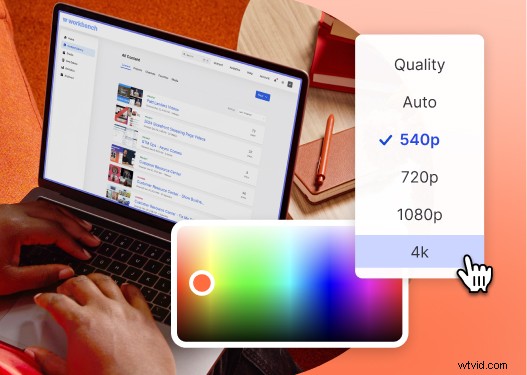
All‑in‑One Video Platform
Wistia lets you create, edit, and host videos from a single dashboard.
Why Captions Matter
A 2025 State of Video Report revealed a 572 % rise in caption usage on Wistia since 2021. Captions improve accessibility for the hard of hearing, viewers watching mute, and those who prefer reading. They also boost search rankings, social engagement, and compliance with accessibility laws.