
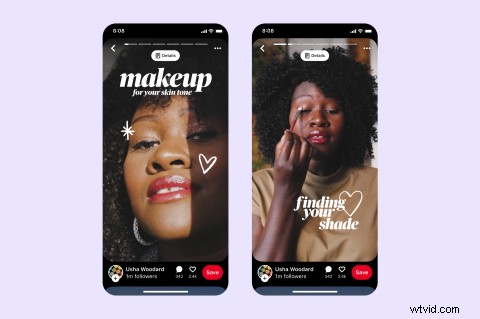
If Idea Pins sounds unfamiliar to you, you’d be correct — it’s new to all of us. Yes, Pinterest has just launched its latest feature and we’re pretty psyched to hear it’s focused on video-first content. Over here at Clipchamp, we were lucky to get the inside scoop on Idea Pins from our Partners at Pinterest, and we think it’s time you get the info, too.
What are Idea Pins?
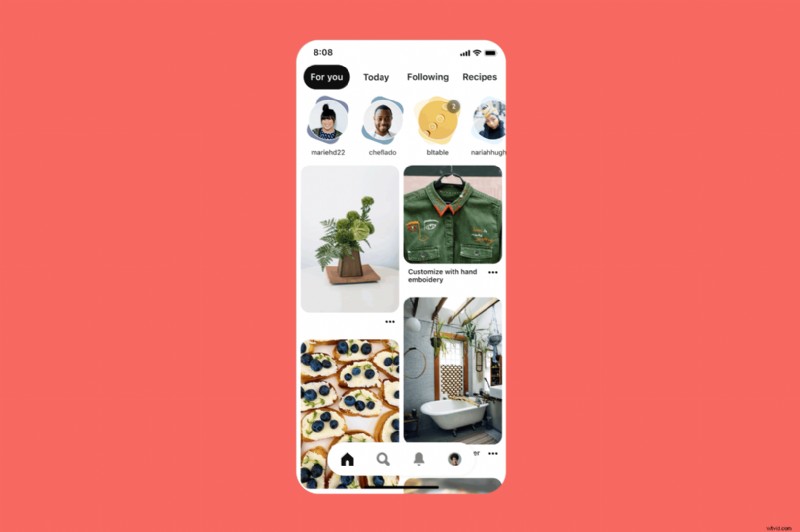
Idea Pins are the evolution of Story Pins, which were launched on Pinterest in 2020 in beta. Story Pins were a publishing option that gave Creators the freedom to post bite-sized storytelling content. Pinners could lay sound and text over images and video, simple.
Too simple in fact. Pinterest soon realized creators wanted more than just another Story feature, they wanted to inform and inspire in the way only Pinterest Creators can. So Idea Pins were created with more video-focused, creator-friendly elements to create Pinterest-perfect content.
How do Idea Pins work?
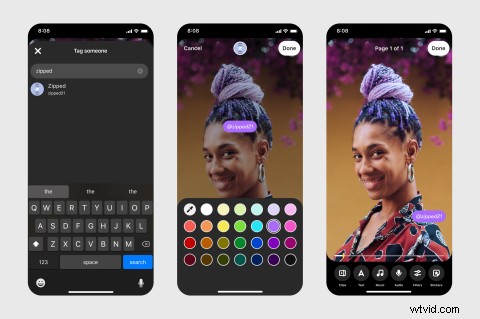
Idea Pins can be created in Pinterest or a video editor like Clipchamp. No matter where you start, you can post your creations as Idea Pins from Pinterest’s app or website. Here, you’ll discover all of the extra elements on offer, including:
Video recording and editing for up to 20 pages of content.
Voice-over recording.
Music selection.
Ghost mode video transition tools.
Detail pages for instructions or ingredients.
Interactive elements like people tagging and stickers.
Multi-draft save so Creators can publish more ideas.
Export options to share content beyond Pinterest.
Topic tagging: a publishing feature that helps connect content to relevant interests.
How to create Idea Pins with Clipchamp
If you want to start with easy video editing or save time with pre-made templates, create Idea Pins with Clipchamp. We’ve already put together a guide to how to create video pins to get you started (although you’ll need to change that 2:3 aspect ratio to Idea Pins’ ideal 9:16). Plus, we’ve collaborated with Pinterest Creator extraordinaire Jojotastic to bring you all of the inspiration you’ll need to get started.
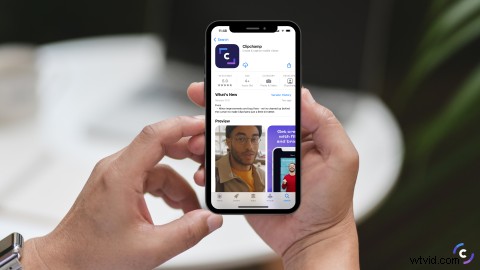
If you're working on a smartphone, check out the Clipchamp mobile app. Here, you can create made-for-mobile videos using templates and automatic captioning.
Start creating Idea Pins
Now you’ve got the low-down on Idea Pins, it’s time to start creating. Don’t forget to check out the resources we’ve linked above, and if you’re keen to explore even more Creator inspiration, we highly recommend checking out Pinterest Creators Connect. We’ll definitely be logging on to get inspired.