
In this write-up, we’ll take a look at three builds that you can order and assemble to get your home editing bay up and running.
I get it. Your boss may have ordered you to work from home, but you don’t have the infrastructure at home for a good edit. If you’re lucky, they might have let you bring home your editing computer. Unfortunately, some of us don’t have that luxury, so it might be time to invest in a home editing station.
Clearly, we’re all in the same boat, so this PC needs to be as cheap as possible — while still performing as required. There’s no need to shell out over $3K to get a Mac when you can build a machine with the same specs for a third of the price. The good thing about building your own PC is that you can improve it down the road (once you get a little money in your pocket).
We won’t be covering any peripherals such as monitors, keyboards, or mice. So, if you need those to complete your computer, make sure you factor them into your budget.
Understanding PC Parts
If you’re new to the PC world, it’s good to get familiar with what every part of the PC does. Once you familiarize yourself, you can know what parts to prioritize when building your PC. I’d recommend watching the first portion of this video to get a full read on PC parts, but here’s a quick bullet list of things you should know:
- The CPU (Central Processing Unit) is the brains of the operation. It performs most processing tasks within your PC, so you should prioritize it for editing computers.
- The GPU (Graphics Processing Unit) is important in its own right for rendering and processing graphics. But, for a budget build, you can skirt it to make room in the budget for a better CPU.
- Always buy SSDs (Solid State Drives) over HDDs (Hard Disk Drives). They can access information 10x faster than HDDs, and they can increase your editing speeds by accessing the footage seamlessly.
- RAM is not going to technically “speed up” your PC. Certain programs use a certain amount of RAM, so more RAM in your computer lets you open more programs at once.
Tier 1: Lowest Cost ($600-$700)
 PCPartPicker Part List
| Type | Item | Price |
|---|---|---|
| CPU | AMD Ryzen 5 3600 3.6 GHz 6-Core Processor | $174.99 @ B&H |
| CPU Cooler | Cooler Master Hyper 212 RGB Black Edition 57.3 CFM CPU Cooler | $44.99 @ Best Buy |
| Motherboard | Gigabyte B450M DS3H Micro ATX AM4 Motherboard | $72.99 @ B&H |
| Memory | Corsair Vengeance LPX 16 GB (2 x 8 GB) DDR4-3000 Memory | $74.99 @ Best Buy |
| Storage | Samsung 860 Evo 500 GB 2.5″ Solid State Drive | $84.99 @ Adorama |
| Video Card | XFX Radeon RX 570 4 GB RS XXX Video Card | $129.99 @ Best Buy |
| Case | Phanteks Eclipse P300A Mesh ATX Mid Tower Case | $49.99 @ Newegg |
| Power Supply | EVGA BR 600 W 80+ Bronze Certified ATX Power Supply | $50.98 @ Newegg |
| Prices include shipping, taxes, rebates, and discounts | ||
| Total (before mail-in rebates) | $703.91 | |
| Mail-in rebates | -$20.00 | |
| Total | $683.91 | |
| Generated by PCPartPicker 2020-04-02 22:52 EDT-0400 |
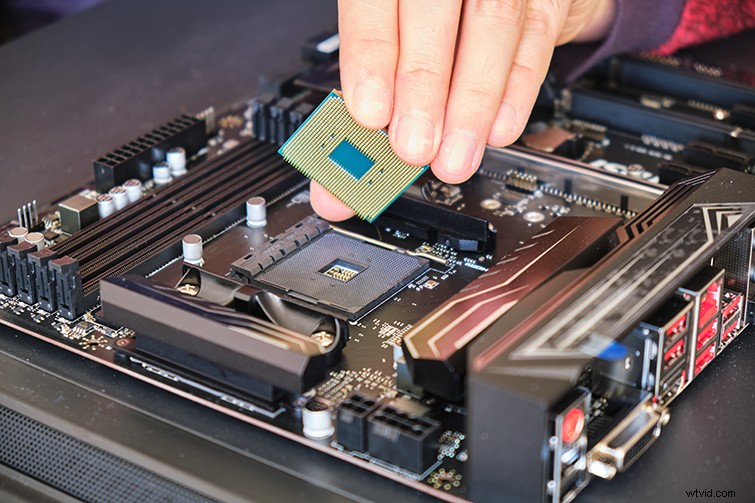
For our lowest-cost option, we’ve gone bare bones — without sacrificing efficiency. AMD has (in my opinion) overtaken Intel as the premier chipset producer for the lowest cost — they truly give you the best bang for your buck. The AMD Ryzen 5 3.6 GHz CPU will get the job done right. It’s got six cores and plenty of horsepower to comb through edits. The sixteen GB of RAM will easily hold its ground when accessing both Premiere and After Effects simultaneously. The 500GB of SSD storage may not seem like much, but it’s plenty to hold the operating software and all of your programs. (You can house all of your footage on cheaper external hard drives.) The XFX Radeon GPU is probably the cheapest in its class, but if you’re prioritizing the CPU, you may need to settle for a cheaper GPU.
Again, it’s not going to be blasting through 4K footage and intensive motion graphics, but it’ll get the job done if you’re on a tight budget.
Tier 2: Best Bang for Your Buck ($950-$1,050)
 PCPartPicker Part List
| Type | Item | Price |
|---|---|---|
| CPU | AMD Ryzen 7 3700X 3.6 GHz 8-Core Processor | $298.99 @ B&H |
| CPU Cooler | Cooler Master Hyper 212 RGB Black Edition 57.3 CFM CPU Cooler | $44.99 @ Best Buy |
| Motherboard | Asus ROG STRIX B450-F GAMING ATX AM4 Motherboard | $129.99 @ Best Buy |
| Memory | G.Skill Ripjaws V Series 32 GB (2 x 16 GB) DDR4-3200 Memory | $129.99 @ Newegg |
| Storage | Intel 660p Series 1.02 TB M.2-2280 NVME Solid State Drive | $124.00 @ Adorama |
| Video Card | MSI Radeon RX 580 8 GB ARMOR OC Video Card | $174.99 @ Newegg |
| Case | NZXT H510 ATX Mid Tower Case | $69.99 @ Best Buy |
| Power Supply | EVGA BQ 600 W 80+ Bronze Certified Semi-modular ATX Power Supply | $74.94 @ ModMyMods |
| Prices include shipping, taxes, rebates, and discounts | ||
| Total (before mail-in rebates) | $1062.88 | |
| Mail-in rebates | -$15.00 | |
| Total | $1047.88 | |
| Generated by PCPartPicker 2020-04-02 23:15 EDT-0400 |
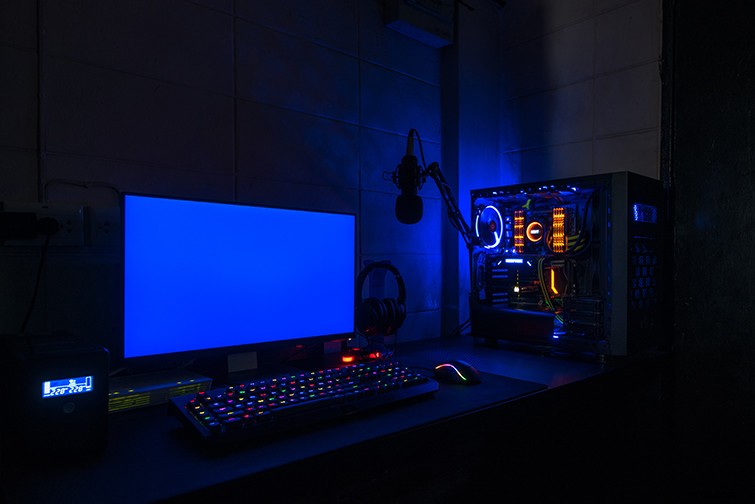
Now, with this step up, you’re getting way more than the first tier. First off, with the CPU, we’re jumping up two cores to the AMD Ryzen 7 series. It’s going to make a noticeable difference in your rendering speeds, and you’ll be pretty set for quite a few years — without having to replace the CPU. There’s twice as much RAM at 32GB. With this, you can open up the entire Adobe suite during an edit, without missing a beat. (Speaking of double, the GPU now has 8GB of memory, which will help you out significantly with graphics processing.)
Another great aspect of this build is the introduction of the M.2 drive. Instead of an SSD wired into the motherboard, the M.2 drive is actually plugged directly into it, giving you even more response time when it comes to accessing your programs and files. I’m a big fan of the M.2 drives. I saw an incredible boost in my speed, once I switched over to using them primarily for my PC.
This build is truly the best bang for your buck. If you have the resources to drop $1,000 on your PC, this thing will last you quite a while.
Tier 3: Maxed-Out Budget ($1,450-$1,550)
 PCPartPicker Part List
| Type | Item | Price |
|---|---|---|
| CPU | AMD Ryzen 9 3900X 3.8 GHz 12-Core Processor | $447.99 @ B&H |
| CPU Cooler | Cooler Master MasterLiquid ML240L RGB 66.7 CFM Liquid CPU Cooler | $74.99 @ Best Buy |
| Motherboard | Asus ROG STRIX B450-F GAMING ATX AM4 Motherboard | $129.99 @ Best Buy |
| Memory | G.Skill Ripjaws V Series 32 GB (2 x 16 GB) DDR4-3200 Memory | $129.99 @ Newegg |
| Storage | Western Digital Blue 2 TB M.2-2280 Solid State Drive | $214.99 @ Newegg |
| Video Card | NVIDIA GeForce RTX 2060 SUPER 8 GB Video Card | $399.99 @ Best Buy |
| Case | NZXT H510 ATX Mid Tower Case | $69.99 @ Best Buy |
| Power Supply | EVGA BQ 600 W 80+ Bronze Certified Semi-modular ATX Power Supply | $74.94 @ ModMyMods |
| Prices include shipping, taxes, rebates, and discounts | ||
| Total | $1542.87 | |
| Generated by PCPartPicker 2020-04-02 23:35 EDT-0400 |
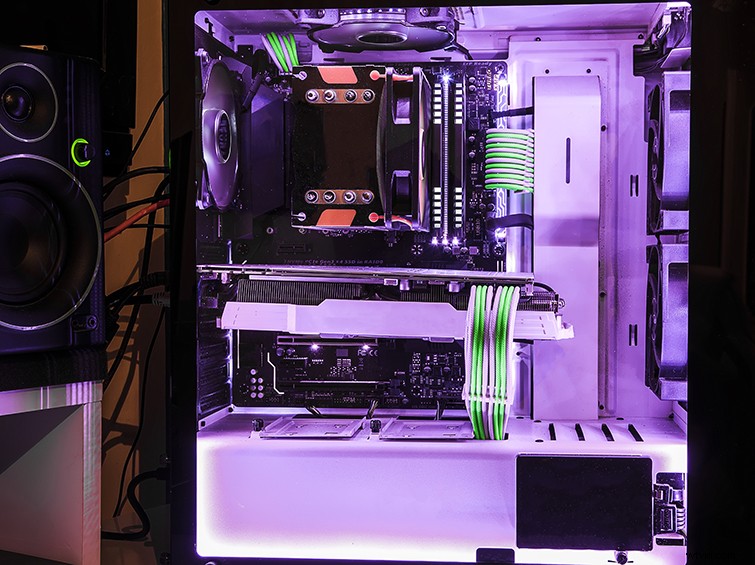
Now, if you’ve got the money and you want to go big, this might be the build for you. Starting off hot with the AMD Ryzen 9 12-core processor, you’ll be blazing through any edit that comes your way. AMD has come a long way with how they build their CPUs — and trust me, this one is hard to beat. There’s also a water-cooled CPU cooler that looks cool, reduces noise, and cools your CPU extremely well.
The RAM is still at 32GB (since the price jump to 64GB is quite a leap), but really, 32GB is enough for your edits. It’s served me well for a while, even on my $2,500 build in the video above. The M.2 SSD stepped up to 2TB, which means you can store your OS, programs (and even footage) all on one drive.
Over to the GPU — the NVIDIA GeForce RTX 2060 is a powerhouse when it comes to processing graphics. Thankfully, Adobe actually loves NVIDIA cards and uses their CUDA cores for effects rendering and processing. This is a GPU that’ll last quite a while. (And, if you want to take a load off after you finish an edit, it’ll give you some of the best gaming performance you can find.)