
Streaming video is content sent in compressed form over the Internet and displayed by the viewer in real-time. The main difference between streaming media and traditional media is that you don't need to waste time waiting for the buffering since the multimedia files won't be downloaded. But one question is inevitable, i.e., what would you do if you want to save the files to your device?
The best way to save the streaming video and audio is to capture them using a powerful tool, such as a recorder. With great recording software, you can save online movies from thousands of video sites, such as YouTube, Amazon Prime, Netflix, etc. But which is the best one to capture streaming videos? This post will introduce the best 12 streaming video recorder for Windows PC, MacBook, and phones.
- EaseUS RecExperts (Win/Mac)
- Flashback Express (Win)
- Monosnap (Win/Mac)
- Screencast-O-Matic (Win/Mac)
- QuickTime Player (Mac)
- OBS Studio (Win/Mac/Linux)
- VLC Media Player (Win/Mac/Linux)
- ActivePresenter (Win/Mac)
- Adobe Presenter II (Win/Mac)
- ShareX (Win)
- AZ Recorder (Android)
- DU Recorder (Android & iPhone)
Best 10 Streaming Video Recorder for PC and Mac
This part shows you the 10 streaming video capture software on Windows and Mac.
Top 1. EaseUS RecExperts (Win/Mac)
EaseUS RecExperts is one of the best free screen recorder software. It is compatible with both Windows and macOS and much friendly to the novices. This screen recorder can help record streaming videos and save them as high-quality videos. Besides, you can set the video output format like MP4, MOV, FLV, MKV, and AVI, and also change the video quality before recording to get a satisfying video.
Besides capturing streaming video, it is also a streaming audio recorder. You can record app sound (internal audio) and audio from the microphone (external audio) in MP3, AAC, WAV, OGG, and other formats.
EaseUS RecExperts
- Simple and intuitive user interface
- Practical video recording software
- Record anything and activities on your screen
- Work as a GIF recorder to capture your screen to a GIF
- Support creating recording tasks automatically
Top 2. Flashback Express (Win)
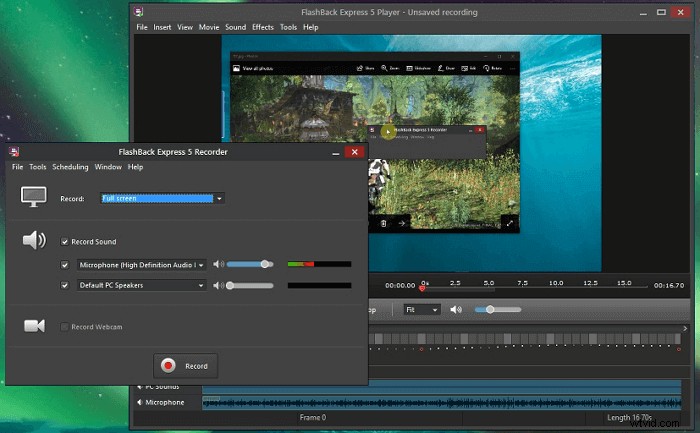
It is not only an easy-to-use stream recording software but also a powerful video editor. This tool can be functional and perfect for recording live streaming videos. Flashback Express ranks at the top of the streaming videos capture tools today for a variety of reasons. The most important one is the ability to record movies with no watermarks and time limits.
Pros:
- Record anywhere on your PC screen
- Record movies with no watermarks or length limits
- Give the facility of adding audio commentary as you record
- Easy sharing - upload to Youtube or download video
Cons:
- Only free for 30 days
- The free version doesn't include any video editing features
- Limited video output formats: MP4, AVI, WMV
Top 3. Monosnap (Win/Mac)
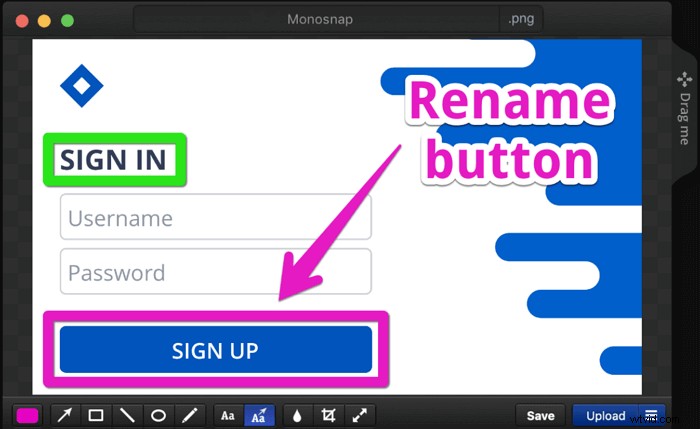
Monosnap service is more than just a screenshot and video tool, cloud storage, or secure content management - it's a simplified workflow of your team. The program is designed to be customizable, allowing individuals to specify different screen-viewing and hotkey adjusting options when capturing the perfect screenshot.
Pros:
- Free without feature limitation
- Record video as well as system sound
- Record in 60fps to ensure an ultra-smooth playback
- Easy to operate even for beginners
Cons:
- Video editing is not possible
- Mobile devices cannot be recorded
Top 4. Screencast-O-Matic (Win/Mac)
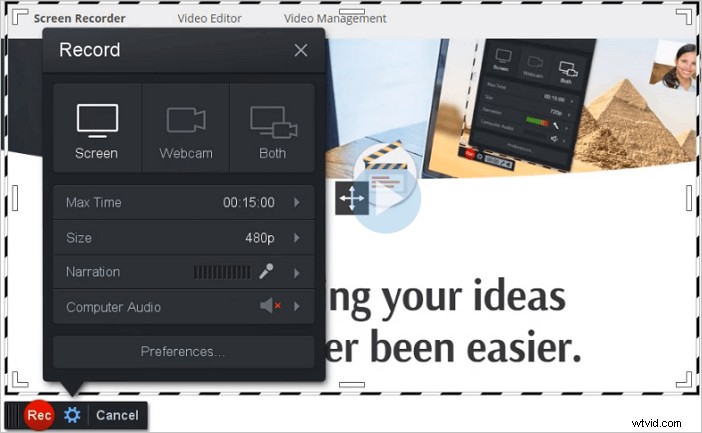
Trusted by school systems, fortune 100 companies, and individuals in 190 countries, this stream recording software is a fast and free streaming media recorder. You can not only record your screen but also edit your videos with the necessary editing tools. This is a Java-based cross-platform web app that has been developed to enable users to record screencasts across different operating systems. With this streaming video capture, you can record streaming videos on various platforms easily.
Pros:
- Straightforward streaming video recorder
- Automatic publishing options
- Record Netflix video
Cons:
- If Java is not updated or installed on your computer system, it may give users trouble viewing or creating videos
Top 5. QuickTime Player (Mac)
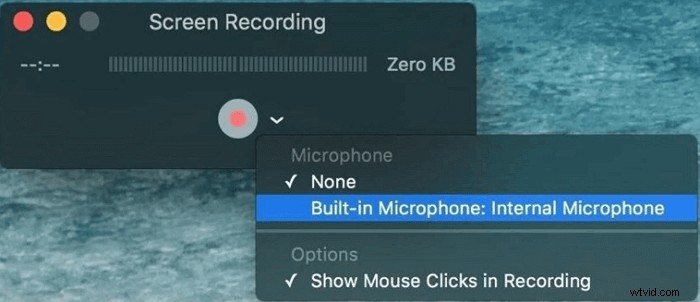
You must be familiar with QuickTime Player if you are a Mac user. It is more than a video player. It is also a video editor and streaming video capture software. QuickTime screen recorder uses onscreen controls, which are similar to a CD or DVD player. Also, while capturing streaming video, you can flexibly adjust the recording area, like a full screen, selected region, etc.
Pros:
- Record audio with video simultaneously
- Record Skype videos in full screen
- Best free streaming video recorder
- Ability to save videos from the web
Cons:
- Limited recording functionality
- System audio recording is not possible
Top 6. OBS Studio (Win/Mac/Linux)
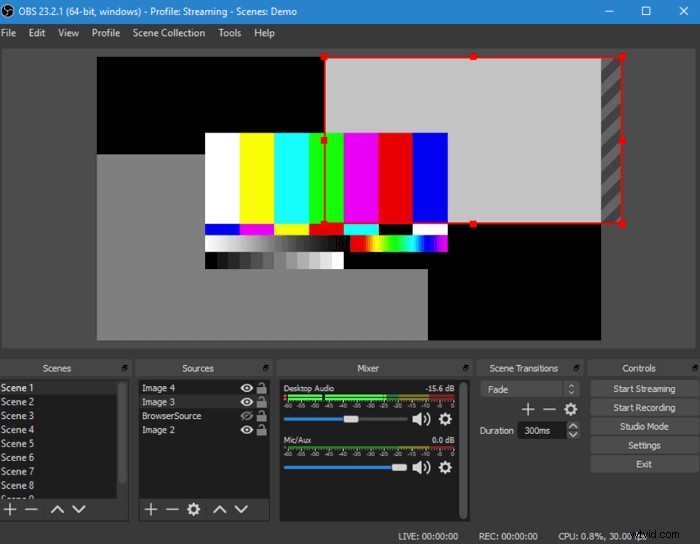
OBS Studio is a free and open source screen recorder for video recording and live streaming. It lets you record all kinds of videos from various streaming sites without much effort. Its Streamlined Settings panel gives you access to a wide array of configuration options to tweak every aspect of your broadcast or recording. Most importantly, it is completely free and can run well Windows, Mac, and Linux.
Pros:
- It supports streaming to Twitch, YouTube, Facebook, etc.
- It supports full screen, windows, region, webcam, microphone, etc., recording
- No watermark or time limit
Cons:
- No "pause" function for recording
- Sometimes, maintainers build different packages inside it

How to Record Zoom Meeting without Permission
Also, some streaming video recorders like EaseUS RecExperts supports recording Zoom meeting in video if you are not a host.
Top 7. VLC Media Player (Win/Mac/Linux)
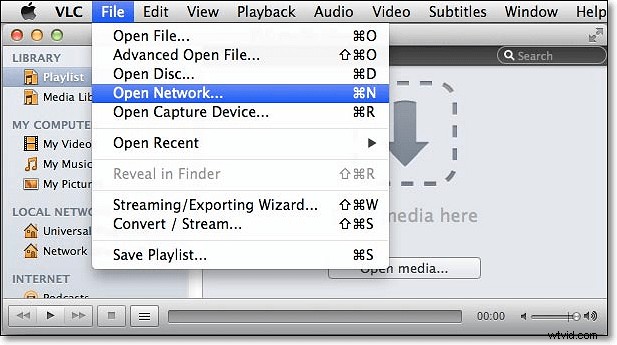
VLC is a free, open-source, and cross-platform multimedia player. Many people are used to treating VLC as simply a free video player. In addition to that, it is a great helper to record live streaming videos. You just need to copy and paste the URL in VLC, and a few simple steps later, you can get the recorded videos on your computer.
Pros:
- Work well on Window, Mac, and Linux
- Stream media over the network or internet
- No extra software is needed
Cons:
- Can only capture the entire screen
- It doesn't have the video editing option
Top 8. ActivePresenter (Win/Mac)
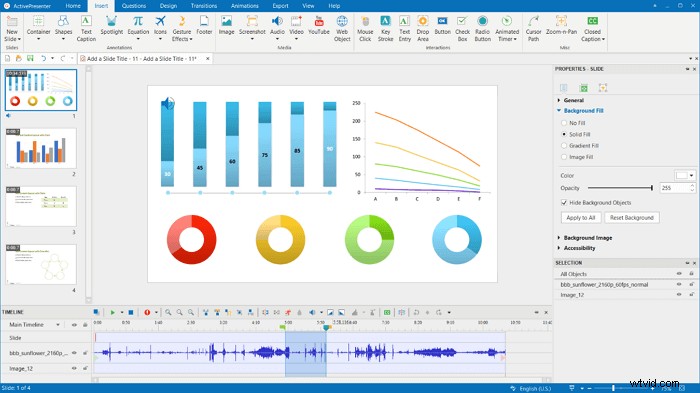
ActivePresenter is a screencasting and eLearning software for Microsoft Windows and Mac OS X, creating software demonstrations, software simulations, and quizzes. What's more, it is also an easy-to-use screen recorder. You can use it to capture anything on your screen, including videos, presentations, and some others.
Pros:
- Multi-platform support
- High-quality screen recordings
- Allow creating responsive content for all types of devices
Cons:
- Javascript is hard to use
- The free edition has a watermark
Top 9. Adobe Presenter II (Win/Mac)
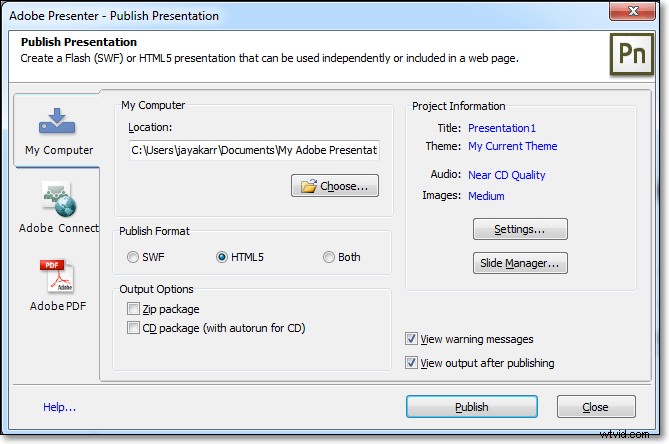
Adobe Presenter is the rapid development tool used by government clients to create web-based, asynchronous training. It is an eLearning solution and stream capturer released by Adobe, available on both Windows and Mac OS X platforms. The primary purpose of Adobe Presenter is to capture on-screen presentations and convert them into more interactive and engaging videos.
Pros:
- It has excellent tools available to make an interactive training product, such as the Quiz Manager
- It supports most of the options in an instructional design plan, including the opportunity to let different users explore different learning paths
Cons:
- Limited features available for our macOS users
- SWF files are generated when content is published
Top 10. ShareX (Win)
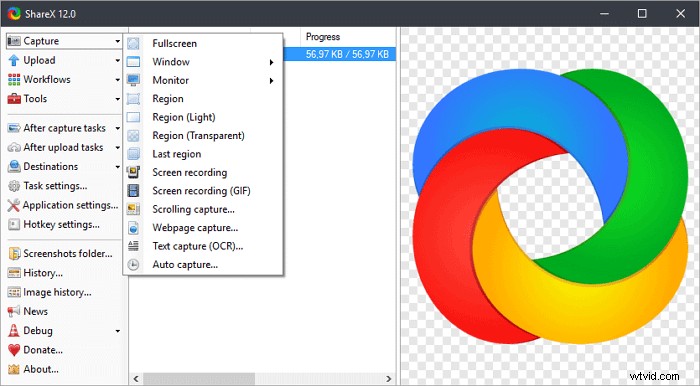
ShareX is a free streaming video recorder that lets you capture or record any area of your screen. What's more, screen captures and recordings can be uploaded to a range of cloud services, including image hosting and general online storage, and even social media.
Pros:
- Offer screen capture and recording
- Lots of sharing options
- Scrolling page capture
Cons:
- It doesn't support specifying the recording resolution
- Not for beginners
Best 2 Streaming Video Recorder App on iPhone and Android
Some of you may look for a streaming video capturing app to record what is happening on your iPhone or Android. If you are one of them, you can try the following apps.
Top 1. AZ Recorder
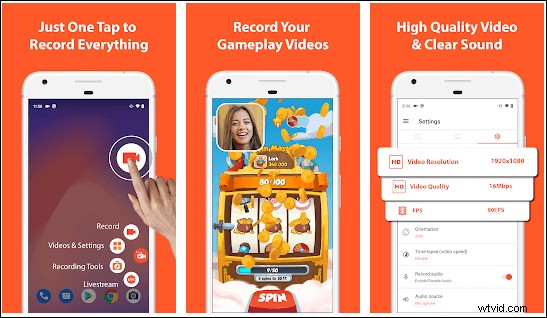
AZ Screen Recorder is one of the best streamed video capture apps for mobile users. It provides stable and fluid screen recording. Using it, you can easily and quickly record popular streaming video, game video, and even video calls with your family and friends. Apart from that, this streaming video recording app enables you to record internal audio, which will be helpful when you need to capture gameplay, video tutorial with internal audio.
Pros:
- No need for root
- No recording time limit
- Built-in a video editor
- Stream screen to YouTube, Facebook, Twitch, and more
Cons:
- Contain ads
Top 2. DU Recorder
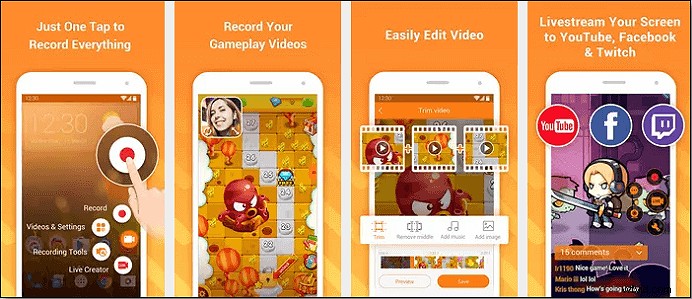
DU Recorder is another live streaming video recording application. It lets you capture anything on your phone screen flexibly without rooting. What's more, you can set the FPS, video quality (up to 1080p), and some others before your recording. Working with DU Recorder, you can edit the recordings using the built-in editing tools directly once the recording is done.
Pros:
- Completely free
- Offer video editing tools
- Limitless screen recording
Cons:
- Cannot record voice while recording screen
Conclusion
This page covers the 12 best free streaming video recorder to help you record YouTube videos, TV shows, or other live streaming videos with ease. All these tools come with valuable features and applications. You can select the best one according to your needs.
If you are a beginner, EaseUS RecExperts is your best choice. This streaming video capture software not only can help you save the live streaming video but capture the audio with high quality. It can do more than you imagine. Now just have a try!
FAQs About Streaming Video Capture Software
Here is more information about this streaming recorder.
1. How do I record streaming video?
To record streaming video, you need to find an excellent screen recorder first. Then open the streaming video, select the recording area, and adjust other settings. After those are done, you can begin your recording.
2. What is the best streaming video recorder?
Many streaming videos capture tools are on the market, and we pick the best 12 stream capturing tools you can try. If you are a beginner, you can try EaseUS RecExperts; if you are a pro, OBS Studio is your best choice.
3. Can you record a streaming program?
Yes, you can record a streaming program with stream capturers we mentioned in this post. If you want to know how to record streaming video, this post will be helpful.