The Zoom H6 is a highly-rated portable audio recorder that is easy to setup and use on the fly -with a reputation for capturing professional audio on a budget. Professionals who use it to record for films and other video/audio productions give the Zoom H6 an A- score.
If you are new to the Zoom recorders, don't get intimidated by the complex apperance - the recorder is actually very intuitive for any hobbyists or audio pros. We are going to go through a few ideal settings to get you started right away.
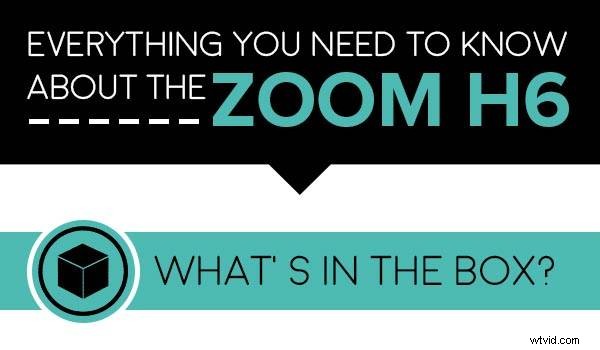
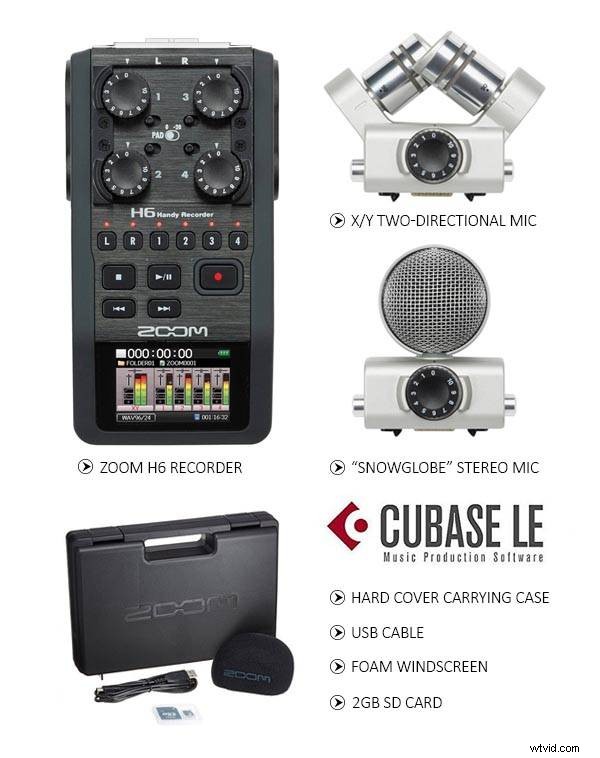
You can also purchase additional accessories to further improve the sound quality with Zoom H6.
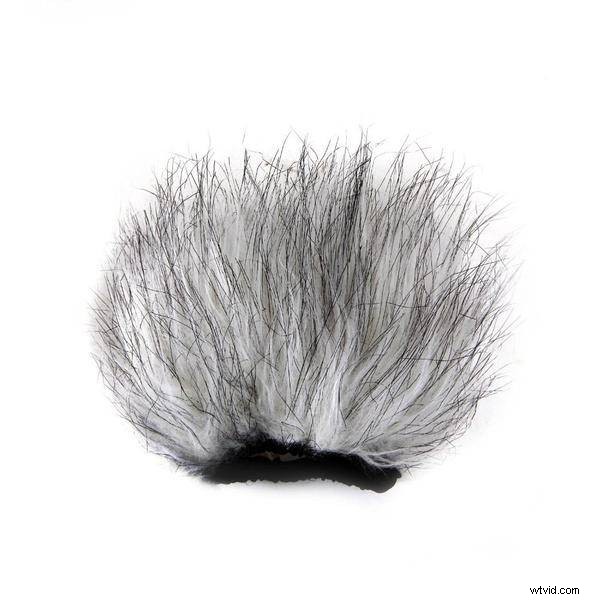
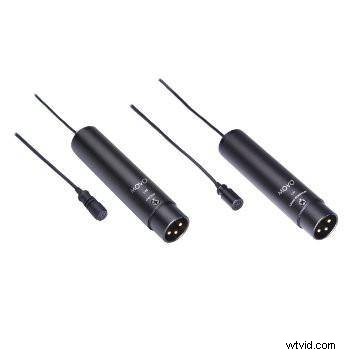
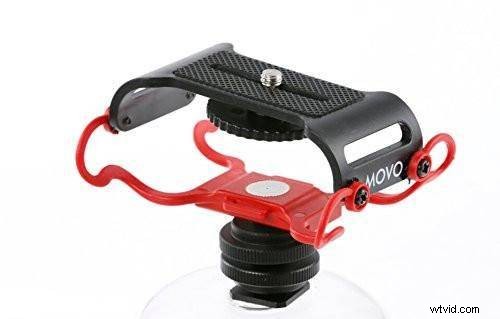
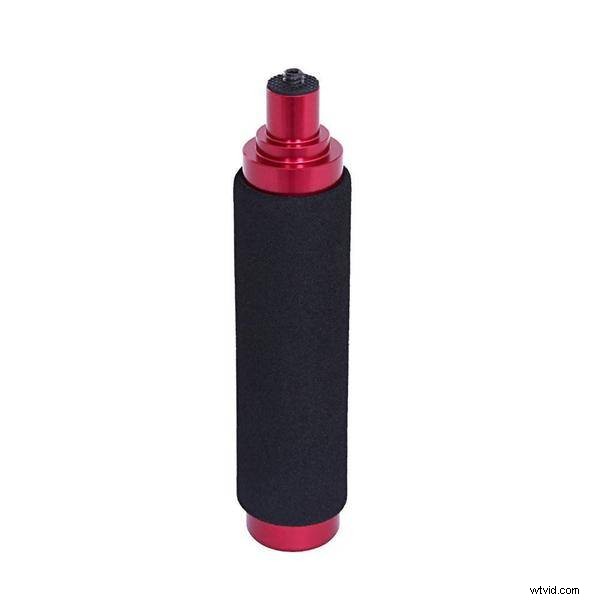
The versatile features of Zoom H6
Not only is the H6 a powerful recorder, it's also a great digital interface for recording straight into the computer via the USB cable.
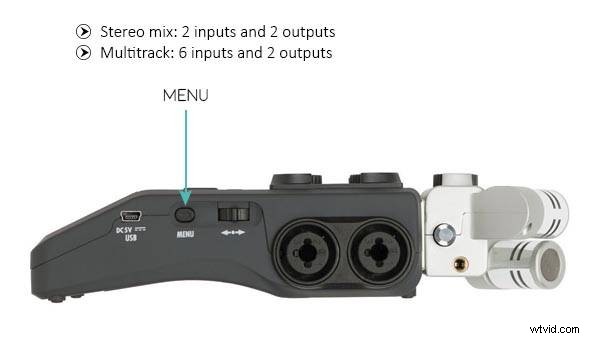
There are two setting to control the input/output. When you set it to "Stereo Mix", (which is also the only mode that works with an iPad), you will have 2 inputs and 2 outputs. When you set it to "Multitrack", you will have 6 inputs and 2 outputs. Make sure you install the H/F Series Multi-Track ASIO Driver if you plan on using it with a PC.

While the Zoom H6 may look complex, the recorder is actually very intuitive for any hobbyists or audio pros. Making sure you choose the correct settings for your scenario is essential to capturing the audio you desire.
Controlling the input/output
To setup for the Audio Interface feature, just press the Menu button on the side, and scroll down to the USB setting and then select Audio Interface
Best single audio source recording settings
The purpose is to isolate external noises as much as possible. Here are some guidelines to follow while interviewing:
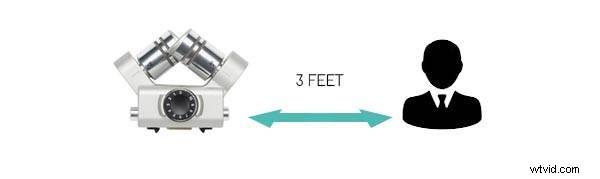
The X/Y Stereo Mic should be within 3 feet of the interviewee, if not, we would recommend connection a shotgun or wireless lav mic
-23db RMS is a good starting point for a human voice recording
Best mixing sound recording settings
When we mix sounds, we adjust all types of audio, including dialog, ambient sound, sound effects, and more, to achieve the ideal proportion of the final audio quality. Here are some guidelines to follow if recording an event:
We highly recommend an ambient mic for event recording
For events like a live concert where you will likely encounter extremely loud sound, the XYH-5 shockmounted X/Y mic would be a good choice for handling noise (sold seperately)

Overall the Zoom H6 is an extremely valuable investment to get quality audio. We definitely encourage you to check out those additional accessories and mic options mentioned above.
If you have a Zoom H6, tell us what you use it for (interview, podcast, live events?) and how you like it!