
The last thing you want to happen when you’ve worked hard to purchase a brand-new drone is to crash it by doing something wrong that you could have easily avoided. Whereas some factors are inevitably out of your hands, you need to be aware of the things you can control and mistakes you can avoid.
Why do drones crash?
Unmanned aerial vehicles (UAVs), also known as drones, crash for several reasons:

The rotors/propellers of your drone are made to be sturdy and yet soft so as not to hurt people or cause damage to other objects. They are thus quite susceptible to bending out of shape after several bumps. Always check each of the rotors before a flight to make sure they are in perfect shape.
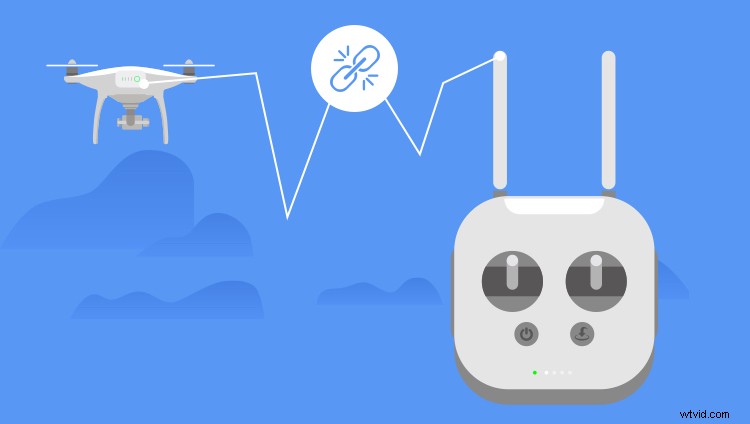

If you are flying your UAV indoors, you are almost guaranteed to lack GPS signal. It is therefore recommended to always fly in open areas away from tall buildings whenever you can.
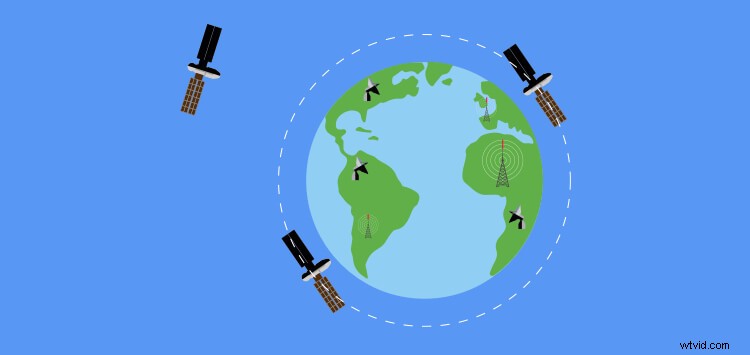
Incorrectly-tuned compasses are one of the biggest causes of drone crashes. Drone compasses can become detuned from any magnetic and radio frequency (RF) source. Avoid keeping the UAV is too close to magnets such as those in car speakers during transportation as well as flying in an environment with high electromagnetic interference, such as close to high voltage power lines and cell phone towers.


This is another common cause of drone crashes and can happen at any time from your first flight to some months later, usually arising from loose cables and damaged ports. Make sure your cables are always well plugged in before flight and unplugged carefully after, to keep the ports in good shape.

When you lose control of your drone, as a pilot one of the quickest natural reactions would be to hit the Return to Home (RTH) button but it worth keeping in mind that most consumer drones can’t avoid obstacles. This means the UAV will simply trace a straight line to the home point even if there are trees or buildings or electricity poles in the way; this can easily result in a serious crash. You shouldn’t panic to press the RTH button every time you lose control of the UAV, stay calm and figure out a better move.
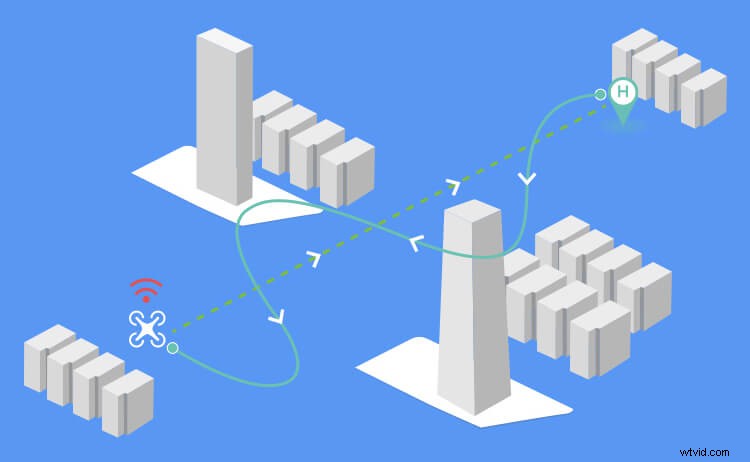

This sometimes happens when the GPS lock is lost during flight and then regained causing the drone to recalibrate an incorrect home point. Keep in mind that the home point can be where your UAV took off from or wherever your remote controller is so you check that it’s correct. Finally, make sure you set your return home altitude so that it’s higher than anything in the area, 100 meters should work just fine unless you’re flying in a city or near some particularly tall structures such as telephone masts.
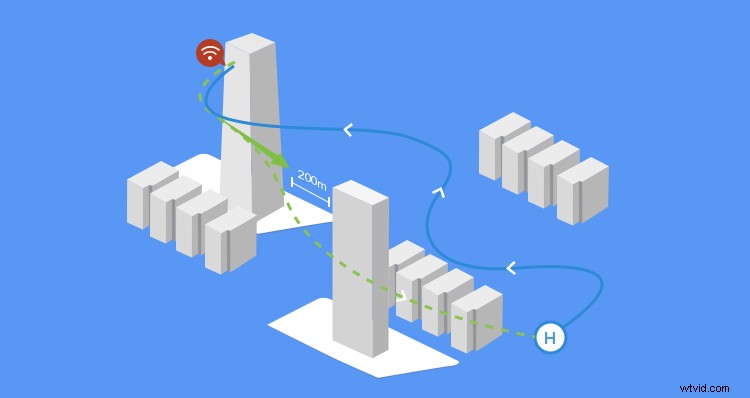

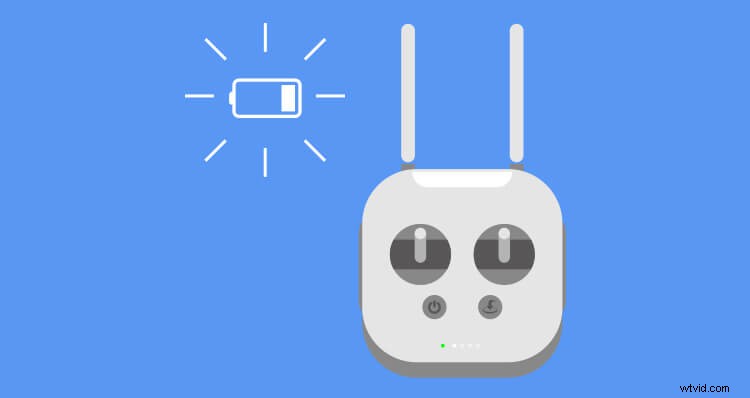
It is key to always fly with a fully charged battery and never be tempted to start a new flight with a low or partially charged battery. While you’ll probably get away with using a semi-charged battery most of the time, this always comes with the risk of randomly losing power mid-flight when you least expect it.
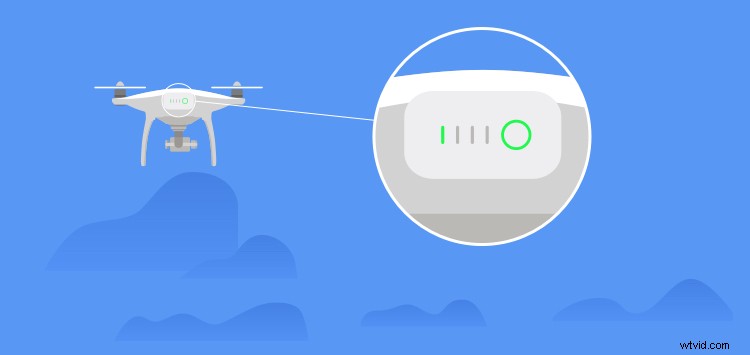

It is important to land your drone with 30% power in reserve such that in case an emergency requires you to delay the landing you have enough time to either find a new landing spot or deal with the problem. Furthermore, some UAVs come with a failsafe feature where the drone automatically heads for its home point once the battery reaches 10% and while this can be useful, if there are any trees or other obstacles between the drone and its home point it will fly straight into them.

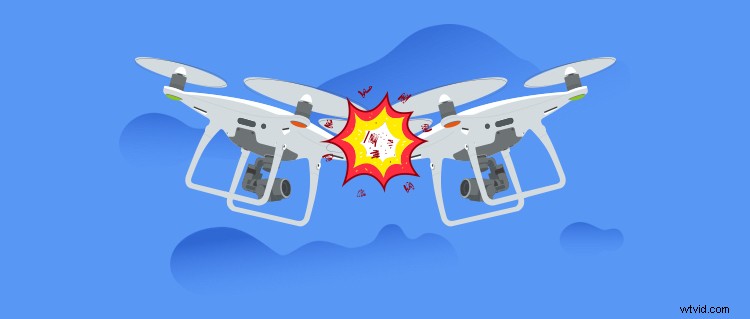
If there are other UAVs in the sky there is always the possibility of a collision especially if the pilots are both unaware of each other’s presence in the area, performing complex flight maneuvers or racing.

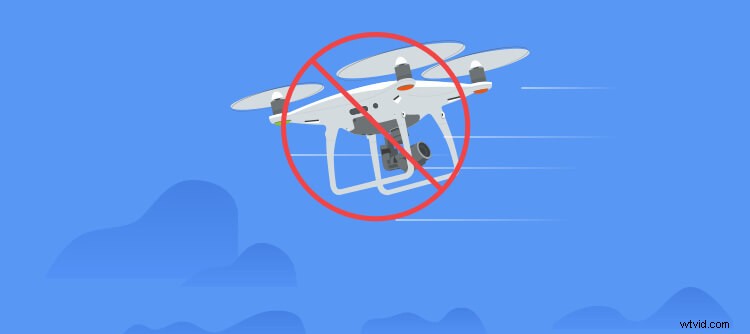
When the drone is flying so high up in the sky it can be hard to tell, especially for beginner pilots, which side is which and so one can easily mistake the tail end for the nose and hence misdirect the UAV. Make sure to familiarize yourself with which side is which before flying farther out.
What should you do after you crash your drone?
No matter how experienced a pilot you are, when you own a drone, you must face the fact that a crash is going to happen. Sometimes it's your fault; sometimes it's due to conditions beyond your control. Either way, your beloved drone will crash at some point in time. So, what should you do when it does?
First off, try to retrieve the drone. Upon retrieving your drone, inspect it for damage. Take note of the damage you can see and have it as a reference in case you need to contact your drone manufacturer. Below are some useful steps that you can take after retrieving your drone from the crash site:
1. Shut off the UAV/controller and remove the battery and props
2. Clean all dirt/sand/debris from the drone using alcohol pads
3. Manually turn the rotors while the drone is upside down to dislodge any sand/dirt and then blow in each of them (or use compressed air) to remove any remaining dirt
4. Check for gimbal range of motion, bent parts, or cracks
5. Check the camera for cracks or loose wires
6. Check the battery for structural damage
7. Remove all props and check for any cracks or deformities. Replace any props that show signs of damage
8. Check all gimbal pads and drop protectors to make sure they are securely seated and intact
9. Check the entire frame for cracks including the landing gear
10. Check every motor to make sure it was correctly seated and not loose (including all the screws)
11. Blow sand/debris/dust out of every moving part (again)
Re-booting
12. Re-insert the battery into the drone when you've completed a thorough check/clean
13. Re-boot the drone on a flat surface and let it go through start-up procedure again
14. Calibrate the compass and then the IMU
15. Check the gimbal for full range of motion using gimbal control and then by moving the UAV around
16. Start the motors without props and check for any wobble
17. Shutdown the motors again, attach the props, restart the motors, and re-check for wobble again to make sure
18. Bring the UAV to a slight hover just above eye-level and check for strange movement/shaking
19. While recording video, do basic maneuvers (forward, backward, left, right, yaw left, yaw right, up, down)
20. Review the video to make sure there's no additional shakiness
21. Do one long-distance flight low and slow (not over water) to ensure everything is working fine
In some instances, you may be subject to low-cost or free warranty repair services via your manufacturer. When you reach out to them, mention all the details of the flight that you can remember. If your aircraft is out of the warranty, there's no need to worry if you have DJI Care Refresh. Also keep in mind that DJI Service can cover any permanent damage from a crash. If you're flying for a hobby, then DJI Care Refresh could come in handy if you crash your drone a few times during the first year.
Drones are highly complex devices that rely on various systems to perform properly and while there’s no way to guarantee against a hardware or software problem being aware of the things you can control and mistakes you can avoid as explained can help you to minimize the chances of crashing, or even losing, your drone. Most accidents can be prevented by being vigilant and diligent in all the preparation and execution needed to be a happy, productive drone pilot.
If you want to find out more about how not to crash your drone, you may find this article interesting: https://store.dji.com/guides/15-steps-to-not-crash-your-drone/