
Since its debut in September 2024, the DJI Neo has become a global favourite for drone enthusiasts. Its compact 135 g frame, a suite of intelligent flight modes, and a low price point make it an ideal choice for both casual pilots and professionals.
Image Credit: Dan Bayne/Droneblog
Thanks to its removable propeller guards, the DJI Neo can be flown both indoors and outdoors with confidence.
This article and accompanying video demonstrate how to safely remove the propeller guards and replace the propellers if needed. We also explain why you might consider removing the guards.
Benefits of the Propeller Guards
The DJI Neo is already remarkably safe, but the fully encased propeller guards add an extra layer of protection. Weighing only 135 g, the drone’s low mass means a crash has minimal impact on people or property.
Because the guards fully encase all motors, the Neo can fly in tight spaces without risking damage to nearby objects. However, be cautious around branches and small limbs that could reach the motors.
In the United States, the Neo qualifies as a Category 1 drone, allowing Part‑107 pilots to fly over people when an RID module is installed.
Why Remove Propeller Guards?
While the guards are beneficial, there are legitimate reasons to remove them.
Weight Savings
Removing both guards trims a few grams from the total weight, which translates into an extra minute of flight time—17 minutes with guards to 18 minutes without.
That additional minute can be the difference between a sudden forced landing and a controlled touchdown.
Open Access to the Propellers
Fully encased propellers are convenient, but you’ll need direct access if you wish to swap or upgrade to aftermarket blades. It also simplifies maintenance when props wear or sustain damage.
Understanding Propellers
Think of drone propellers like vehicle tires—they are the sole interface between the aircraft and the air. Regular inspection and timely replacement are essential.
Although manufacturers don’t specify an exact lifespan, DJI support and other experts suggest replacing propellers after 200–300 flights.
When to Change Propellers
Replace the props if they show any of the following signs:
- Warped
- Chipped, cracked, dinged, or dented
- Discolored
- Unusual noises
Ensuring your Neo’s props are in good condition guarantees safer flights.
How to Remove the Propeller Guard(s)
The guards are firmly attached, which protects the Neo during accidental contact.
STEP 1: Locate the first tab on the guard and lift it with a nail or the included screwdriver to disengage it from the frame notch.
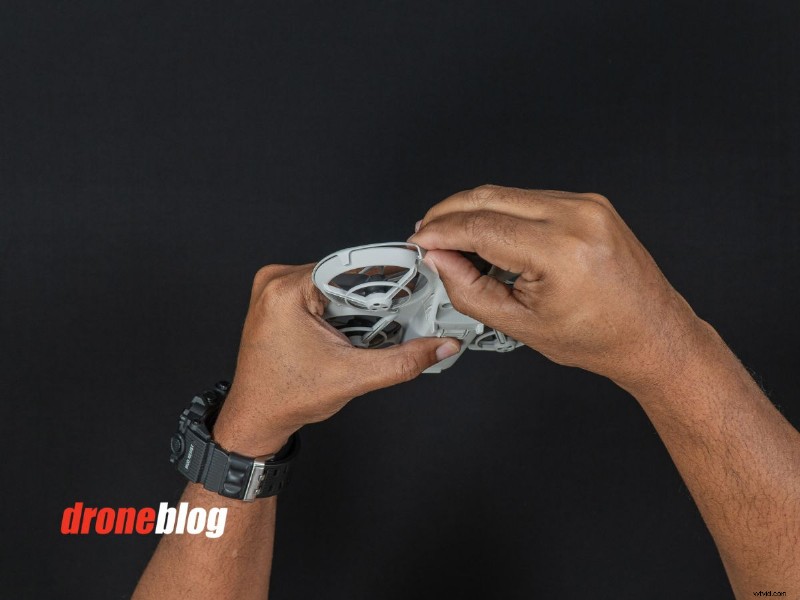
STEP 2: Continue around the frame, pulling each of the five tabs. Once all tabs are released, the guard will detach.
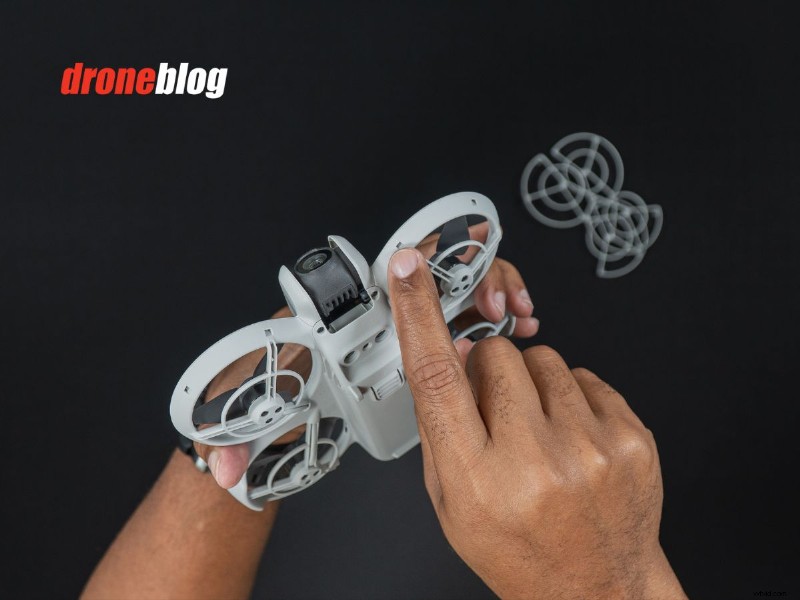
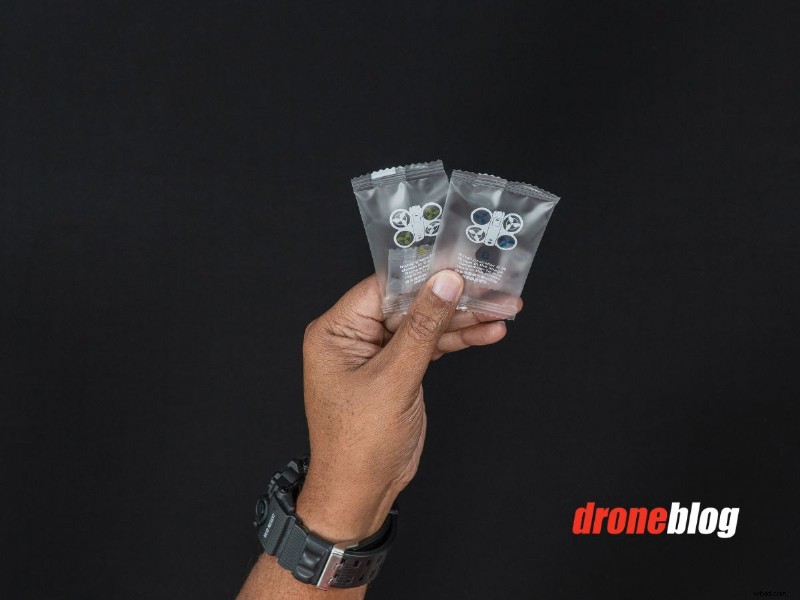
Before changing props, match the correct propeller to its motor location. Color‑coded packages—yellow for front‑right and rear‑left, blue for front‑left and rear‑right—simplify this process.
How to Change the Propellers
To replace a propeller, you’ll need the screwdriver included in the DJI Neo box and the matching spare set.
STEP 1: Select the correct prop from its package and set aside any spare screws.
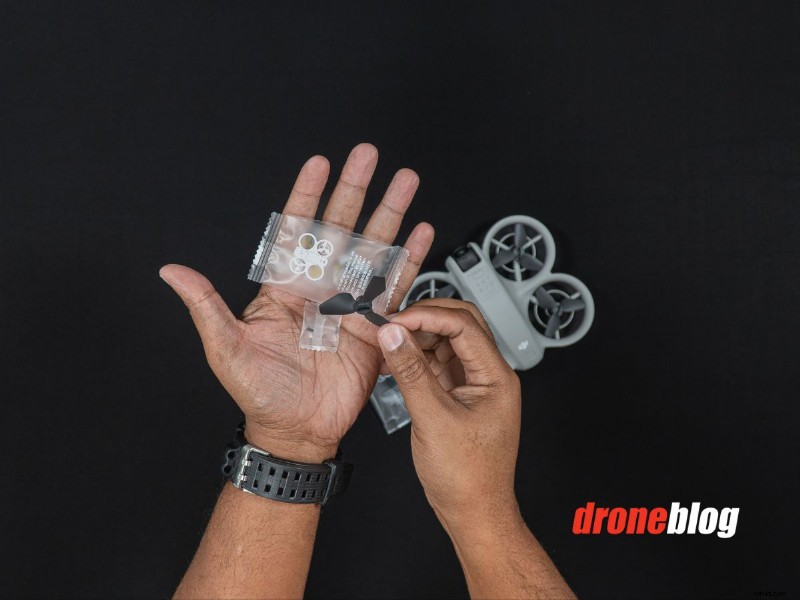
STEP 2: Unscrew the existing propeller.
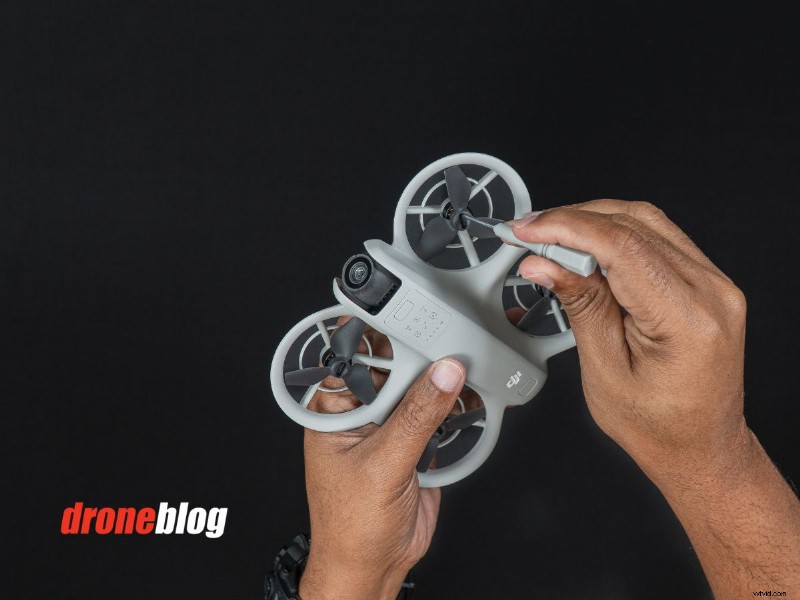
STEP 3: Secure the new propeller firmly. Improper installation can lead to a loss of control.
Following these steps ensures a safe and efficient propeller replacement.