
Do you want to get into portrait photography but without all the expensive (and heavy) equipment? Not to worry! These days, you can take great portrait photos on your smartphone. But, even with a powerful smartphone, you may still need some digital assistance. That is why today, we’re looking at seven of the best photo retouching apps for smartphone portraits.
Best Photo Retouching Apps For Smartphone Portraits
Many great photo retouching apps are available, but it’s not easy to pick the right one. To help you out, here’s a list of seven of the very best photo retouching apps for portrait photos.
7. AirBrush
iTunes | Android
Airbrush is the perfect photo retouching app if you want to remove imperfections. You can remove blemishes and acne or whiten teeth in a few seconds.
Besides that, AirBrush offers a whole range of retouching tools. From skin smoothing and sculpting to face stretching and reshaping.
Pros
- Edit pictures from Camera or Gallery
- Change the image quality easily
Cons
- Free but with in-app purchases
6. FaceTune 2
iTunes | Android
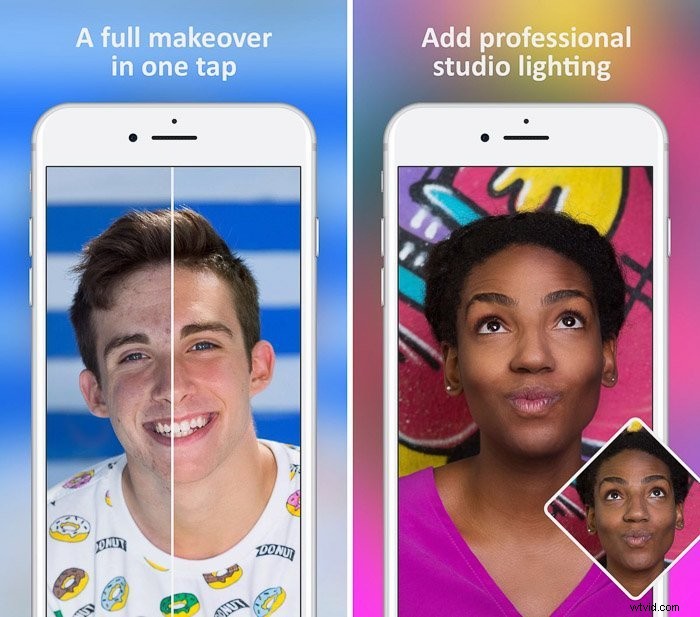
FaceTune 2 offers basic portrait retouching features like skin smoothening and teeth whitening, but there’s a lot more to it. With FaceTune 2, you can reshape faces and even give your subject a smile if you want to.
It’s a complete retouching app, but the best feature is Relight. This feature allows you to change the direction of the light in your photos.
Pros
- Complete retouching app
- Unique features like Relight
Cons
- Only for iPhone. (The original FaceTune is also available for Android.)
- Free but with a subscription if you want to use all functions
5. Pixelmator
iTunes
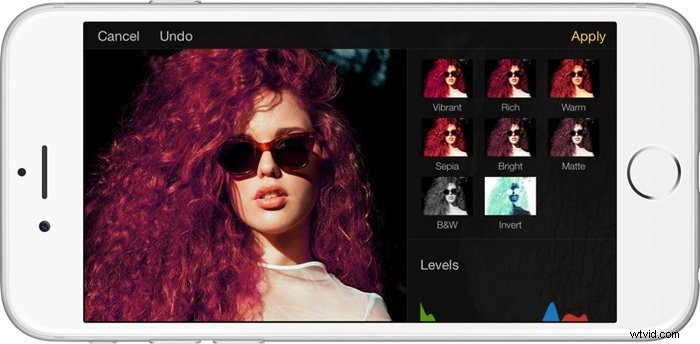
Pixelmator is a great all-around editing app. It comes with editing tools like cropping, color adjustments, and filters. But there’s also a great set of portrait photo retouching tools.
The Clone tool allows you to move or remove objects and the Soften tool allows you to smooth out the features on any face. You can also sharpen a person’s eyes for better portrait results.
Pros
- Advanced photo retouching
- Easy to use
- Collages and panel edits
Cons
- Costs $4.99
- Not available for Android
4. Photoshop Express Photo Editor
iTunes | Android
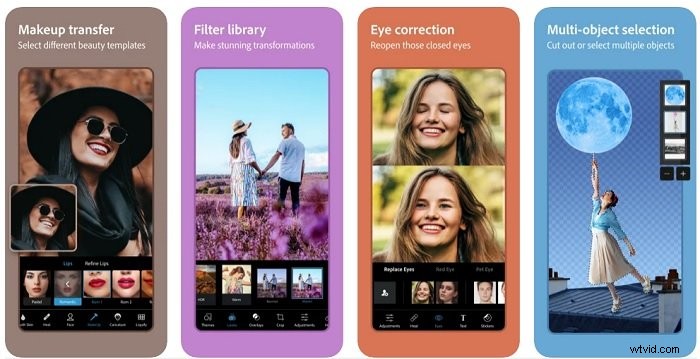
Photoshop Express Photo Editor is not the easiest app to use. But it gives you excellent creative control from your phone, so it’s well worth learning. It includes a large range of photo retouching tools. The Lighten tool is great for teeth whitening, and you can use the Smooth tool to even out skin.
The Healing brush will correct spots and blemishes quickly without effort. The standout feature is the Liquify tool, which allows you to make adjustments to facial features.
Pros
- Free
- Lots of features and tools
- Can combine with Photoshop CC and Lightroom
- Save files as PSD format and include layers
Cons
- Slight learning curve
- You need a CC subscription to use it with Photoshop and Lightroom
3. Fotor
iTunes | Android
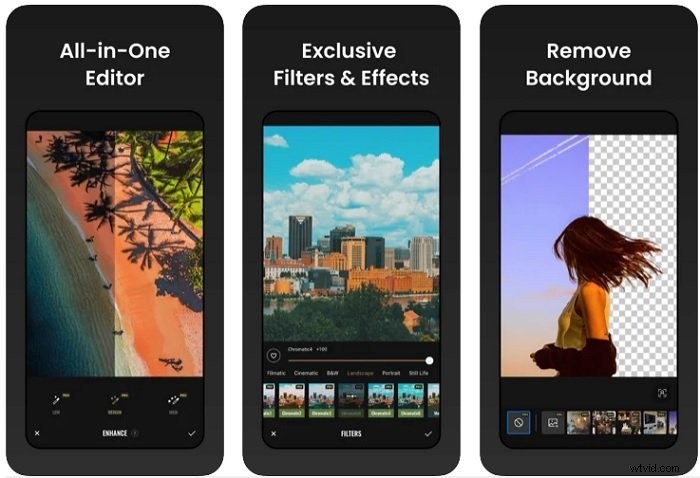
Fotor is more than just a portrait photo retouching app. The Fotor app is both an editor and collage maker that allows you to add filters, effects, frames, and graphics enhancements to your photos.
You can easily edit your portrait photos and, at the same time, be creative with graphic design.
Pros
- Easy to use
- Photo editing and graphic design
- Frequently updated web version
- Share your photos through social media and e-mail
Cons
- The help-related resources could be improved
- Limited functionality of the free version
2. Snapseed
iTunes | Android
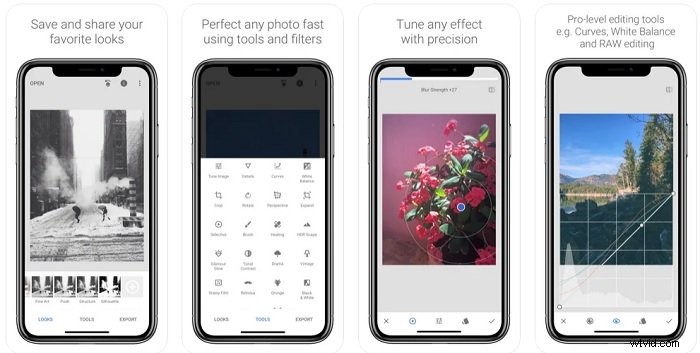
Snapseed is fast becoming one of the most popular photo editing apps for iOS and Android. It’s easier to use than Adobe smartphone apps. But you still get a fabulous array of functions and tools. You can even work with RAW files.
It’s excellent for retouching selfies and social media content. You can add vintage effects like film grain or change the photos to black and white. But you also have more precision tools, like white balance, healing brushes, and perspective enhancers.
Pros
- Easy to use
- Excellent Retouching tools
- It’s free
Cons
- Regularly requires updates
1. TouchRetouch
iTunes | Android
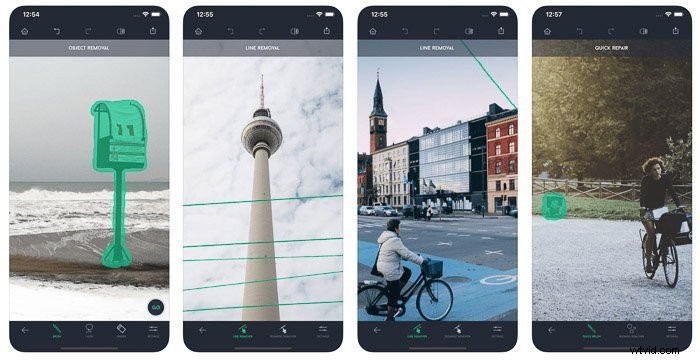
TouchRetouch is all about removing objects from a photo. It allows you to remove streets signs, people, power lines, and a lot more.
It’s also a great option to clean up portrait photos and remove imperfections from a face.
Pros
- Best choice for removing objects
Cons
- Very specific purpose
- Not Free
Conclusion
There’s no reason not to start with portrait photography, and it doesn’t have to be expensive or difficult.
Just download any one of these best photo retouching apps on your smartphone and start shooting. You’ll get amazing results in no time.