
Now that we finally know when Sigma's USB Dock is going to land, this video shows exactly how it works
By Tim Barribeau | Published Apr 25, 2013 8:04 PM EDT
We may earn revenue from the products available on this page and participate in affiliate programs. Learn more ›
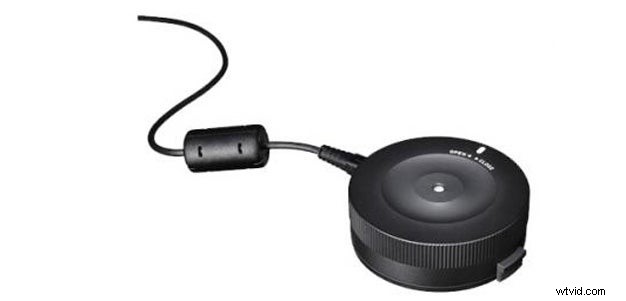
We first heard about Sigma’s innovative USB Dock last year at Photokina, and we’ve been curious about how the accessory will work ever since. This $60 gadget lets you connect your lens to your computer via USB, and then easily install new firmware and make autofocus microadjustments to tweak lens performance.
Earlier this week, Sigma officially announced the availability of the USB Dock (it’s due out early in May), and also released this video demonstrating how you use the USB Dock software to update and control your lens.
For most lenses, the process of updating firmware is an overly complex one. You have to download the firmware to your computer, install it on an SD card, and then run the card from inside the camera. This provides a far more streamlined approach.
The lens autofocus microadjustments also looks to be a major improvement. While many DSLRs offer in-camera AF microadjustments, quite a few don’t, and even those that do are hampered by clumsy interfaces. Moving the process to your computer should make fixing minor focusing irregularities that much easier — though you’ll still need a focus calibration tool like SpyderLensCal if you want to do it properly.
[via PetaPixel]