
A Post By: Sime
In the photography ecosystem, many professionals find themselves in a unique niche—needing an additional display for on‑the‑go tasks, but not demanding the pixel‑perfect color fidelity required by a retoucher. The Espresso Lite 15 was built precisely for this workflow, and in my experience it performs admirably.
Choosing the Right Monitor for Each Task
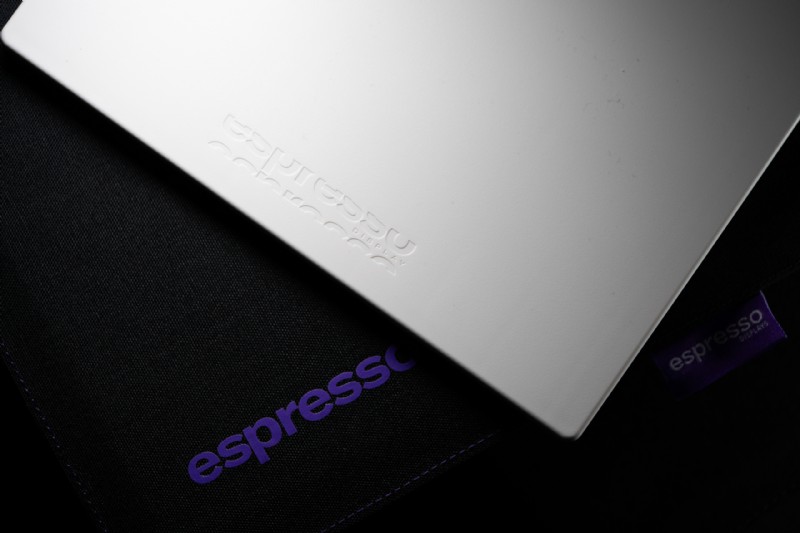
When I’m away from my studio I alternate between two Espresso displays. For critical color reviews, campaign approvals, or any work that demands the highest precision, I turn to the Espresso 17 Pro with its crisp 4K panel. The Lite 15, however, serves as a lightweight, second screen for everyday social‑media management, content scheduling, and client coordination.
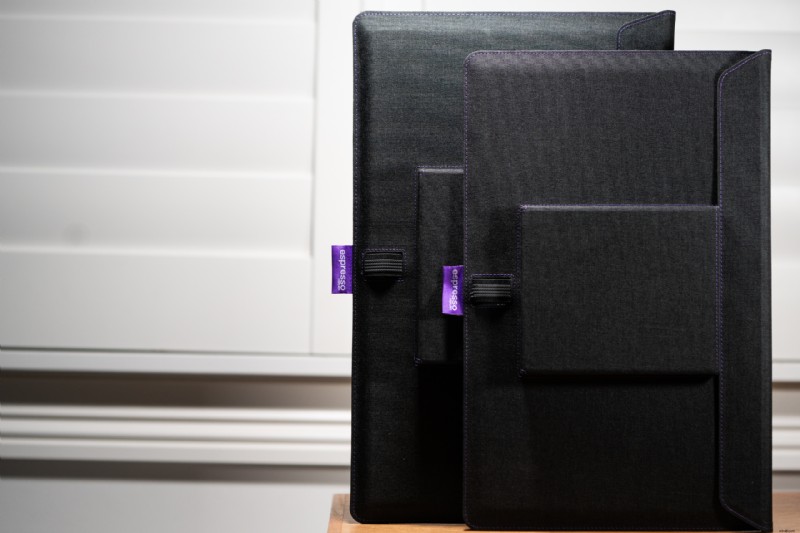
Size matters. Below you’ll see the 15‑inch and 17‑inch models side‑by‑side. While the 15‑inch is modest, it excels in the tasks I use it for—quick edits, thumbnail reviews, and reference video playback.
First Impressions: Colorful Personality
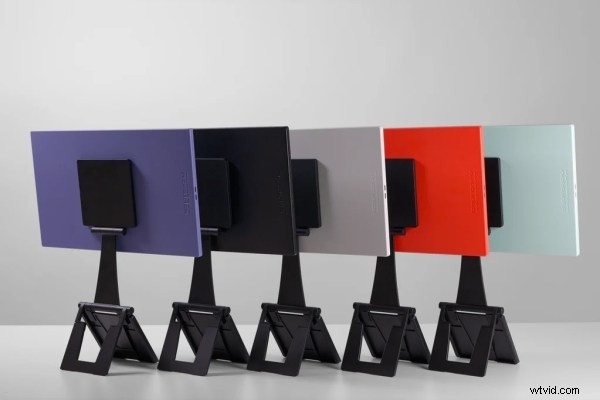
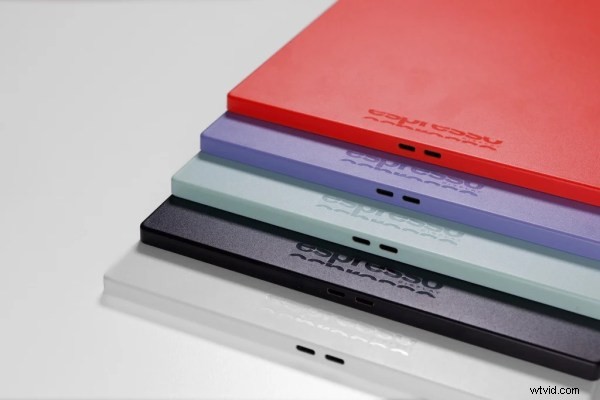
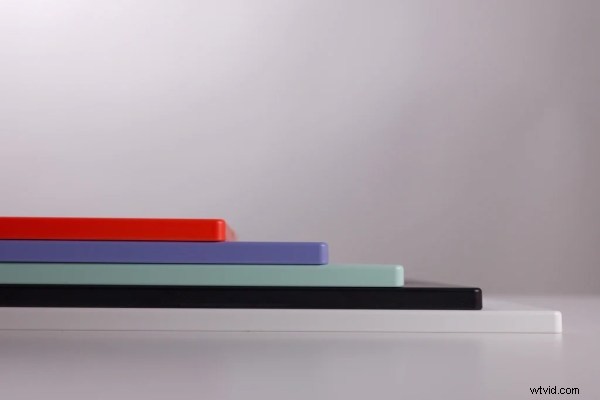
The Lite 15 is available in five distinctive colors—black, white, soft mint green, light purple, and vivid orange. Though the hue mainly shows on the back panel, it gives the monitor a unique flair that sets it apart from other portable displays. I’ve chosen the white variant, which adds a touch of elegance whenever I set it up in a café or studio.
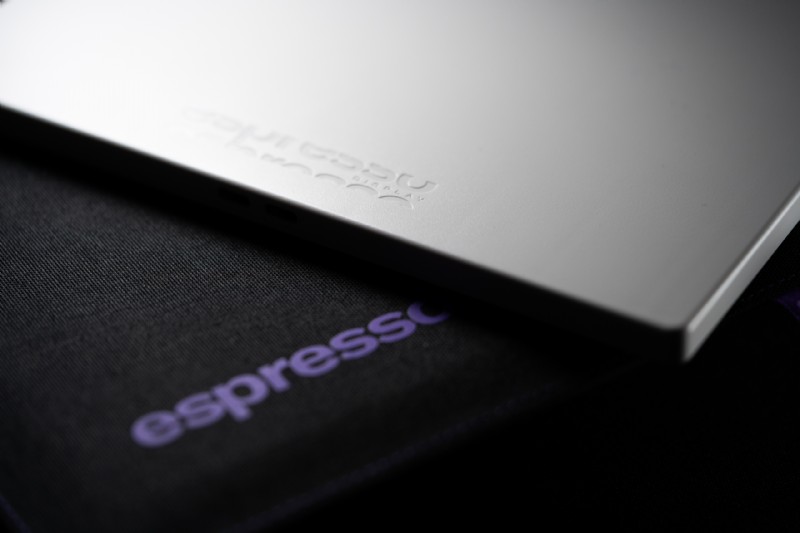
Unlike the aluminum chassis of Espresso’s premium line, the Lite 15 features a durable plastic body. The construction feels solid, and the symmetrical front bezel actually looks cleaner than some of its more expensive siblings. It’s slightly thicker than the Display 15, but marginally lighter, making it easy to slip into a camera bag.
The Stand+: A Clever Design Feature
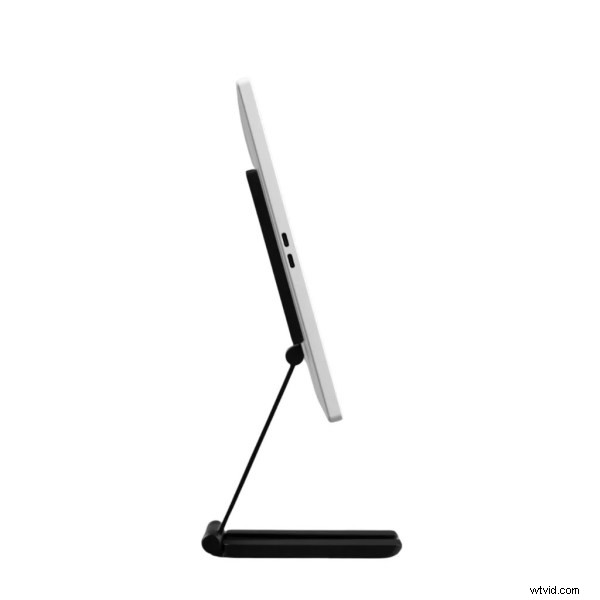
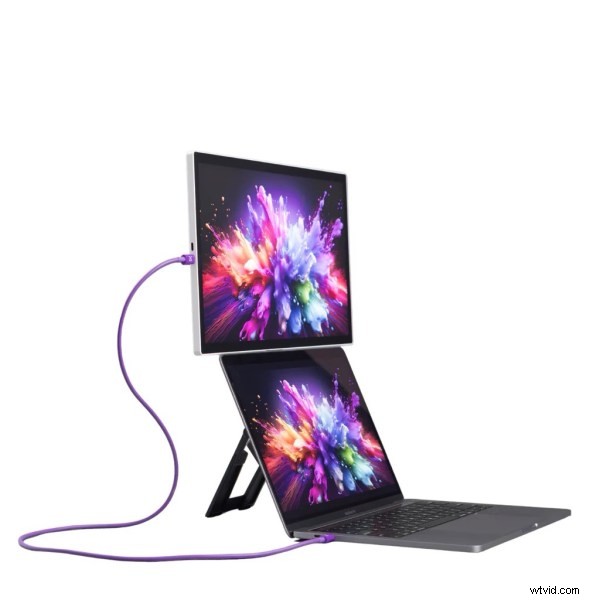
Espresso’s magnetic Stand+ is one of the most innovative pieces of hardware I’ve encountered. The monitor snaps onto the stand with a simple magnetic click—no screws or latches required. The stand itself can be positioned either level with a laptop or raised above it, allowing me to keep my content calendar or social‑media dashboard visible while my laptop handles the rest of the workflow.
Switching between portrait and landscape is effortless, thanks to the magnetic system. While the stand works best on a flat, stable surface—ideal for office desks, co‑working spaces, or even a clean café table—some users might wish for a ¼‑inch 20″ mounting hole for more creative setups.
Display Performance: 1080p Meets Everyday Needs
The Lite 15 sports a 15.6‑inch Full HD (1920×1080) panel at 60 Hz. While it isn’t the tool for final color approval, it delivers sharp, bright images—up to 400 nits—suitable for reading text, reviewing social‑media drafts, and watching reference videos.
Color reproduction is vibrant and pleasant, even if it doesn’t meet the rigorous color accuracy standards of print or professional retouching. For social‑media previews—checking how an image appears in Instagram crop ratios or carousel flow—the screen performs more than adequately, and I’ve never felt let down in that context.
One‑Cable Convenience
A single USB‑C cable connects the Lite 15 to your laptop. No drivers or software are required, though the optional Espresso Flow app offers a clean interface for adjusting screen positioning, brightness, and color mode. The monitor includes two USB‑C ports, so you can pass power through it to your laptop (when a charger is connected) or simply plug directly into the laptop for full‑speed charging.
Because the Lite 15 draws less power than higher‑spec models, it’s gentler on laptop batteries—a noticeable advantage during extended days away from a power outlet.
Who Should Use the Lite 15?
Photographers, retouchers, or anyone whose work depends on pixel‑level color accuracy will find the Lite 15 inadequate as a primary monitor. The Espresso 17 Pro or 15 Pro (with a 4K panel) remains the best choice for those tasks. However, if you operate in photography‑adjacent roles—social‑media management, marketing, agency production, or content coordination—the Lite 15 offers a near‑perfect daily driver. It delivers dual‑screen productivity without the bulk, cost, or weight of a premium display you don’t need.
It’s also worth noting that the Lite 15 lacks touchscreen functionality, which keeps the price down. For social‑media work, that omission is inconsequential.
Verdict
The Espresso Lite 15 is a smart, well‑priced portable monitor for photography industry professionals who need a capable second screen for everything except color‑critical editing. The magnetic Stand+ is exceptionally useful, the one‑cable setup is effortless, and the color options give the device a touch of personality uncommon in its class.
If you already own or are considering a premium 4K Espresso display for your editing work, the Lite 15 is an ideal companion for day‑to‑day tasks—lighter on your bag, lighter on your budget, and more than up to the task.
Key Specs at a Glance
- Display: 15.6‑inch Full HD (1920×1080), 60 Hz
- Brightness: 400 nits
- Connectivity: 2× USB‑C (single cable powers and displays)
- Stand: Magnetic Stand+ (included), portrait/landscape
- Colours: Black, White, Mint, Purple, Orange
- Body: Plastic chassis, feels sturdy enough to slip in a camera bag
- Software: Espresso Flow app (optional; Mac’s display settings work fine)
Read more from our Cameras & Equipment category
I need help with...