
Free Photoshop plugins offer photographers precise tools for specialized tasks and streamlined edits.
Adobe Photoshop remains a cornerstone of every photographer’s toolkit. While its native features are powerful, mastering every tool can be time‑consuming. Plugins extend its capabilities, unlocking advanced workflows without steep learning curves.
In this guide, we highlight the most effective free plugins that save time, introduce new techniques, and enhance creativity.
What Are Free Photoshop Plugins?
A Photoshop plugin is a standalone piece of software that runs exclusively within Photoshop. Designed to integrate seamlessly into the interface, plugins make advanced functions instantly accessible from the Filters menu or other panels.
Installation is straightforward: download the plugin, locate the Photoshop plugin folder, and drag the file in. Follow the plugin‑specific instructions for the best experience.
Below, we categorize the plugins into three groups. Click the links to jump to the section that interests you:
- Visual
- Workflow
- Design
© Kawê Rodrigues
Best Free Photoshop Plugins to Enhance Visual Output
These plugins give you powerful, dedicated tools that elevate your image quality and creativity.
1. Artisan Pro X
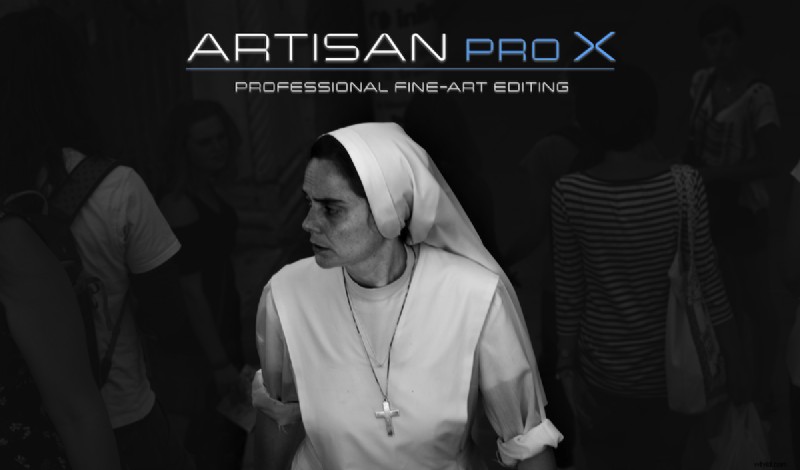
Artisan Pro X specializes in black‑and‑white conversion, offering intuitive sliders for tone, contrast, and split‑toning. The plugin’s interface mirrors a dedicated B/W workflow, making it a professional‑grade solution for photographers who rely heavily on monochrome imagery.
2. Alpaca
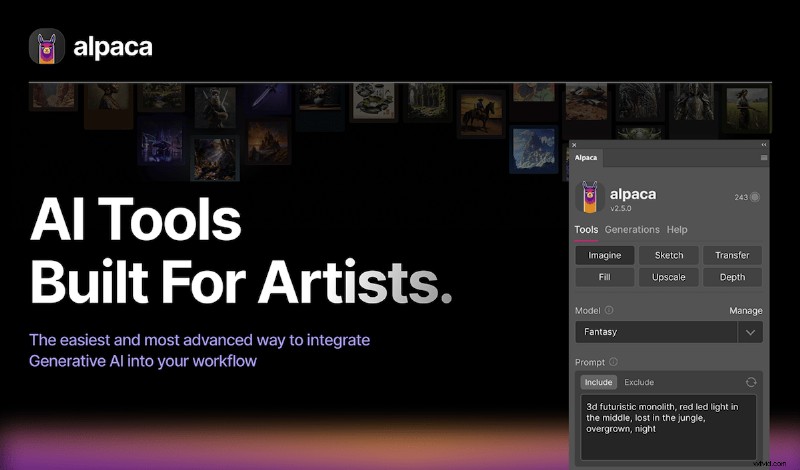
Alpaca is an AI‑powered sketch‑to‑image renderer that delivers polished illustrations in seconds. Though it offers a paid tier, the free version allows up to 100 daily generations, including color sketches, making it ideal for quick concept visualisation.
3. Film Emulation
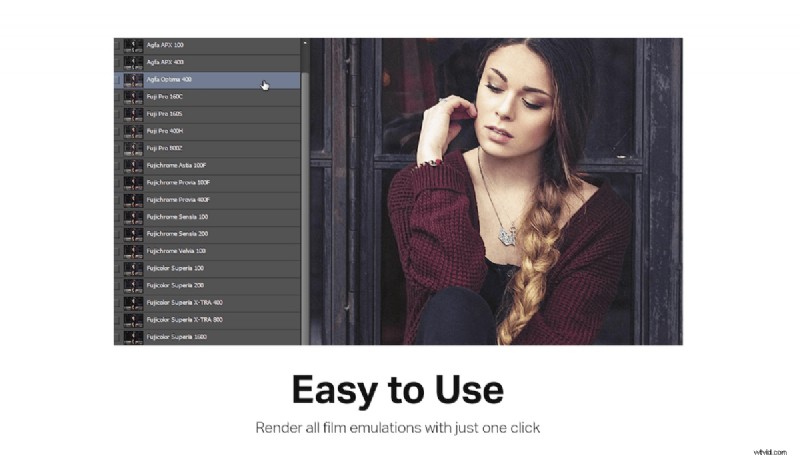
Film Emulation provides 33 realistic film presets, letting you transform digital shots into classic analog aesthetics. Unlike static presets, the plugin exposes each layer and channel, giving full control over tonality and grain.
4. Pixelate
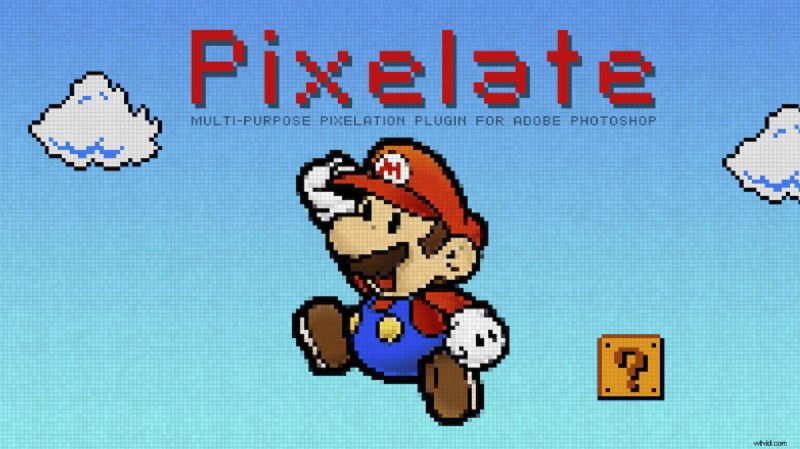
Pixelate gives you granular control over pixel size, shape, and arrangement, enabling creative low‑resolution effects that can’t be achieved with Photoshop’s built‑in Pixelate filter.
5. Visual Sharpener
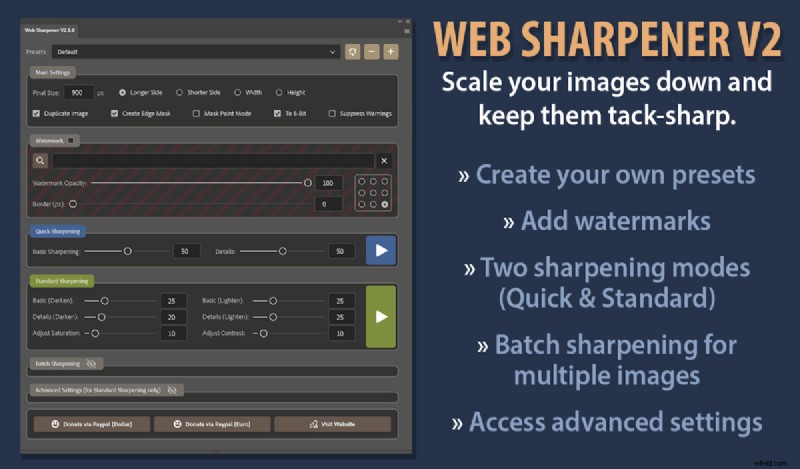
Ideal for web and social media, Visual Sharpener automatically resizes images to optimal dimensions while preserving edge detail. It also offers a built‑in watermark to protect your work.
6. Double Exposure
Double Exposure lets you blend two images into a single composite, replicating the classic double‑exposure technique. Four blending modes give you flexibility while the UI remains uncluttered.

7. LunarCell
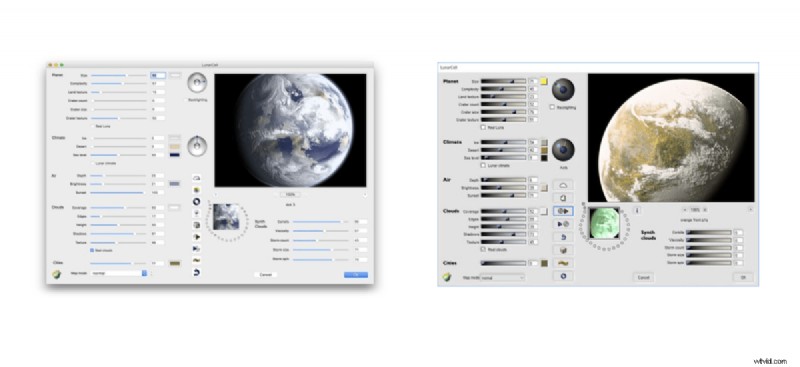
For sci‑fi designers and photographers, LunarCell automates planet creation. Adjust atmospheric density, cloud cover, and surface detail to generate believable celestial bodies in minutes.
8. Fog Overlays
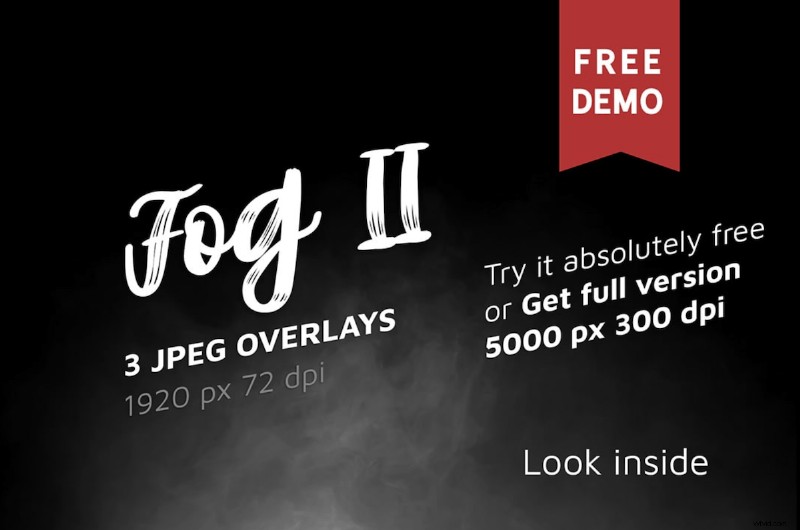
Fog Overlays delivers three atmospheric presets that can be stacked and blended. The overlay files stay in Photoshop, ready for quick use whenever you need a subtle mood shift.
9. Lens Distortion (Lens FX)
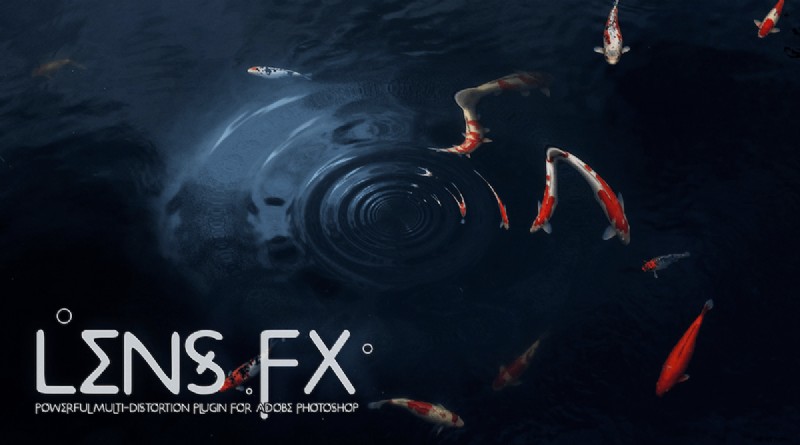
Lens FX offers eight distortion styles, from subtle barrel to dramatic fisheye. Anti‑aliasing options let you fine‑tune the effect, making it a versatile tool for creative photography and design.
10. Sub‑pixel Diffuse
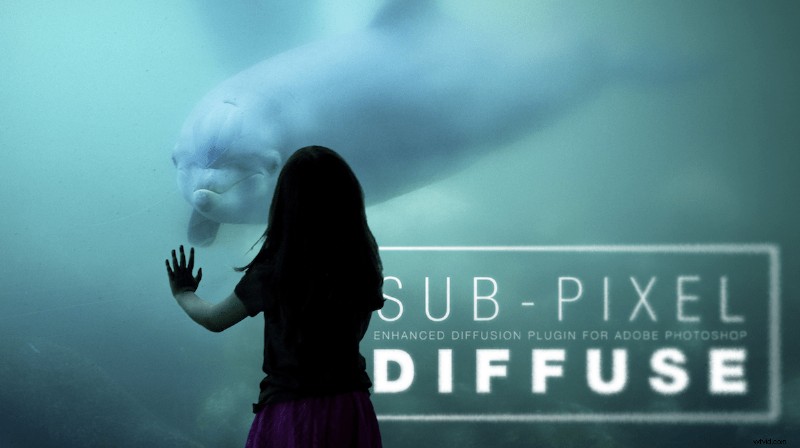
Sub‑pixel Diffuse enhances the native Diffuse filter by allowing sub‑pixel blur values, giving you smooth gradients without the harsh edges typical of standard diffusion.
11. Orange Box HDR Sharpener
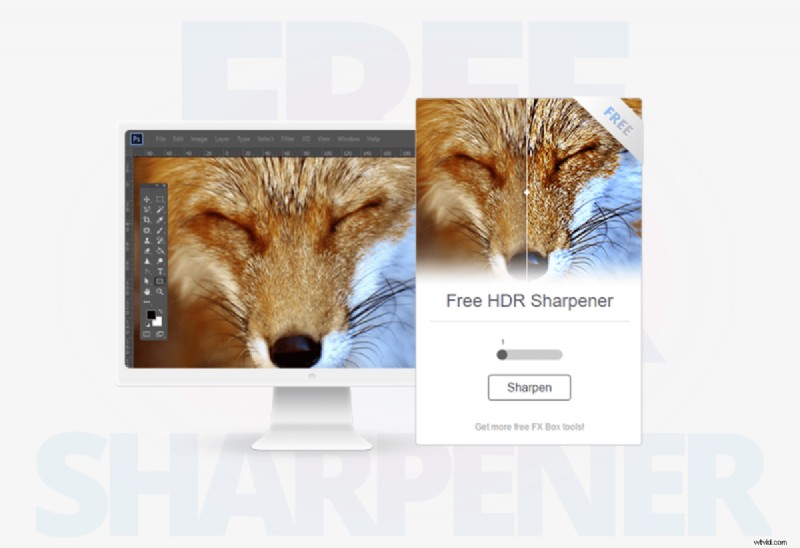
Orange Box HDR Sharpener turns HDR‑style detail into a one‑click operation. A simple slider controls sharpness, ideal for photographers who need quick, consistent results.
Best Free Photoshop Plugins to Streamline Workflow
These plugins reduce repetitive tasks, integrate external tools, and keep you focused on creative decisions.
1. Theme Switcher
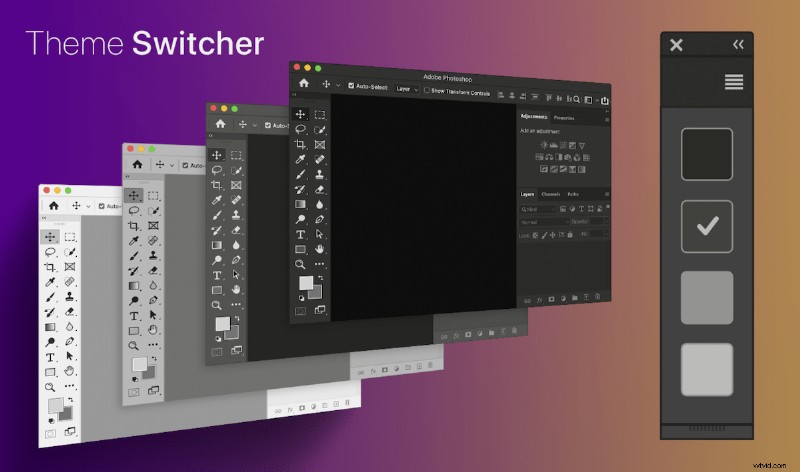
Swap between light, dark, or custom interface themes instantly, eliminating the need to navigate Preferences each time you change lighting conditions.
2. OK Color Picker
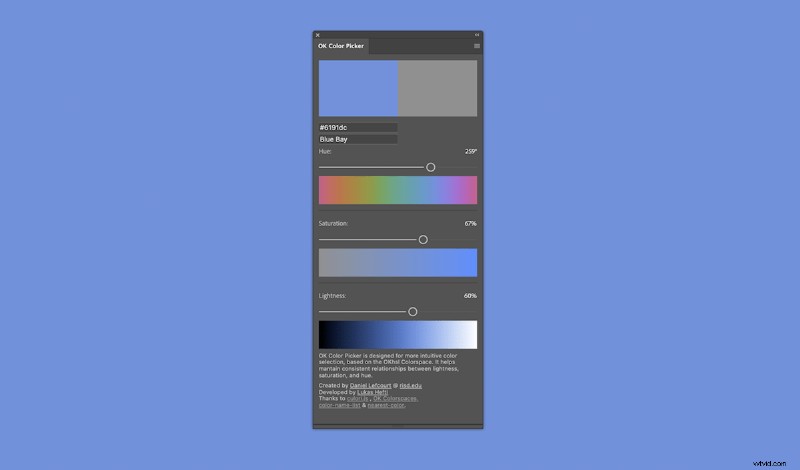
A larger, more intuitive color picker that displays hues, saturation, and lightness in real time, simplifying color casting and grading.
3. TK Luminosity Mask
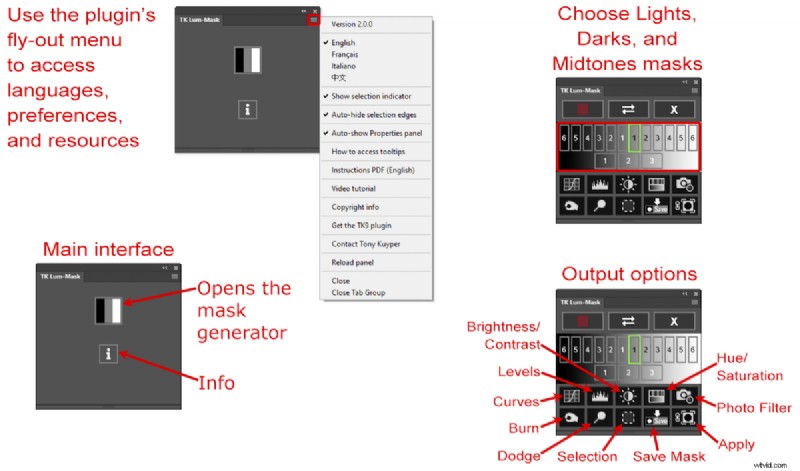
Build custom luminosity masks with a single click, saving time on complex masking operations and improving dynamic range manipulation.
4. Textmarker
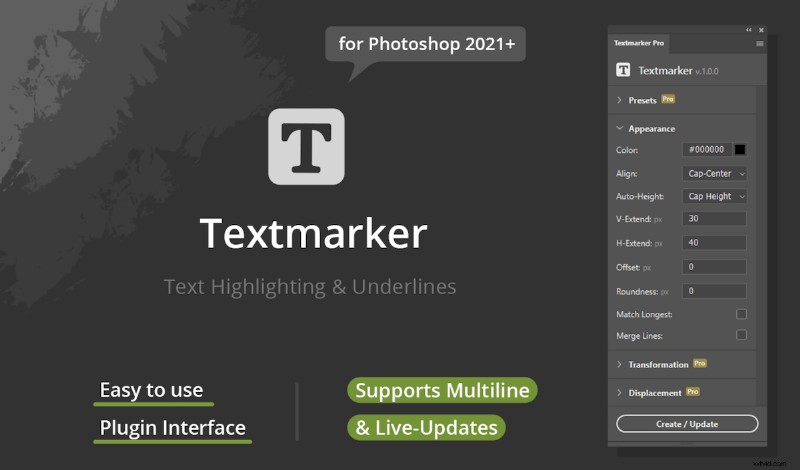
Quickly apply highlights, underlines, or other text formatting without leaving the text tool, streamlining design tasks.
5. Floating Adjustments
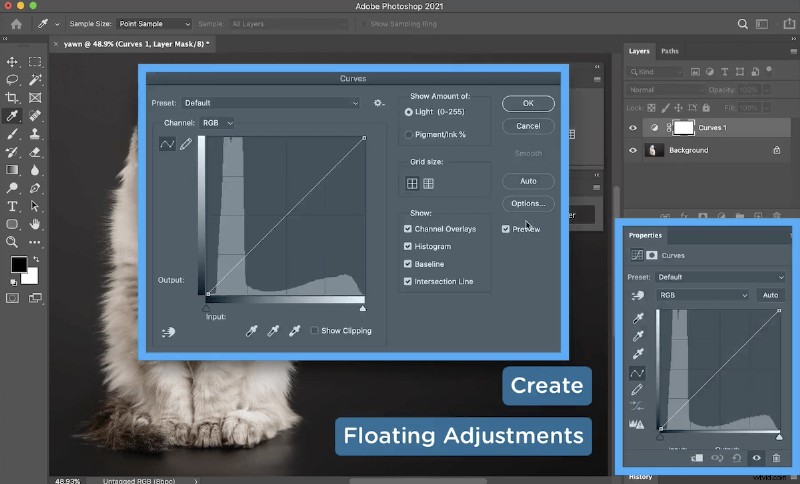
Enlarge adjustment panels for a clearer view, essential for detailed edits on smaller screens or high‑resolution displays.
6. Pexels
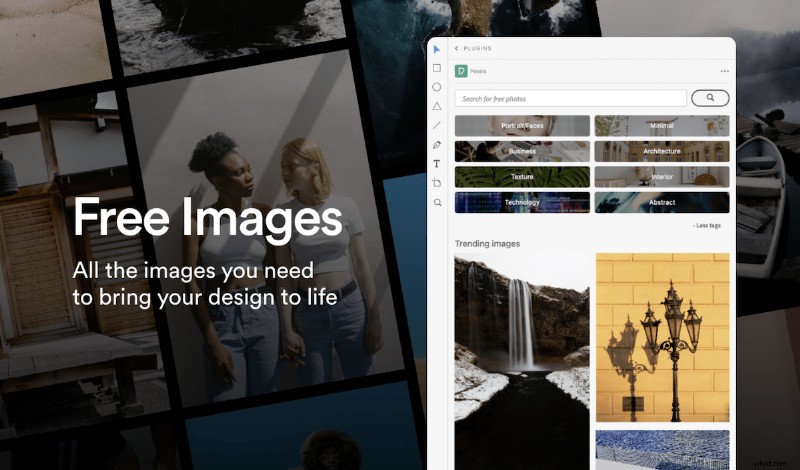
Search and import high‑quality Pexels stock photos directly inside Photoshop, saving the time spent navigating external sites.
7. Arranger
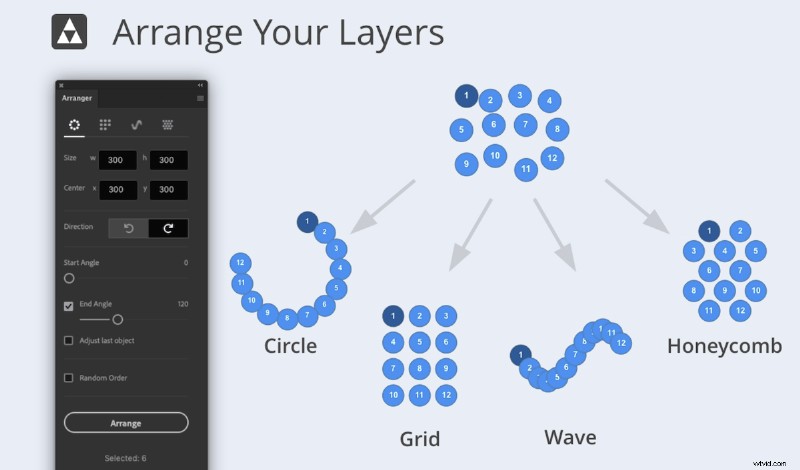
Arrange multiple layers into circles, grids, waves, or honeycombs with a single click, perfect for creating menus or collages.
8. Free Stock Search
Search Unsplash, Pixabay, and Pexels simultaneously from within Photoshop, eliminating the need to switch browsers.

9. Transform Each
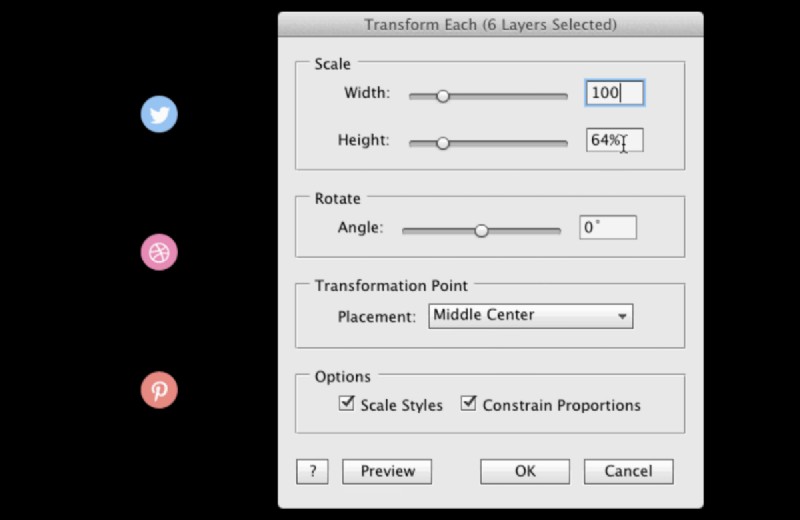
Apply uniform scaling or rotation to multiple layers simultaneously, ensuring consistency across complex compositions.
10. PathFinder
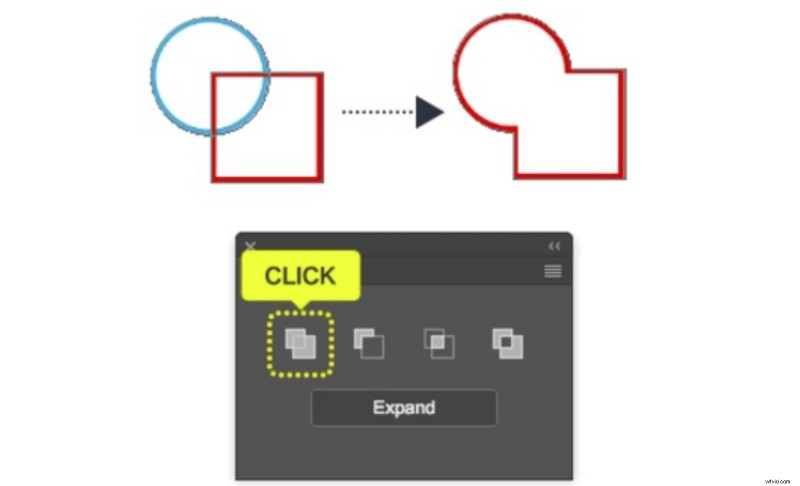
Merge or divide shapes with a single click, bringing Illustrator’s powerful Pathfinder tools into Photoshop.
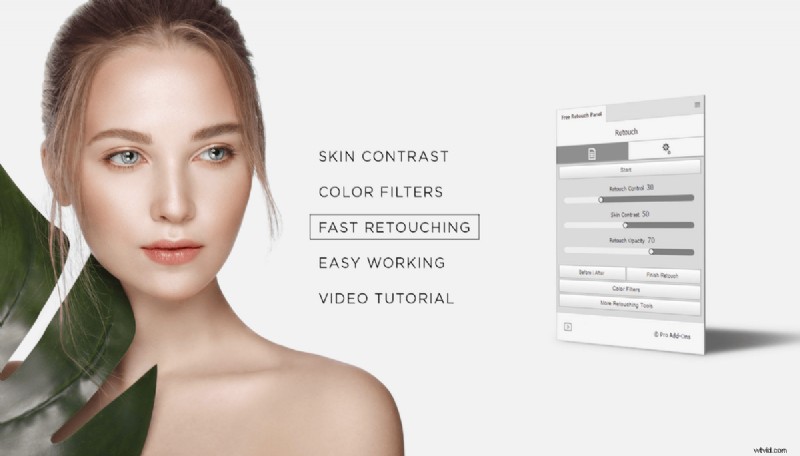
11. Free Retouch Panel
Consolidate retouching tools into a single panel, speeding up the process for fashion photographers and hobbyists alike.
12. Slack
Share snapshots or entire Photoshop documents directly to Slack, keeping teammates informed without leaving the application.

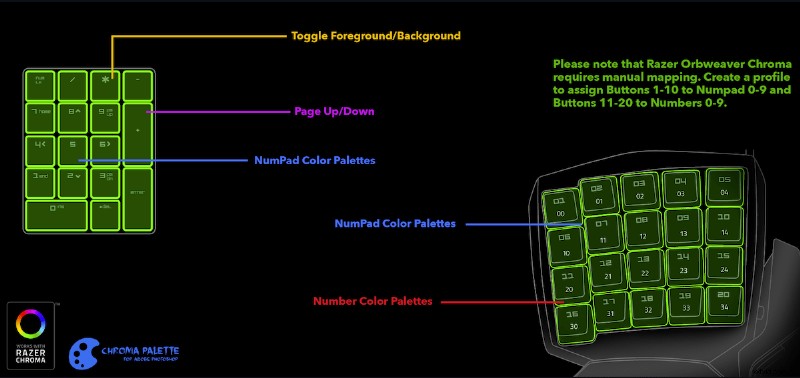
13. Chroma Palette
Assign shortcut keys to frequently used colors via your number pad or other keypad, boosting efficiency for color grading tasks.
Best Free Photoshop Plugins for Design Elements
These tools help designers and photographers add functional or decorative elements with minimal effort.
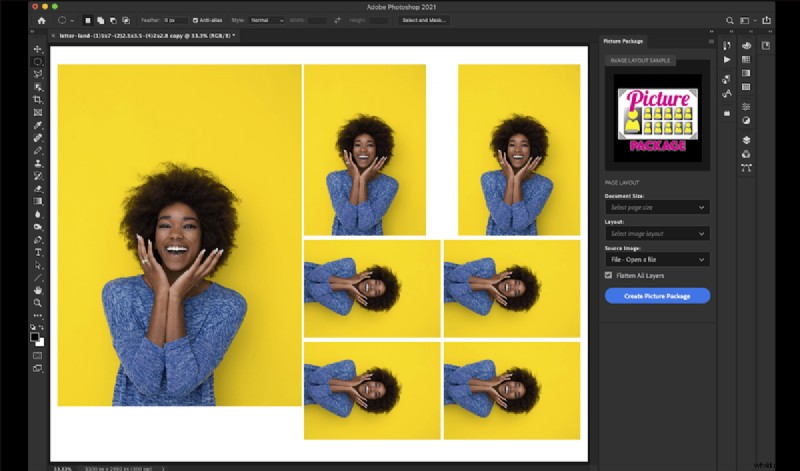
1. Picture Package
Organise multiple copies of a single image for printing in a custom layout. Ideal for portrait studios needing efficient batch printing.
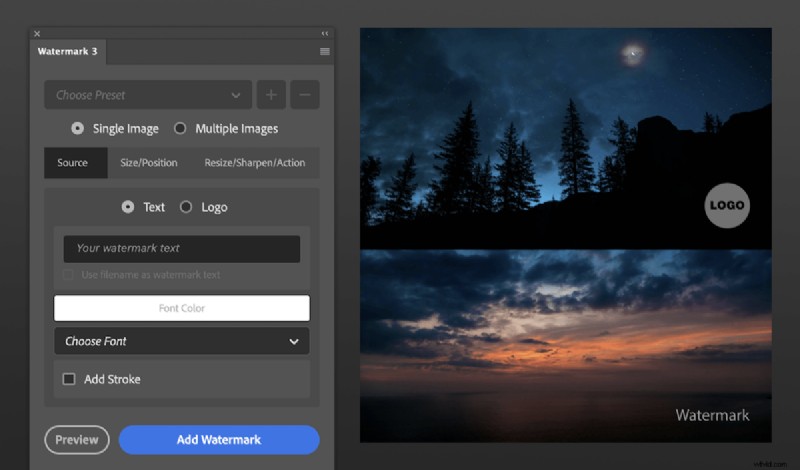
2. Watermark 3
Apply text or logo watermarks to single or multiple images before export, protecting your work and adding brand consistency.
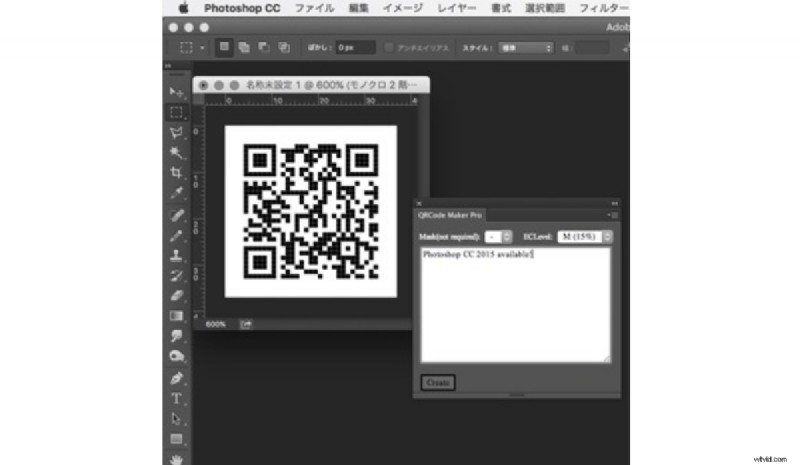
3. QR Code Maker Pro
Generate QR codes within Photoshop for marketing, portfolio links, or contact information—straightforward, no‑code setup.
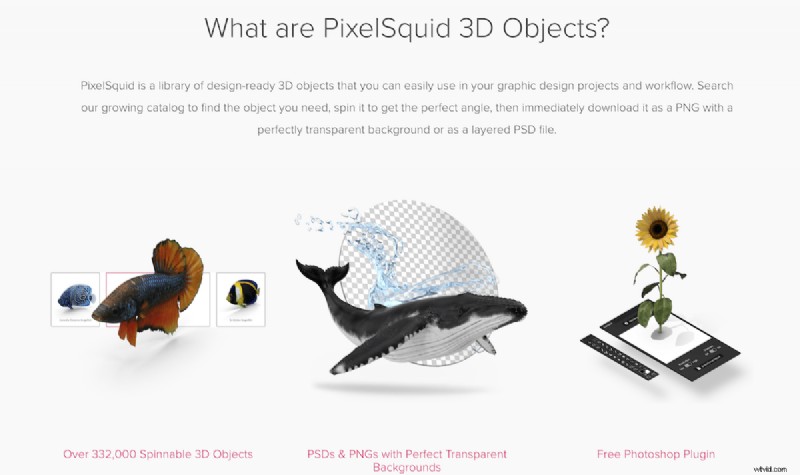
4. PixelSquid
Insert realistic 3D objects into your edits, with adjustable angles and lighting. Free tier available with watermark options.
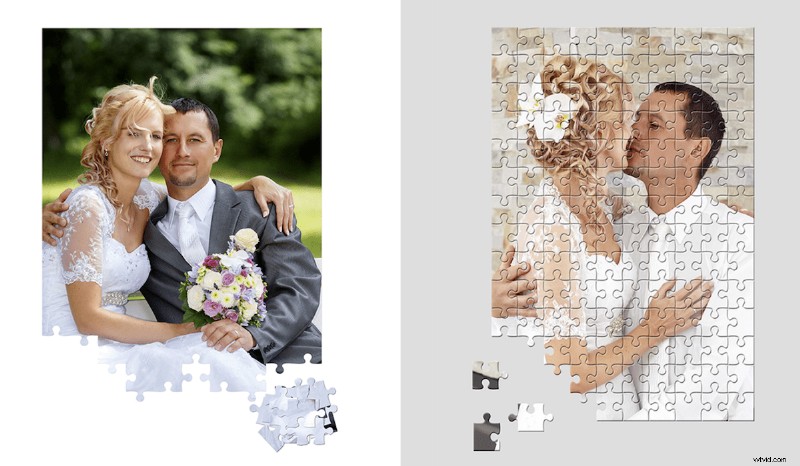
5. Puzzle Pieces
Convert an image into a printable puzzle by slicing it into customizable pieces, perfect for creative gifts or promotional material.
Conclusion
With a wide array of free plugins, you can address any Photoshop limitation—whether it’s advanced color grading, efficient workflow, or creative design elements. Explore the Adobe Exchange for more options and elevate your editing game today.