
In the never-ending search to improve photographic skills, it’s important to push the limits and try projects that push you outside your comfort zone. That’s why a project that involves studying and creating images using low graphic style is an important undertaking that can help to stretch the imagination and push your photography skills to another level.
Low graphic style is not often discussed, but it is worth exploring. The elements of low graphic style often contradict the formal rules of photography. The big question, however, begins with a definition for low graphic style or rather a discussion of the psyche behind creating this style of image.
Low graphic style evolved as a reaction to traditional composition rules and ideas found in photography.
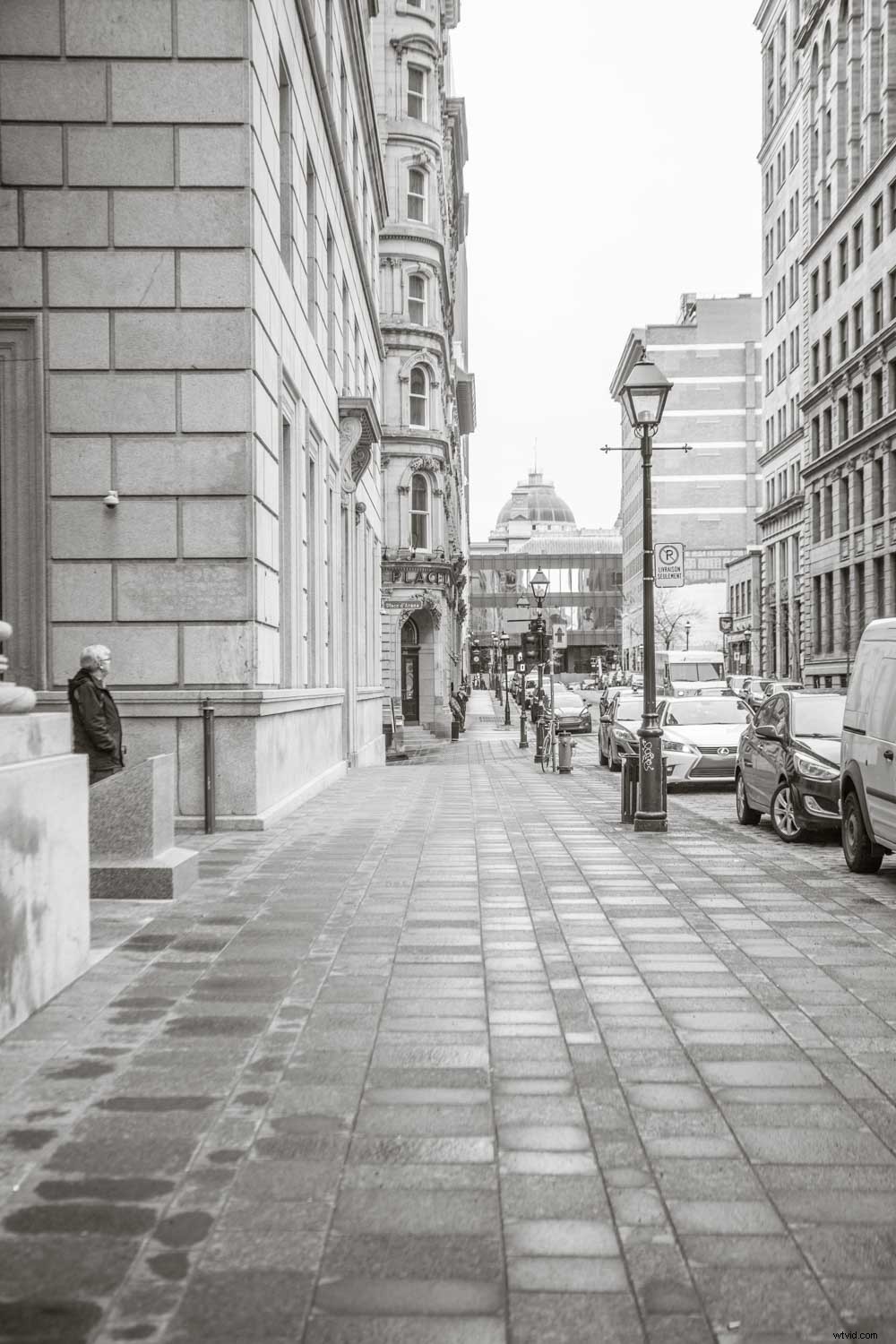
This image presents a typical eye level view of a city street in Montreal.
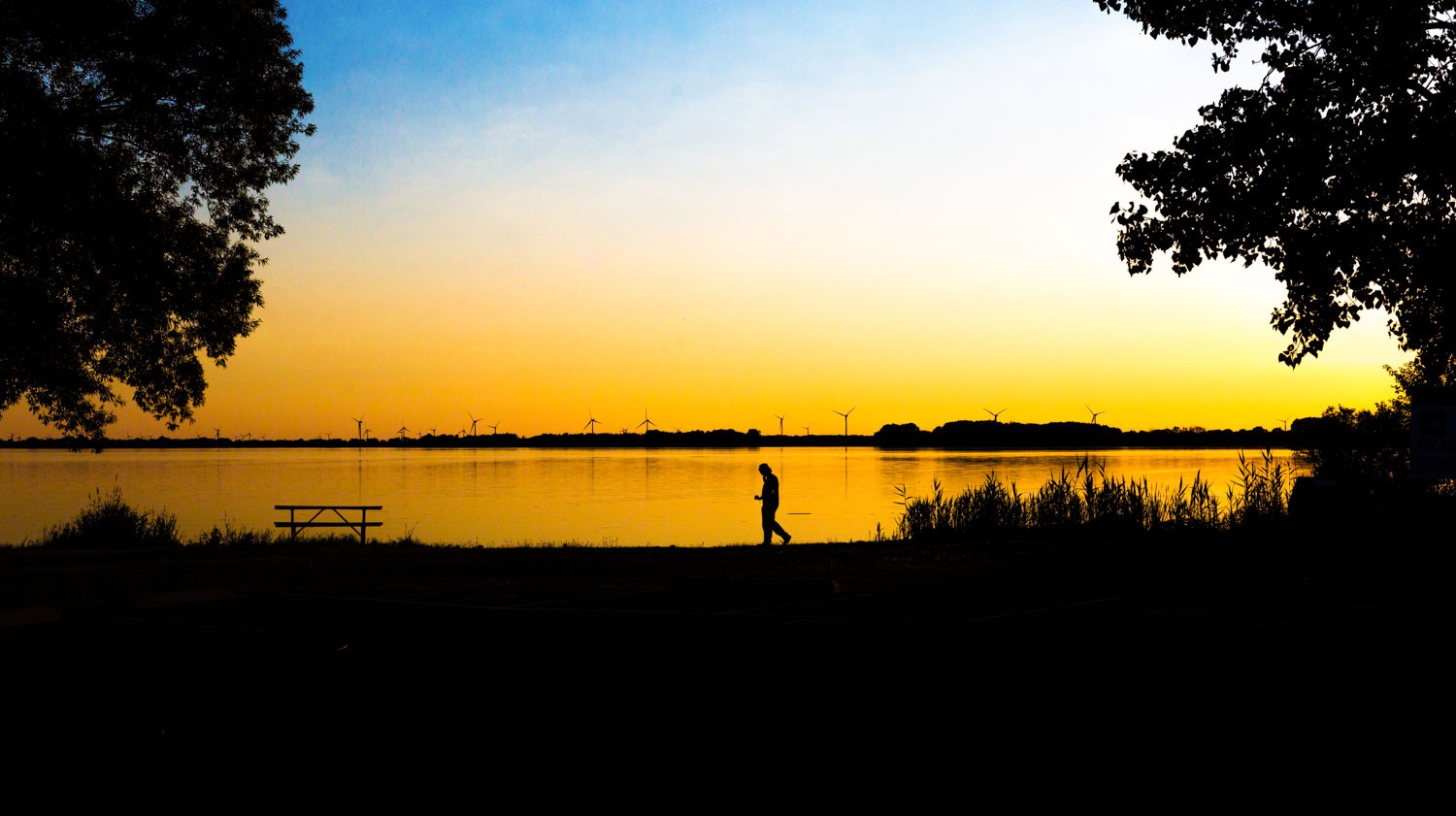
Compare this image to the one above. Here the horizon is centered but the bold colors and the deep shadows of the silhouettes definitely add some bold graphic elements to the picture.
Low graphic style attempts to create an image that is free of manipulation. The goal is to create an image that shows the plain truth which could have been altered by the use of traditional compositional rules. Whether low graphic style achieves this goal is a philosophical discussion is not suited to this article, but the basic elements of low graphic style should be studied like any other style of photography and understood to push your photography skills to a higher level.
It’s impossible to attempt to photograph in a certain style without completely understanding the elements that make a photograph fall into the realm of low graphic style. So without wasting any more time let’s compare low graphic to the more common high graphic style.
1) Static Balance
Static balance is in contrast to the Rule of Thirds. The idea is that the photographer focuses on creating compositions that utilize symmetrical compositions. The photographer also avoids including dynamic elements like diagonals which might add energy to the image.
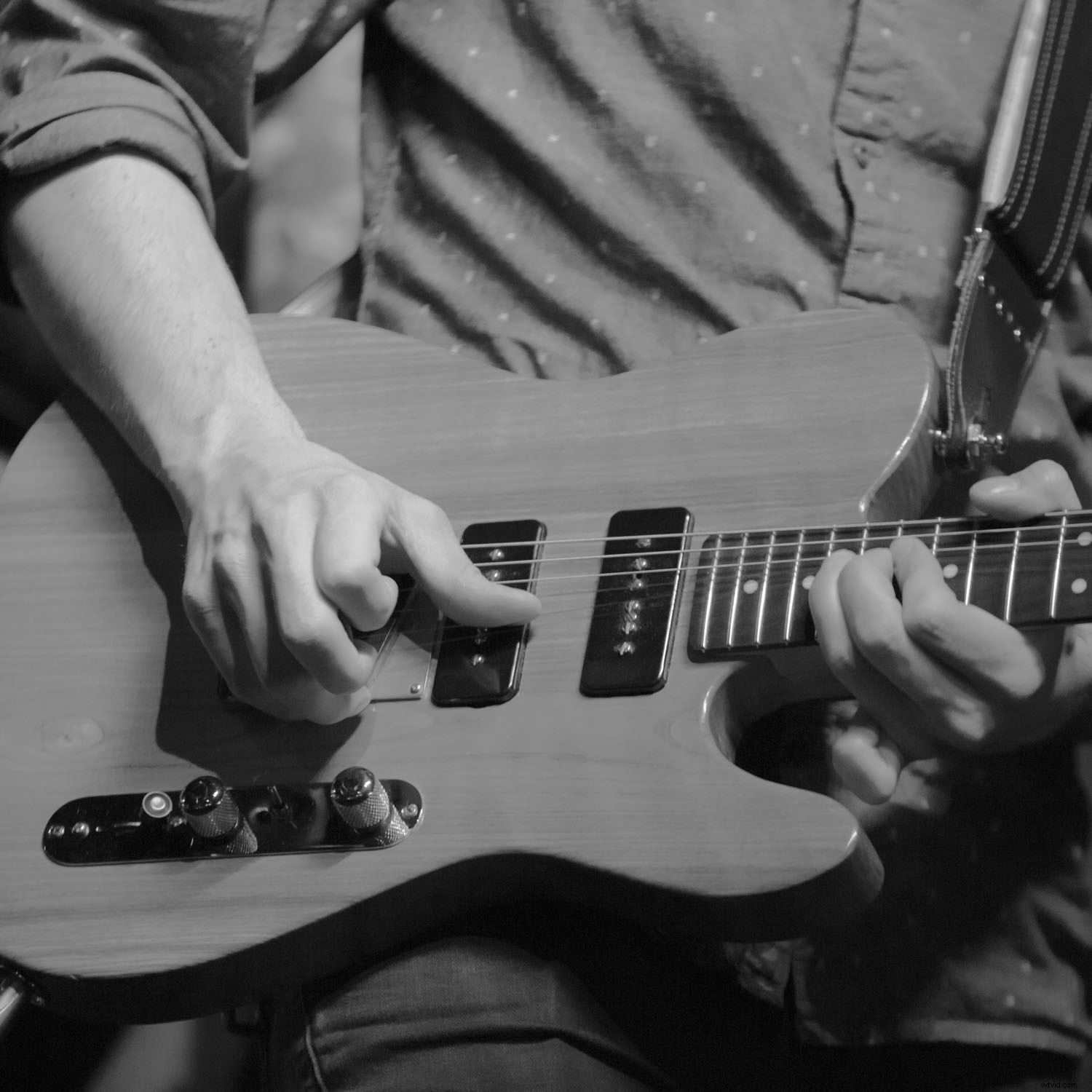
2) Square frames and centered horizon lines
The use of a square frame or placing the horizon on the midline instead of alone one of the 3 lines also helps to create an image that is far more in line with low graphic style.
3) A feeling of passivity
Images which fall into the realm of low graphic style often feel very soft or passive. You won’t find an image in this realm which depicts intense emotions. An image of a group of people running aggressively through the street will not fit into low graphic style.
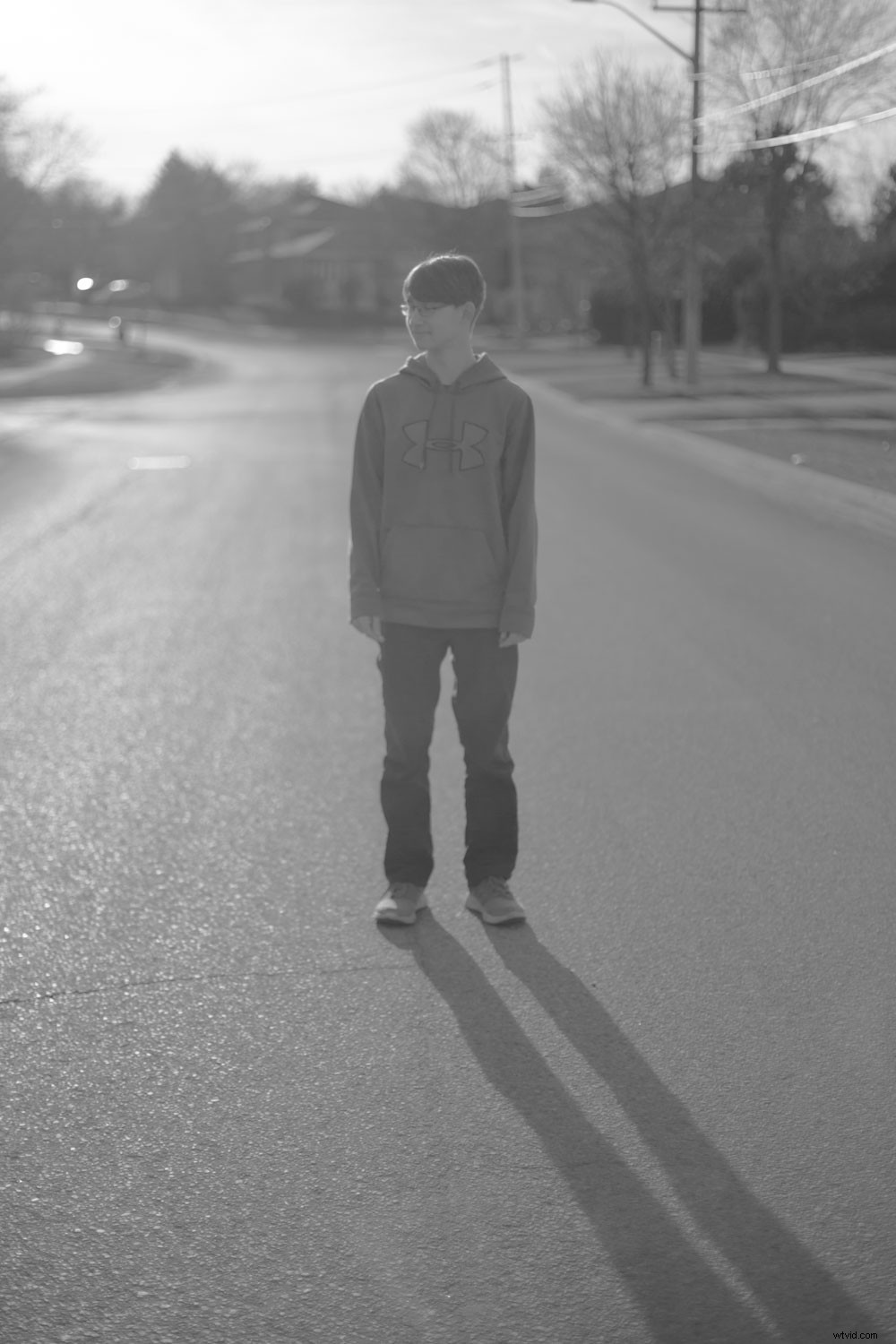
With the exception of the diagonal shadow, the image fits well into low graphic style. The boy is centered in the frame and the focal length is 50mm. There’s no feeling of movement so a sense of passivity is present within the photo.
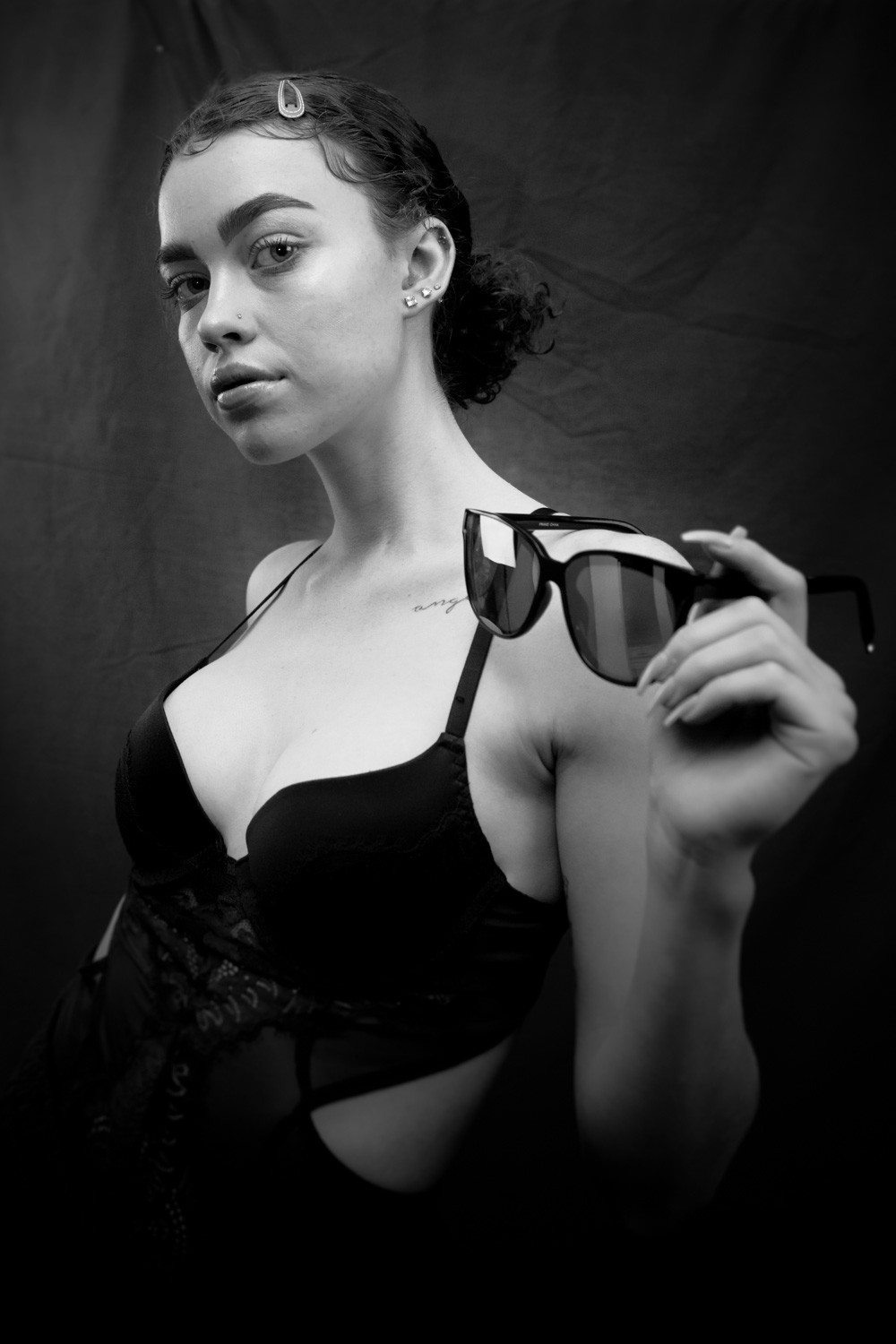
Consider the look and feel of this portrait in comparison to the one above. There are many differences and a huge contrast in the effect each image has on the viewer.
4) Normal focal lengths
Typically images that utilize low graphic style use normal focal lengths that mimic the normal range of the eye. Focal lengths like 15mm won’t be used when creating low graphic style photos.
5) Bland colors
Bold bright colors and high contrast are out when trying to achieve a low graphic look. Keep the colors bland and the contrast minimal. The goal is subtlety, not boldness.
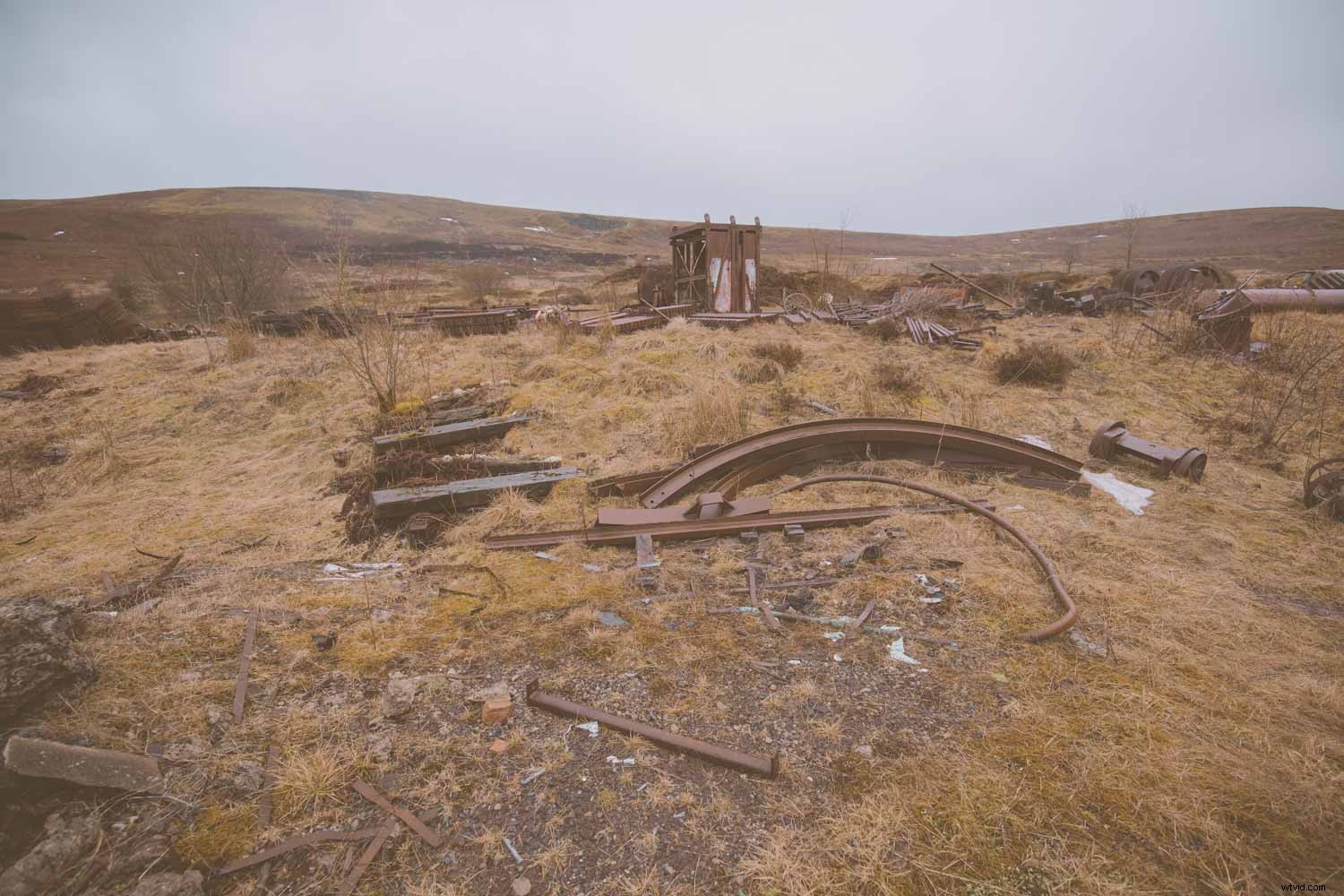
In this image, there’s very little contrast. Also, the colors and lighting are flat. The idea is to plainly portray this hillside without attempting to add emotion or drama.
6) Monochrome
Focusing on black and white conversions will remove any of the emotional content that colour often provides to an image.
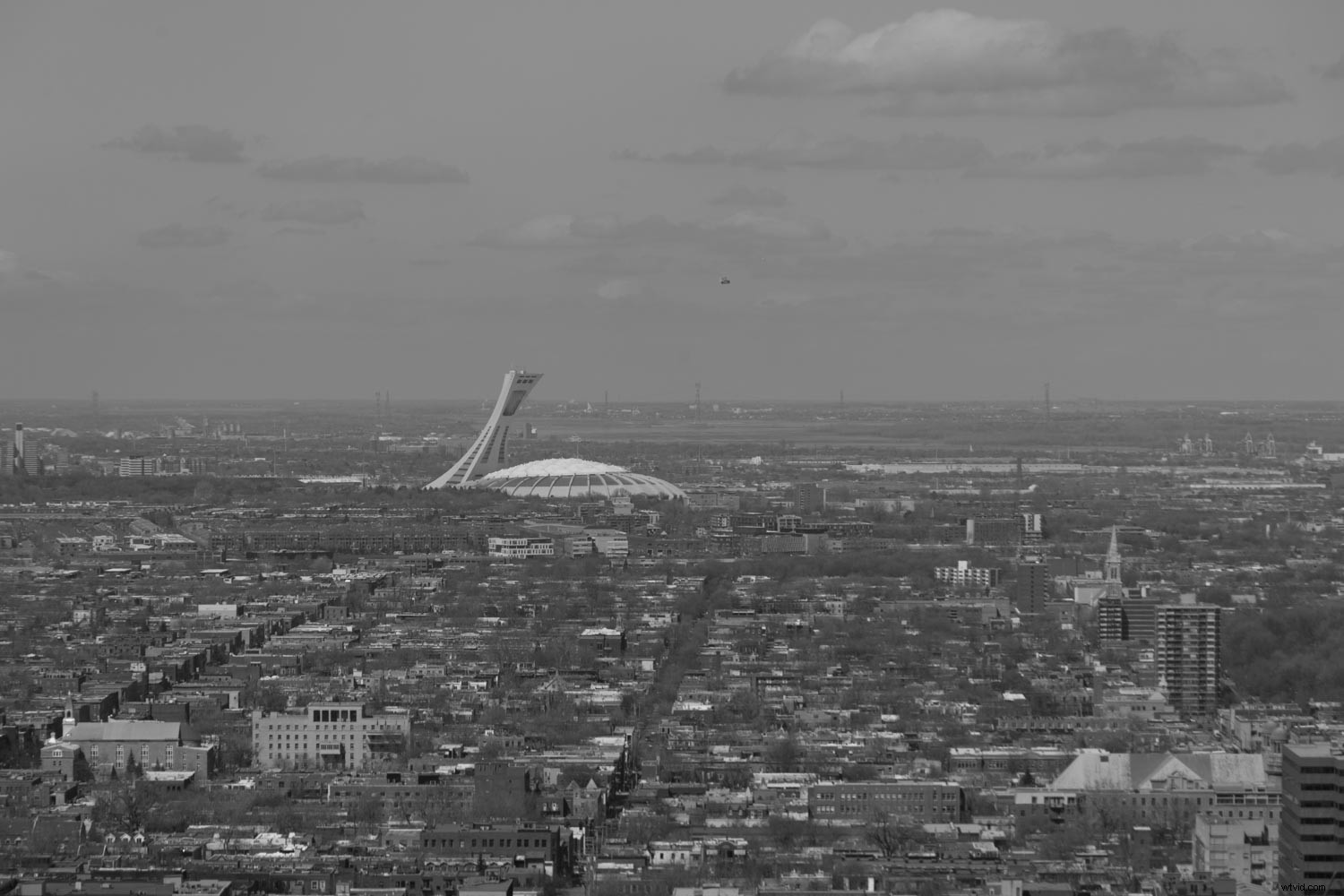
Monochromatic images help to remove any emotions that could be evoked by colors.
7) Repetition
Using repeated patterns helps to reduce the possibility of evoking emotion with an image. Also, images that utilize one uniform texture can be considered low graphic style.
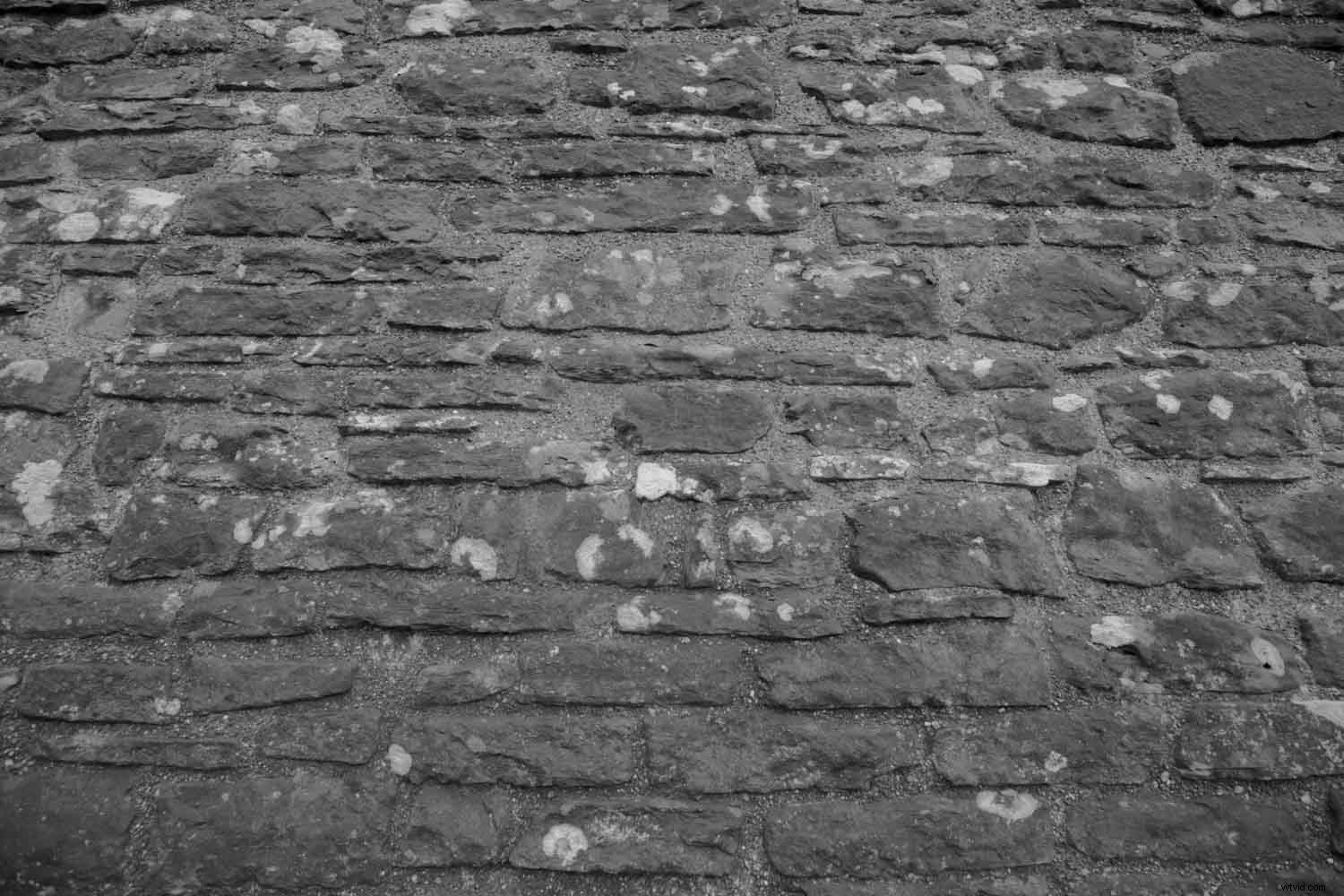
In this image, we hit several elements of low graphic style. The image is monochrome, depicts a uniform pattern and texture throughout.
Conclusion
Low graphic style might not be for everyone. It suits the aesthetic taste of many, but there are those of us who love bold colors and bright emotional images. There are those of us who love constructed images that push the boundaries of reality.
Whatever style you prefer, trying something out of your comfort zone is never a bad thing. For those who love this look in their photography, by all means, share with us your tips of the trade. We want to hear all about the differences between high graphic style and low graphic style.
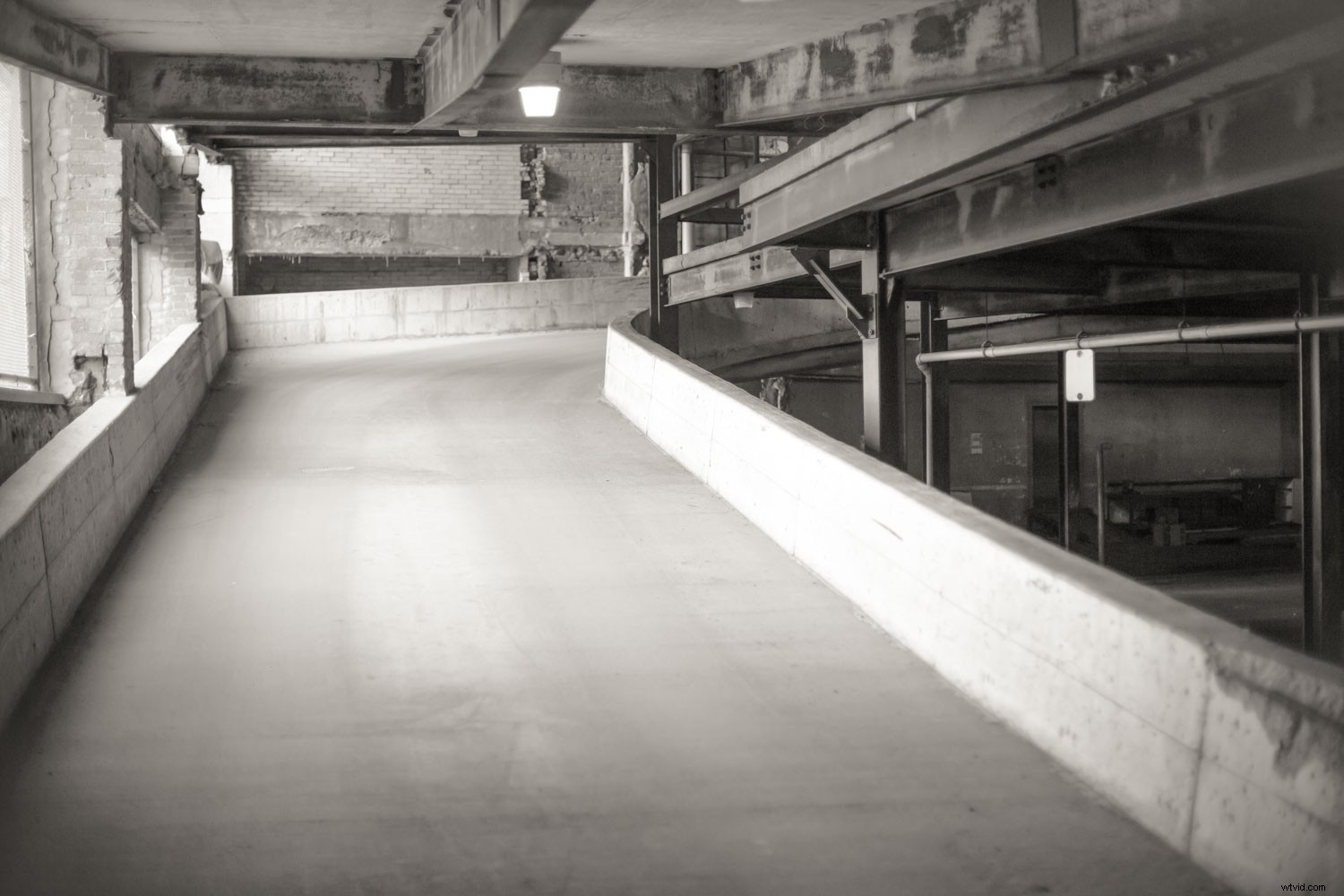
The simple flat view of a parking garage ticks off many of the compositional elements of low graphic style.