
Hydra was an ancient water beast that carried nine heads around; when a head was cut off, two more grew in its place. I’m not sure whether the name is exactly appropriate for an application that works magic with High Dynamic Range (HDR) image processing… but let’s take a look at it. And maybe rename it HyDRa!
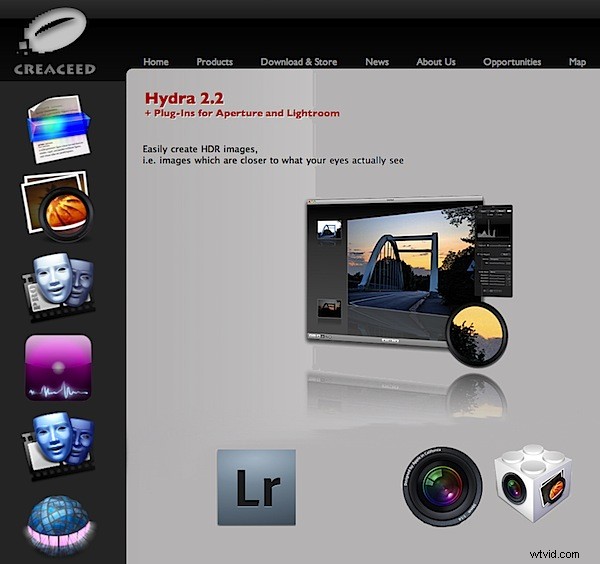
You can use Hydra as a plug-in for Aperture 3, Lightroom 2.x or as a stand-alone app. So, in typical fashion I jumped in feet first, with hardly a glance at the Help PDF to write this review.
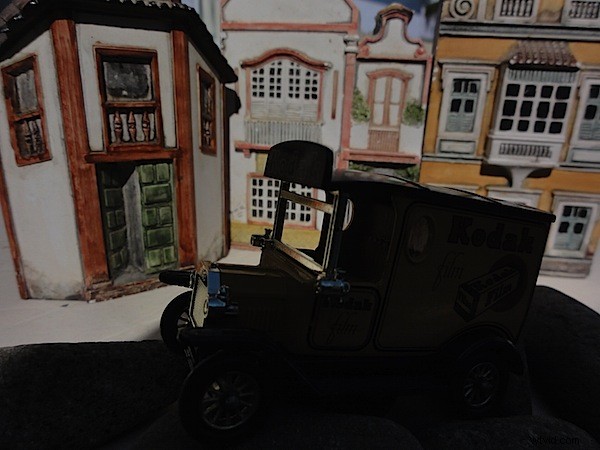
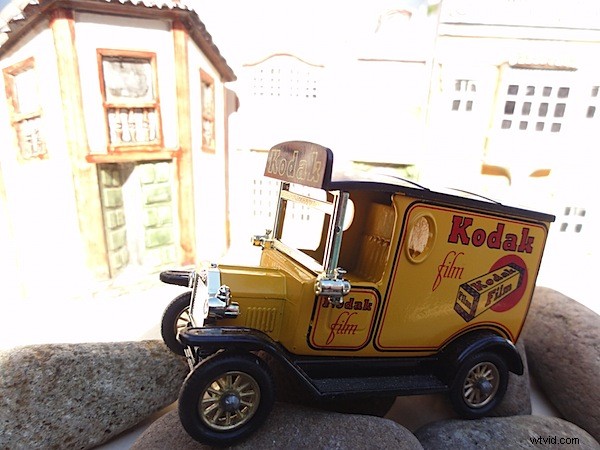
Earlier, I had prepared a pair of images using a miniature setup. Kinda cute, they were models of a Kodak truck and a Brazilian townscape, the latter rendered in plaster.
Both shots were exposed at ISO 125 with an f8 aperture. The shot for the background led me to use a shutter speed of 1/1600 second; for the foreground truck I used a shutter speed of 1/60 second. That’s an exposure range of 4.6 f stops. Each JPEG shot totted up as a 3.5MB file.
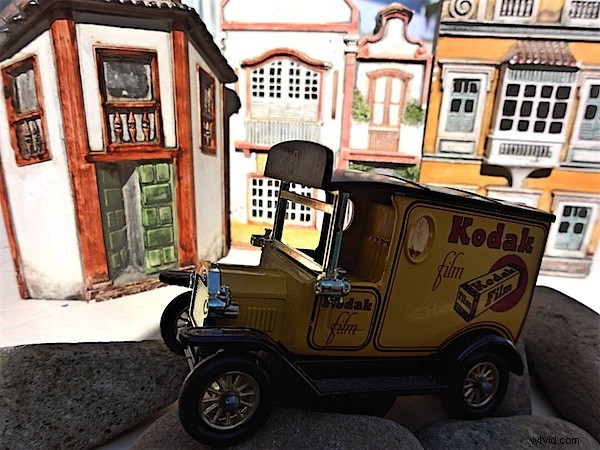
I opened Hydra, imported the images, then tapped the Render button and ten seconds later the HDR version was completed, as a 2.2MB JPEG. It was at this point that I belatedly read the Help file and learnt that I could have processed 10 files in Hydra, each with an exposure variation. As Homer would bleat… Doh!
So, bang off another batch: 10 shots, rapidly taken on my desktop, each JPEG varying between 2 and 4MB. Into the soup: 22 seconds later, a merged HDR version.
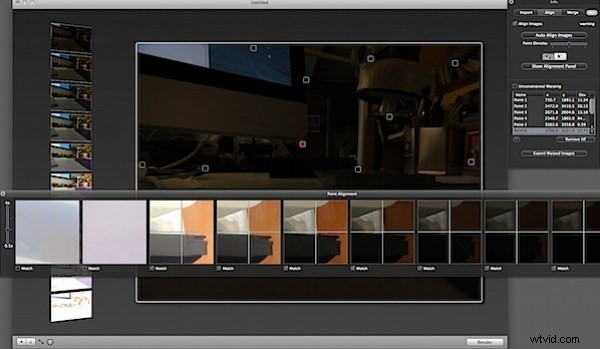
But something’s wrong: there are slight moves between shots! No probs: Hydra gives you the tools to align each image to the others. This gets a little tricky but, at the end of the day, it does work.
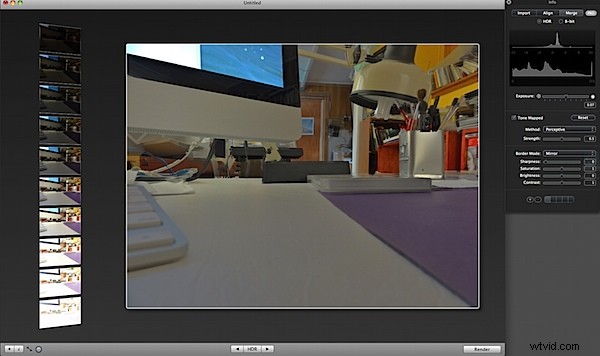
What this feature allows: you can roam the streets looking for subjects, find a suitable one with extremes in exposure, just right for HDR processing and fire off a bracket. Don’t forget, ten maximum, although your final ten can be culled after download, helping you give bias to the under- or over-exposed end when merging the multiple images.
However, to be truly honest, I found the trad way to be preferable: multiple, precisely matching shots best taken with camera firmly on tripod. Like my last exercise. Don’t you agree?
Hydra is a superb and easy to use piece of software. It has an amazing range of controls. It is easy to use. What more do you want?
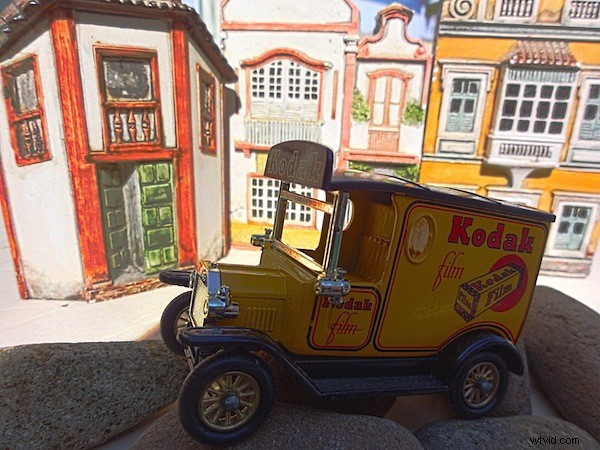
Obviously, Photoshop has an HDR function, easy to use and powerful. I tried both. See for yourself and decide which you prefer. My money goes on the Hydra horse. Nine heads and all!
There are plenty of people who turn their noses up at the thought of HDR, claiming it muddies the shot, removing the drama of a normally exposed image. I’m a bit with them… but Hydra delivers a different product.
Try it! Free trial downloads at www.creaceed.com/hydra/
System Requirements: Intel Mac or PowerMac G5. Mac OSX 10.5.4 or later. USD79.95.