
Pitivi is a free, open‑source video editor that runs exclusively on Linux. Its intuitive interface and drag‑and‑drop workflow have made it a favorite among developers and hobbyists alike. The latest 2026 update introduces a suite of new tools that enhance both basic and intermediate editing workflows.
Background of Pitivi
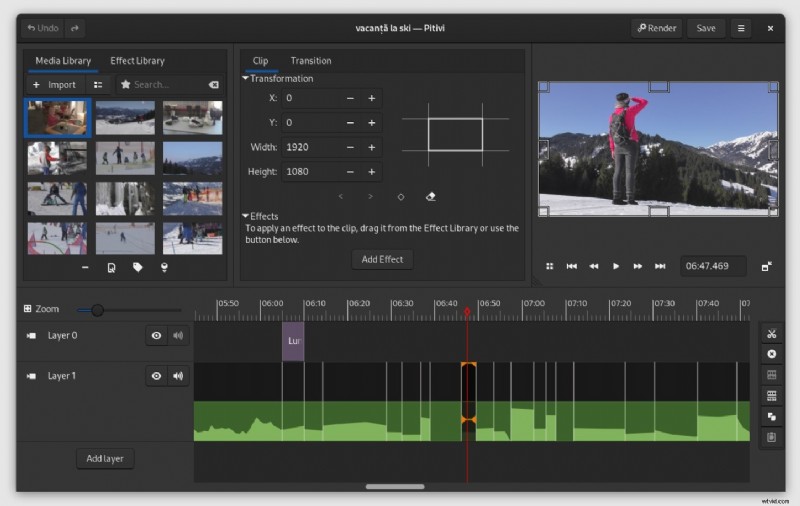
Below is a concise timeline of Pitivi’s evolution, illustrating the milestones that shaped its current capabilities:
- 2004–2005: Initial concept by Edward Hervey and classmates at Epitech.
- 2005–2007: Development slowed while Hervey worked on GStreamer at Fluendo.
- 2008: Architectural redesign led to the creation of Collabora’s Multimedia division.
- 2009–2010: Introduction of the GStreamer Editing Services (GES) library to address non‑linear editing challenges.
- 2013: Rebranding from “PiTiVi” to “Pitivi.”
- 2022–2023: Recent releases: 2022.06 and 2023.03, each adding incremental performance and feature improvements.
Outstanding Features of Pitivi
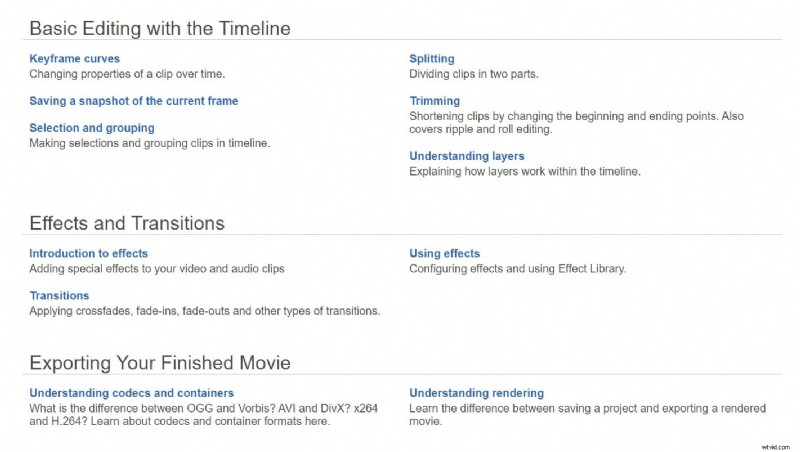
The 2026 update expands Pitivi’s feature set, enabling users to create polished videos with minimal effort:
- Drag‑and‑Drop Media Import: Supports all GStreamer‑compatible formats, including MPEG, PNG, MJPEG, JPEG, Ogg, and raw video.
- Extensive Effect Library: Over 70 built‑in transitions and audio/video effects, including beat detection and object tracking. Additional effects are available via the frei0r and FFmpeg plugin ecosystems.
- Auto‑Save & Crash Recovery: Projects are automatically persisted, protecting against power loss or unexpected crashes.
- Customizable Workflow: Power users can tailor keyboard shortcuts, panel arrangements, and plugin settings to match their editing style.
Performance Rating and System Requirements

Below is an objective assessment of Pitivi’s core capabilities:
Pros
- Completely free and open source.
- Comprehensive documentation, tutorials, and community forums.
- Automatic project backup safeguards data integrity.
- Deep integration with GNOME, supporting multiple languages.
- Background processing of thumbnails and waveforms improves timeline responsiveness.
Cons
- Designed for basic editing; lacks advanced compositing tools.
- Occasional performance hiccups on older hardware.
- Linux‑only; no native Windows or macOS releases.
- Heavy reliance on GStreamer limits plugin compatibility on some distributions.
Performance Review Table
| Feature | Rating (out of 5) |
|---|---|
| Media Importation | 4.0 |
| Effects & Transitions | 4.5 |
| Auto‑Save & Crash Recovery | 4.2 |
| Cross‑Platform Compatibility | — |
| Workflow Customization | 3.5 |
Recommended System Specifications
- Modern quad‑core CPU (e.g., Intel i5 or AMD Ryzen 5).
- Solid‑state drive for fast read/write during rendering.
- Intel integrated graphics or a dedicated GPU to accelerate playback.
- Full HD (1920×1080) monitor for accurate preview.
Installation and Setup
Pitivi can be installed via the official distro‑agnostic packages or through Flathub. Follow these steps:
Using Official Distro‑Agnostic Packages

- Visit the official Pitivi website.
- Click the Get It button.
- Select a pre‑built package or a development build that matches your distribution.
- Click the provided link to download and install.
- Optional: For source builds, click Development Environment to access build instructions.
Using Flathub
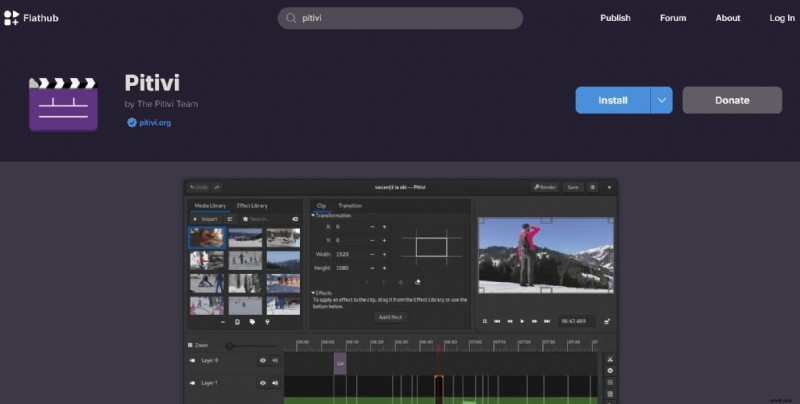
- Navigate to Flathub.
- Search for “Pitivi” in the search bar.
- Click Install to download via Flatpak.
Who Benefits Most from Pitivi?
Pitivi is ideal for Linux users who require a lightweight editor for quick projects, such as vlog creators, educators, and hobbyists. Its simplicity and strong community support make it accessible to newcomers, while advanced users can leverage custom workflows.
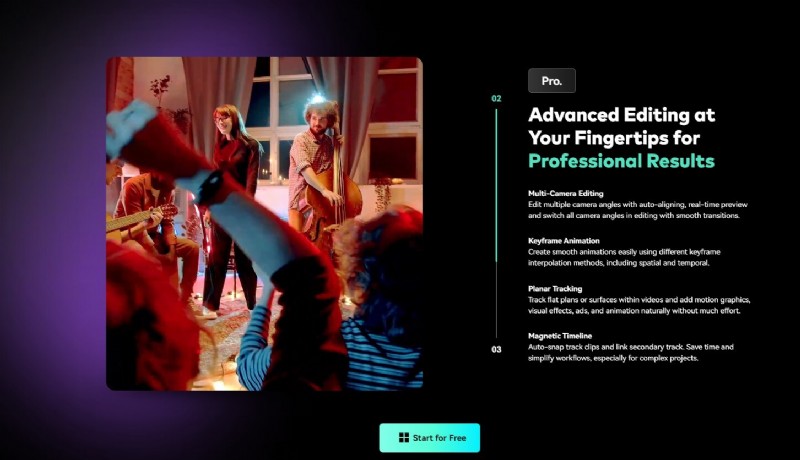
For those seeking cross‑platform support or advanced features (multi‑camera editing, chroma key, AI‑powered effects), alternatives like Wondershare Filmora may be preferable. Filmora offers:
- Professional video stabilization.
- Extensive effects and creative assets.
- AI tools for content creation.
- Cross‑platform availability (Windows, macOS, iOS, Android).
- Intuitive drag‑and‑drop interface.
Conclusion
Pitivi remains a solid choice for Linux users needing a free, open‑source editor for basic to intermediate projects. Its recent updates enhance performance and usability, but limitations—such as the lack of native Windows/macOS builds and occasional instability—may deter advanced users. If you require a feature‑rich, cross‑platform editor, consider Wondershare Filmora; otherwise, Pitivi offers an efficient and community‑driven solution for everyday video editing on Linux.