
Logo reveals are animated sequences used in videos and presentations to showcase a company’s logo. They use visual effects, motion graphics, and sound to create an impactful presentation that grabs viewers’ attention. They are a fantastic way to improve brand recognition and make a memorable first impression in video.
Consider using an animated logo reveal if you want to add professionalism to your branded videos and marketing campaigns. An animated logo can be a great way to stand out from the competition by capturing your audience’s attention as they scroll through their newsfeed.
You don’t have to be a motion design or After Effects expert to create a stunning animated logo. Simply use one of the pre-designed logo reveal templates we have for you below.
You can use these free logo reveal After Effects templates in your own video projects as well as in your client projects. The logo reveal templates in this collection feature various suitable styles for businesses, both big and small, and they are all easy to customize.
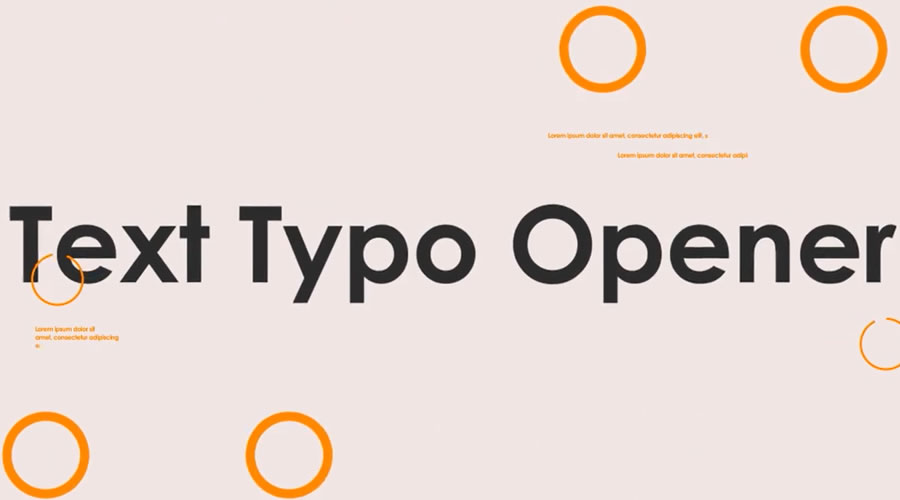
Typographic Logo Intro for After Effects
This logo reveal or intro template uses bold typography and kinetic transitions to present your brand beautifully. It is easy to customize. Simply swap in your logo, edit the text, tweak the colors, then render. It would be an ideal template for app launches or brand reveals.
Click Three Logo Reveals for After Effects
Free to Download
This free After Effects logo pack includes three reveals in a modern and minimal style. They include a simple circle reveal, a mouse click-to-reveal, and an animated button push.

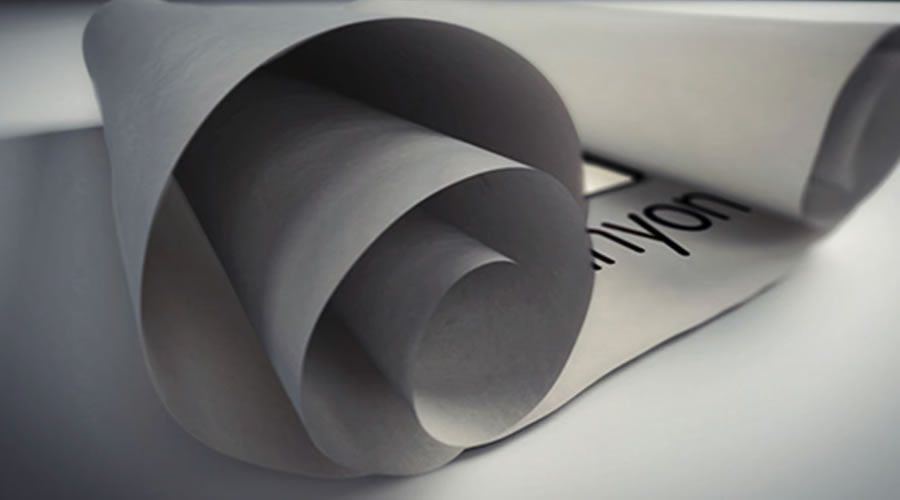
White Scroll Logo Reveals for After Effects
If you’re looking for a more classic-style logo opener, try the White Scroll logo reveal. The template comes with three background versions and three different logo placement options.
Glitch Logo Reveal for After Effects Templates
Free to Download
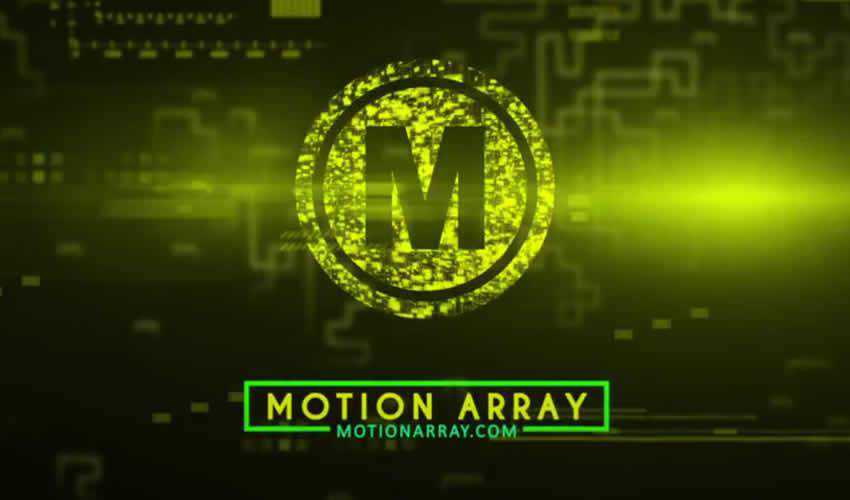
This free After Effects logo reveal template uses pixelation and static noise to give your logo reveal a glitchy look and feel. This is a great template for gaming content or digital-themed videos.

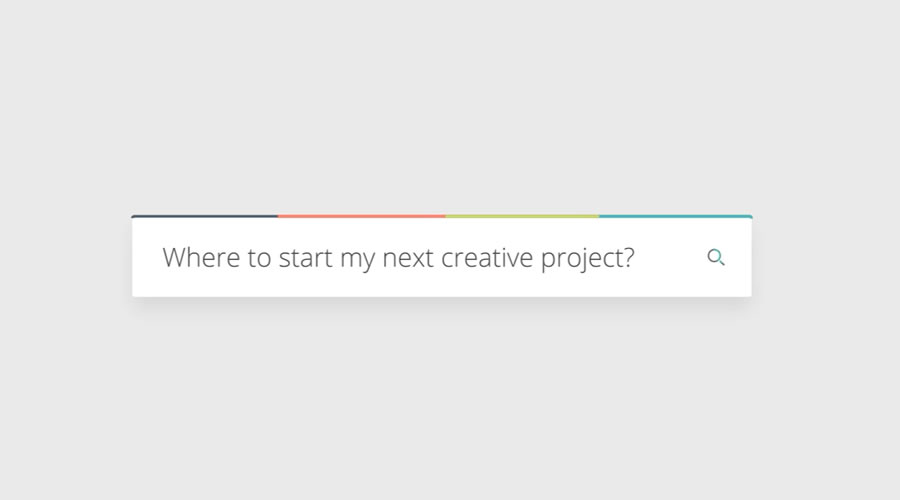
Search Logo Reveal for After Effects
A unique way to reveal your logo is to use an animated search bar with a sample question. Your logo then shows up as the answer. You can customize the text and quickly drop in your logo.
4K Logo Reveal After Effects Template
Free to Download
This logo reveal template would be great for a startup or a small business. It is easy to use and includes detailed instructions on how to customize and render your logo reveal project.
Battle Logo Reveal for After Effects
The Battle Logo Reveal template would be perfect for a sports or gaming brand. It comes with a detailed help file, a logo placeholder, and an extensive set of backgrounds that you can use to customize your logo reveal.

Orbital HUD Logo Reveal for After Effects
Free to Download
The Orbital Free HUD logo reveal is another free template perfect for any tech company. This logo reveal features a futuristic style and includes the complete AEP project file with background textures and elements.

Elegant Logo Reveal for After Effects
This template pack is the perfect choice if you’re looking for a logo reveal for a feminine brand. It features a chrome logo paired with a silky dark background, and you can easily add text, change the colors, and insert your own logo.

Minimal Logo Klick After Effects Templates
Free to Download
The Minimal Logo Klick logo reveal template features a modern, slick design with playful transitions. You’ll find a logo placeholder, an editable text layer, and an intelligent color controller.

Hi-Tech Logo Reveal for After Effects
This premium animated logo reveal features a dark blue background paired with light blue HUD elements. It’s a perfect logo template for any tech company looking to stand out online.

Super Logo Reveal After Effects Template
Free to Download
This free logo reveal template features a clean and high-energy animation with bold transitions and dynamic light effects. It’s very easy to customize. All you have to do is drop in your logo and edit the colors or background. It is perfect for intros, brand openers, or YouTube channels that want a sharp, professional-looking logo animation without any extra setup.
Clean & Light Logo After Effects Template
Free to Download
This simple 4K logo reveal template is super-easy to make your own. All you have to do is swap out the logo placeholder and edit the text layer. It is compatible with After Effects CS6 and above.
MoGraph Logo Reveal After Effects Template
Free to Download
This logo reveal template uses MoGraph Lines. They are animated lines used to connect elements and add flow or rhythm to animated scenes. The template is compatible with After Effects 2022 and above.
MoGraph Shapes Logo Reveal Template
Free to Download
The MoGraph Shapes in this logo reveal templates are animated geometric elements used to create movement or transitions within a composition. This bold style is perfect for many business types. It is compatible with After Effects 2002 and above.

Another 2D Logo Introduction Template
Free to Download
If you’re looking for a 2D style logo reveal, try this 2D logo introduction Template. This template allows you to easily customize the colors and insert your own logo. It also includes a detailed help file.

Three Animated Logo Reveals for After Effects
Free to Download
This free template pack contains three different logo reveals suitable for any corporate video. This template is an excellent choice for a modern and professional logo reveal.

4K Logo Reveal v.1 After Effects Template
Free to Download
This elegant logo reveal would be perfect for a high-end fashion or luxury brand. The template includes logo placeholders, editable text layers, and an intelligent color controller.

Super Logo After Effects Template
Free to Download
The free Super Logo template is perfect for anyone looking for a colorful and action-packed logo reveal. The template is easy to use, and all you have to do is edit the text, adjust the colors, drag and drop in your new media, and hit render.
Fast Flip After Effects Logo Reveal Template
Free to Download
The free Fast Flip After Effects logo reveal template is a great starting point if you’re on a budget. It uses stock photography, which you can replace with photos of your team or company to reveal an elegant logo at the end. All you have to do is customize the colors, replace the images, and add your logo.

Blue Action Logo Reveal After Effects Template
Free to Download
Try the Blue Action Logo Reveal template if you’re looking for a minimalist logo opener. It features a dynamic animation style, and includes a logo placeholder and editable text layers. You can also easily adjust the colors.

Hiro Anime-Inspired Logo Reveal for After Effects
Free to Download
Try this logo reveal template if you’re looking for an action-packed, hi-tech animation style. To edit the project, drop your logo or text into the logo composition and then render the project.

Hi-Tech Logo Reveal After Effects Template
Free to Download
If you want a logo reveal template designed in a Matrix-style, try the Hi-Tech Logo Reveal template. This template contains two color versions, logo placeholders, and two editable text layers.
How to Import a Template into After Effects
- Download the After Effects template file and unzip it.
- Open After Effects and create a new project.
- In the Project panel, click the
Importbutton and select the template file you downloaded. - The template will now appear in your Project panel.
- Drag and drop the template from the Project panel onto the timeline.
- Depending on the template, you may need to customize certain settings. To do this, double-click on the corresponding layer in the timeline and make your edits.
- Once you’re happy with the changes, click the
Renderbutton to export your final video.
That’s it! Now, you can quickly import and customize templates in After Effects to create stunning video projects.
Top